
Single-Page Application Authentication
If your application is a single-page web application without a backend service, we recommend using the OAuth or OIDC implicit authorization mode for authentication integration with BambooCloud IDaaS.
This document uses the OAuth protocol implicit authorization mode as an example.
Prerequisites
The enterprise administrator logs in to the BambooCloud IDaaS Enterprise Center, navigates to Resources > Applications > Add Self-Built Application.
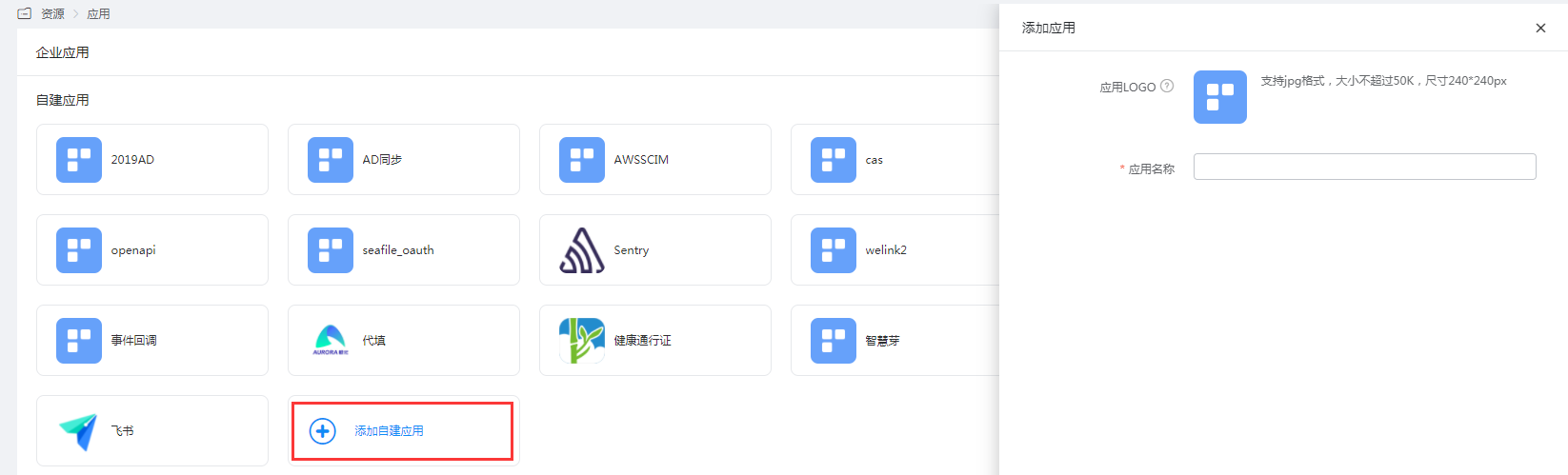
Enter the application details and select the OAuth authentication integration protocol.
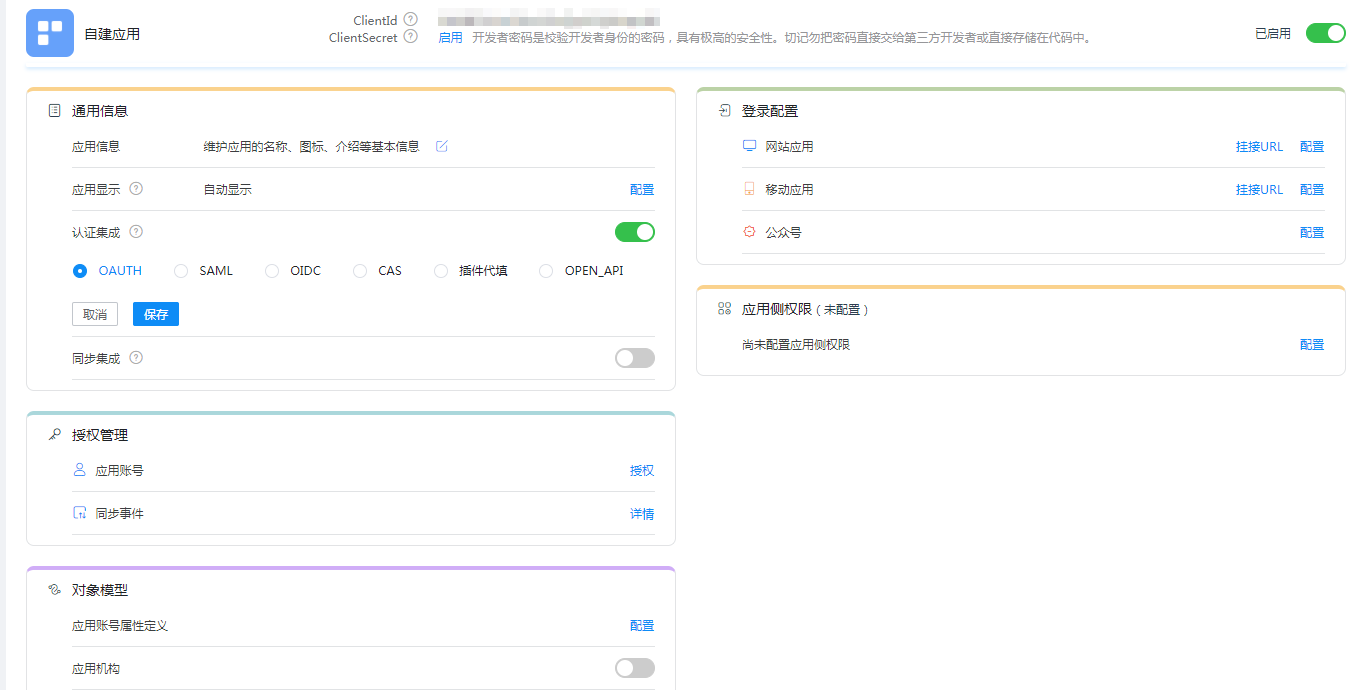
In the authentication configuration, enable the implicit authorization mode and fill in the application callback address (used to receive
access_token).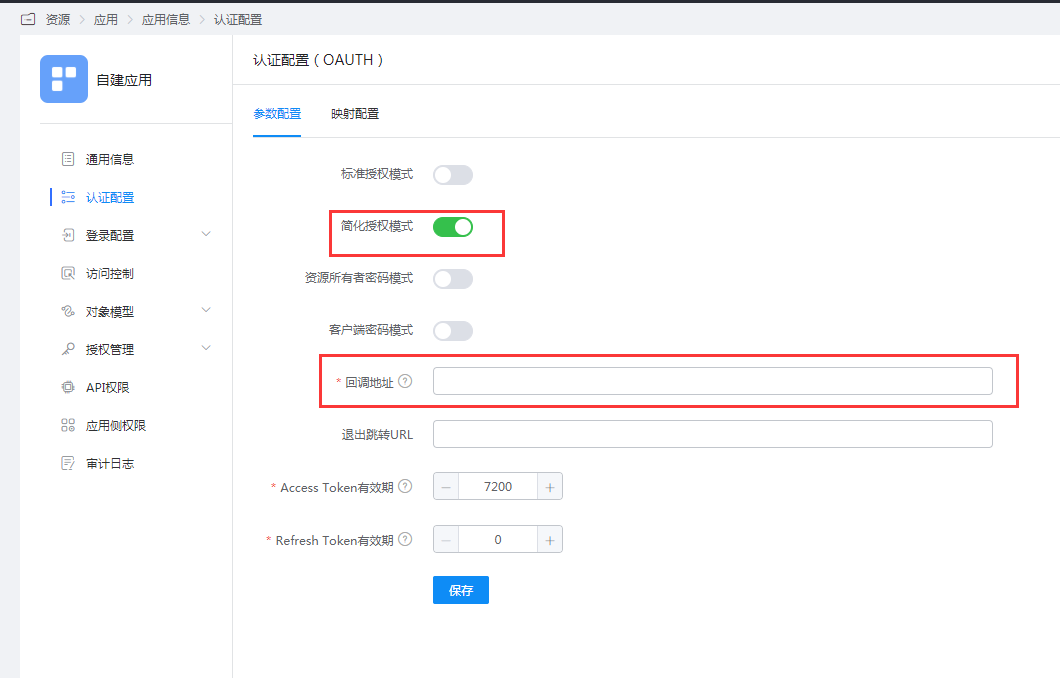
Obtain the application's
ClientIdandClientSecret.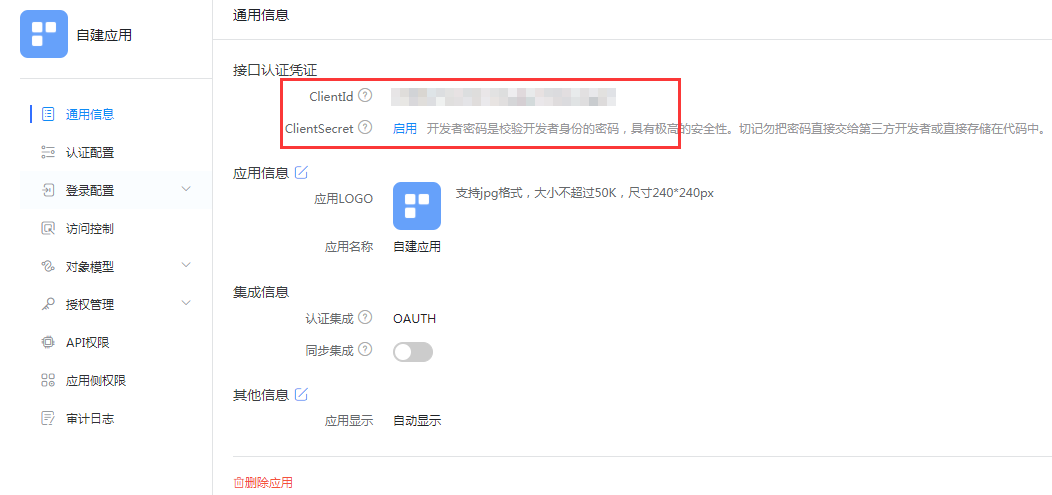
Development Integration
After the enterprise administrator completes the prerequisites in the BambooCloud IDaaS platform, please refer to the implicit authorization mode in the OAuth Protocol to complete the subsequent development integration.