Configure Unified Scan Code Authentication
This guide explains how to log in to IDaaS platform-integrated application systems through unified scan code authentication. You can configure the unified scan code authentication source in the IDaaS platform, and select the specified scan code method on the login page to log in to various application systems, achieving single sign-on effects.
Prerequisites
- Administrator permissions for the IDaaS Enterprise Center.
- The application has been integrated into the IDaaS platform.
Configuration Flow

Procedure
Configure Unified Scan Code Authentication Source in IDaaS
Common scan code functions are provided by QQ, Weibo, and WeChat platforms. Therefore, configuring the unified scan code authentication source in the IDaaS platform depends on QQ, Weibo, and WeChat scan code-related authentication sources.
Log in to the IDaaS Enterprise Center, choose Authentication > Authentication Source Management > Personal Social Authentication from the top navigation bar. Refer to Configure QQ Authentication Source and Configure Weibo Authentication Source to configure authentication sources with the login scenario PC Browser Scan Code Login respectively. Refer to Configure WeChat Authentication Source to configure an authentication source with the login scenario Official Account Authorization Login.
TIP
You can choose to configure any one or more of the above authentication sources according to actual needs, but at least one authentication source must be configured.
Configure Unified Scan Code Authentication for Application
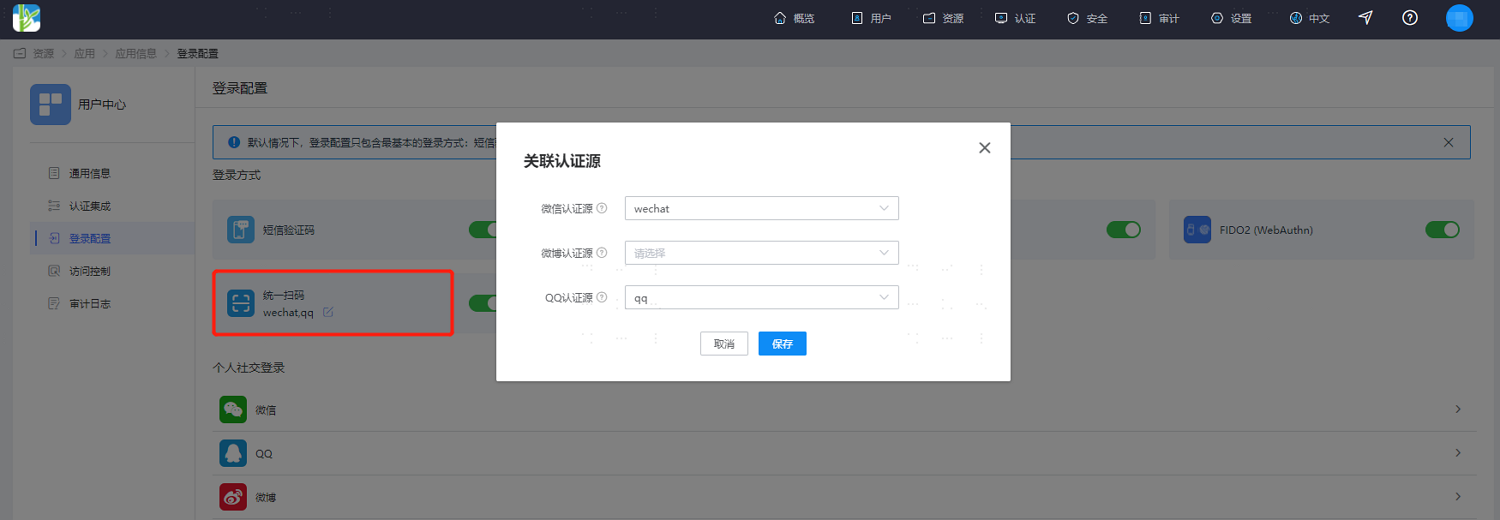
In the IDaaS Enterprise Center, choose Resources > Apps from the top navigation bar. This guide uses the User Center app as an example. Select User Center, switch to the Login Configuration tab, enable the unified scan code switch, and associate the corresponding configured authentication sources. At least one must be associated.
Verify Unified Scan Code Authentication Login
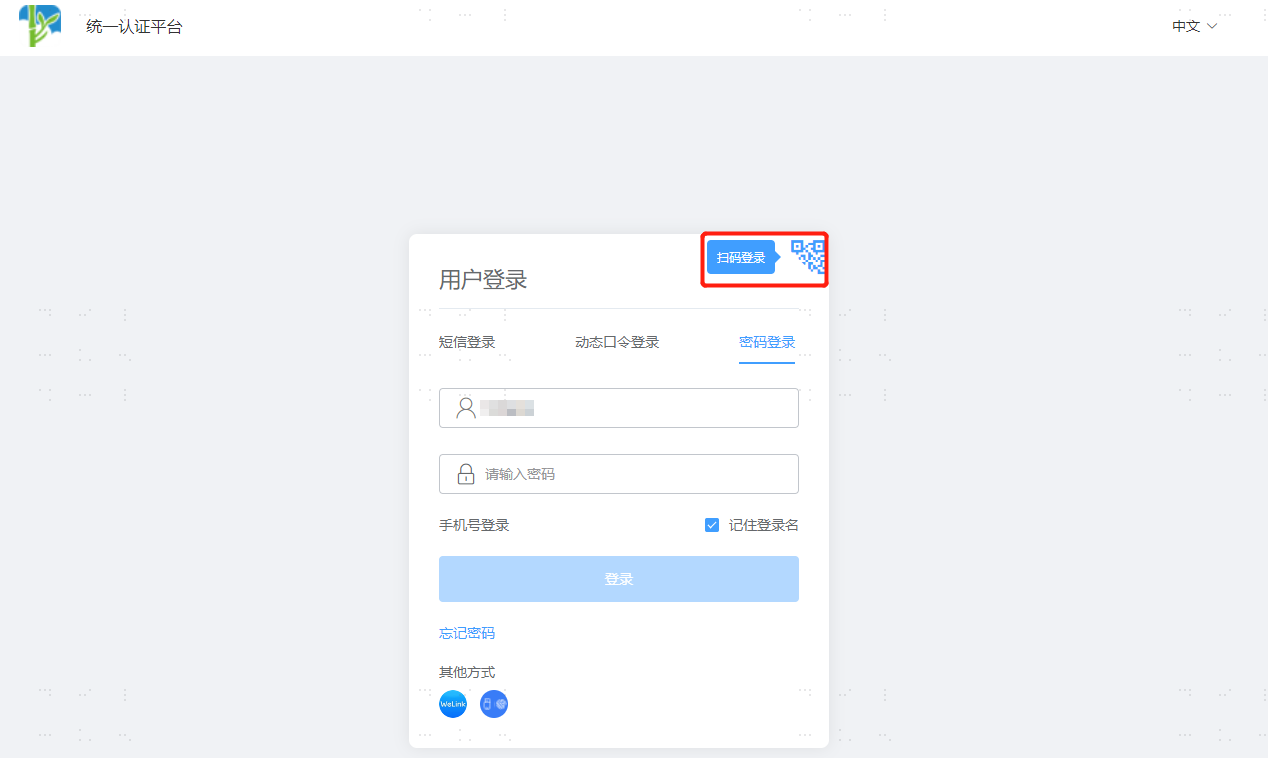
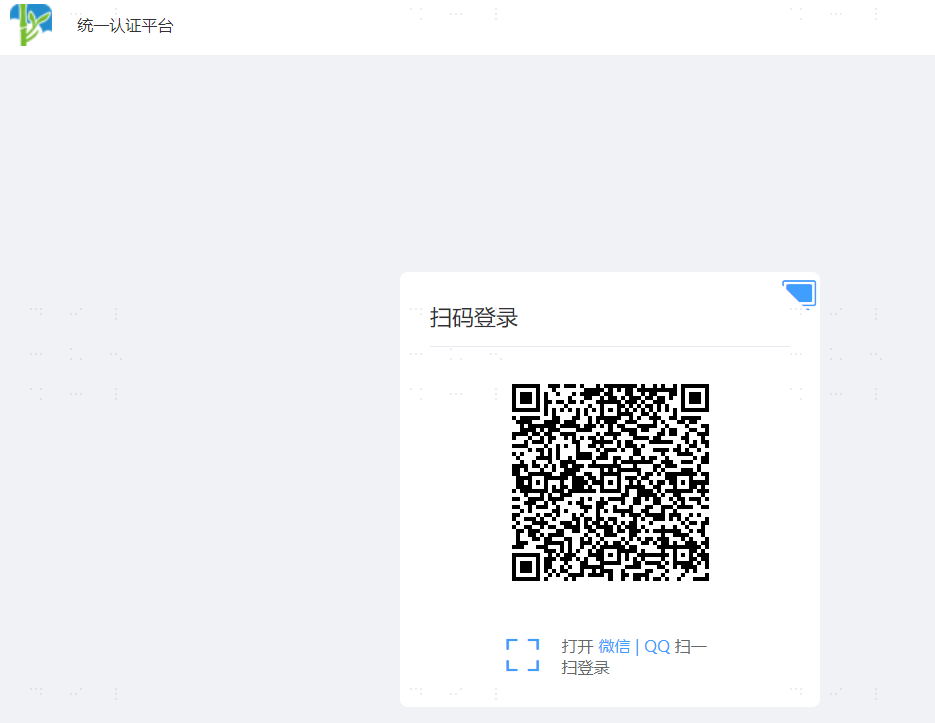
On the User Center login page, select scan code login in the upper right corner, and use the relevant APP to scan the code to log in.