Upload Domain Verification File
When developing applications on service providers such as WeChat Official Accounts, Alipay, and Feishu, developers need to call the relevant platform's JS interfaces under that domain to embed IDaaS pages. This operation requires uploading a domain verification file to verify the developer's corresponding permissions for the domain.
This guide explains how to upload a domain verification file in IDaaS.
Procedure
The following uses the WeChat Official Accounts service provider as an example.
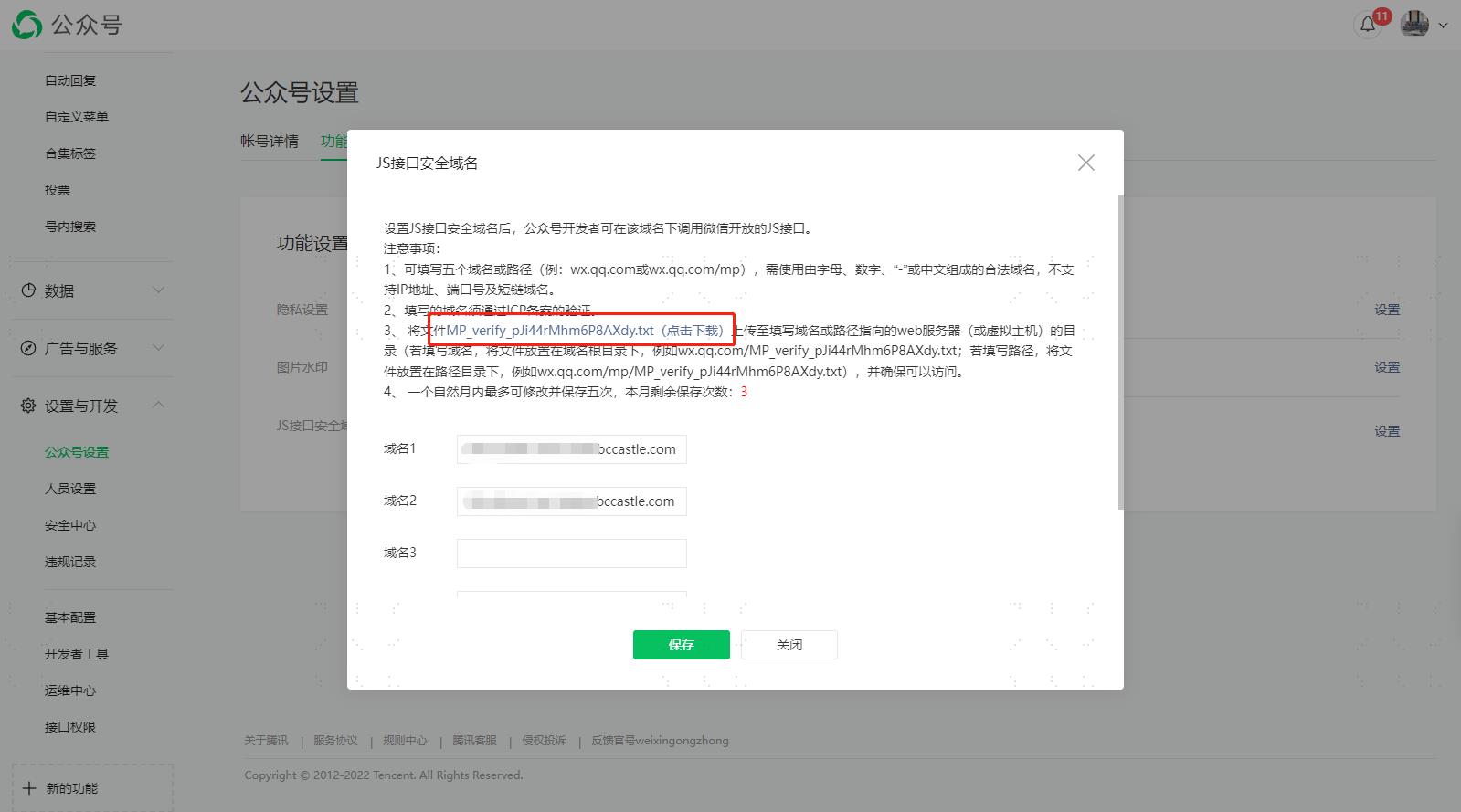
Download the verification file from the official account platform.
Log in to the IDaaS Enterprise Center, choose Settings > Domain Verification from the top navigation bar, and select Add Verification File.
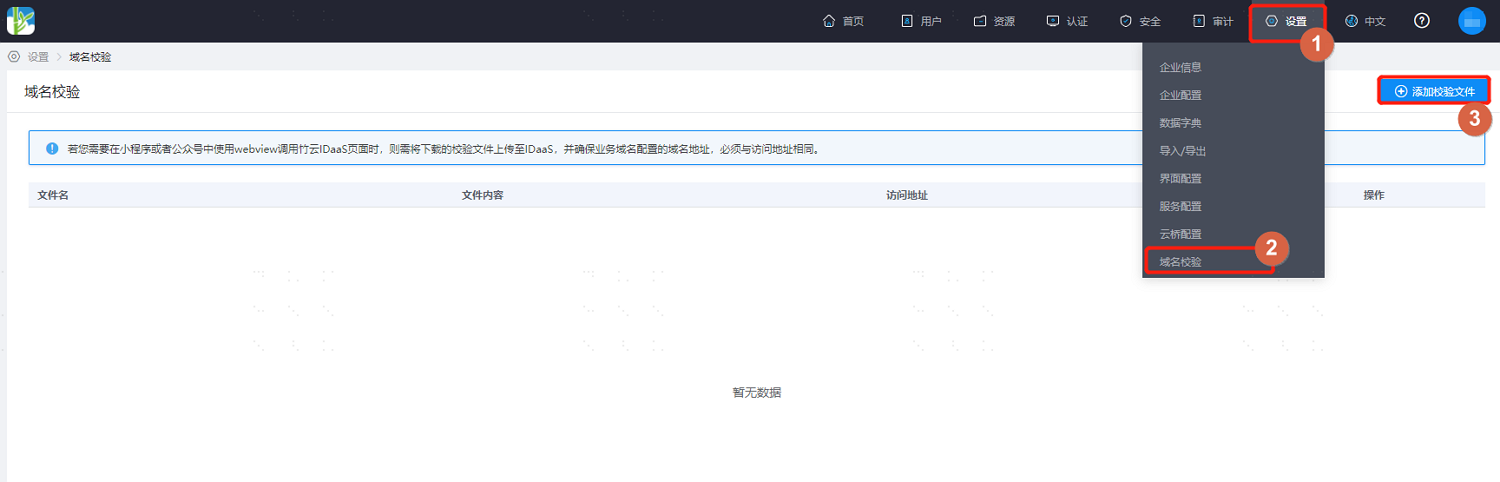
Upload the file downloaded from the official account platform to the page and save.
Wait about 30 seconds, then access the domain file URL:
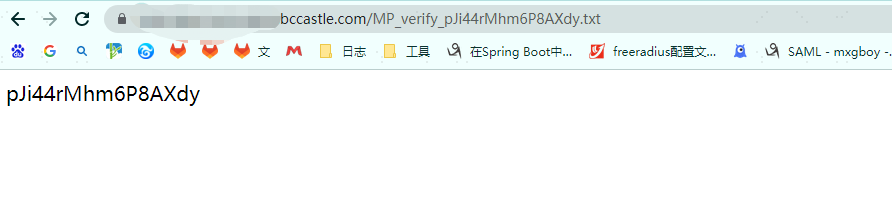
https://xxx.bccastle.com/*domain-file-name*.txt. If it displays as shown below, the verification has passed.