Add My Application Template
This chapter explains how to configure and add a WeCom application template in the IDaaS platform.
Prerequisites
You have already configured the WeCom approval engine in the IDaaS platform.
Configuration Flow

Procedure
Add WeCom Approval Template in the IDaaS Platform
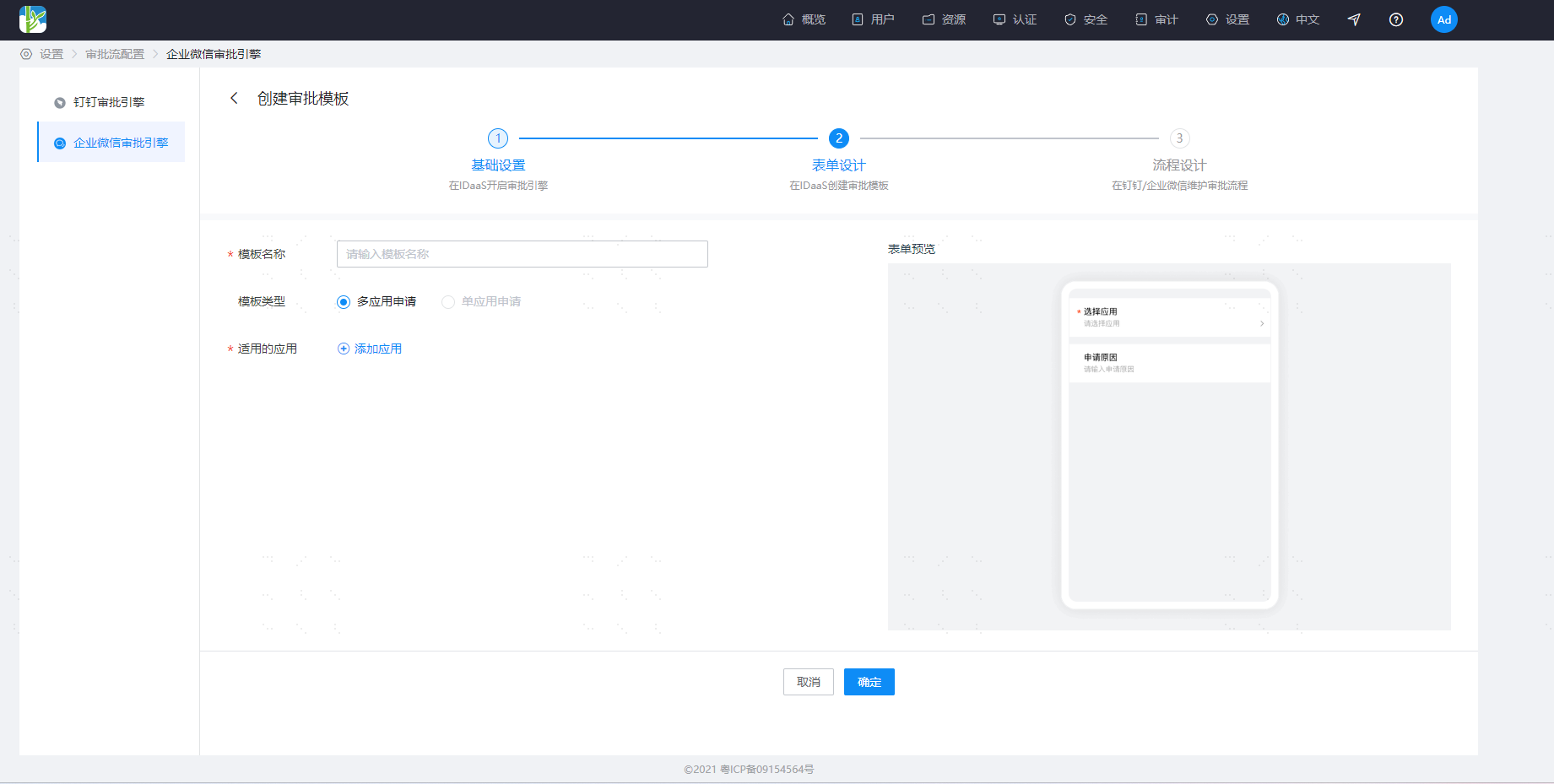
Log in to the IDaaS enterprise center platform, and in the top navigation bar select "Settings > Approval Flow Configuration > WeCom Approval Engine". Click Approval Template to create an approval template.
Configure Template Approval Flow in the WeCom Admin Backend
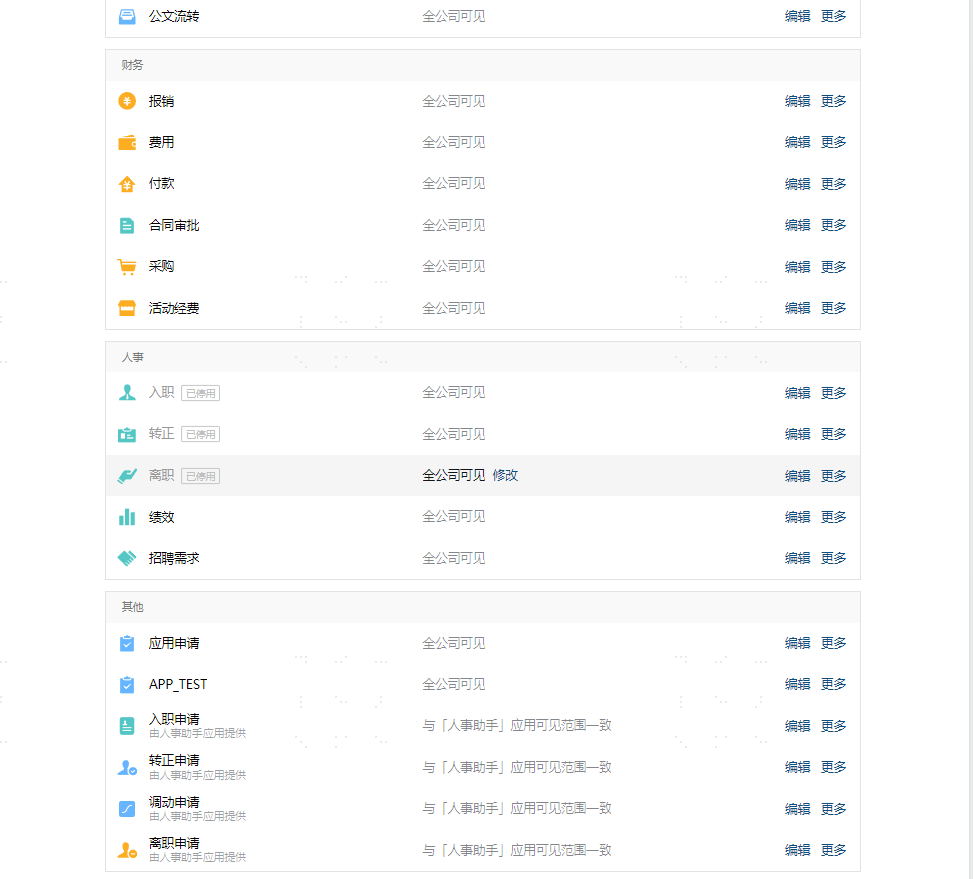
Log in to the WeCom Admin Backend, go to "Application Management > Applications > Approval" to enter the approval application details page, and at the bottom of the page select the newly added template to configure the approval flow.
Configure Template Approval Notifications in the WeCom Admin Backend
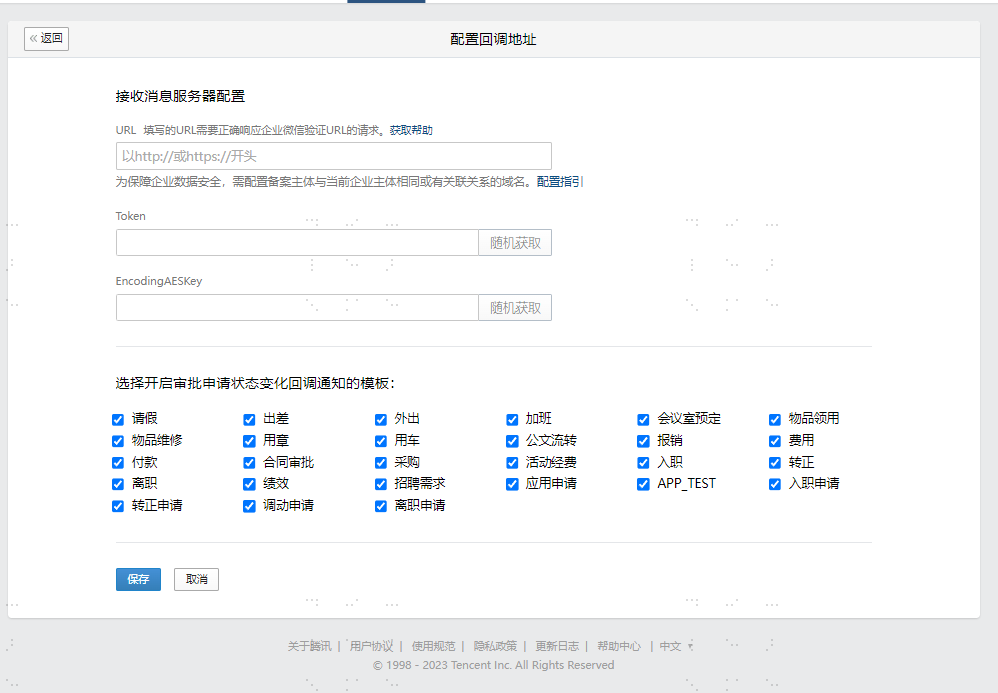
Log in to the WeCom Admin Backend, go to "Application Management > Applications > Approval" to enter the approval application details page, and enter the callback address configuration interface from "API". Enable callback notifications for the newly configured template.