How to Initiate My Approval
This chapter explains how to initiate your approval in the DingTalk app.
Prerequisites
- You have already added my application template in the IDaaS platform.
Procedure
Initiate My Application in the DingTalk App
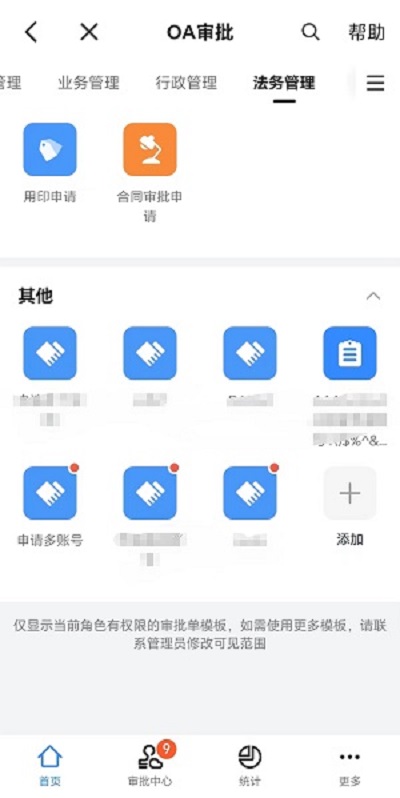
The initiator opens the DingTalk app, taps "Workbench > OA Approval", finds the template under "Other", and initiates the DingTalk approval.
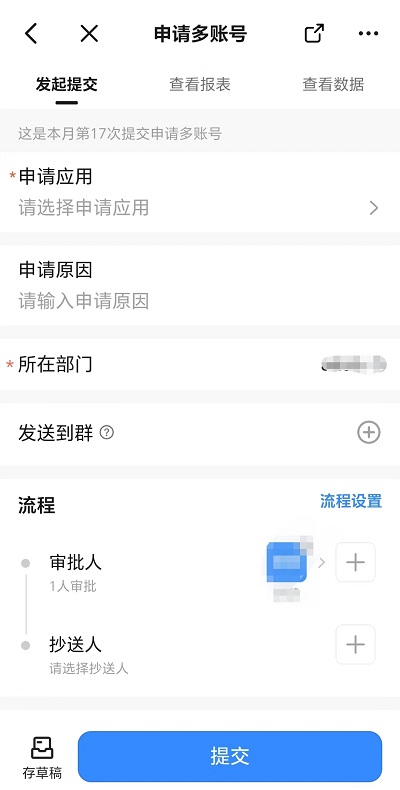
The approver opens the DingTalk app, receives the work notification requiring review, and taps Agree.
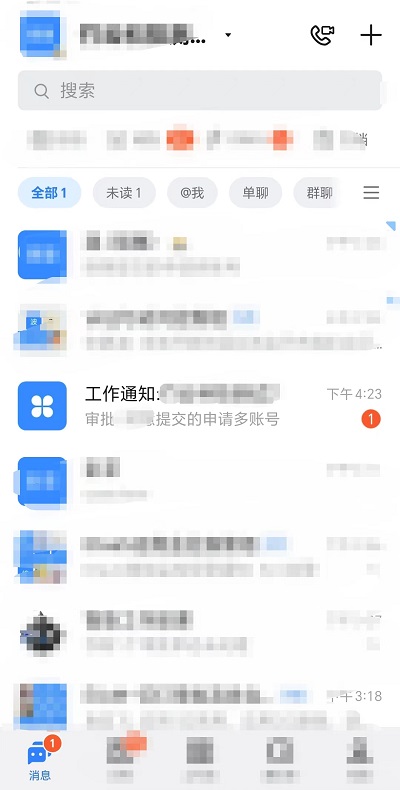
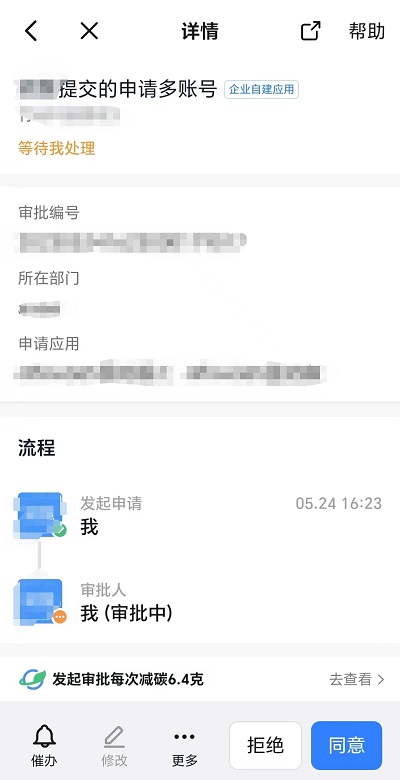
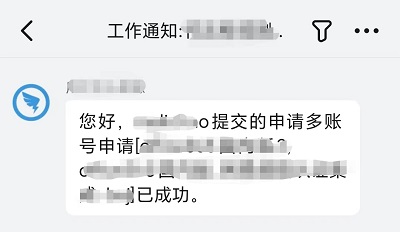
After the approval is agreed, the initiator opens the DingTalk app and checks the DingTalk message.
TIP
- The DingTalk approval message is sent to the applicant only when the approval engine is configured to notify the applicant.
- The IDaaS platform processes approval requests; success and failure messages are both sent to the applicant.
View Approved Applications in the IDaaS Platform
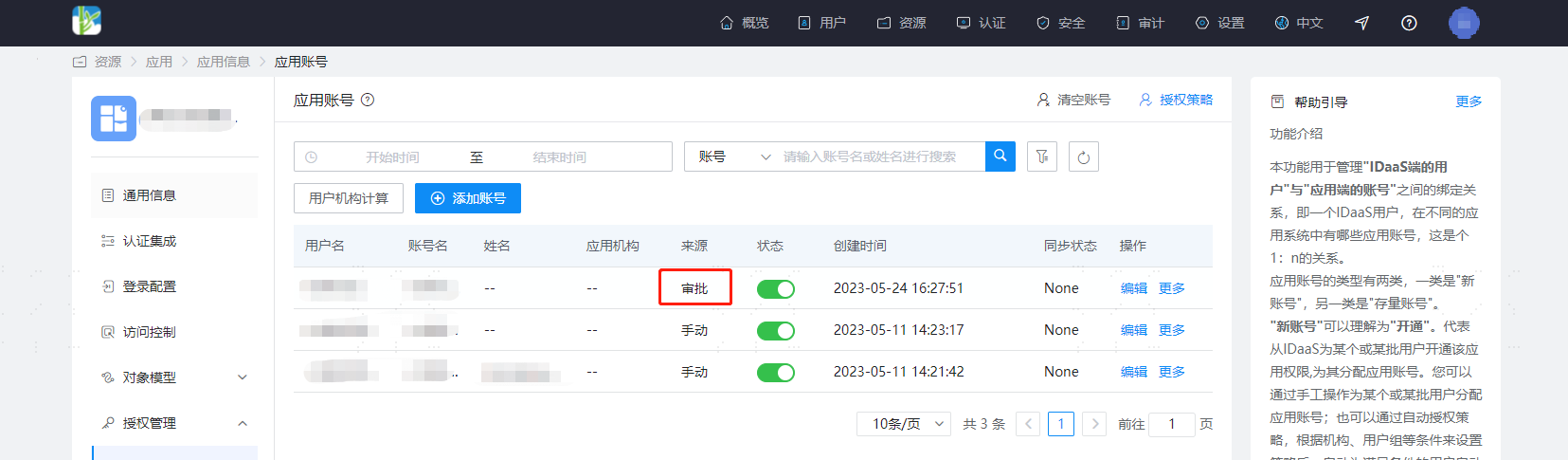
Find the approved application and view the applicant's application account. You can see the account source is "Approval".