AD Data Synchronization
Overview
This article describes the synchronization configuration between AD and BambooCloud IDaaS, realizing the synchronization of BambooCloud IDaaS organization and user data to the AD system.
Prerequisites
- You have access to the BambooCloud IDaaS Enterprise Center.
BambooCloud IDaaS Configuration
Log in to the Enterprise Center and add the AD pre-integrated application.
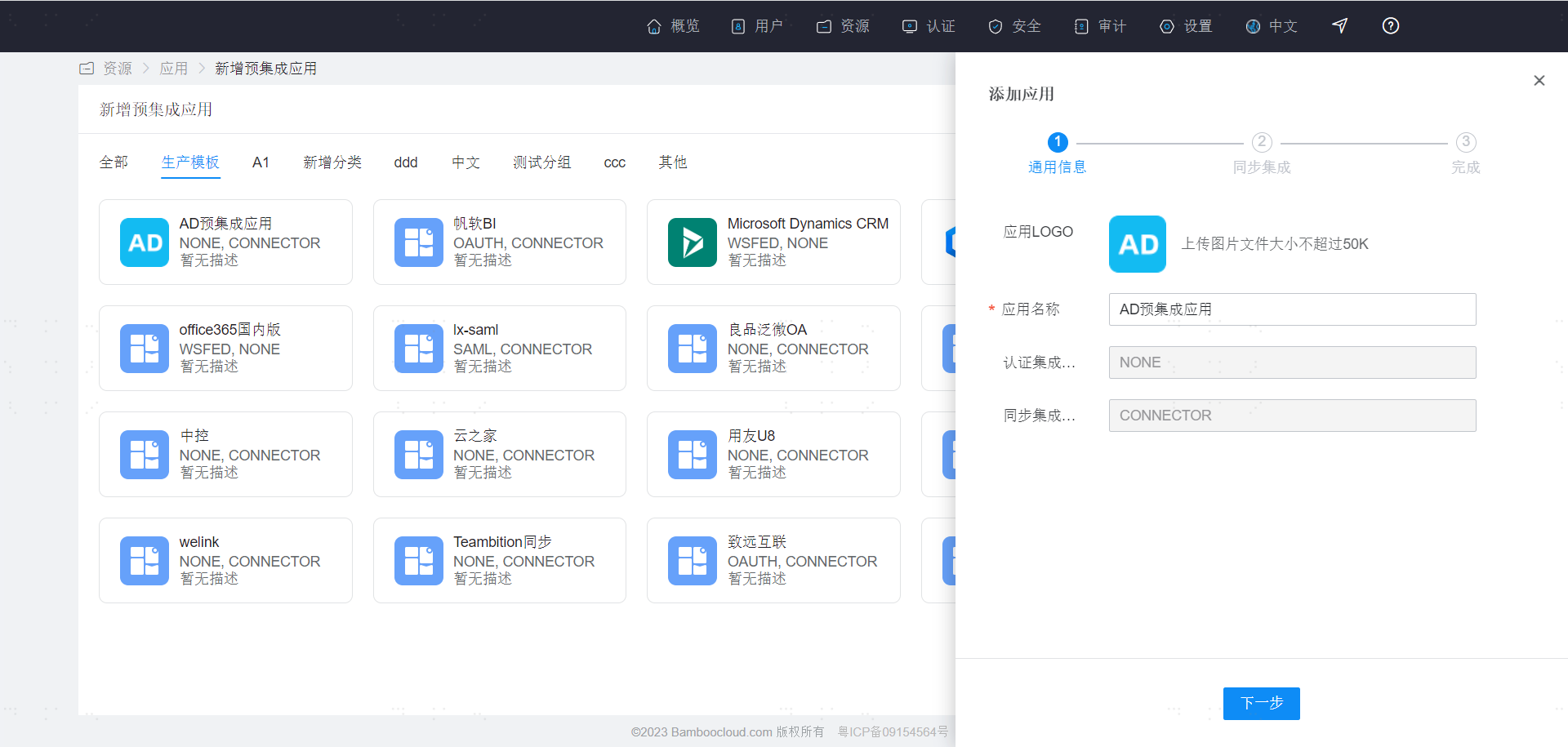
Then enter the synchronization configuration page.
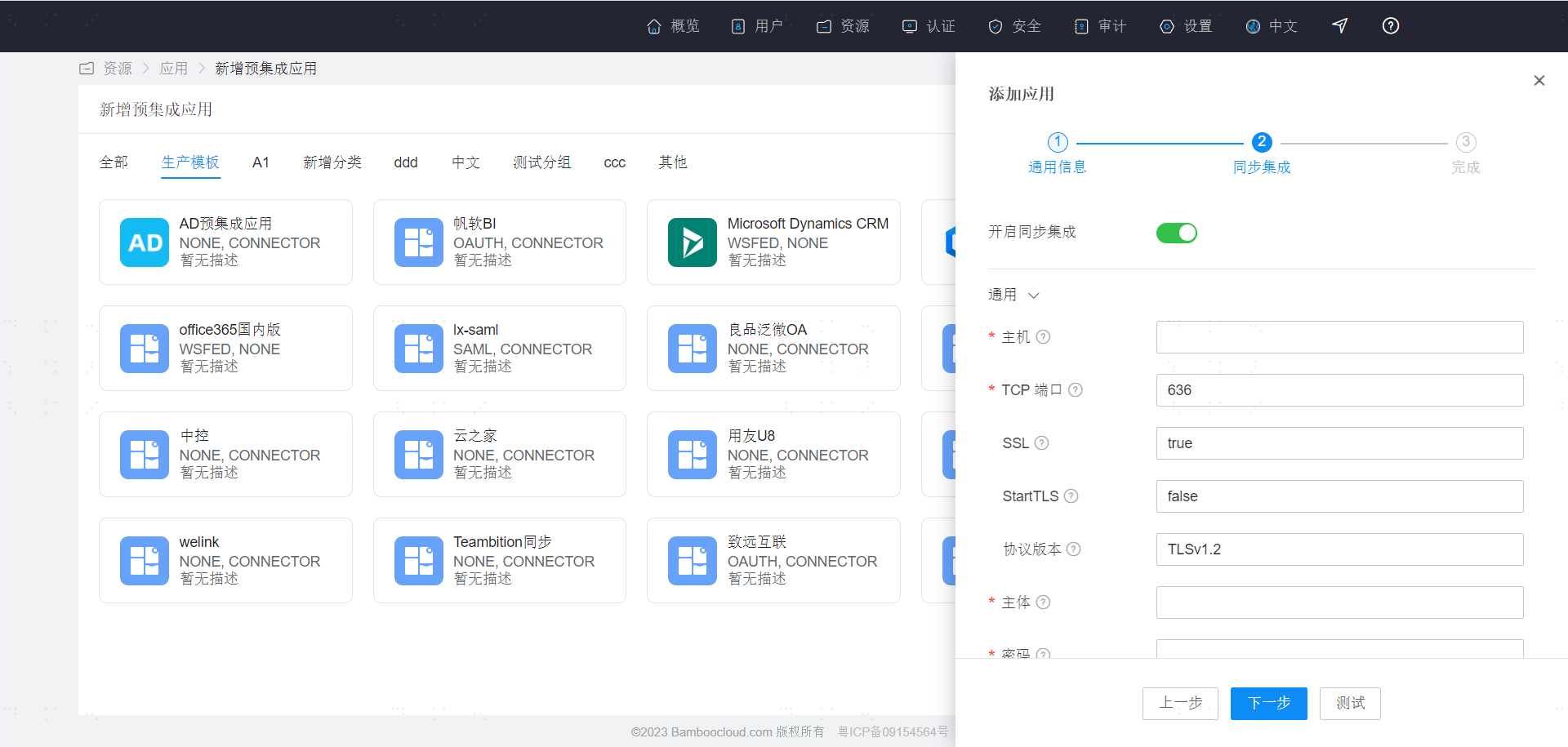
| Parameter | Description |
|---|---|
| Host | The host name or IP address of the computer running the AD server. |
| TCP Port | The TCP/IP port number used to communicate with the AD server. |
| SSL | Whether to use SSL to connect to the AD server (true: use SSL, false: do not use SSL). |
| StartTLS | Whether to enable startTLS for encrypted communication. (true: enable StartTLS, and SSL cannot be set to true; false: do not enable StartTLS). |
| Protocol Version | Default is TLSv1.2. It is recommended to use TLSv1.3 or TLSv1.2 (for compatibility, SSL and TLSv1.0 can be used). |
| Principal | The distinguished name used when authenticating to the AD server. |
| Password | The password of the principal. |
| Base Context | One or more starting points in the tree that will be used when searching the AD tree. Used when searching for users from the AD server or searching for groups to which a user belongs. |
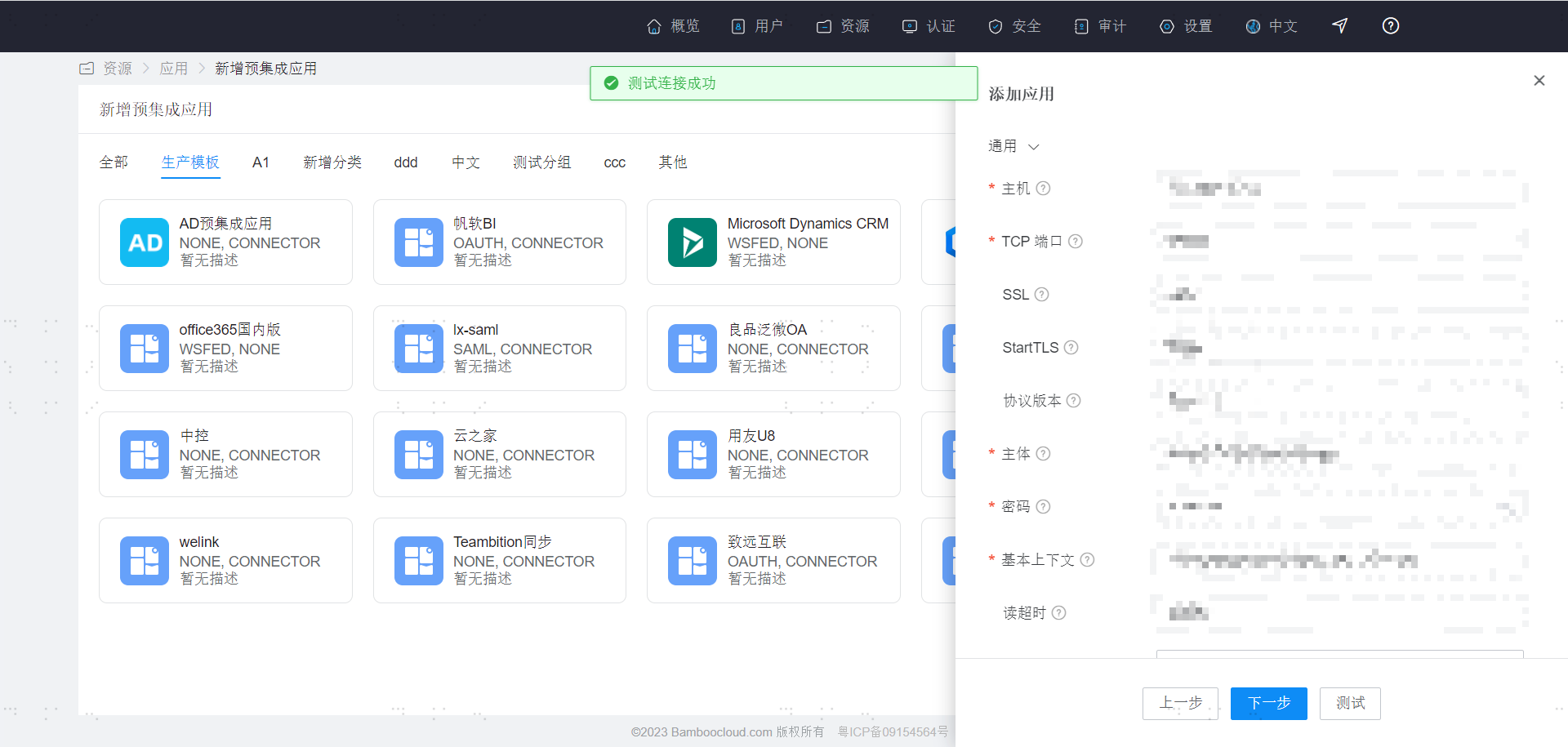
After configuration is complete, click Test. After confirming it is correct, click Next to create the application.
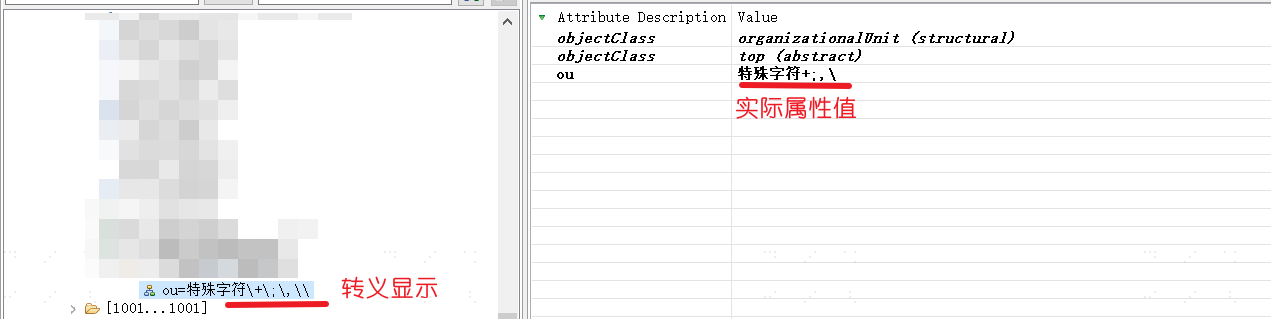
Special Characters
Attributes containing special characters will be escaped when displayed in the downstream system after synchronization. For example, if the special character "+" is synchronized to the downstream, the downstream attribute may display as "\+".
Note that this escaping operation only displays the escape character "\" and does not change the actual attribute value. Therefore, it will not affect the synchronization data function.
Currently, the special characters that will be escaped after display are summarized as follows:
| Before Escaping | After Escaping |
|---|---|
| + | \+ |
| ; | \; |
| , | \, |
| \ | \| |
As shown in the figure: