
Fanwei eteams SSO
Overview
This article describes the SSO configuration process of eteams OA.
Prerequisites
You have administrator account permissions for the eteams open platform.
eteams Configuration
- The eteams system administrator logs in to the eteams Open Platform.
- After logging in to the open platform, confirm whether the logged-in team is the team to be connected. If it is not the team to be connected, click Switch to switch teams. If the login status is unauthenticated, please edit and complete the information and pass the authentication before connecting the team.
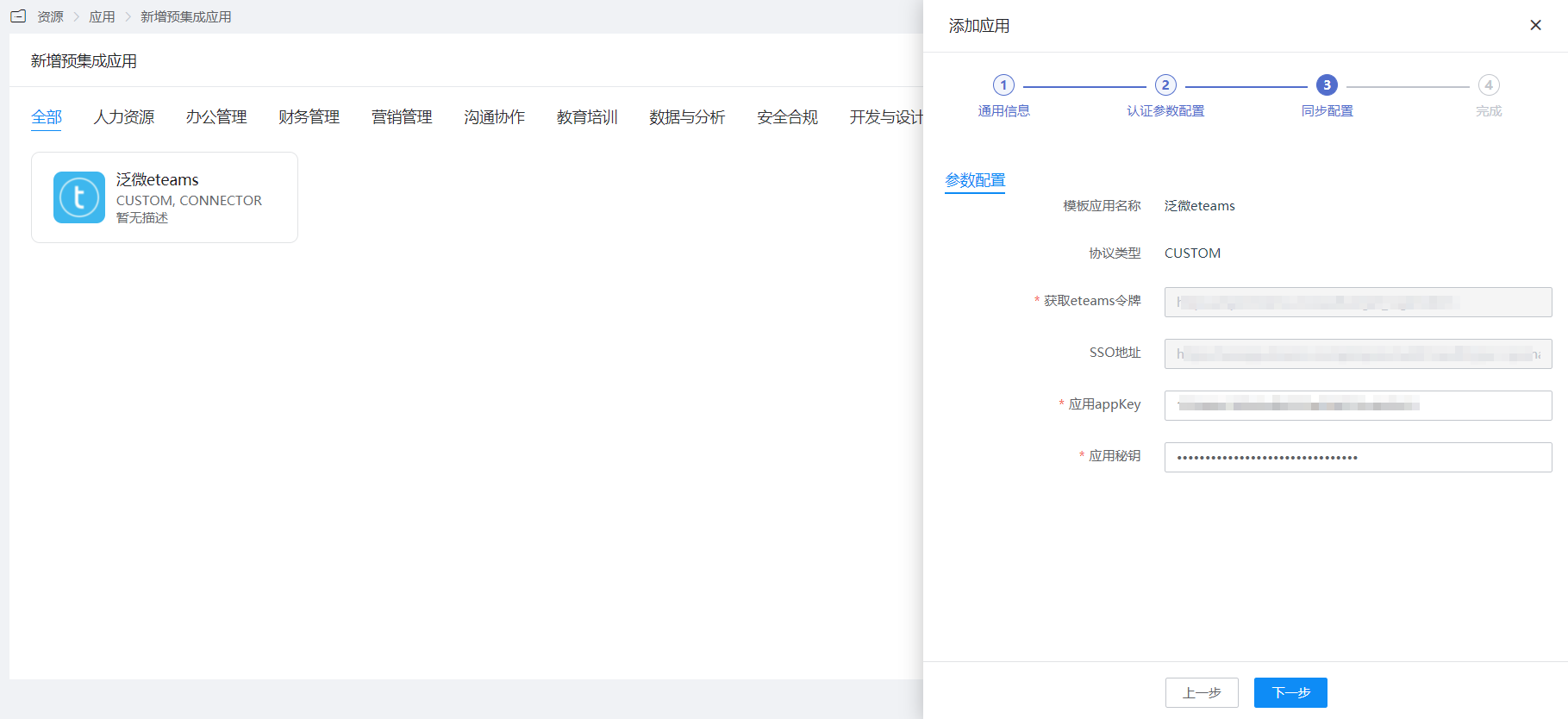
- After the developer information is authenticated, the Corpid will be displayed, which will be used in subsequent interface calls. Create the required application, wait for the application to be approved, and the approved application will display app_key and app_security, which will be used in subsequent interface calls.
- For the complete eteams process, please refer to the eteams Integration Documentation.
BambooCloud IDaaS Configuration
Add the pre-integrated application Fanwei eteams.
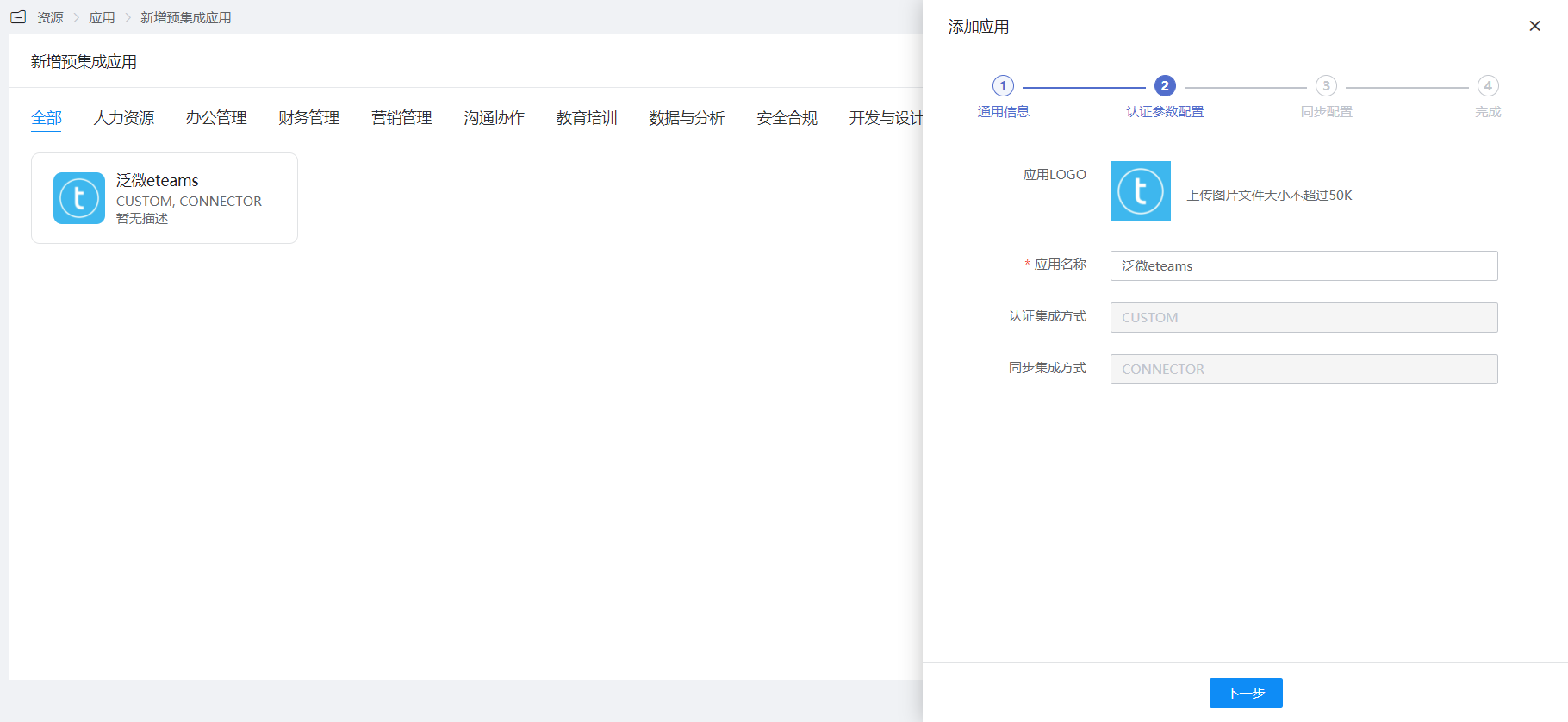
Configure authentication parameters.
Login Verification
Access the BambooCloud IDaaS User Center, click the eteams logo to enter eteams.