WeLink Data Synchronization
Overview
This article describes how to synchronize organization and user data from BambooCloud IDaaS to WeLink, realizing data flow from BambooCloud IDaaS to WeLink.
Synchronization Configuration
WeLink Configuration
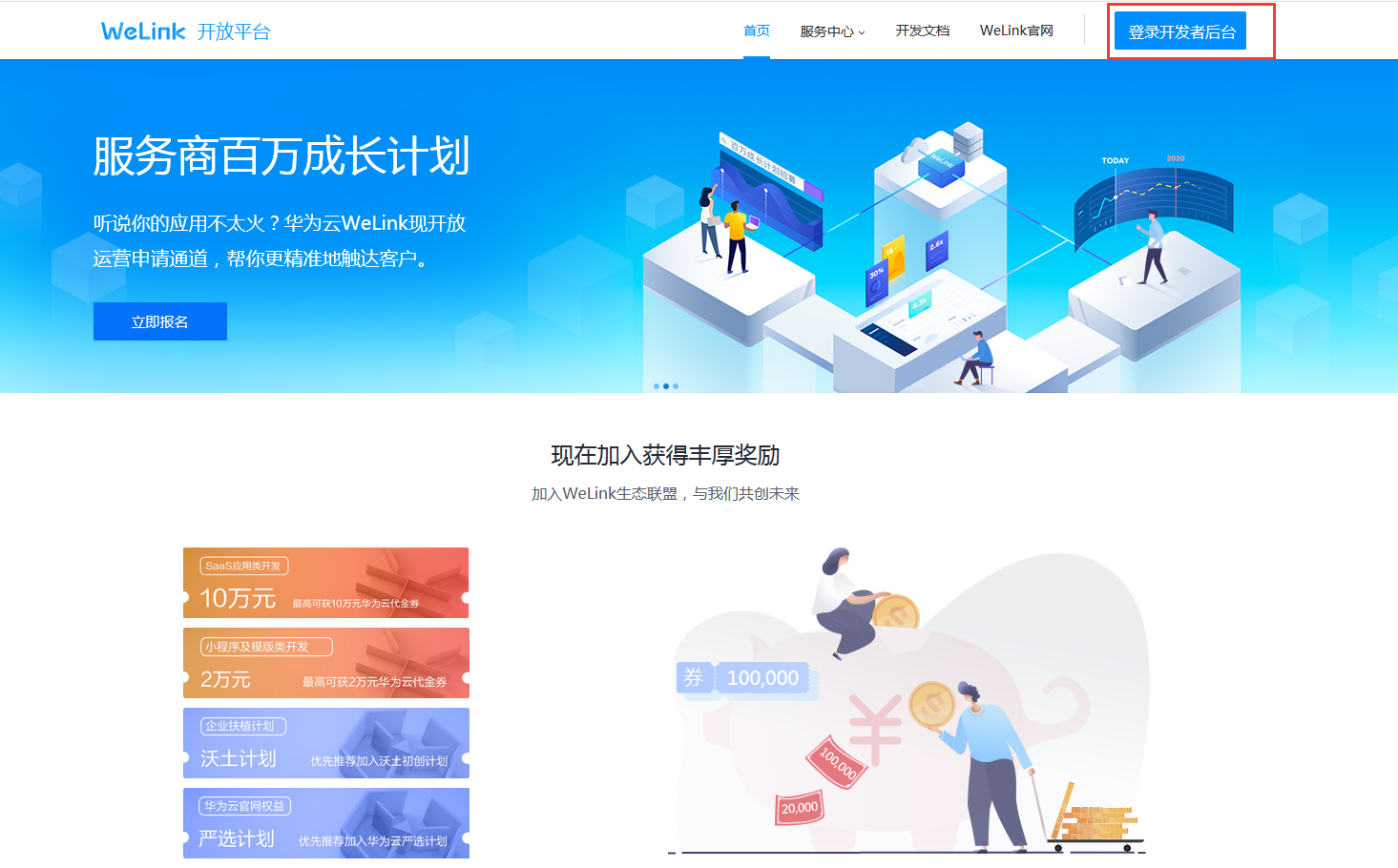
Log in to the WeLink Developer Backend.
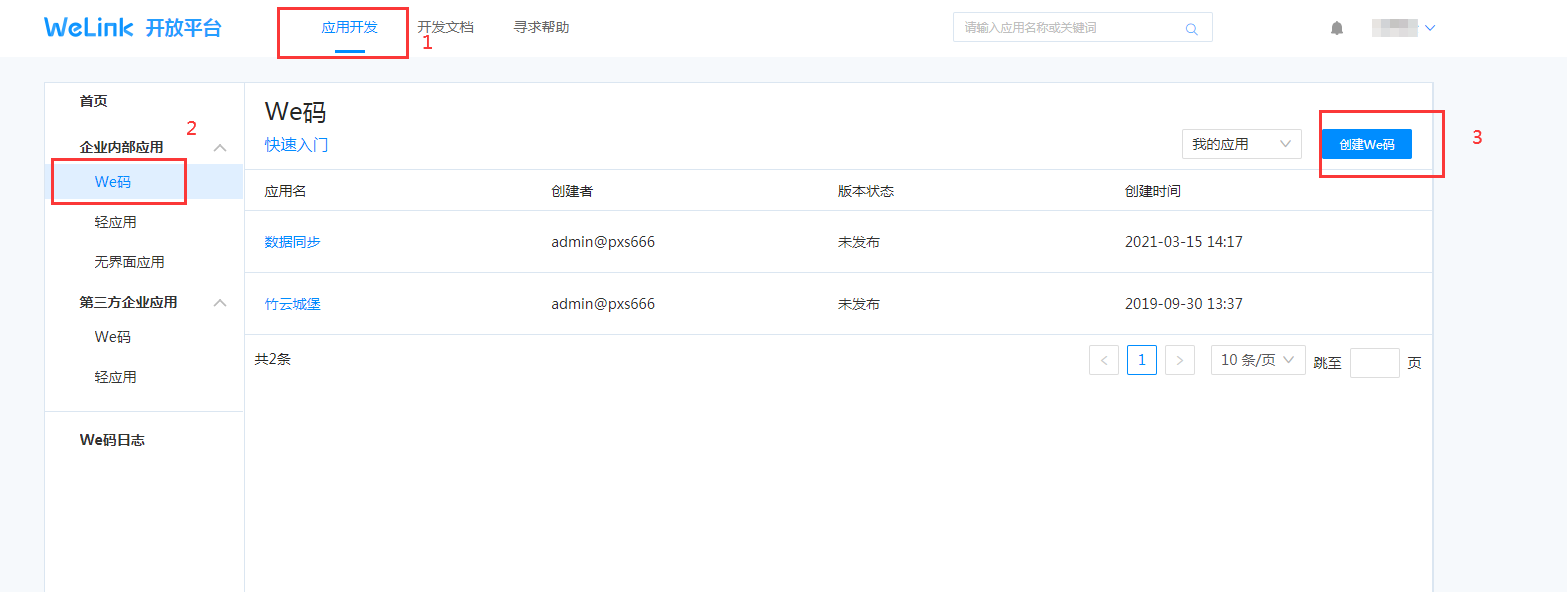
Create an enterprise internal application.
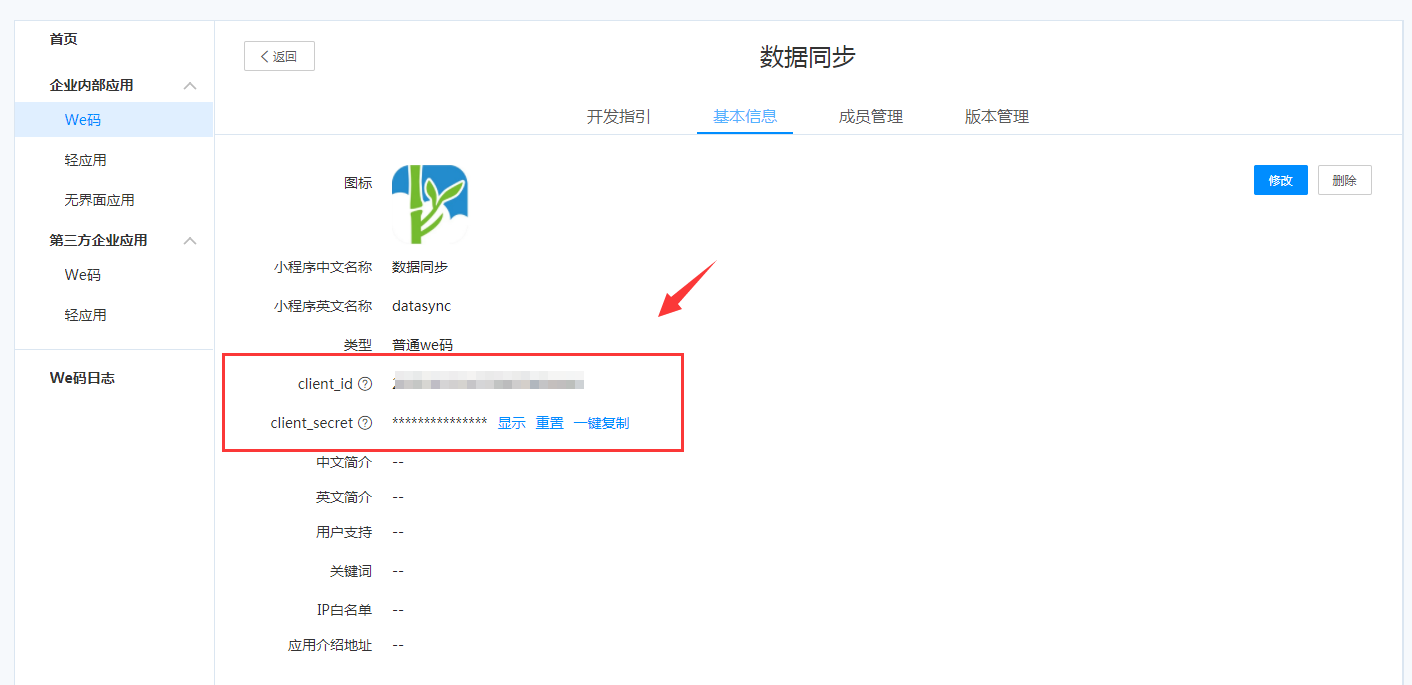
Obtain the application client_id and client_secret.
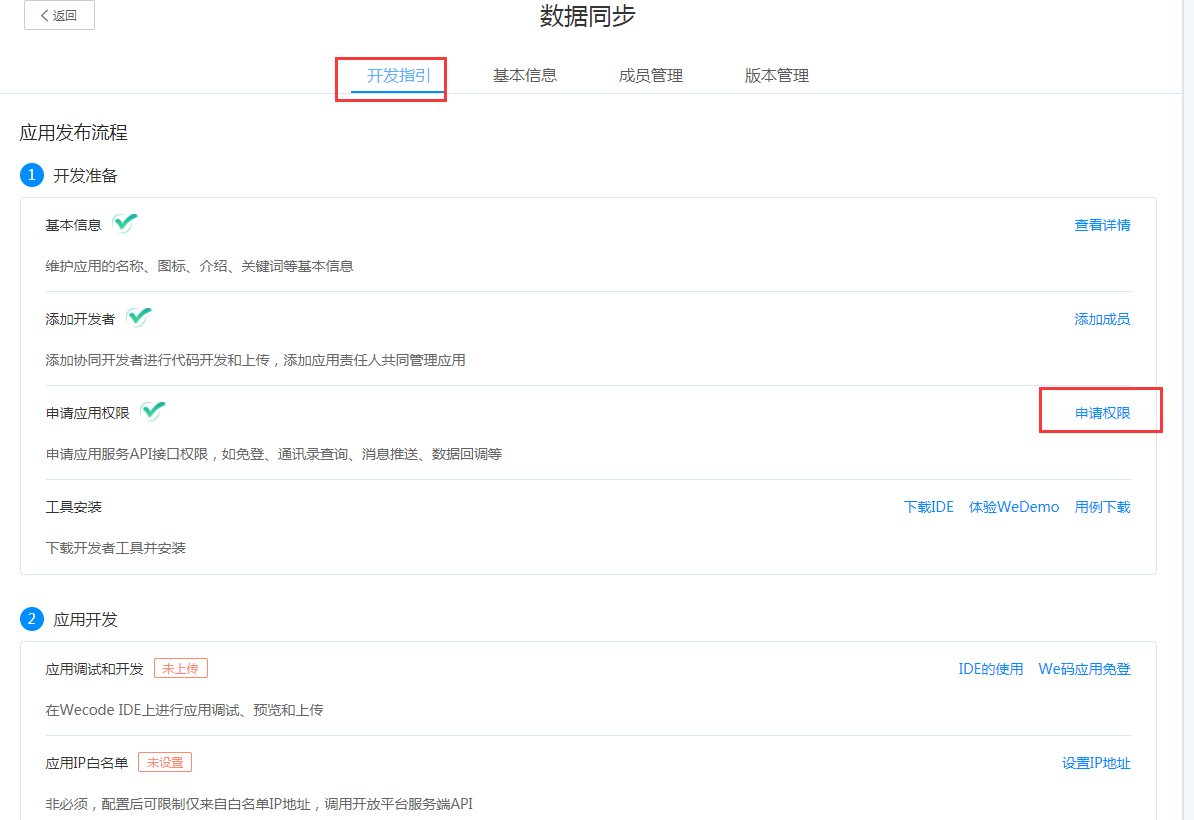
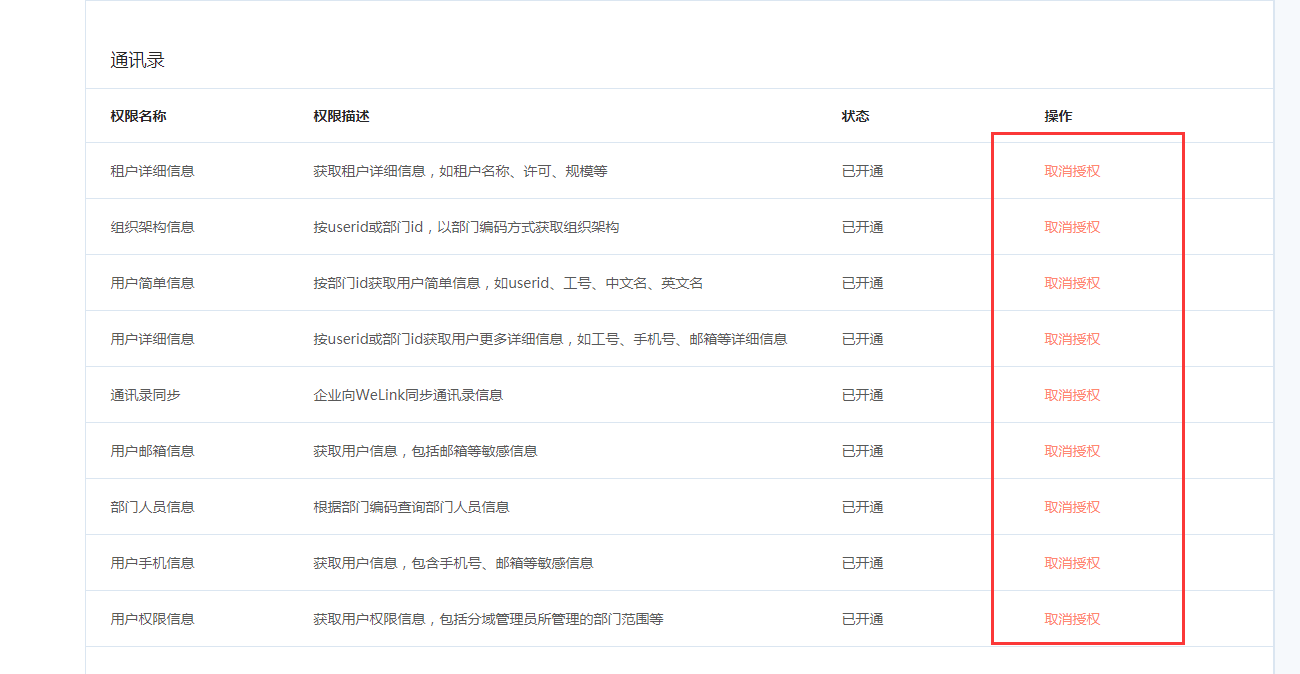
Apply for application address book interface permissions.
BambooCloud IDaaS Configuration
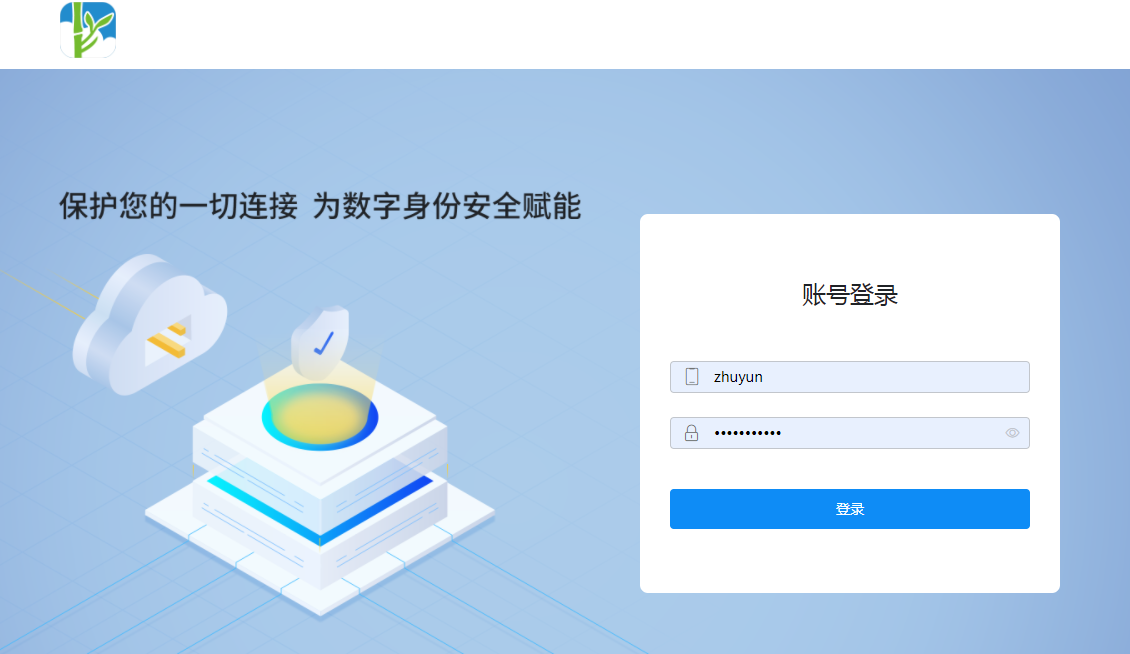
Log in to the BambooCloud IDaaS Enterprise Center.
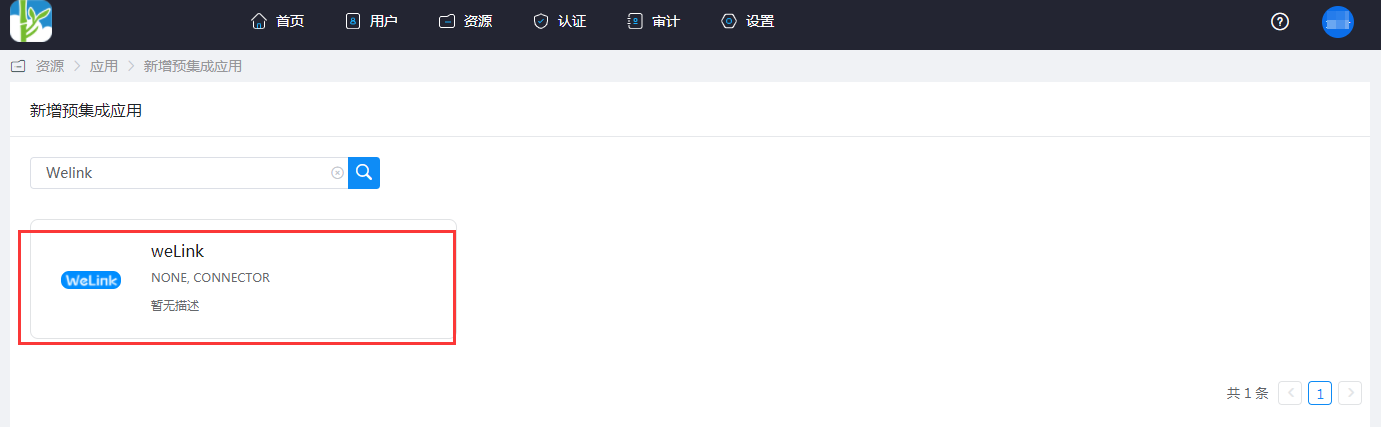
Add the pre-integrated application WeLink.
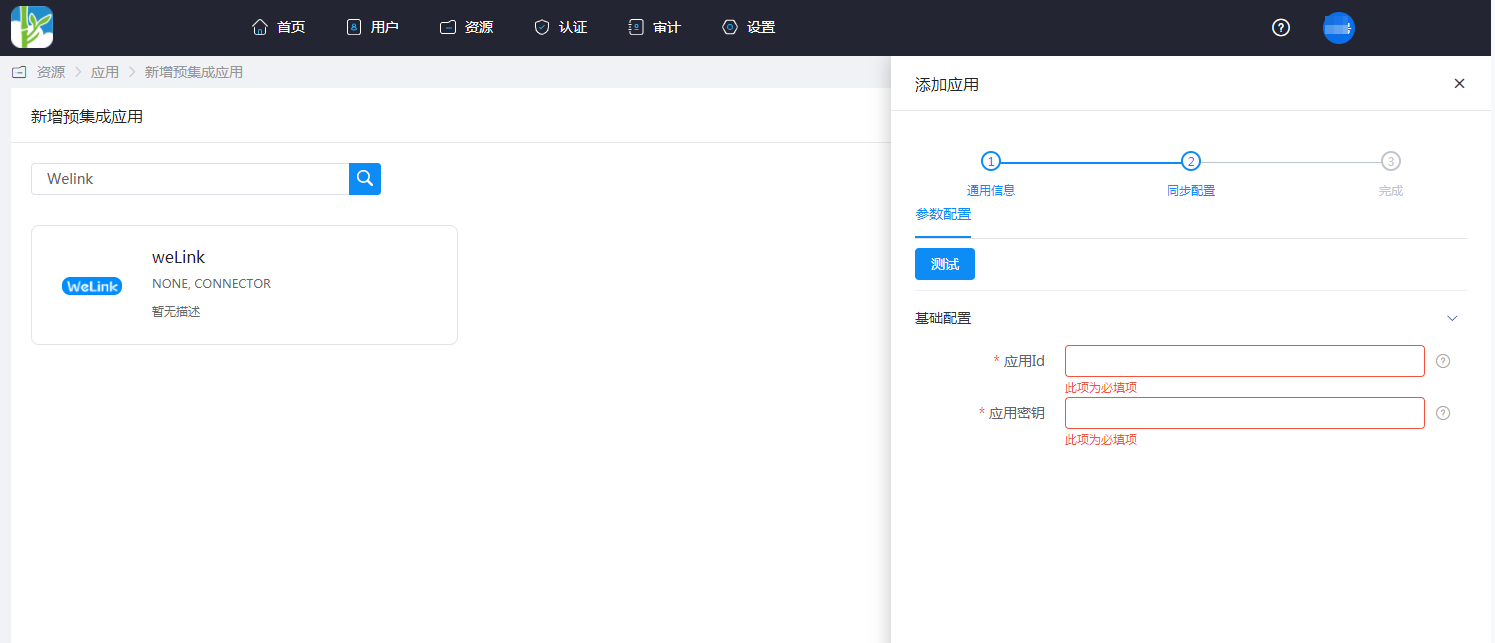
Configure application parameters.
- Application ID: client_id
- Application Secret: client_secret
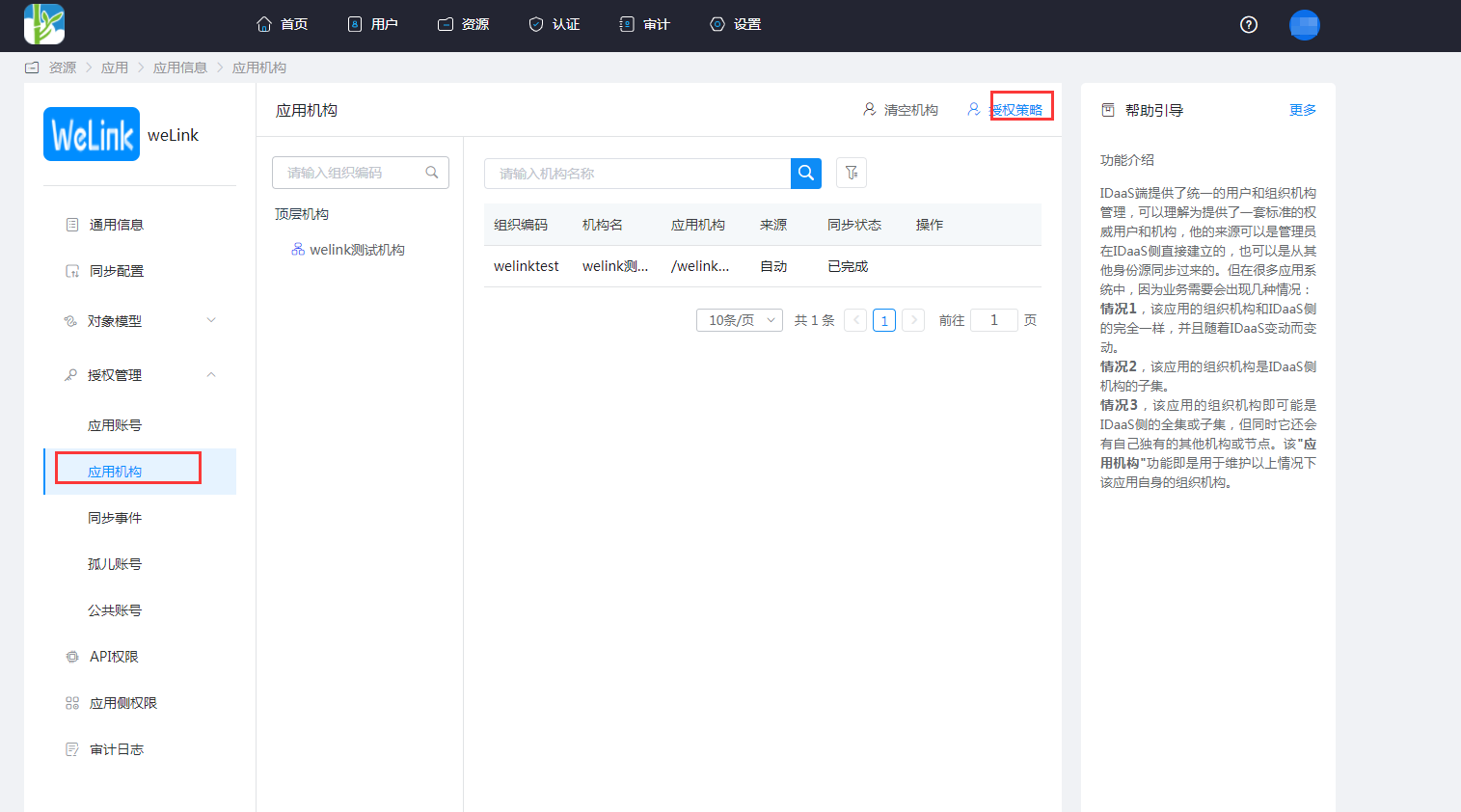
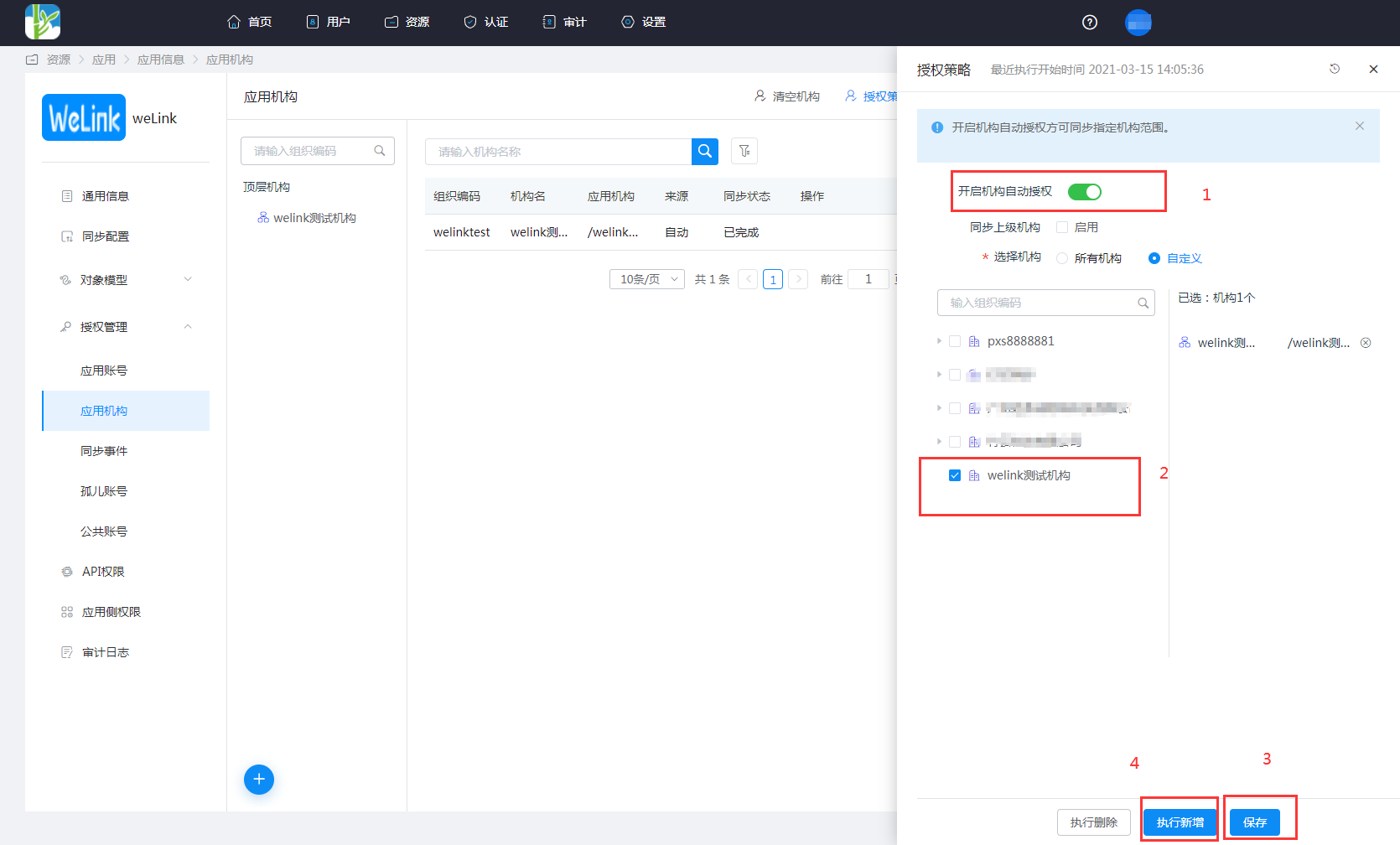
Enter the application details, Application Organization > Authorization Policy, enable automatic organization authorization, select the organization scope, click the Save button, and then click Execute Add.
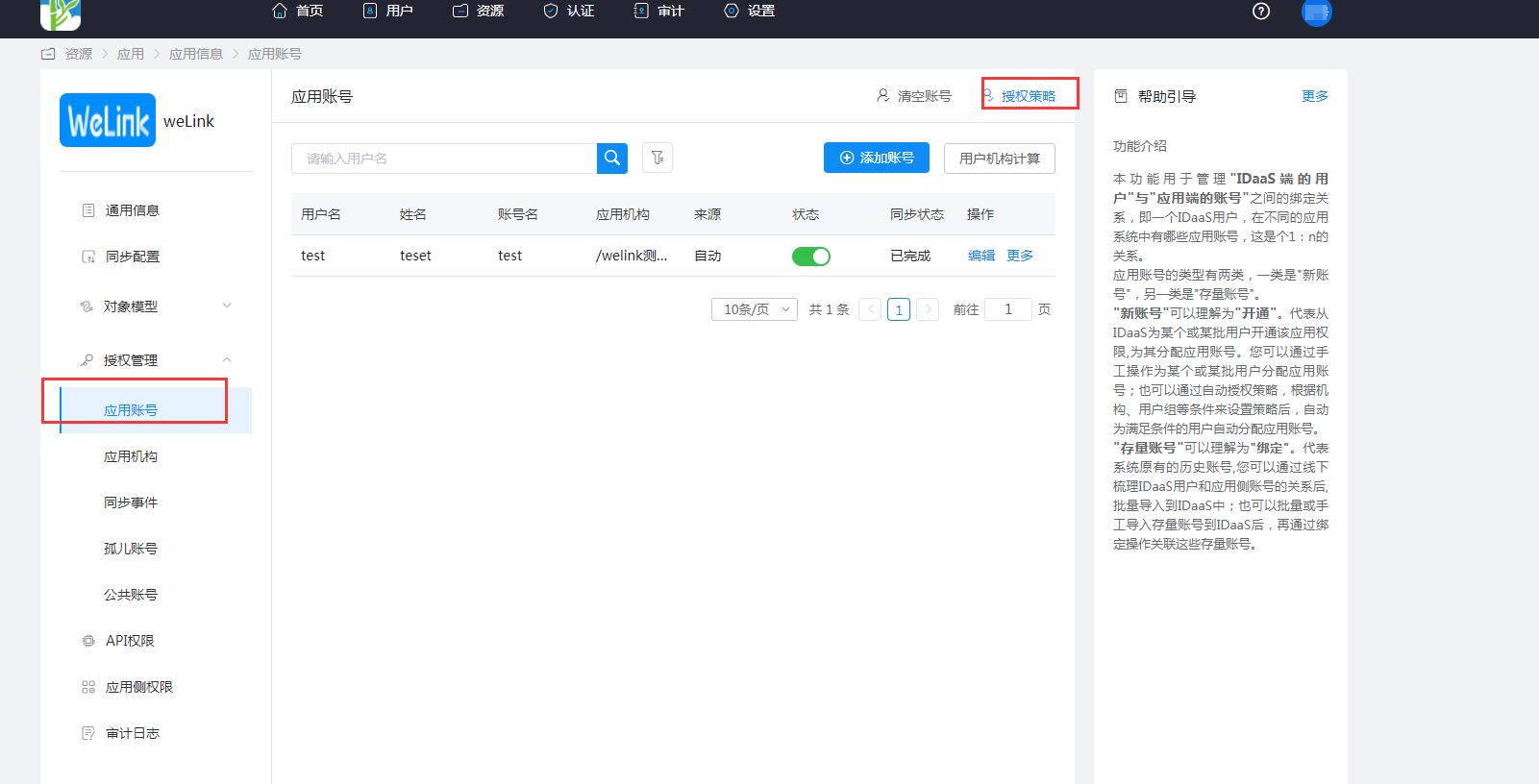
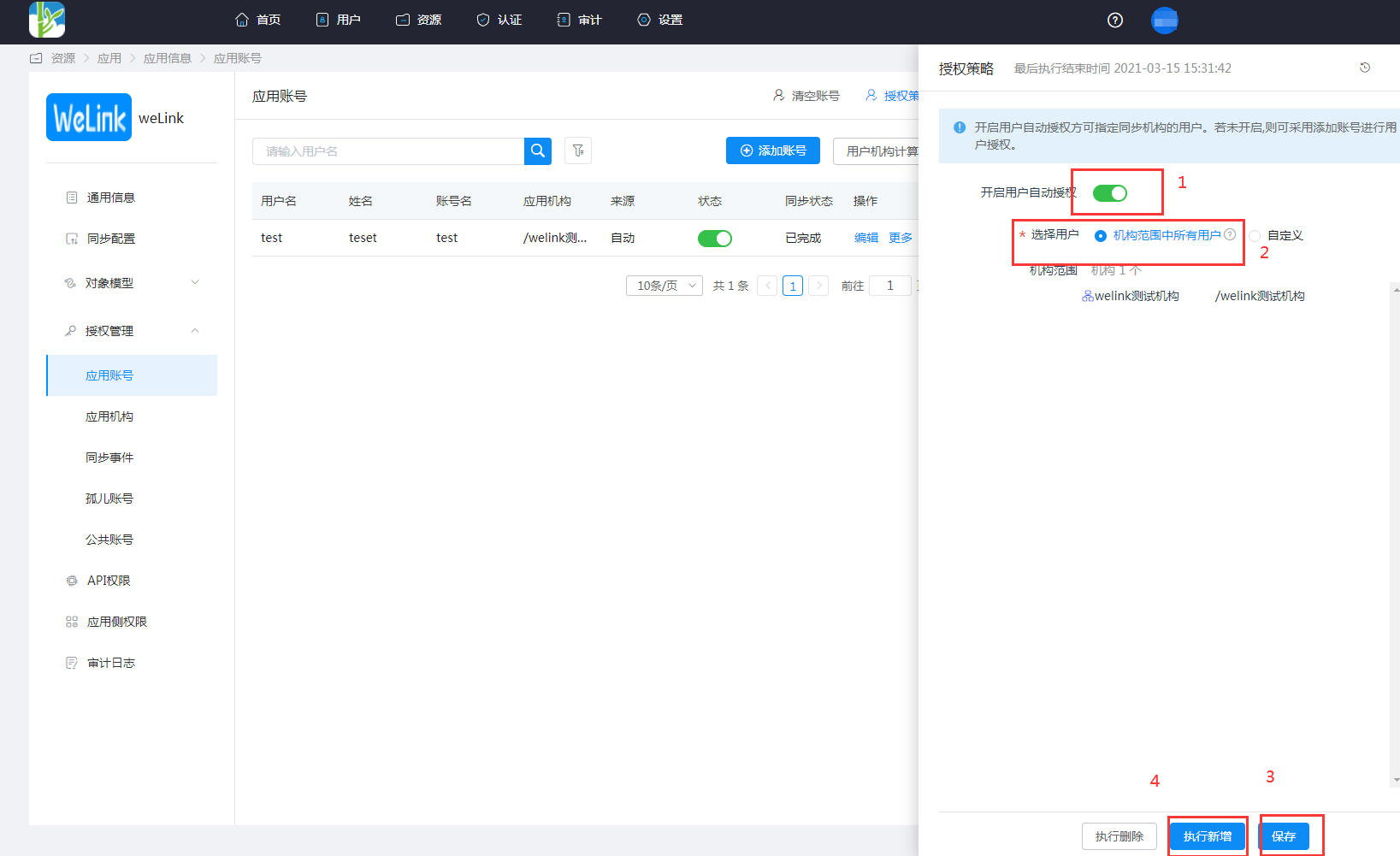
Enter the application details, Application Account > Authorization Policy, enable automatic organization authorization, select the user scope, click the Save button, and then click Execute Add.
Enter the application details, Synchronization Events, to view synchronization events.
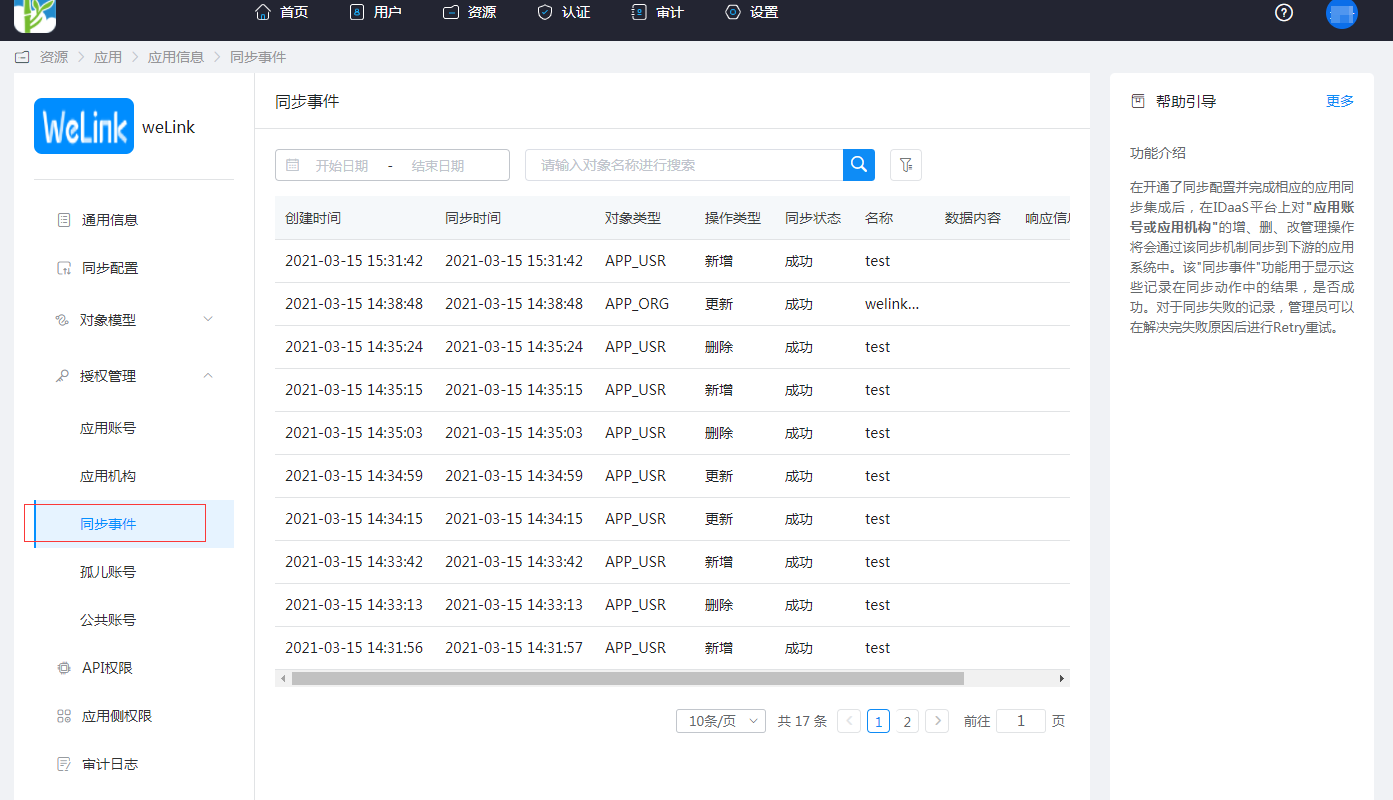
View Synchronization Results
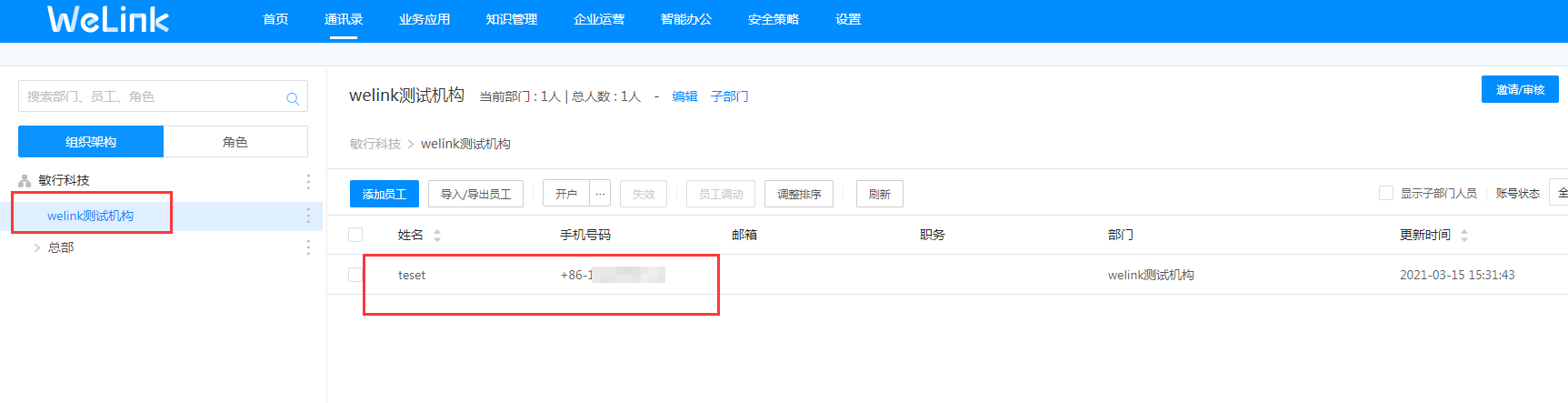
Log in to the WeLink management backend, enter the address book, and view the synchronized organizations and users.