E-ZKEco Pro Time & Security Fine Management Platform Data Synchronization
Overview
This article describes how to synchronize organization and user data from BambooCloud IDaaS to the ZKTECO E-ZKEco Pro Time & Security Fine Management Platform.
Synchronization Configuration
E-ZKEco Pro Platform Configuration
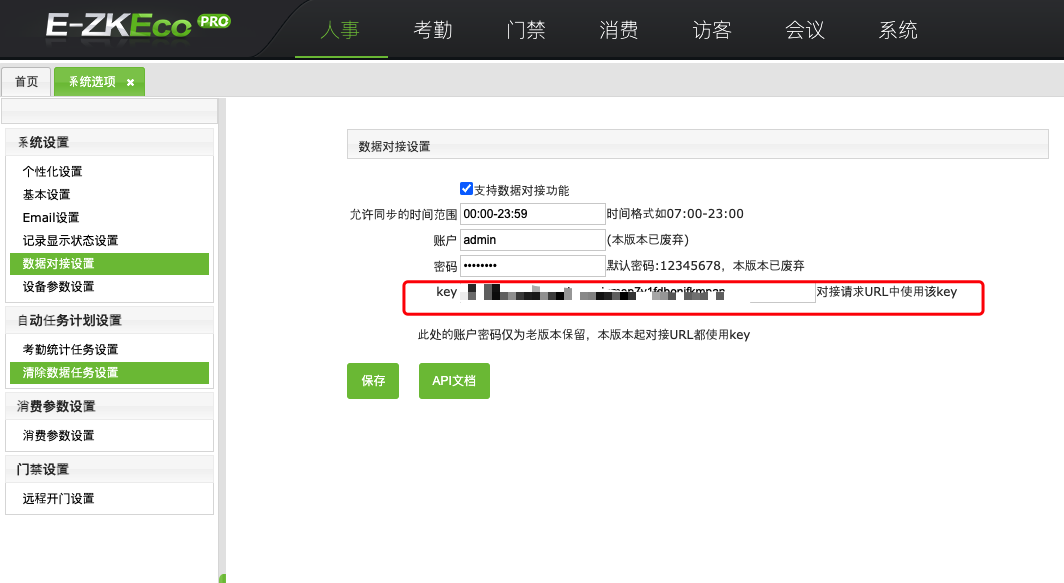
Log in to the backend as an administrator, go to System Options > System Settings > Data Integration Settings, and obtain the synchronization key.
BambooCloud IDaaS Configuration
Log in to the BambooCloud IDaaS Enterprise Center as an administrator, go to Resources > Applications > Add Pre-integrated Application, and add the E-ZKEco Pro pre-integrated application.
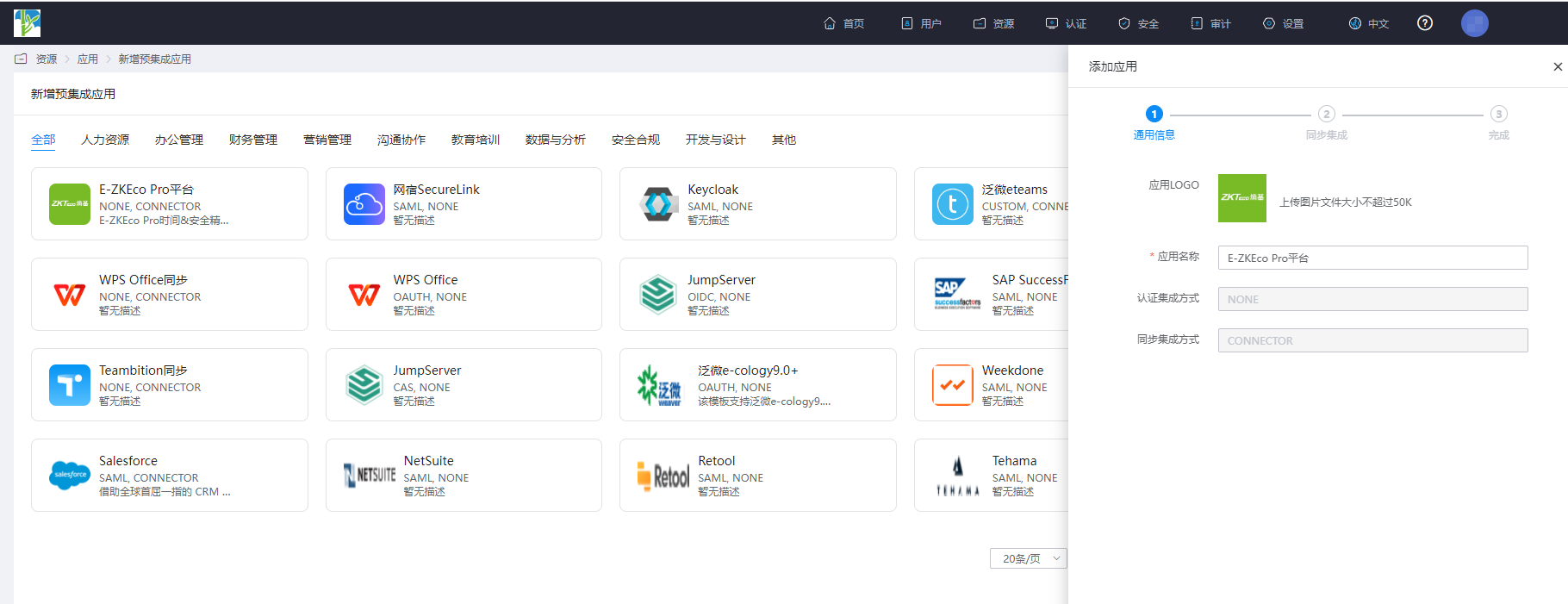
Configure application parameters and save the application.
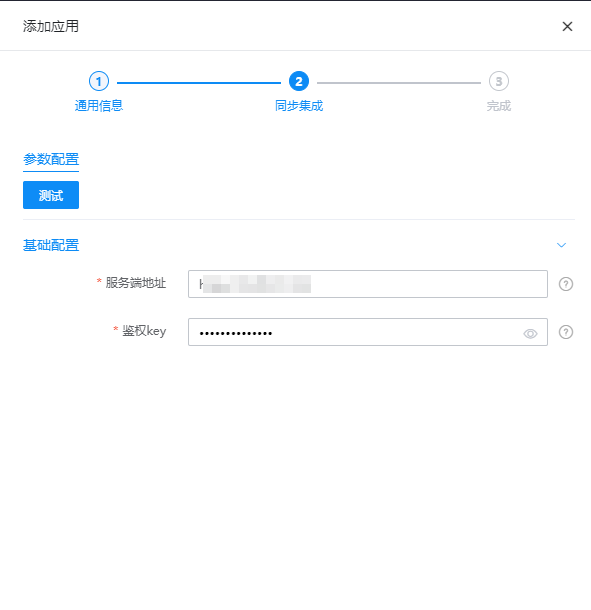
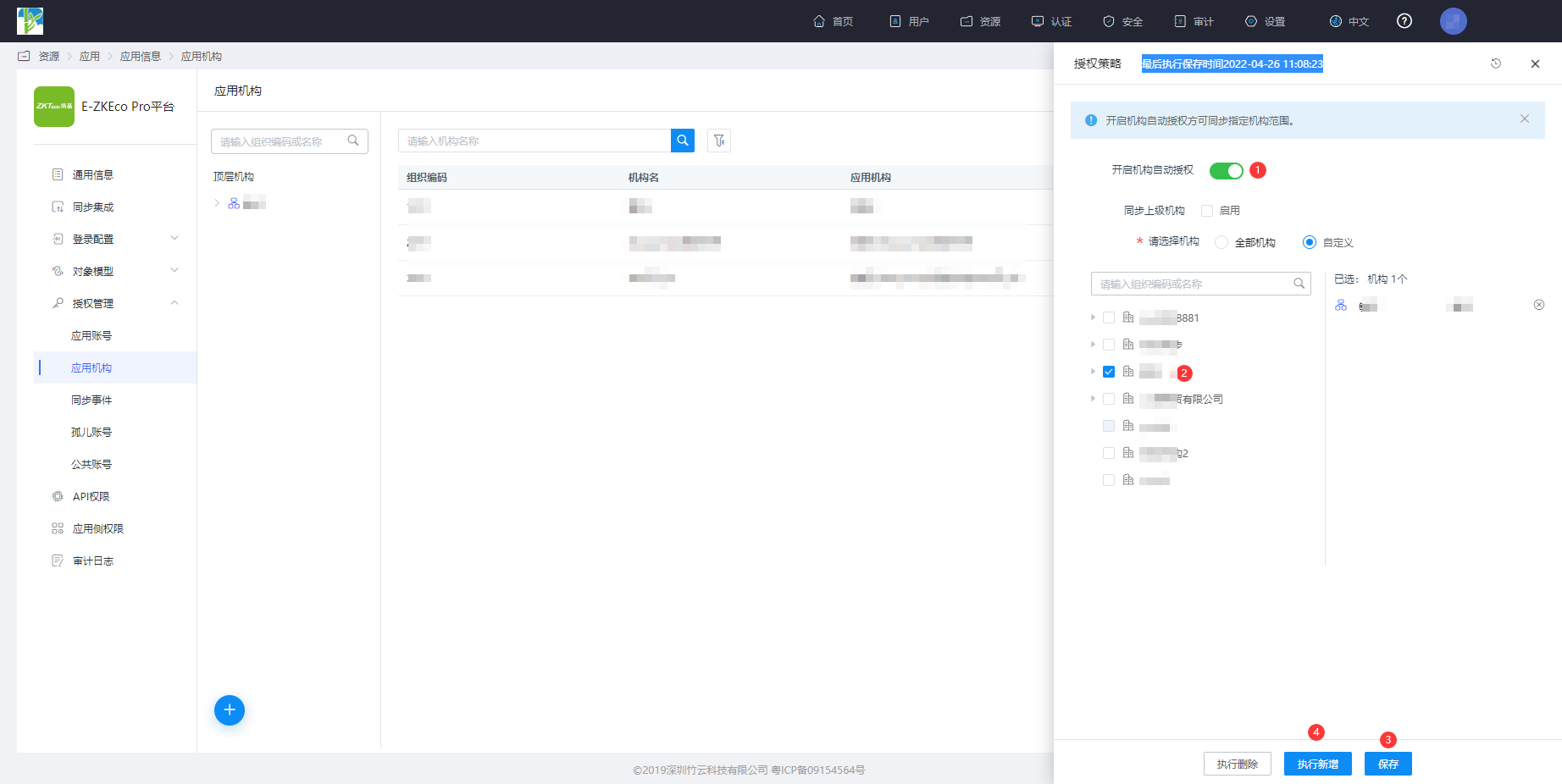
Parameter Description Server Address External IP address or domain name of the E-ZKEco Pro platform Auth Key E-ZKEco Pro platform data integration synchronization key Enter the application details, Application Organization > Authorization Policy, enable automatic organization authorization, select the organization scope, click the Save button, and then click Execute Add.
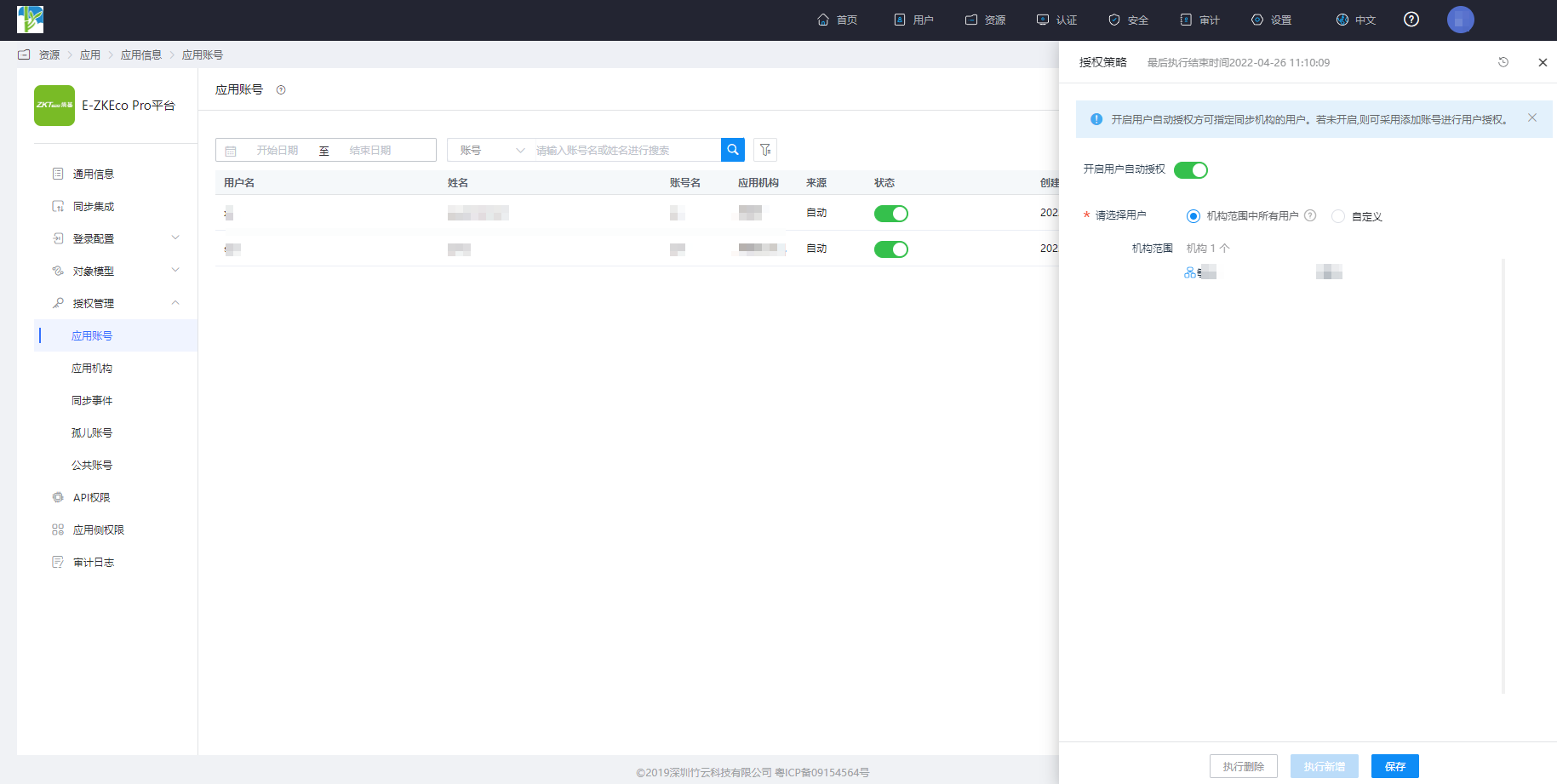
Enter the application details, Application Account > Authorization Policy, enable automatic organization authorization, select the user scope, click the Save button, and then click Execute Add.
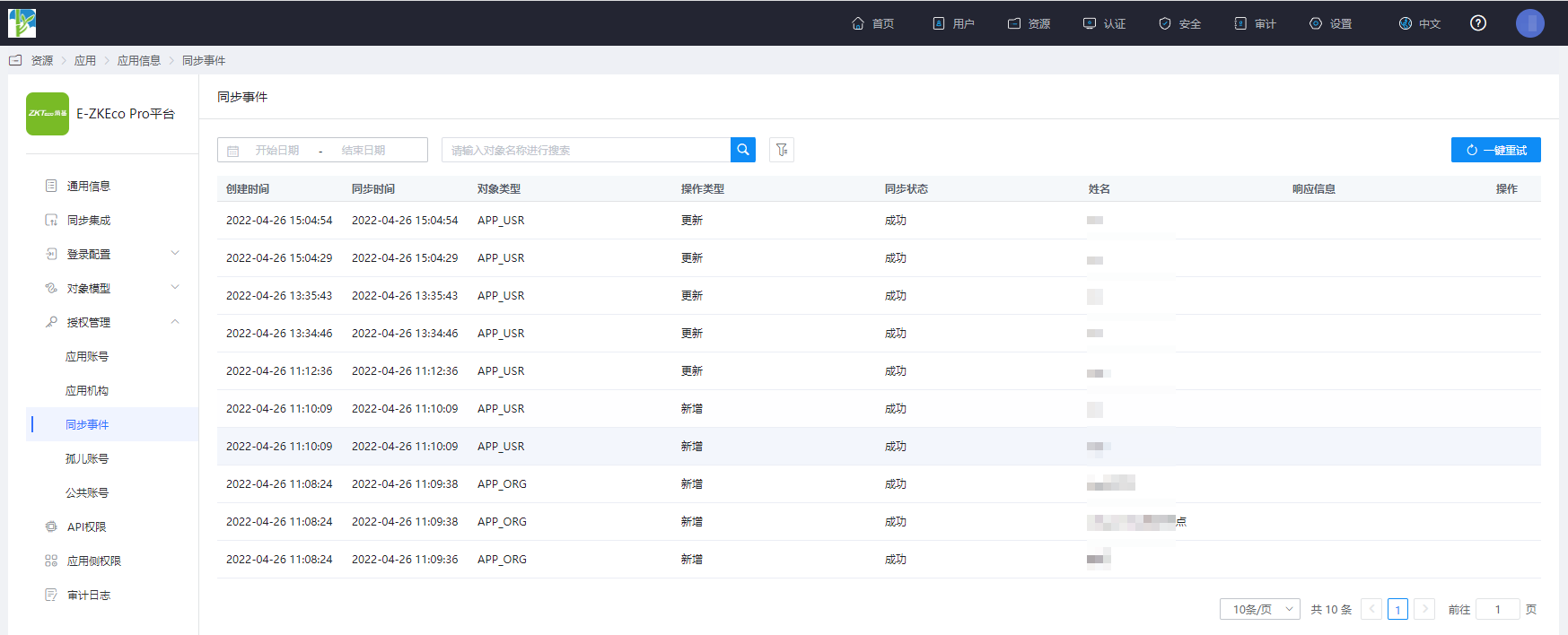
Enter the application details, Synchronization Events, to view synchronization events.
View Results
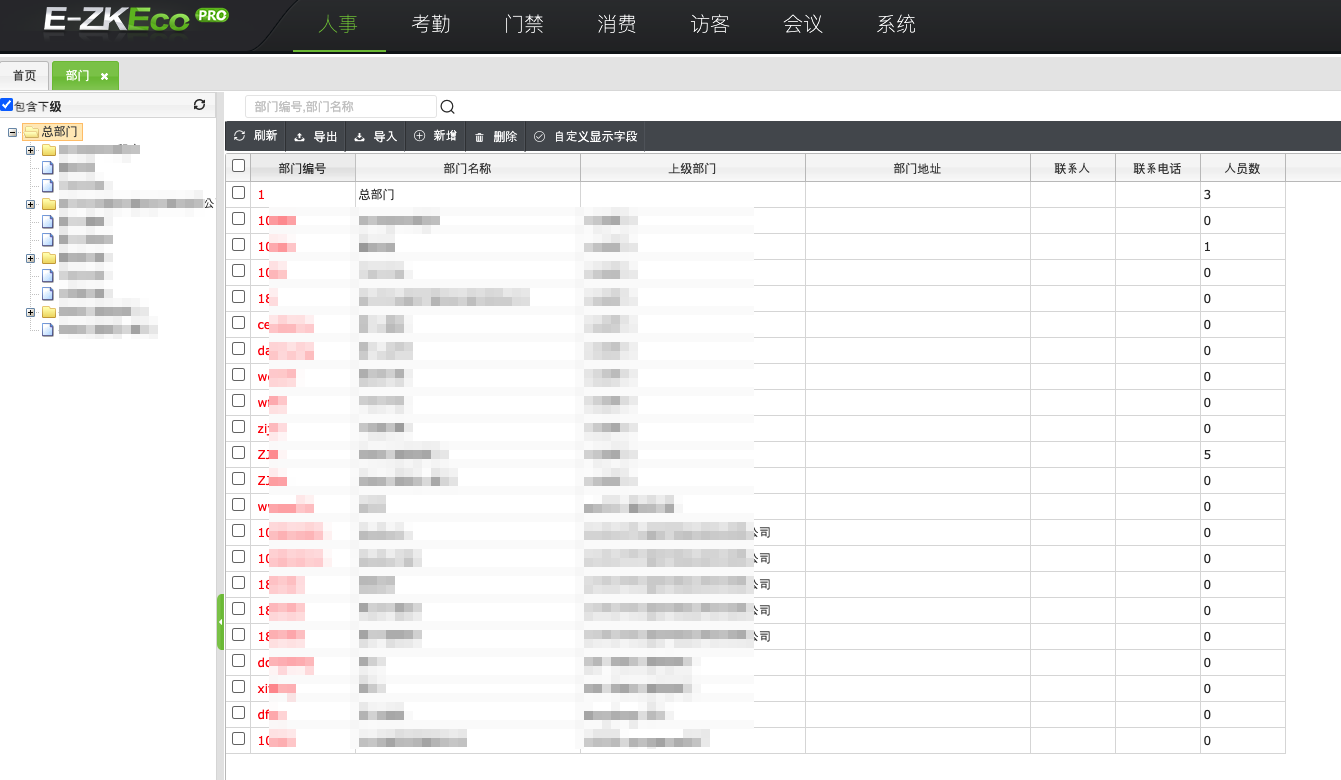
Log in to the E-ZKEco Pro backend as an administrator, go to HR > Departments to view the department synchronization results.
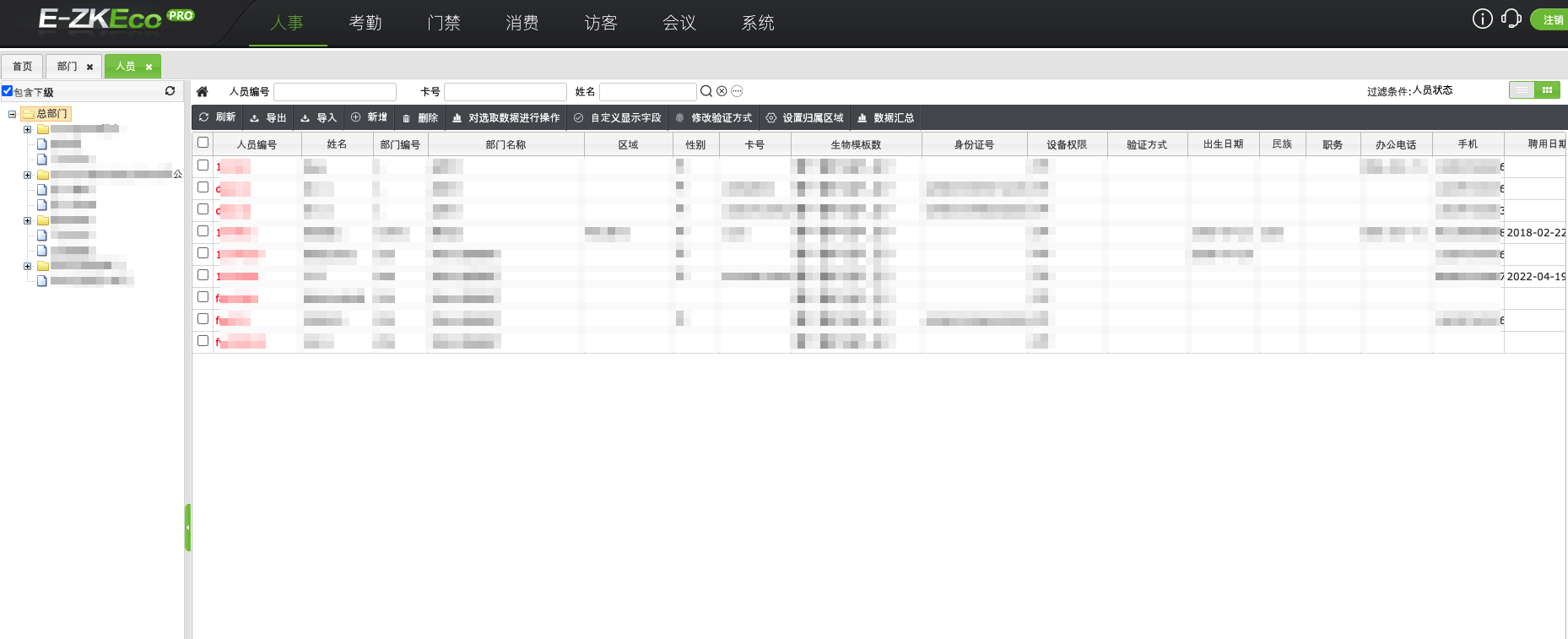
Go to HR > Personnel to view the user synchronization results.