Moka Intelligent Recruitment Management System Single Sign-On
Overview
This article describes the CAS single sign-on configuration of the Moka recruitment management system.
Authentication Configuration
Provided by Moka
Obtain the CAS single sign-on URL provided by Moka, example: https://app.mokahr.com/login_by/cas/orgId
BambooCloud IDaaS Configuration
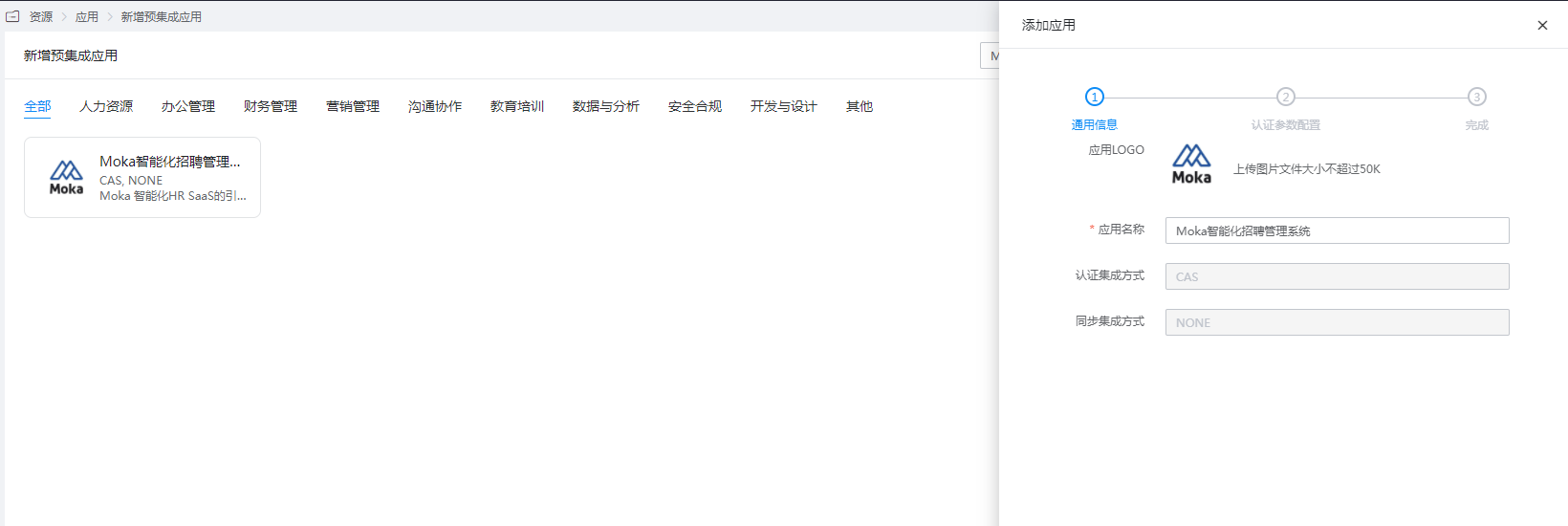
Add the Moka pre-integrated application.
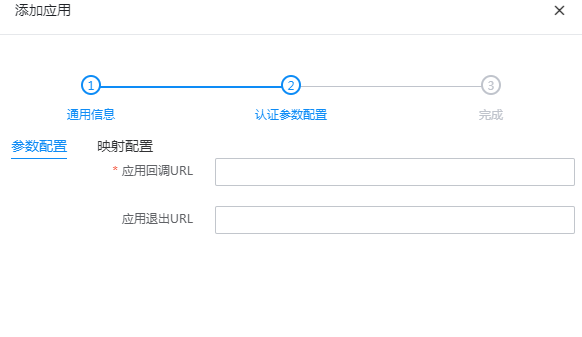
Fill in the application callback address with the CAS single sign-on URL provided by Moka.
Enter the application details, Authorization Management > Application Account, click the Add Account button, and select the authorized user.
Provide the CAS login address to Moka.
- CAS login address:
https://BambooCloudIDaaS-enterprise-tenant-domain/api/v1/cas/login - CAS user info address:
https://BambooCloudIDaaS-enterprise-tenant-domain/api/v1/cas/p3/serviceValidate
- CAS login address:
Login Verification
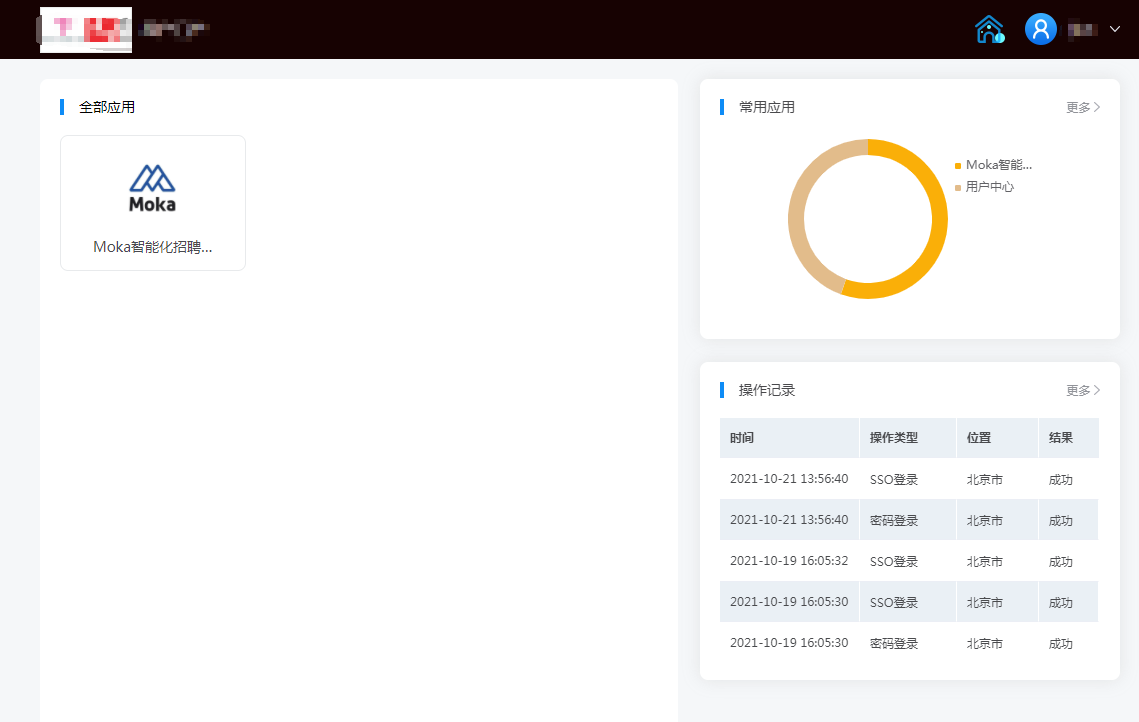
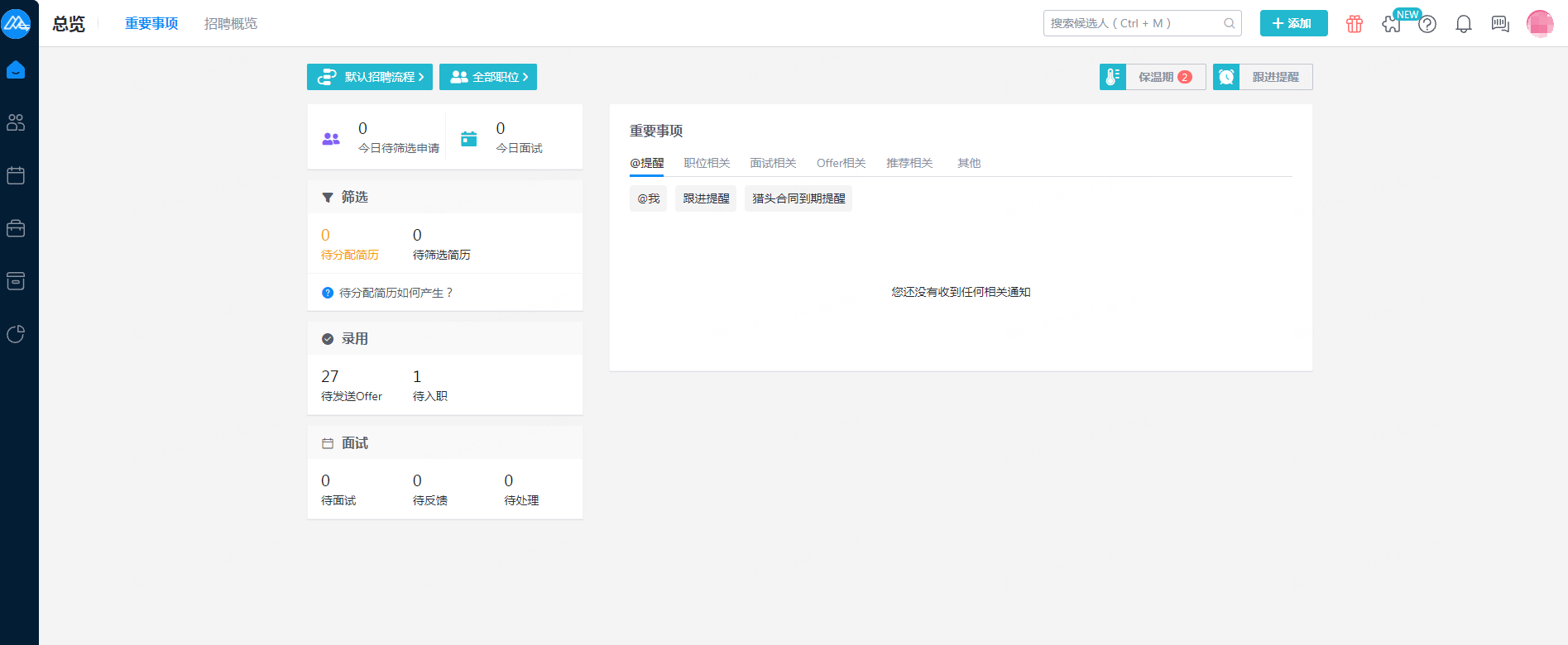
Access the BambooCloud IDaaS User Center and click the Moka logo to enter Moka.