Tencent Enterprise Mail Data Synchronization
Overview
This article describes the synchronization configuration between Tencent Enterprise Mail and BambooCloud IDaaS to synchronize BambooCloud IDaaS organization and user data to Tencent Enterprise Mail.
Prerequisites
- You have Tencent Enterprise Mail administrator account information and can obtain relevant parameters in the Tencent Enterprise Mail backend (such as CorpID, CorpSecret).
- You have administrator permissions in the BambooCloud IDaaS enterprise.
Synchronization Configuration
Tencent Enterprise Mail Backend Configuration
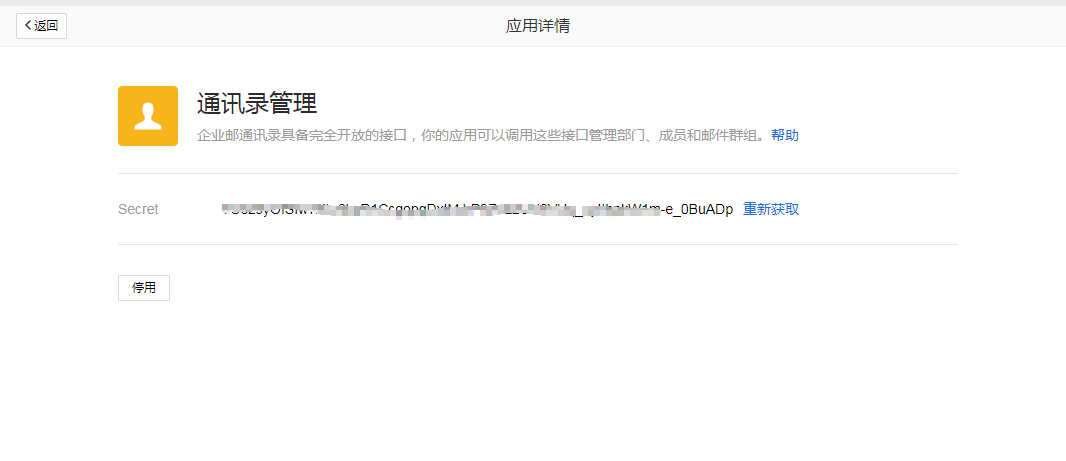
Click Management Tools > App Interconnection > App API in the navigation bar, and in the App Center, click Address Book Management to obtain the Secret (Enterprise Password) parameter.
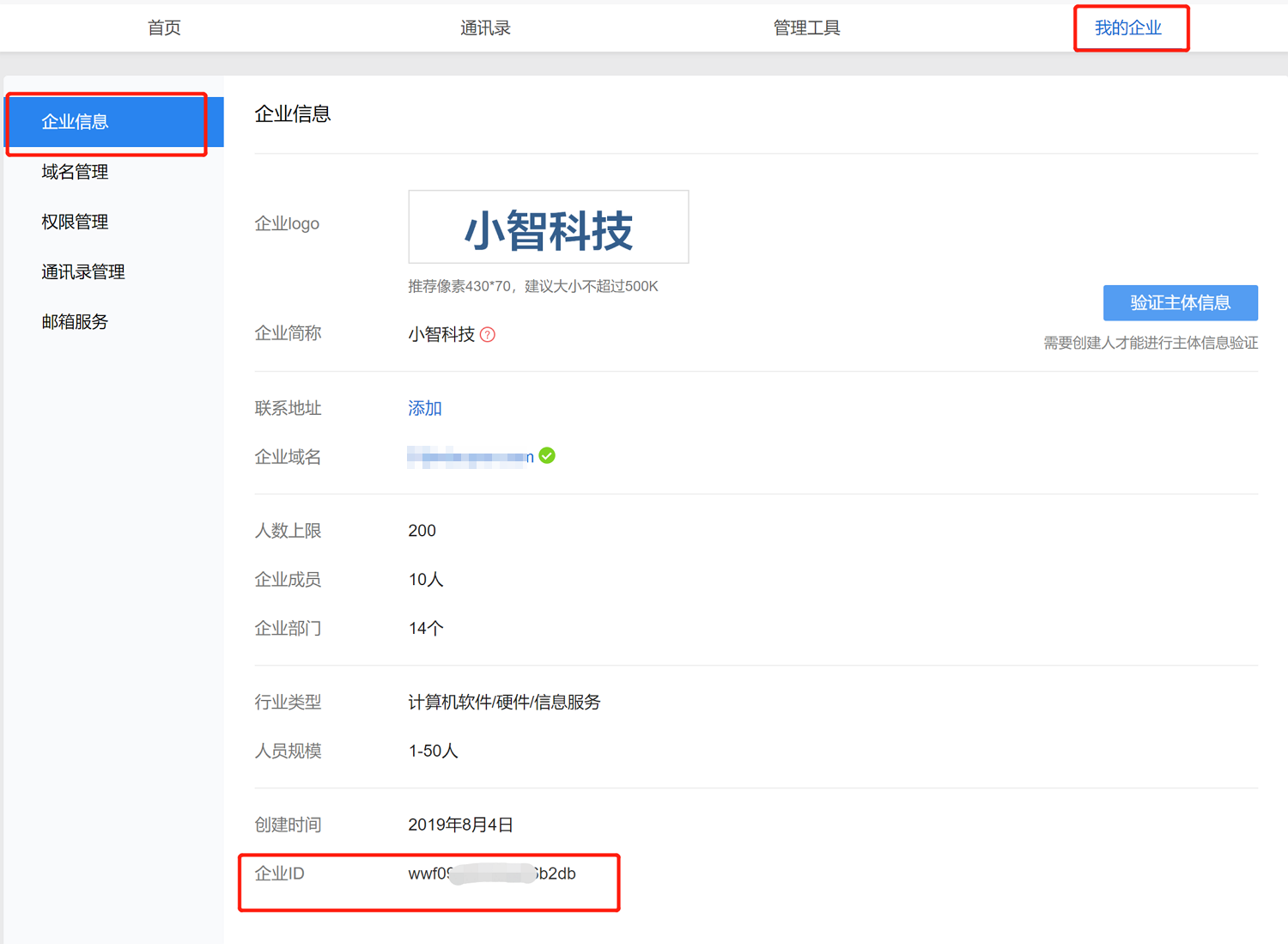
Select My Enterprise to obtain the Enterprise ID (CorpID) parameter.
BambooCloud IDaaS Configuration
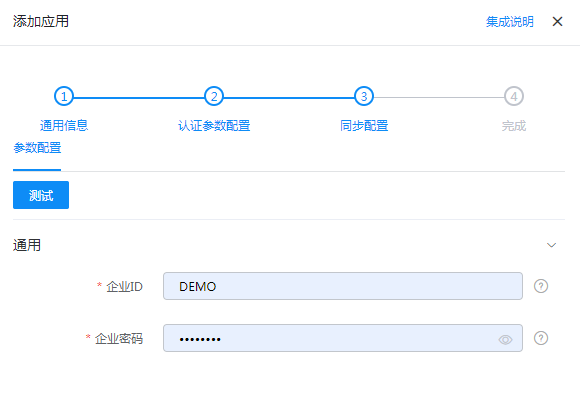
Add the pre-integrated application Tencent Enterprise Mail and configure synchronization parameters.
- Enterprise ID: Enterprise ID of Tencent Enterprise Mail
- Enterprise Password: Address Book Secret of Tencent Enterprise Mail
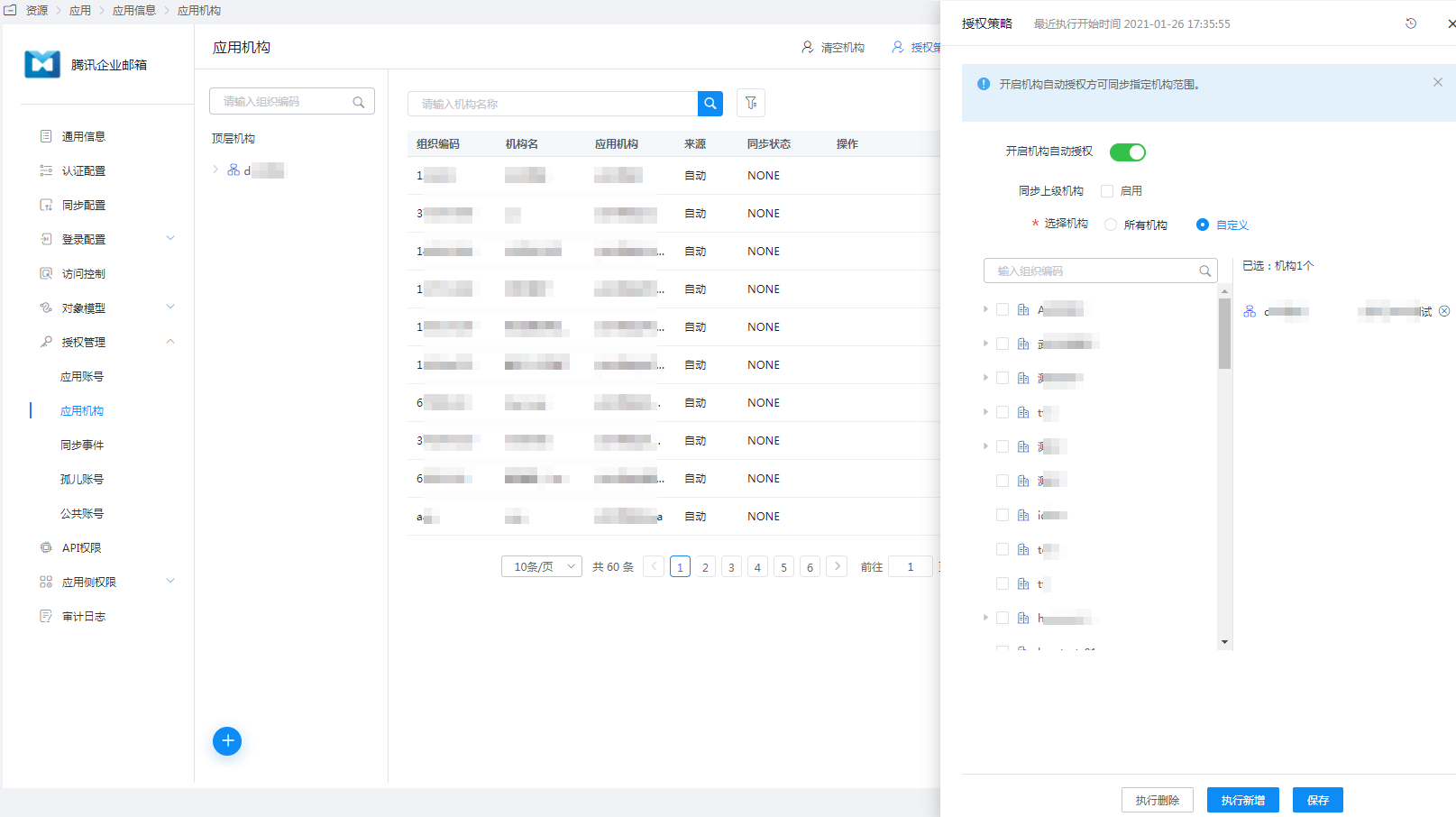
Enter the application details, Application Organization > Authorization Policy, enable automatic organization authorization, select the organization scope, click the Save button, and then click Execute Add to synchronize the organization to Tencent Enterprise Mail.
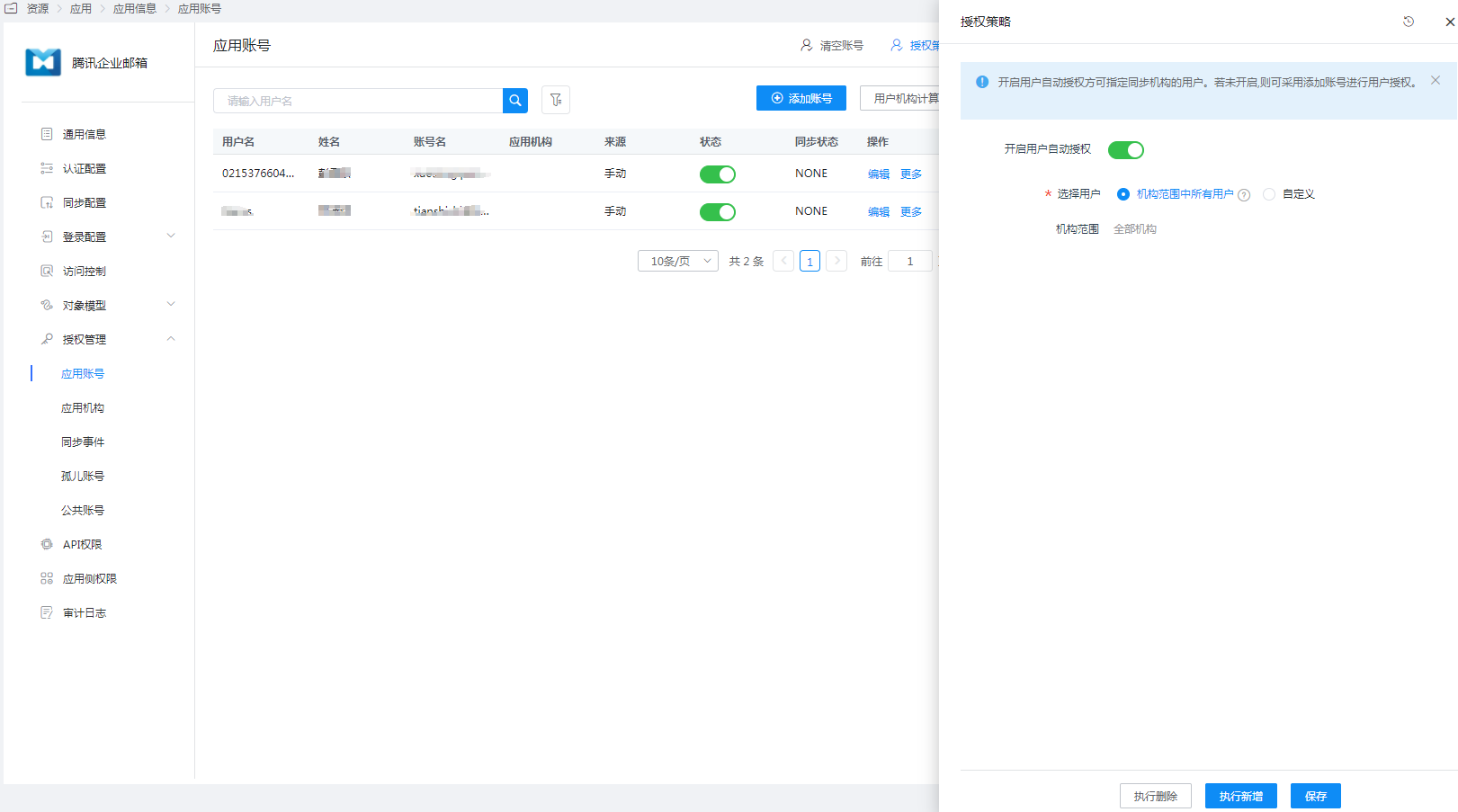
Enter the application details, Application Account > Authorization Policy, enable automatic user authorization, select the user scope, click the Save button, and then click Execute Add to synchronize users to Tencent Enterprise Mail.
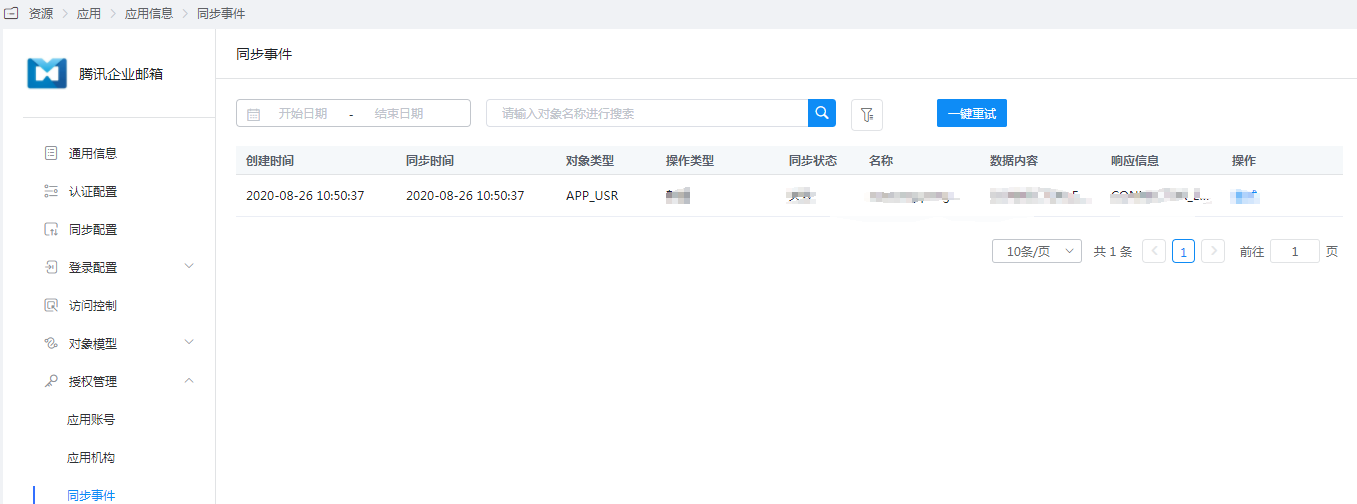
Enter the application details, Synchronization Events, to view synchronization events.