Odoo Single Sign-On
Overview
This article describes how to configure OAuth implicit mode authentication integration between BambooCloud IDaaS and Odoo (V10 and above).
Authentication Configuration
BambooCloud IDaaS Configuration
Add the Odoo pre-integrated application.
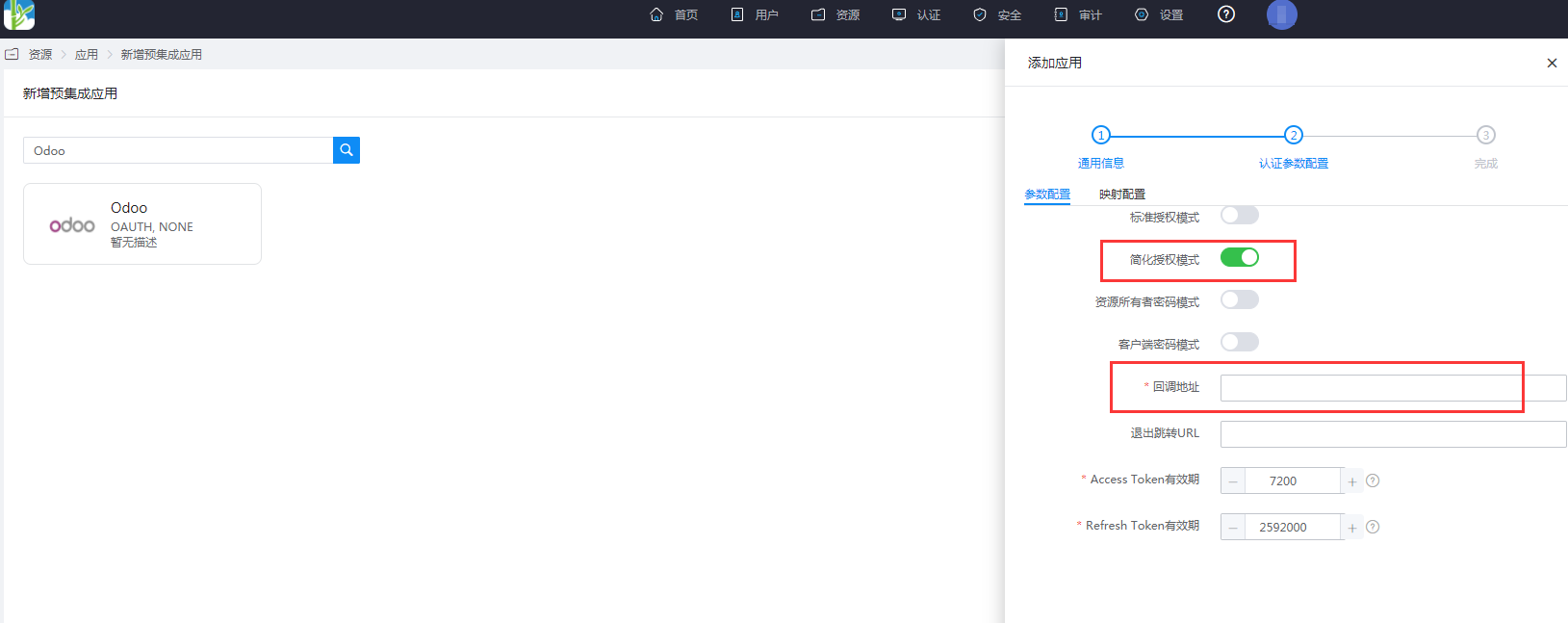
Configure authentication parameters. Enable simplified authorization mode. The callback address is
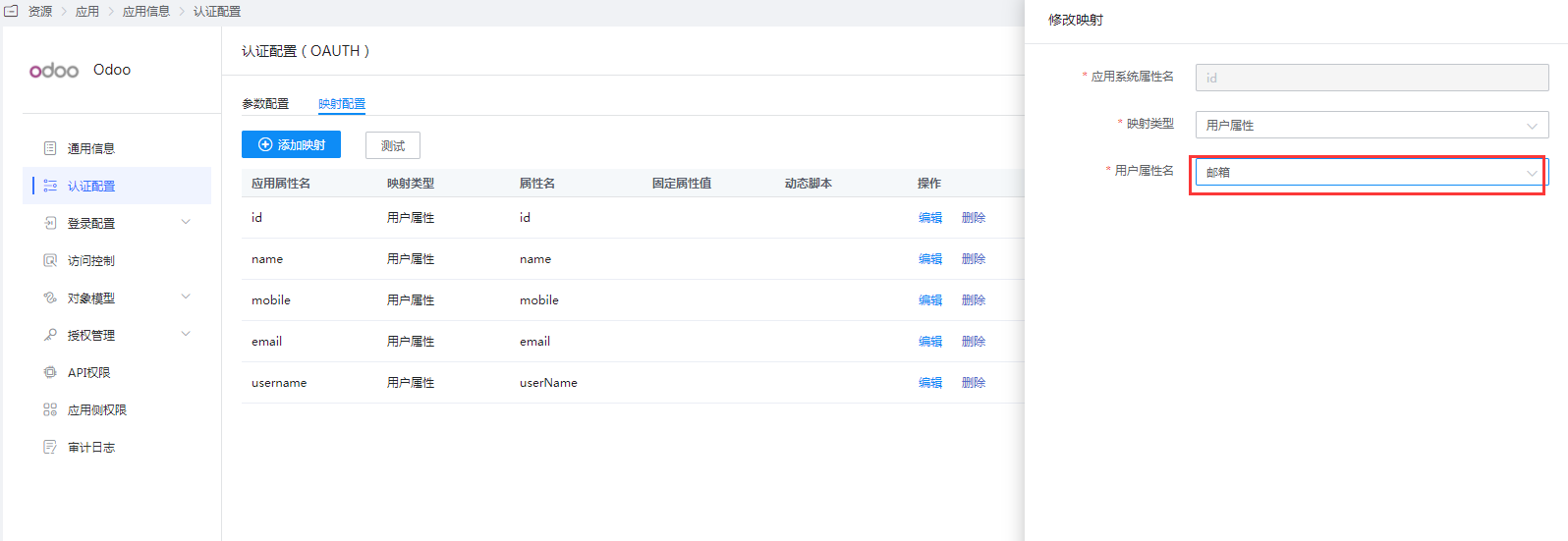
http(s)://odoo-domain/auth_oauth/signin.Enter the application details, Authentication Configuration, edit the mapping configuration, and modify the id mapping.
TIP
Here it is set to the user email attribute, which can be flexibly configured according to actual needs. This setting is used to associate with Odoo users.
Enter the application details, Authorization Management > Application Account, click the Add Account button, and select the authorized user.
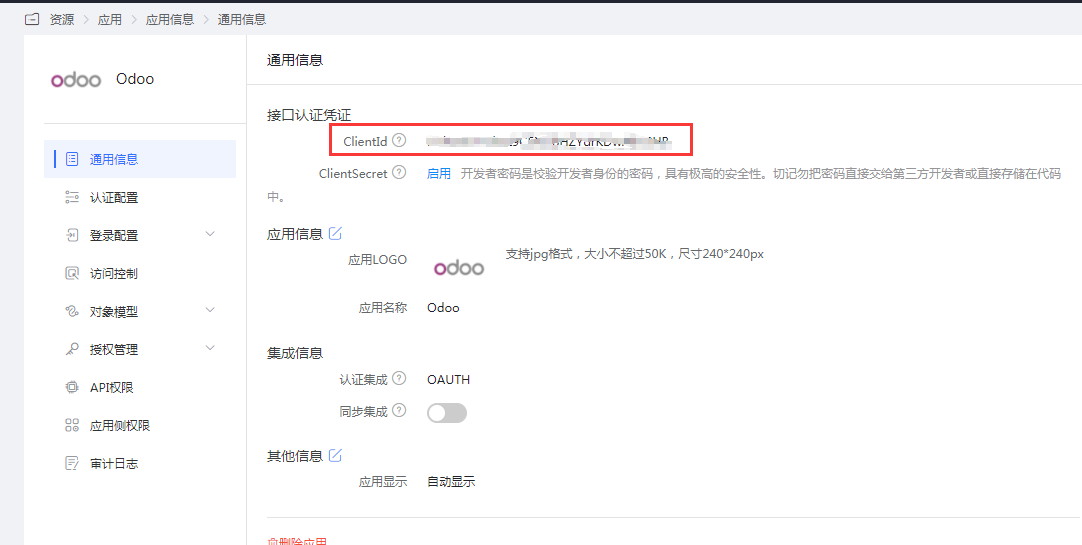
Obtain the application ClientId, which is needed for the Odoo configuration below.
Odoo Configuration
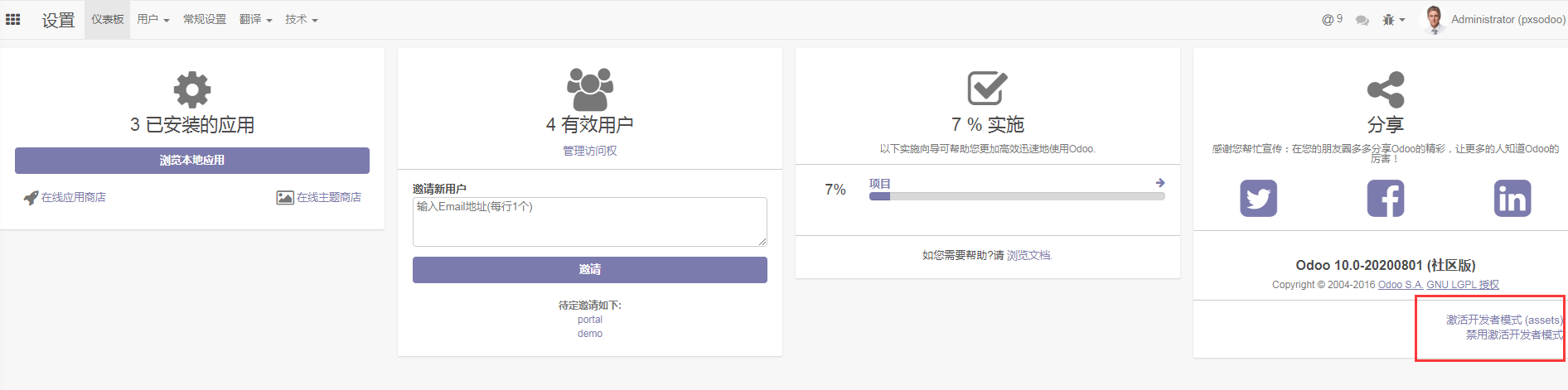
Log in to the Odoo backend as an administrator and activate developer mode.
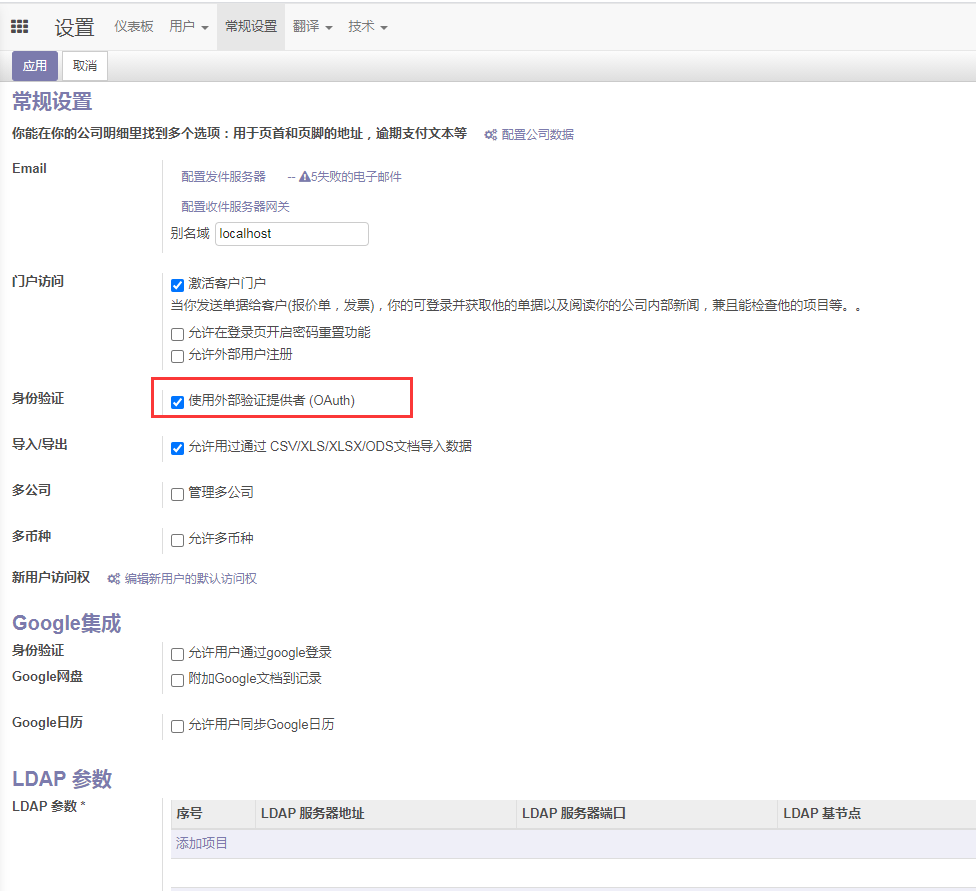
Go to General Settings and enable external authentication.
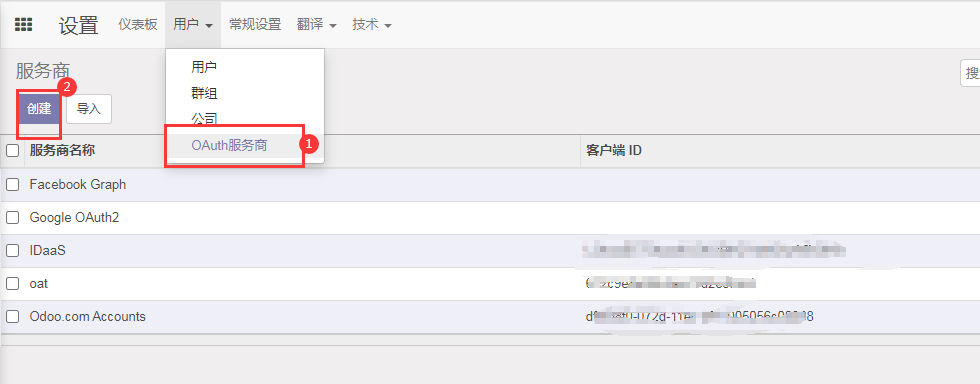
Go to Users > OAuth Providers and create a new provider.
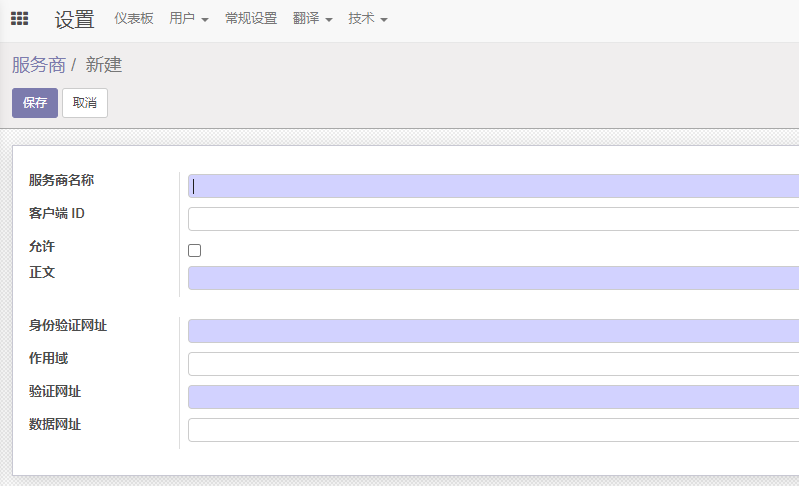
Parameter Description Provider Name Custom, such as BambooCloud IDaaS Client ID Application ClientId on BambooCloud IDaaS Allowed Check Body Login button name, such as BambooCloud IDaaS Authentication URL https://BambooCloudIDaaS-tenant-domain.bccastle.com/api/v1/oauth/authorizeScope get_user_info Validation URL https://BambooCloudIDaaS-tenant-domain.bccastle.com/api/v1/oauth/get_user_infoData URL Empty Enter the user management interface, select a user to edit.
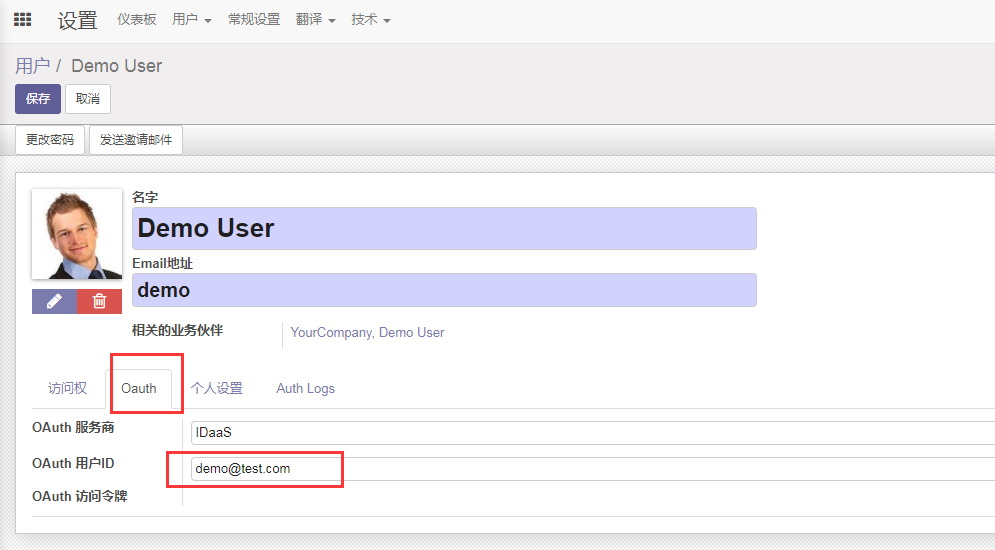
OAuth Provider: Select the provider added above
OAuth User ID: Fill in the value corresponding to the id mapping modified in the BambooCloud IDaaS application authentication configuration, such as email.
Login Verification
Scenario 1:
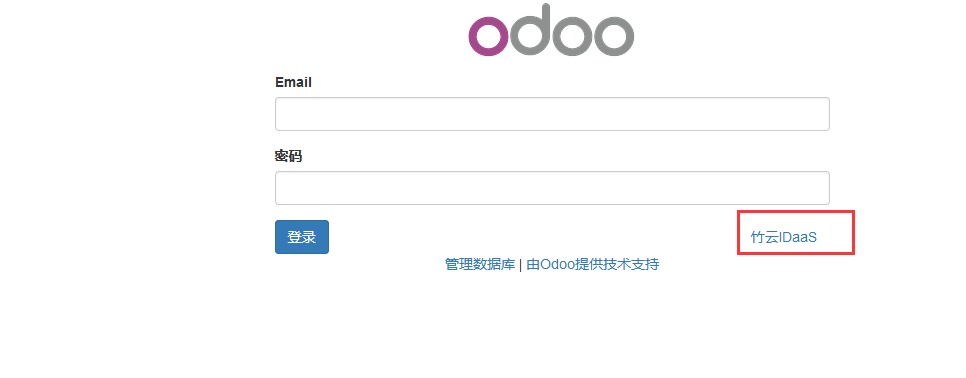
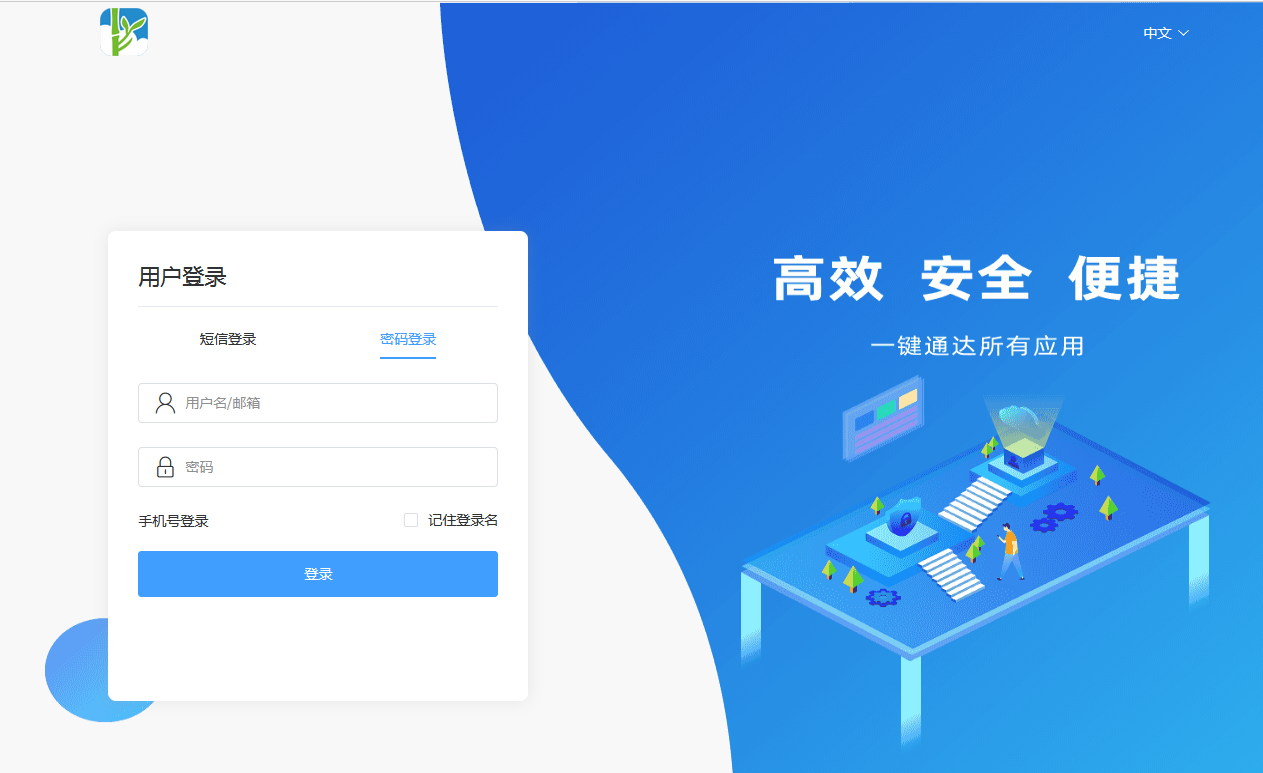
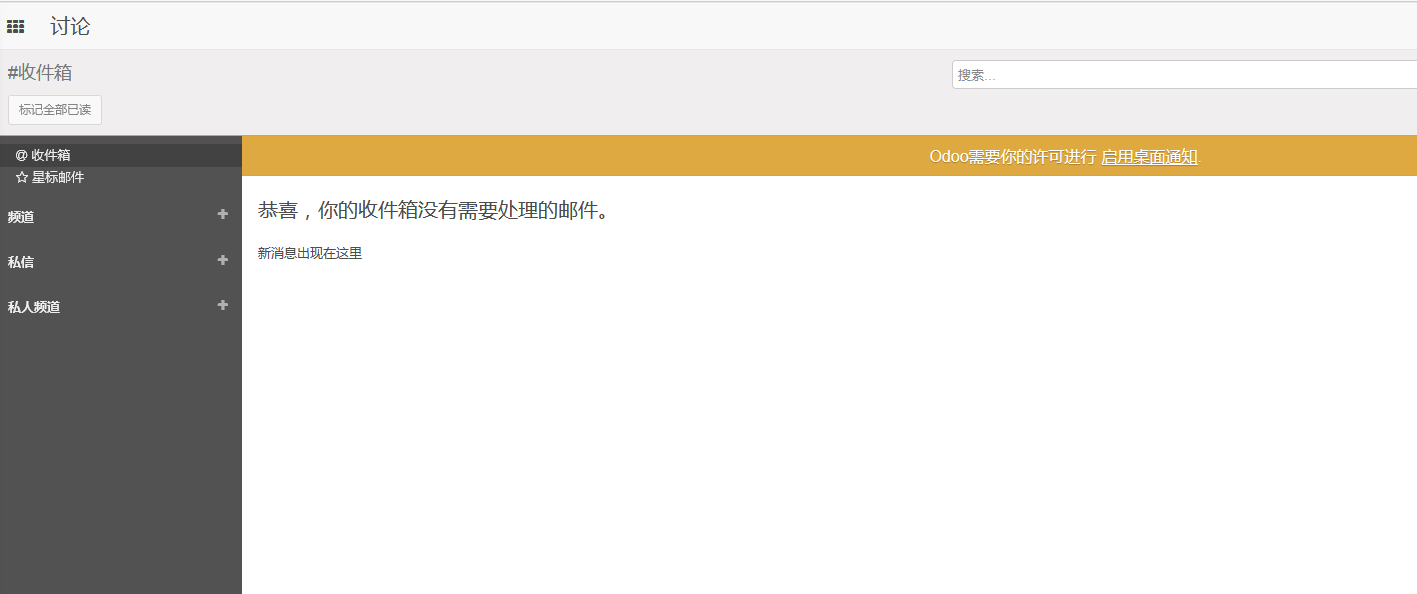
Access Odoo, select BambooCloud IDaaS login, and you will be redirected to the BambooCloud IDaaS authentication interface. Enter the username and password. After successful authentication, enter Odoo.
Scenario 2:
Access the BambooCloud IDaaS User Center and click the Odoo logo to enter Odoo.
DANGER
This scenario requires additional configuration adjustments.
First, on the Odoo login interface, hover the mouse over the BambooCloud IDaaS login button, right-click and copy the link address.
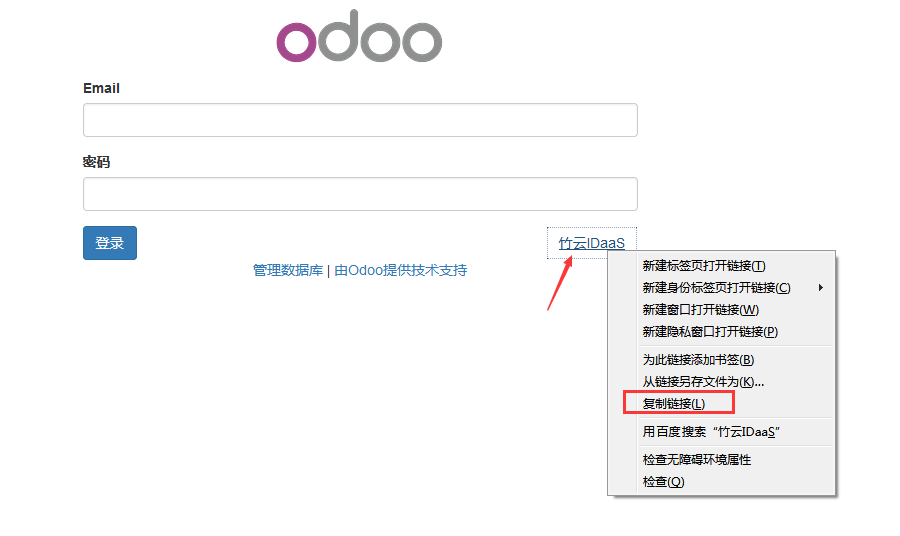
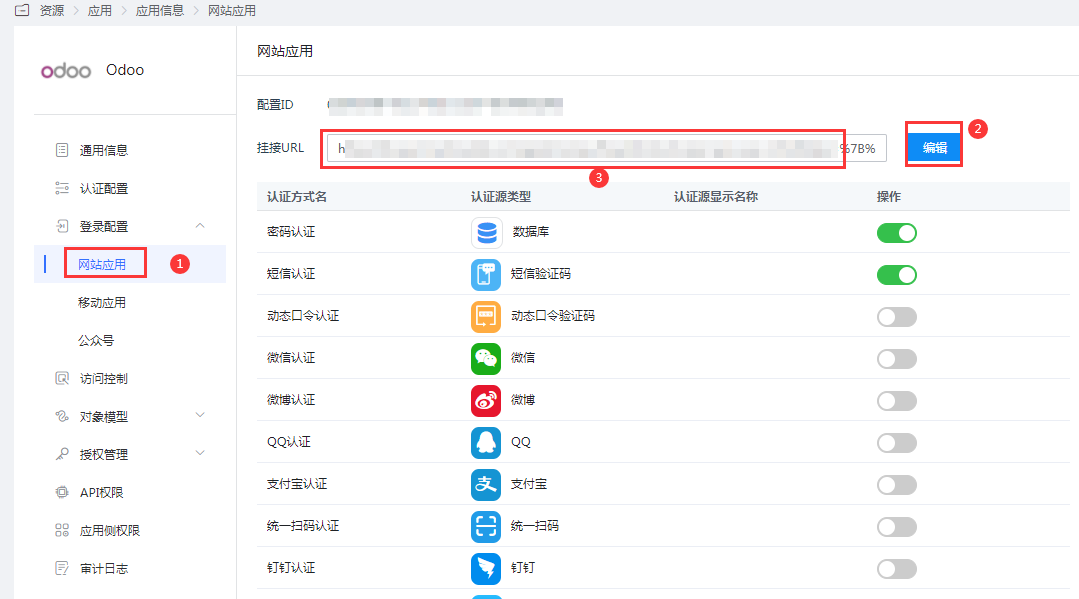
Enter the BambooCloud IDaaS Enterprise Center, Odoo application details - Login Configuration, Website Application, edit the Mount URL, replace it with the link address copied above, and save.