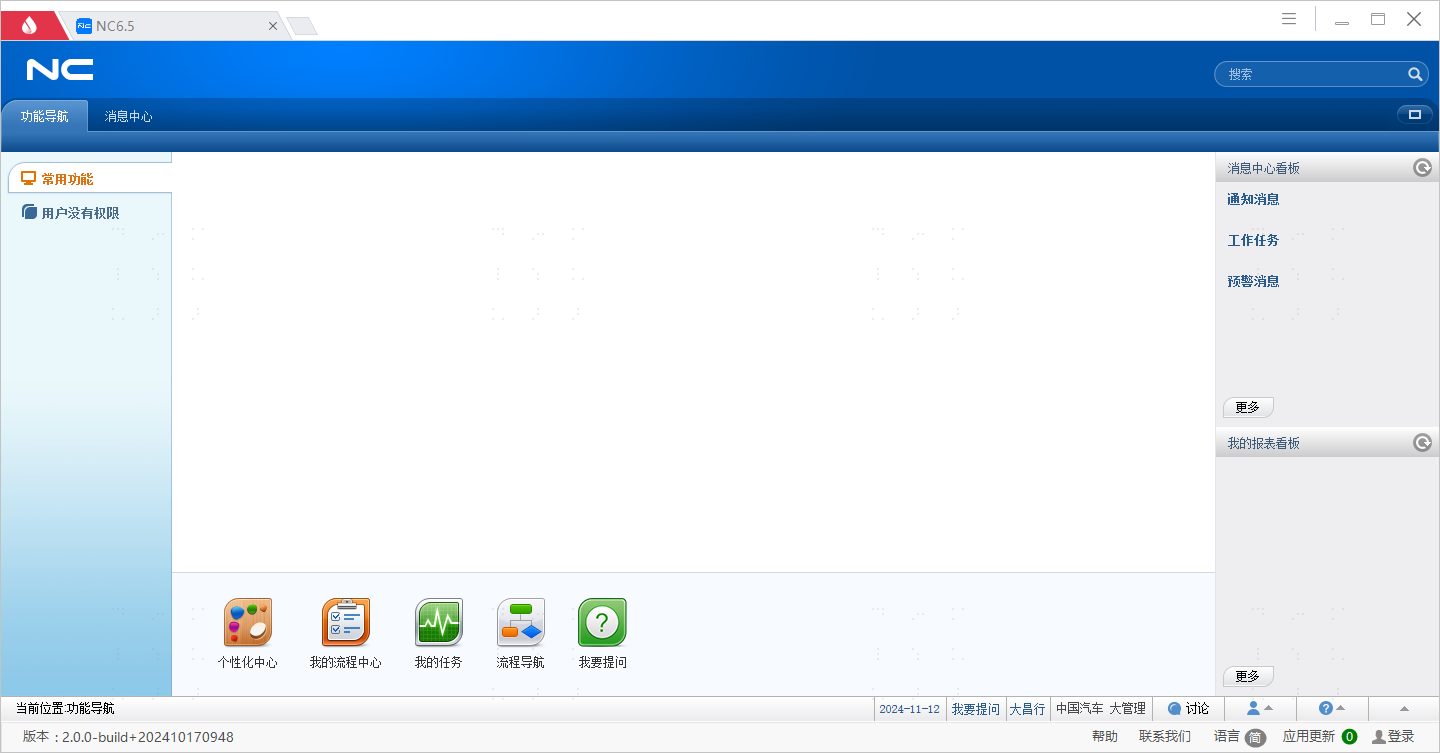
Yonyou NC6.5 Single Sign-On
Overview
This article describes the authentication configuration between Yonyou NC6.5 and BambooCloud IDaaS to achieve BambooCloud IDaaS single sign-on to Yonyou NC6.5 lightweight end (Web end) and heavyweight end (client end).
Authentication Configuration
BambooCloud IDaaS Configuration
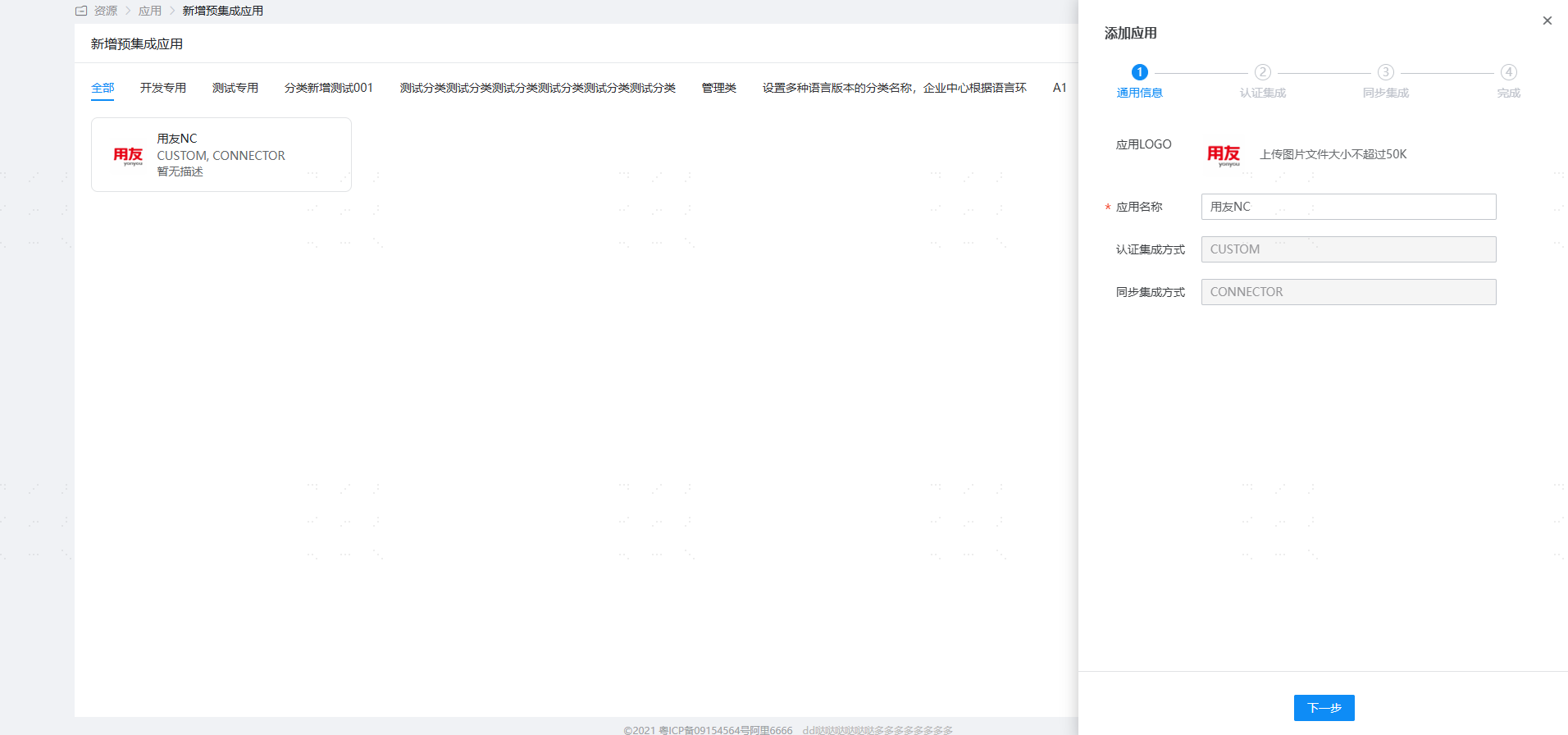
Log in to the BambooCloud IDaaS Enterprise Center and add the [Yonyou NC] pre-integrated application.
Configure authentication parameters.
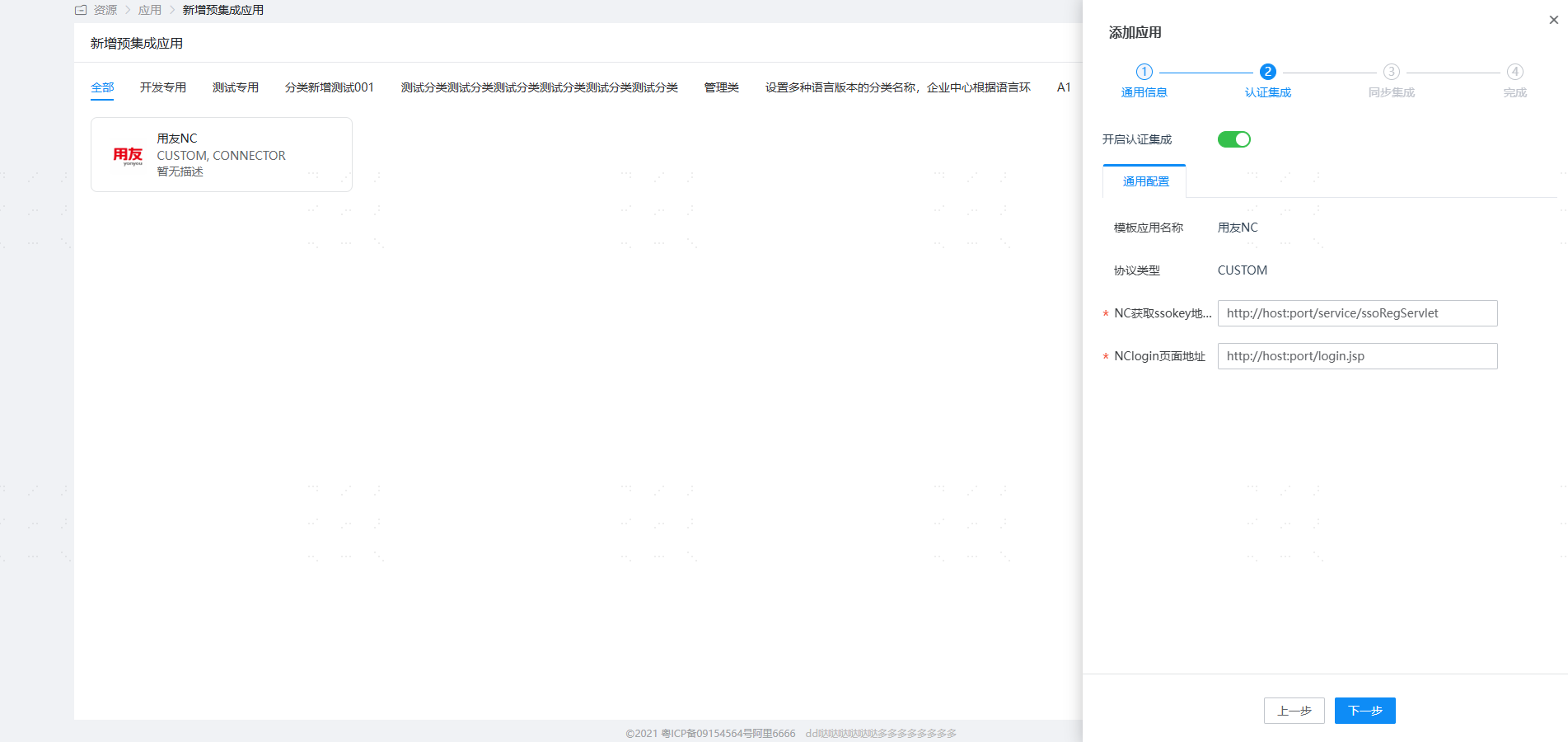
Parameter Description NC ssokey Acquisition Address http://host:port/service/ssoRegServletNC login Page Address Lightweight end (Web end) address: http://host:port/login.jspHeavyweight end (client end) address:Uclient://start/http://host:port/?uiloader=nc.login.sso.ui.SSOLoaderNC ssokey acquisition address: The NC system provides a Servlet to register user login information. The URL format for accessing this servlet is basically
http://host:port/service/ssoRegServlet, and multiple parameters can follow it, as shown below:- userCode: Specifies the user code. BambooCloud IDaaS automatically appends the username to the userCode parameter of the NC ssokey acquisition address. This parameter does not need to be carried.
- busiCenter: Specifies the account set code to which the user belongs. This value can be ignored. If this value is ignored and the userCode user exists in multiple account sets, the end user will be prompted to select the account set.
- groupCode: Specifies the group code for login. This value can be ignored.
- langCode: Specifies the language for login. This value can be ignored. The default is Chinese.
Login Verification
Open Yonyou NC6.5, and you will be redirected to the BambooCloud IDaaS login interface. Enter the authorized account login information to enter Yonyou NC6.5.