Xinrenxinshi Single Sign-On
Overview
This article describes how to configure BambooCloud IDaaS single sign-on to the Xinrenxinshi platform.
Prerequisites
- Contact Xinrenxinshi staff to apply for the application and obtain appKey and appSecret. Access Process Reference
- Have administrator permissions for the BambooCloud IDaaS Enterprise Center.
Authentication Configuration
BambooCloud IDaaS Configuration
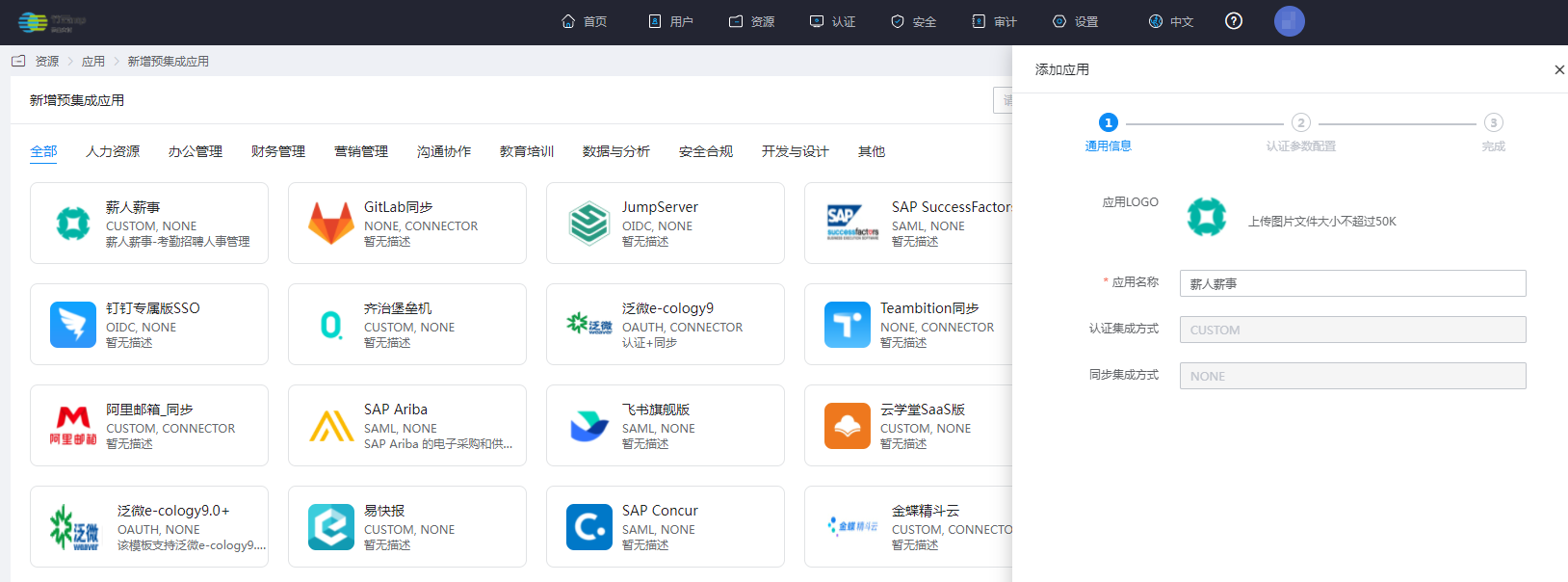
Log in to the Enterprise Center and add the Xinrenxinshi pre-integrated application.
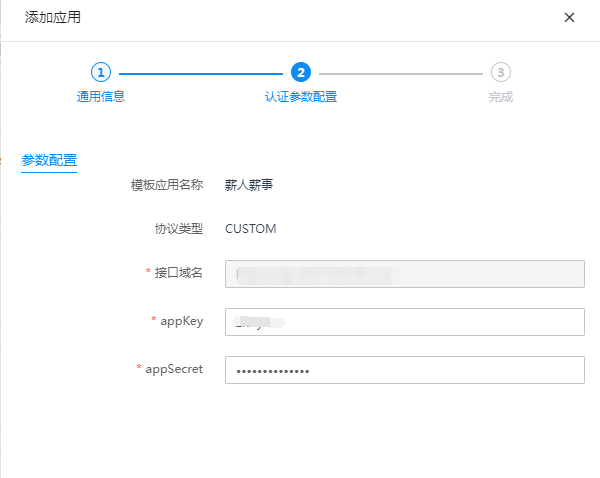
Configure authentication parameters.
Fill in the appKey and appSecret provided by Xinrenxinshi.
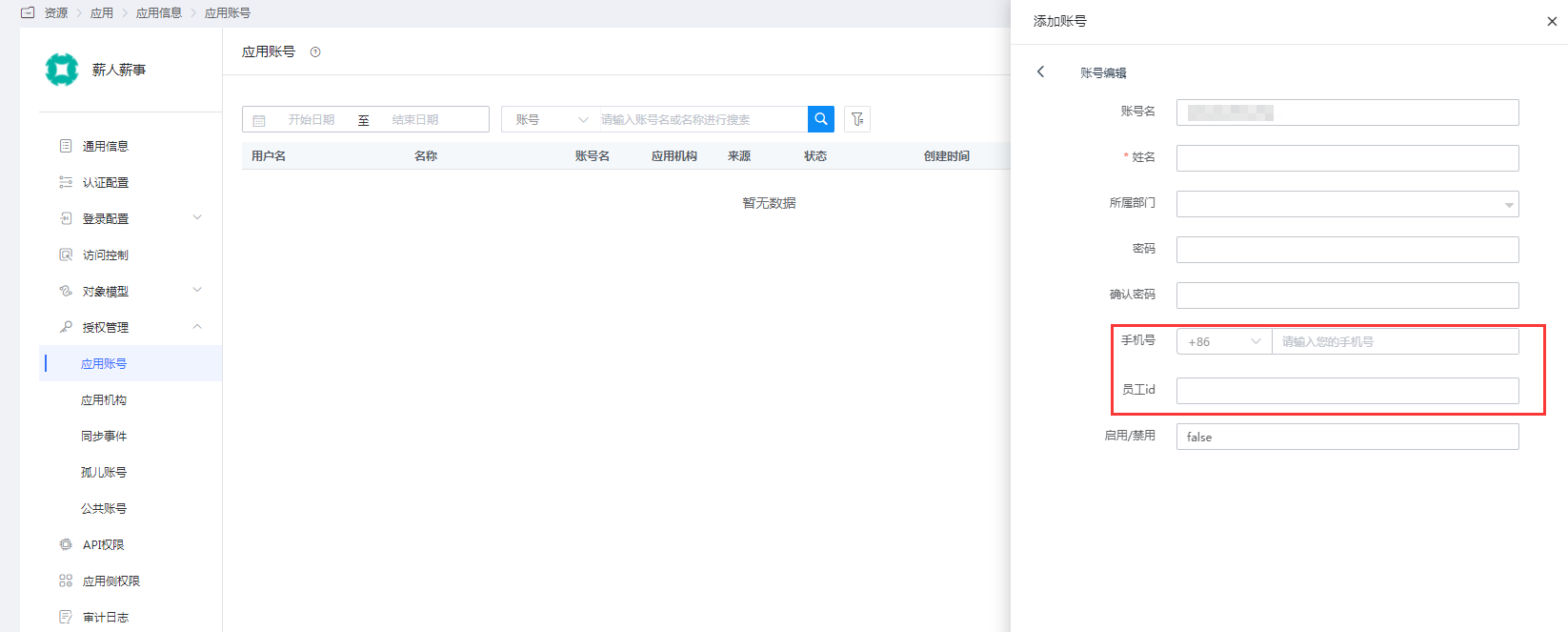
Enter the application details, Authorization Management > Application Account, and add an account.
TIP
The employee ID of the account should be filled with the employee ID in Xinrenxinshi, and the mobile phone number should be the employee mobile phone number in Xinrenxinshi. One of the two is required and cannot be empty at the same time.
Login Verification
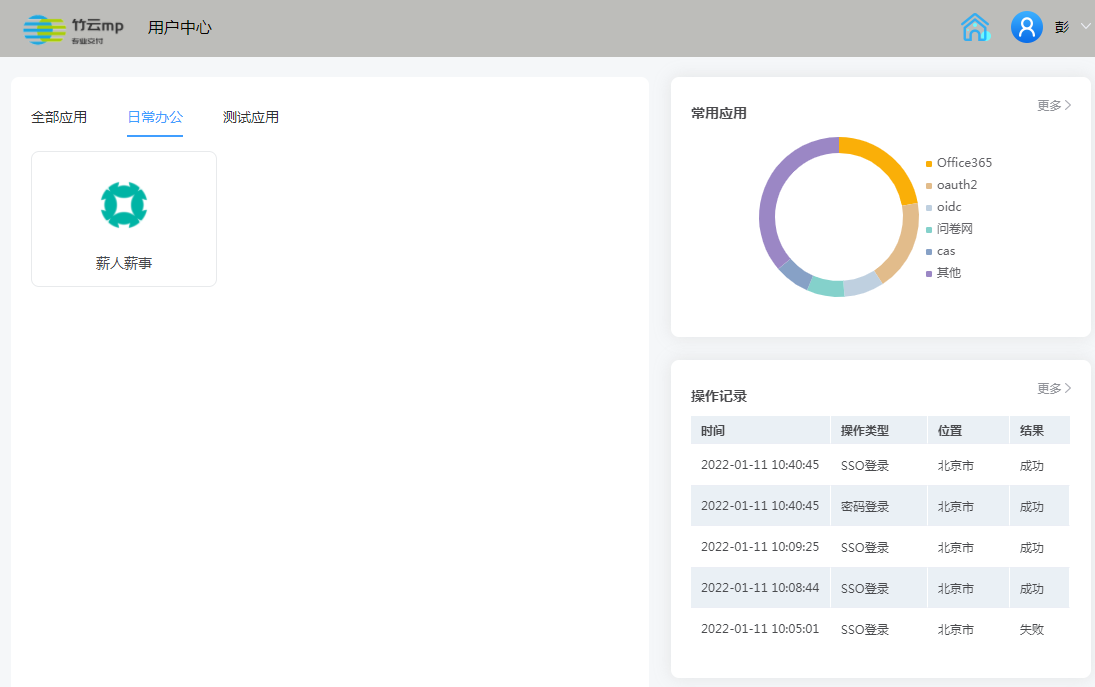
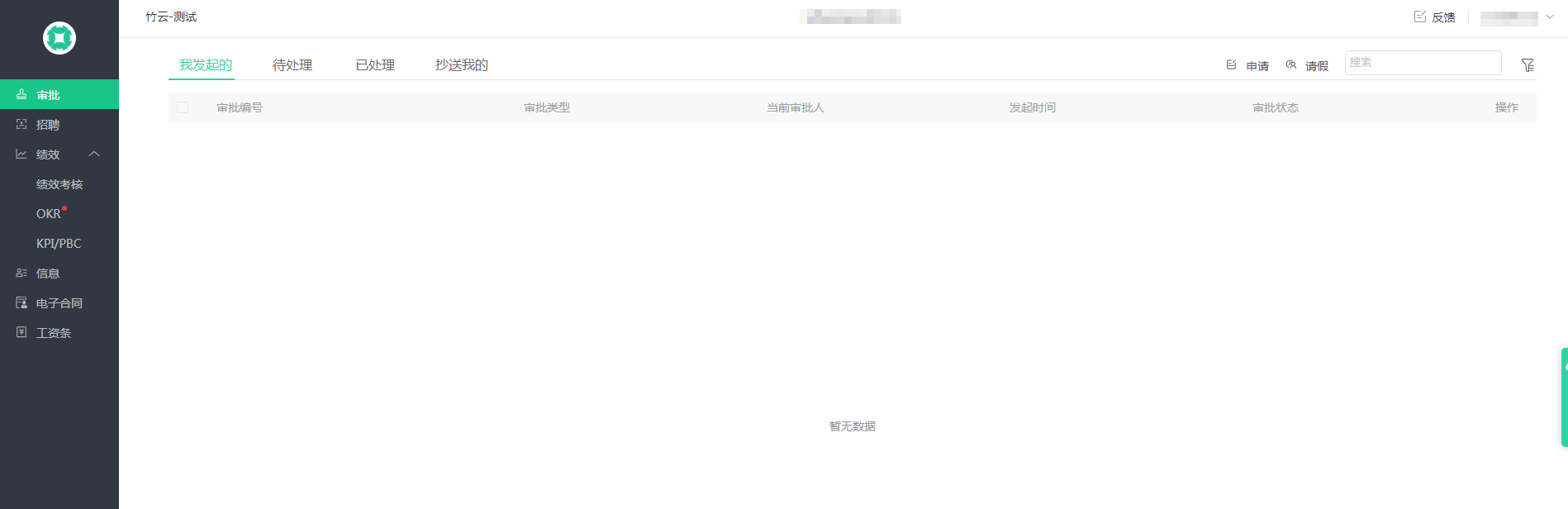
Authorized users log in to the BambooCloud IDaaS User Center and click the Xinrenxinshi logo to perform single sign-on.