
Kingdee Cloud Xinghan Data Synchronization
Overview
This article describes how to synchronize personnel data from BambooCloud IDaaS to Kingdee Cloud Xinghan, realizing data flow from BambooCloud IDaaS to Kingdee Cloud Xinghan.
BambooCloud IDaaS Configuration
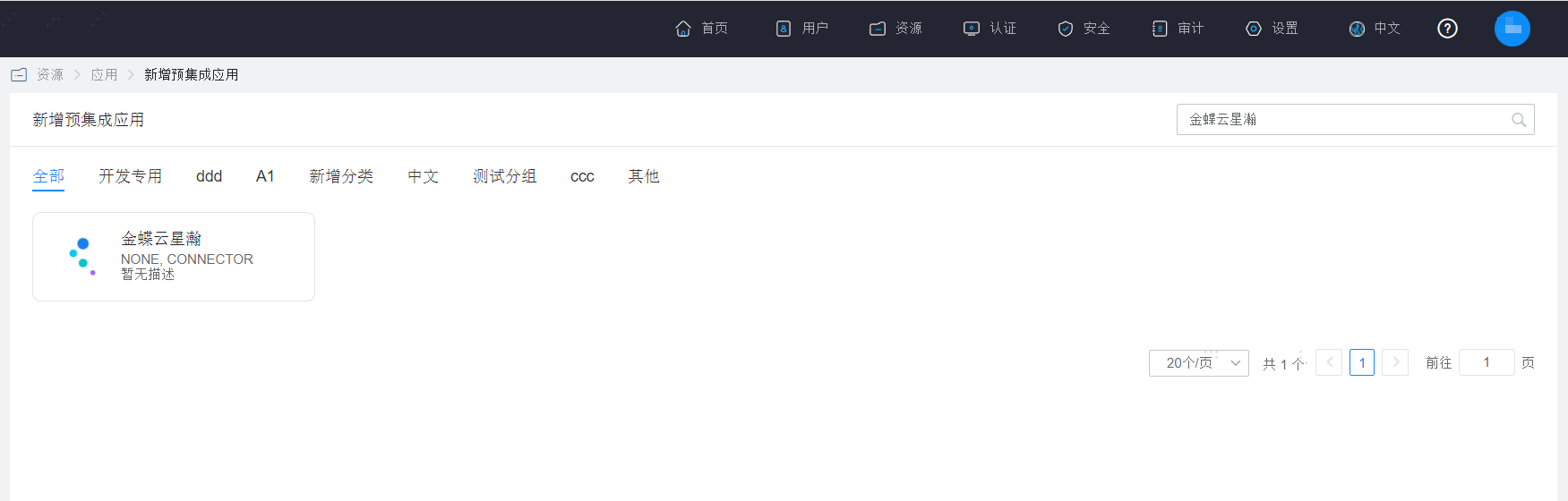
Add the pre-integrated application Kingdee Cloud Xinghan.
Configure synchronization parameters.
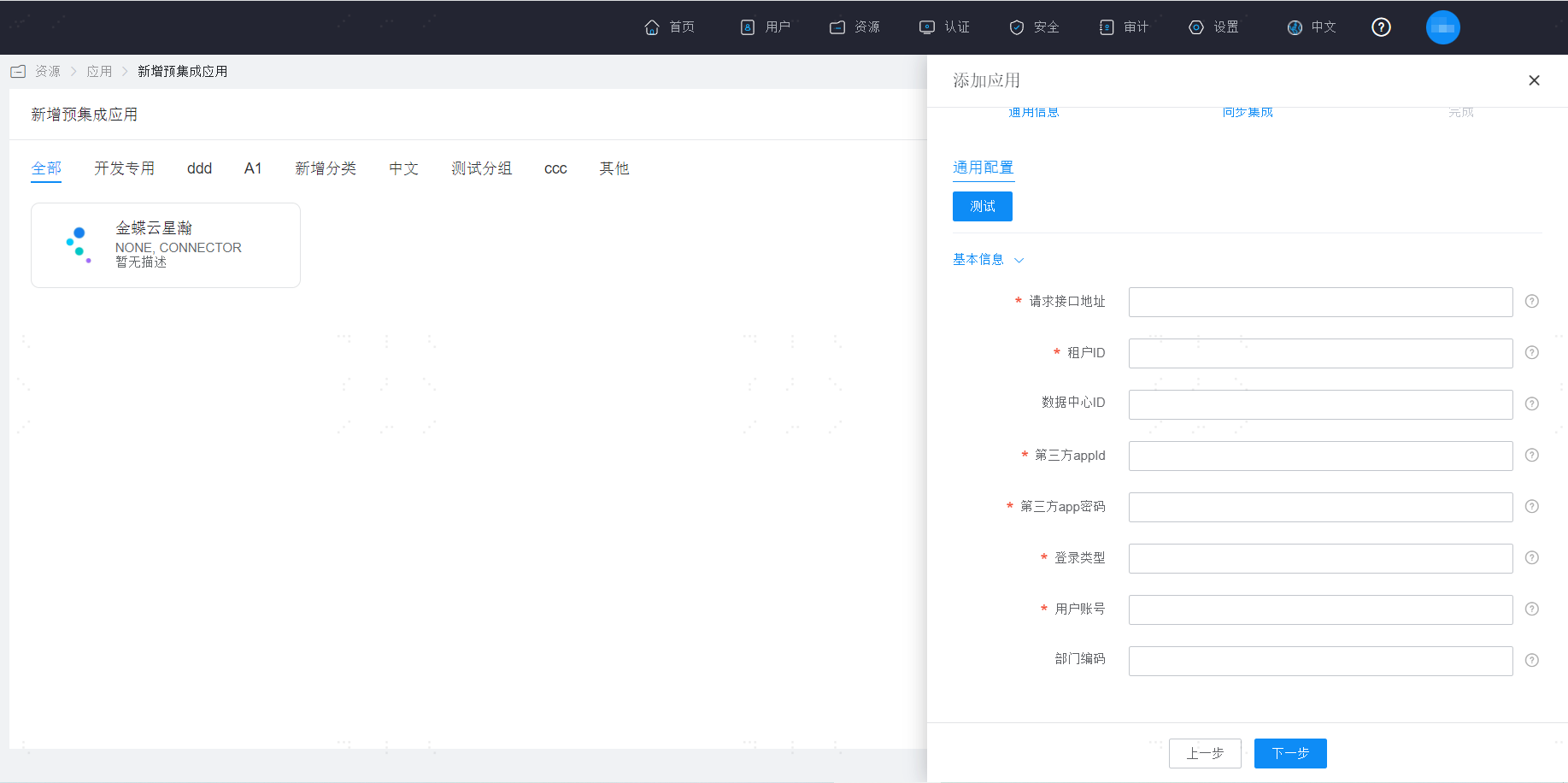
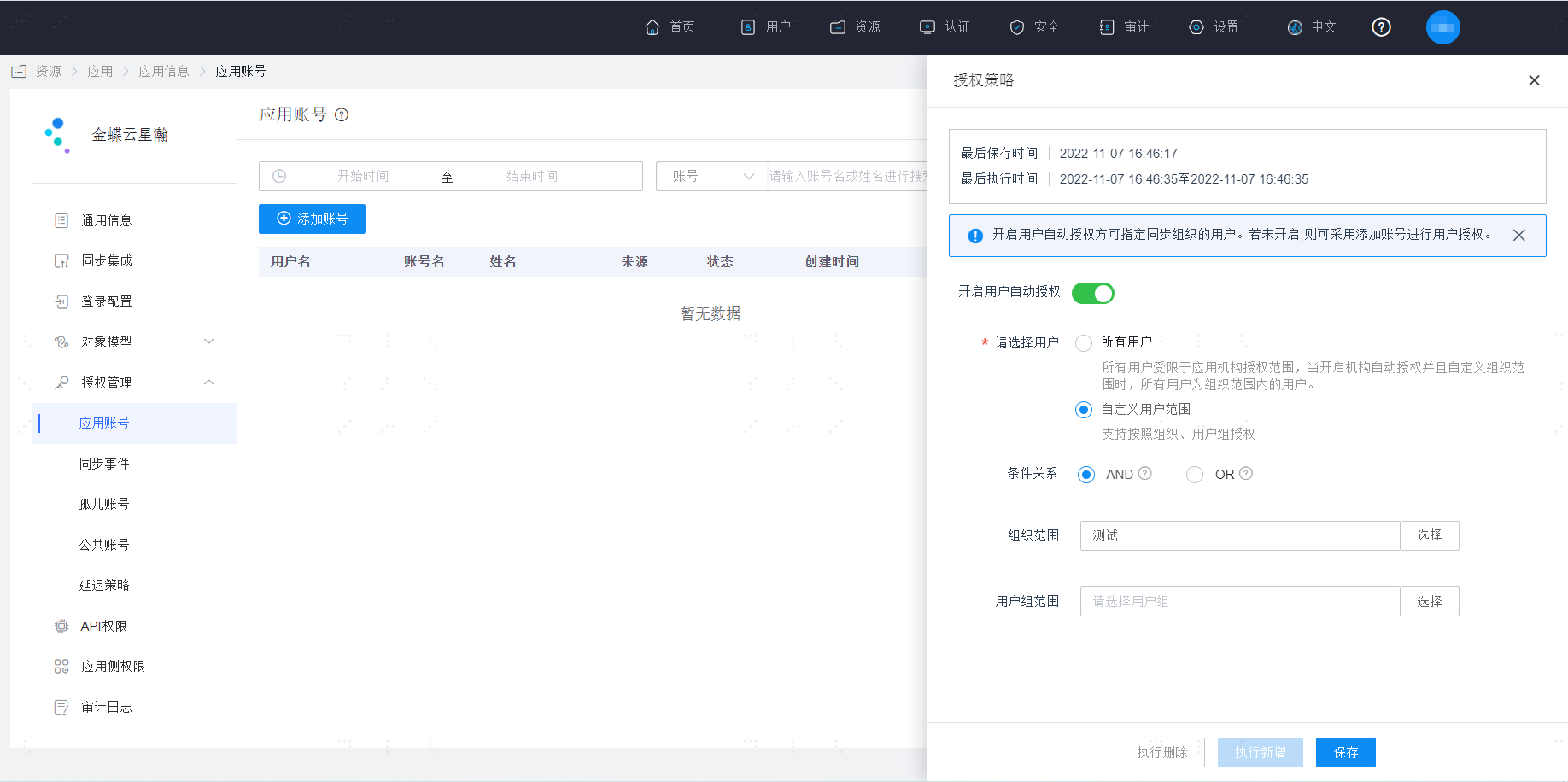
Parameter Description url Request interface address appId Third-party appId appSecuret Third-party app password accountId Data center ID. If not entered, the default data center under the tenant will be selected. user User account usertype Login type. Mobile: identified as mobile phone, default is mobile phone; Email: identified as email; UserName: identified as username. tenantid Tenant ID orgCode Department code, used to configure the code of the department to which the newly added account belongs. See the code of the corresponding organization under the administrative organization on the Kingdee Cloud Xinghan platform. Note: If the department code is configured here, the new user will be synchronized to the currently configured department, and the corresponding department position needs to be configured. If the department code is not configured here, it will be synchronized to the default unassigned department of the Kingdee Cloud Xinghan platform. Enter the application details, Application Account > Authorization Policy, enable automatic organization authorization, select the user scope, click the Save button, and then click Execute Add.
Enter the application details, Synchronization Events, to view synchronization events.
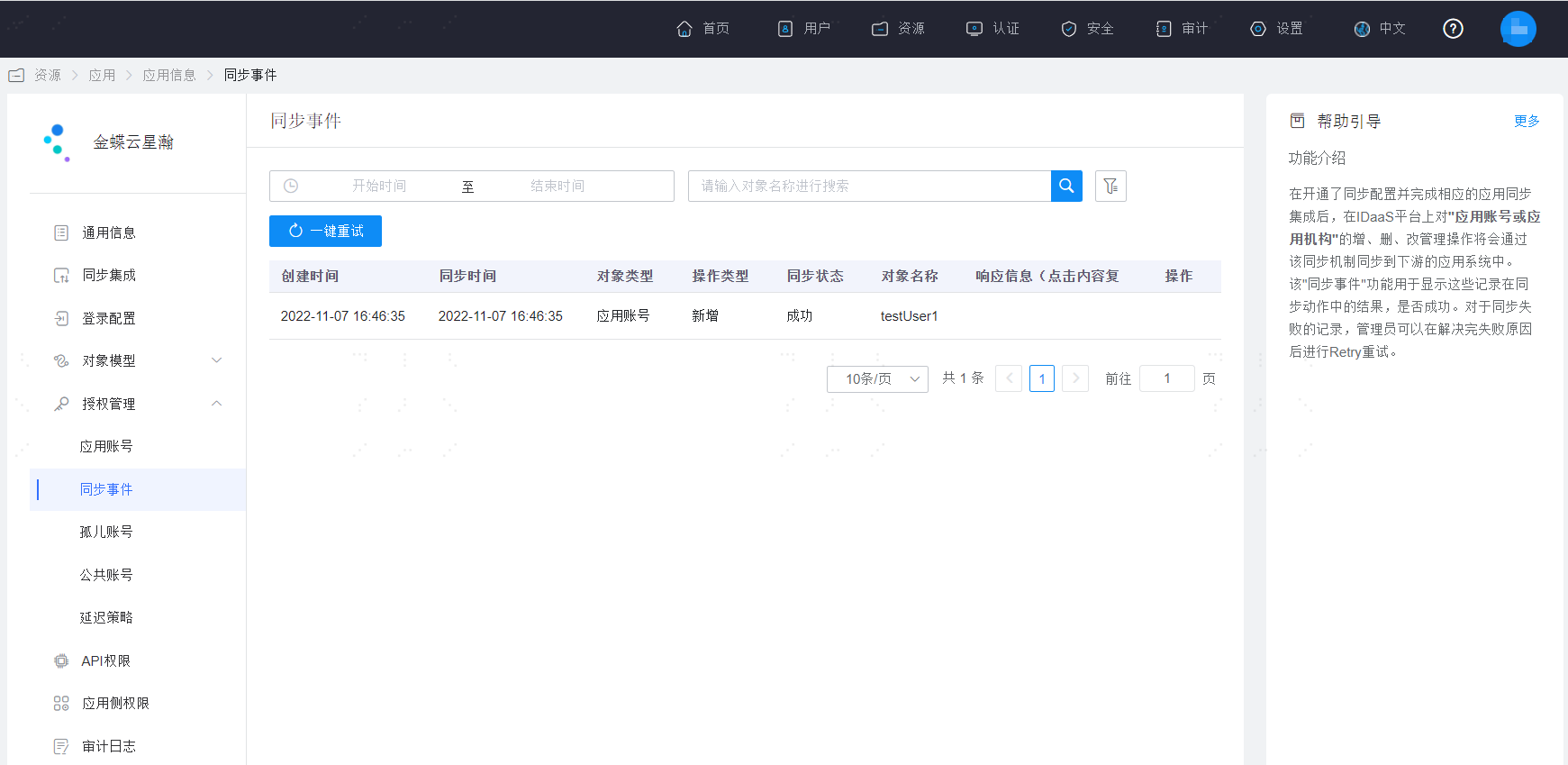
View Synchronization Results
Log in to the Kingdee Cloud Xinghan management backend and view the synchronized organizations and users.