WeCom Data Synchronization
Overview
This article describes how to synchronize organization and user data from BambooCloud IDaaS to WeCom, realizing data flow from BambooCloud IDaaS to WeCom. Note: Considering the security of the WeCom address book, on August 15, 2022, WeCom carried out a security upgrade for components such as the address book. Calling the address book interface requires verifying the trusted IP, and one trusted IP can only be used by different applications of one WeCom enterprise. Multiple customer WeCom trusted IPs cannot be configured with the same one, otherwise it will be considered a service provider. Announcement address
Prerequisites
- The user has WeCom enterprise administrator permissions.
- The administrator has access permissions to the BambooCloud IDaaS Enterprise Center.
Synchronization Configuration
WeCom Configuration
Log in to the WeCom Management Backend.
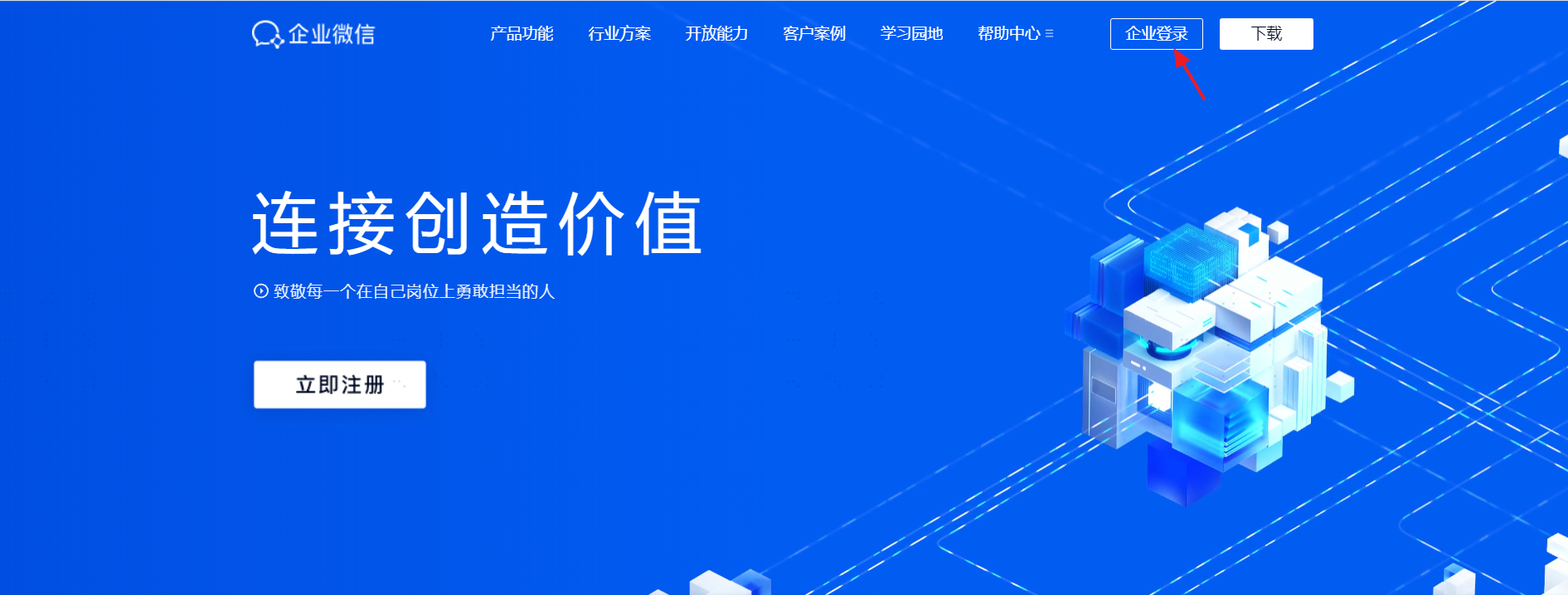
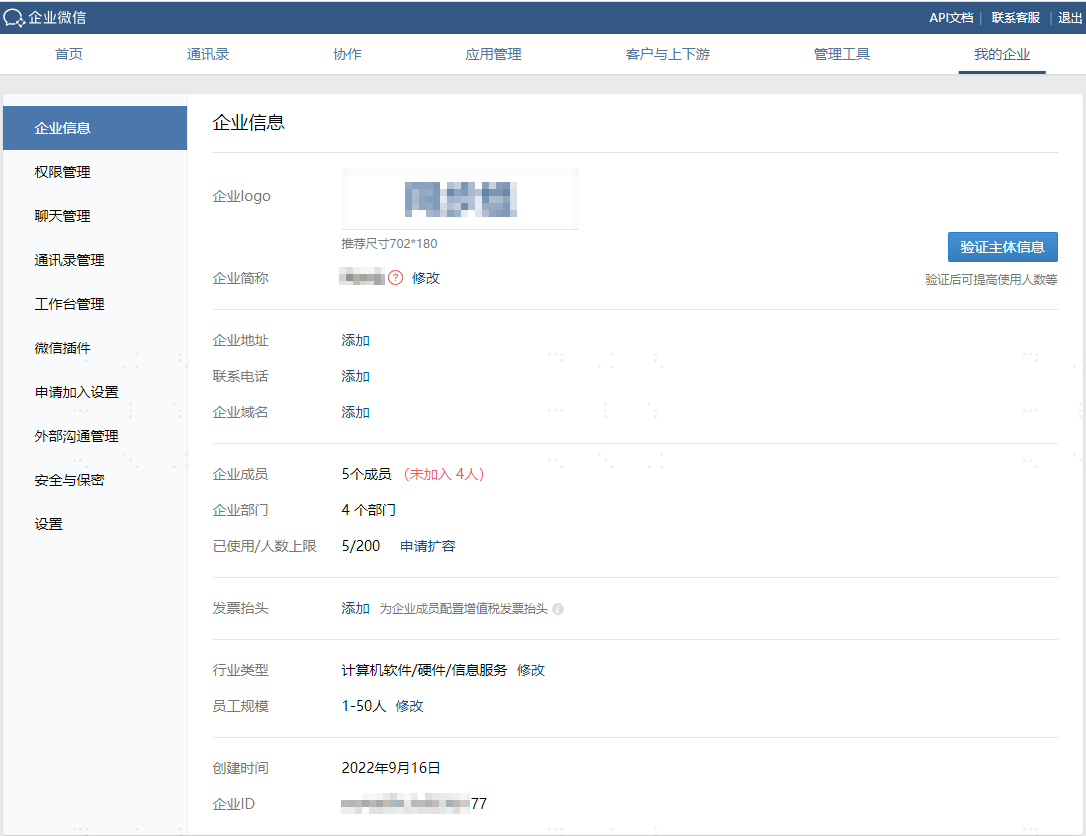
Obtain the WeCom enterprise ID and address book synchronization secret.
Go to My Enterprise to view the enterprise ID.
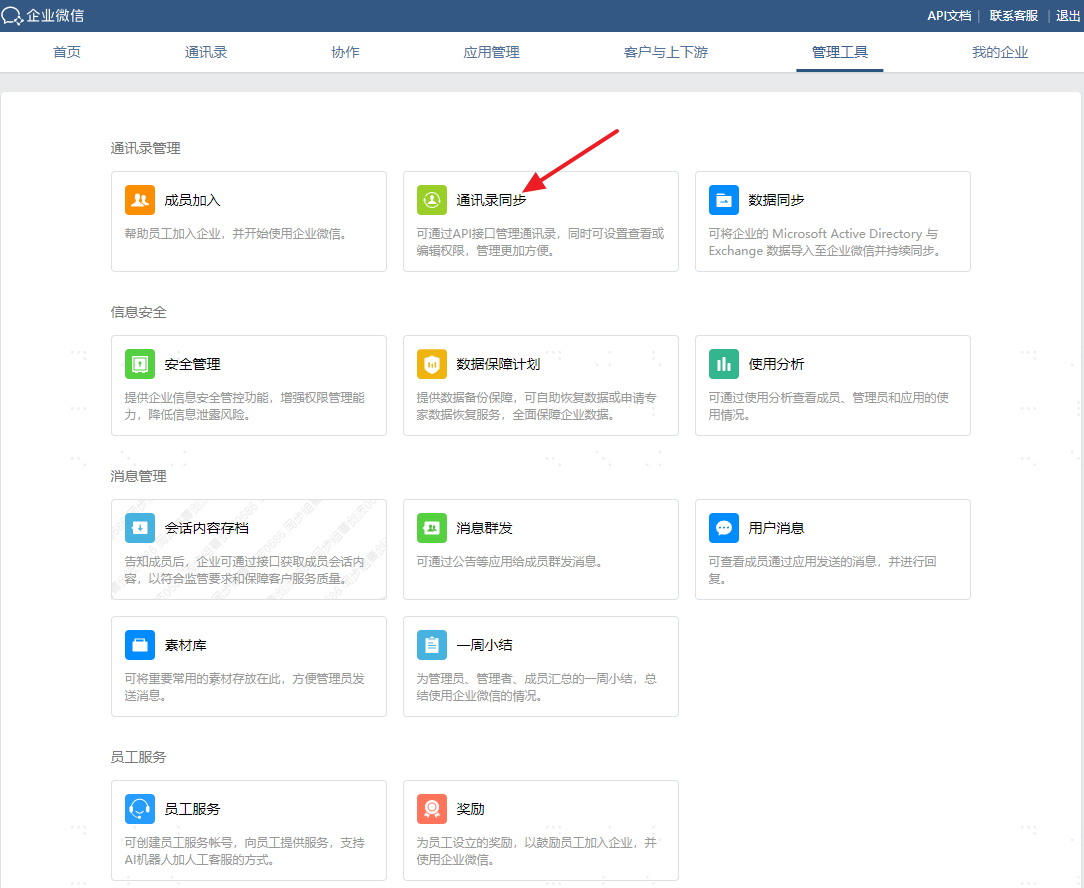
Go to Management Tools --> Address Book Synchronization --> Enable API interface synchronization, enable API edit address book permission, and view the Secret.
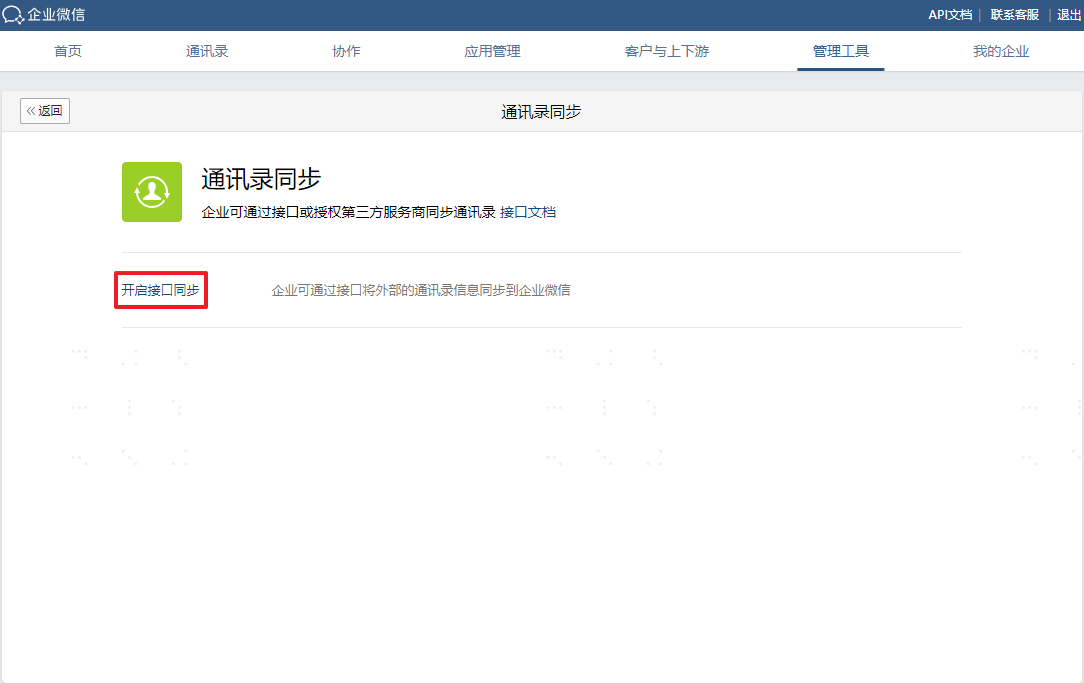
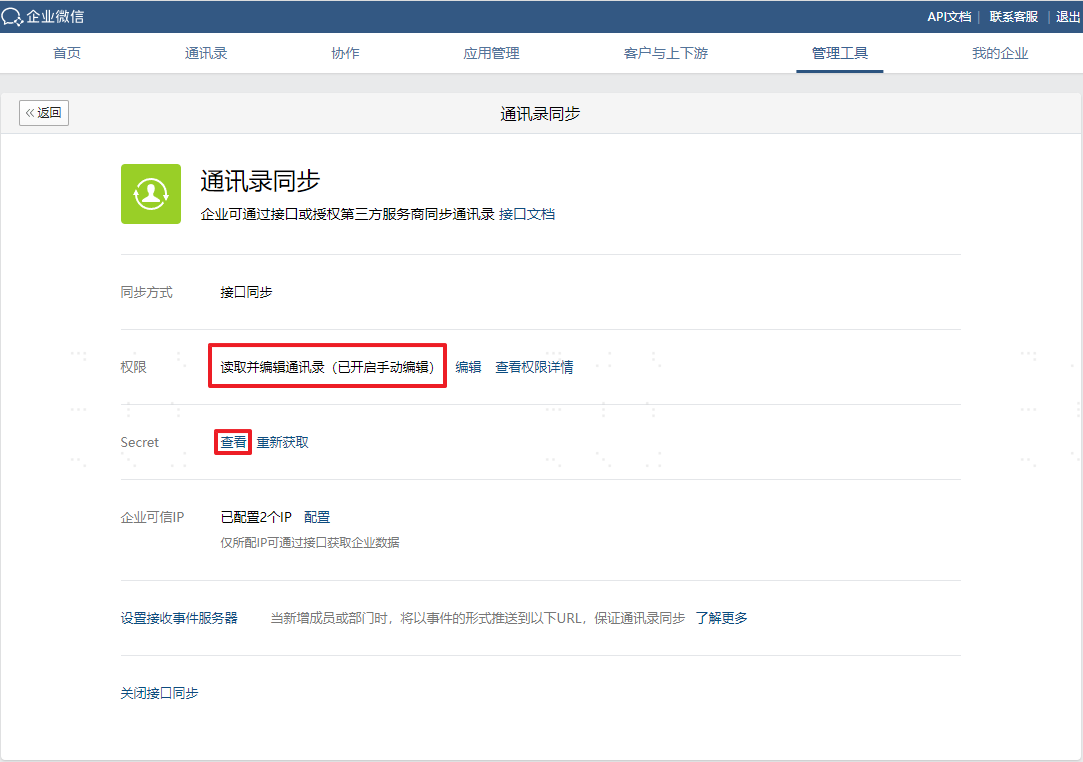
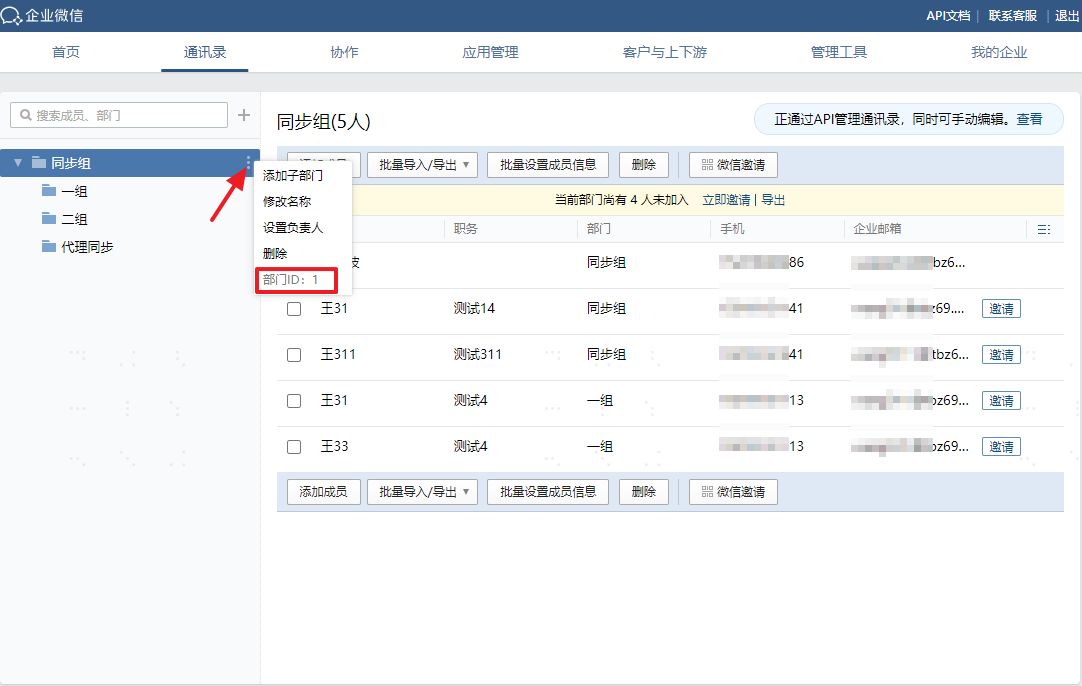
View the root department node ID.
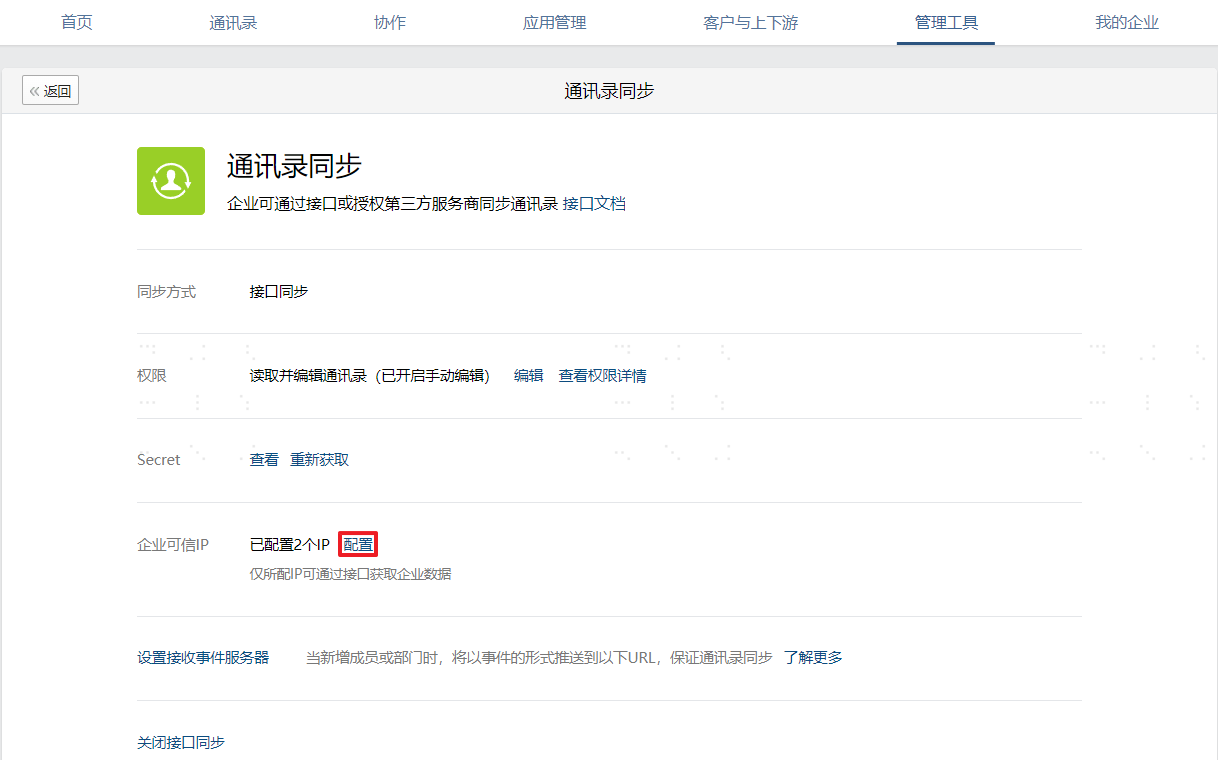
Configure the trusted IP address: This address is the egress IP address for synchronizing to WeCom.
BambooCloud IDaaS Configuration
Add the WeCom pre-integrated application.
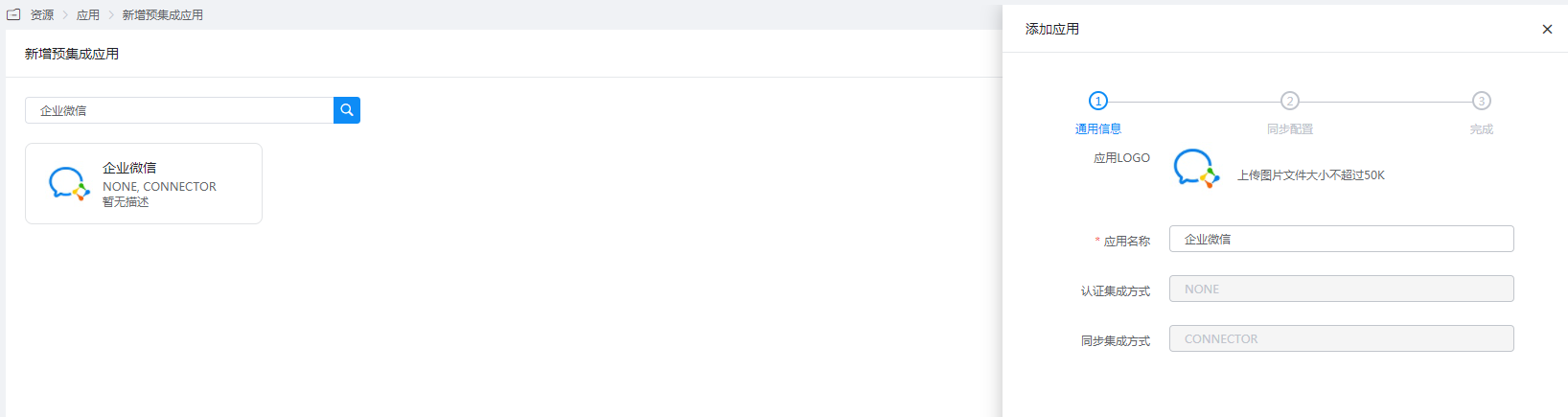
Configure application parameters:
- Enterprise ID: WeCom enterprise ID.
- Address Book Synchronization Secret: WeCom address book Secret.
- WeCom Root Department ID: Root department node ID.
- Default Organization for Accounts: Fill in the remote ID of the WeCom organization. After configuration, the created accounts will be mounted under this organization by default. At this time, even if the mapping definition configures the mapping of the account's affiliated department, it will not take effect, nor will it trigger the update of the account's affiliated organization attribute.
- Extended Attribute Configuration: Supports WeCom extended attributes.
- Proxy Server Address: The server address that proxies WeCom. Multiple addresses are separated by commas (HTTPS proxy is required), example:
domain1:port1,domain2:port2. - Proxy Login Username: The username required for proxy service authentication.
- Proxy Login Password: The password required for proxy service authentication.