Tencent Cloud Console Integration with BambooCloud IDaaS (Role-Based)
Overview
This article describes how to log in to the Tencent Cloud console through BambooCloud IDaaS (based on Tencent Cloud console roles).
Reference document: Accessing the Tencent Cloud Management Console with SAML 2.0 Federated Identity Users
Prerequisites
The administrator has a Tencent Cloud account.
The administrator has access permissions to the BambooCloud IDaaS Enterprise Center.
Operation Process

Authentication Configuration
Tencent Cloud System Configuration
Log in to the Tencent Cloud console as an administrator and create an identity provider.
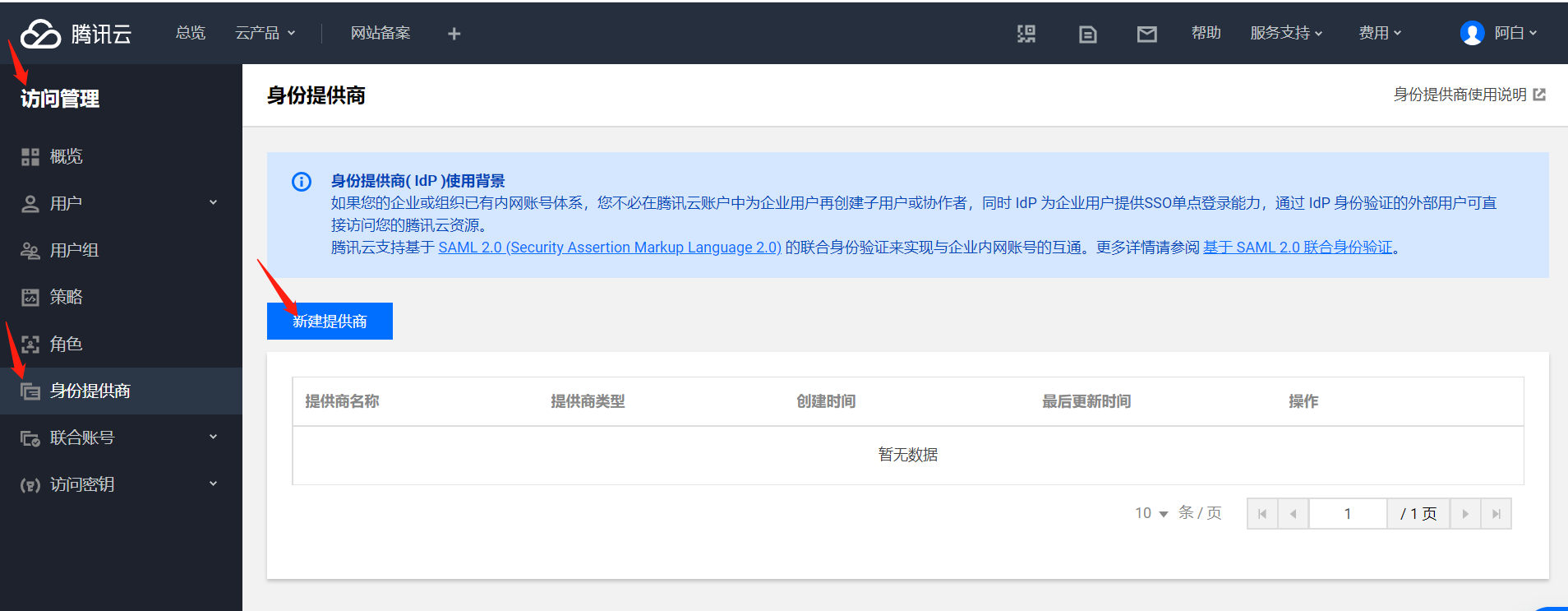
Fill in the provider name and import the IDaaS metadata XML file. To download BambooCloud IDaaS IDP metadata, visit
https://{your_domain}/api/v1/saml2/idp/metadata.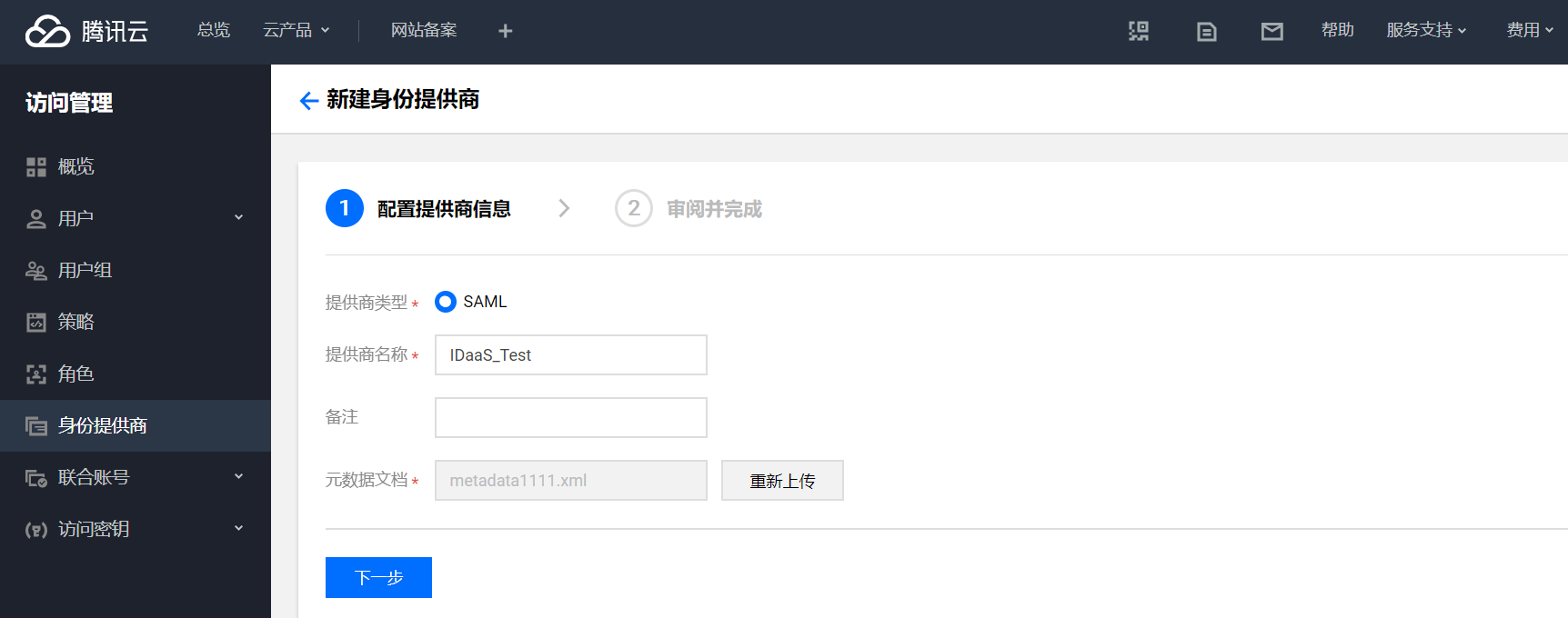
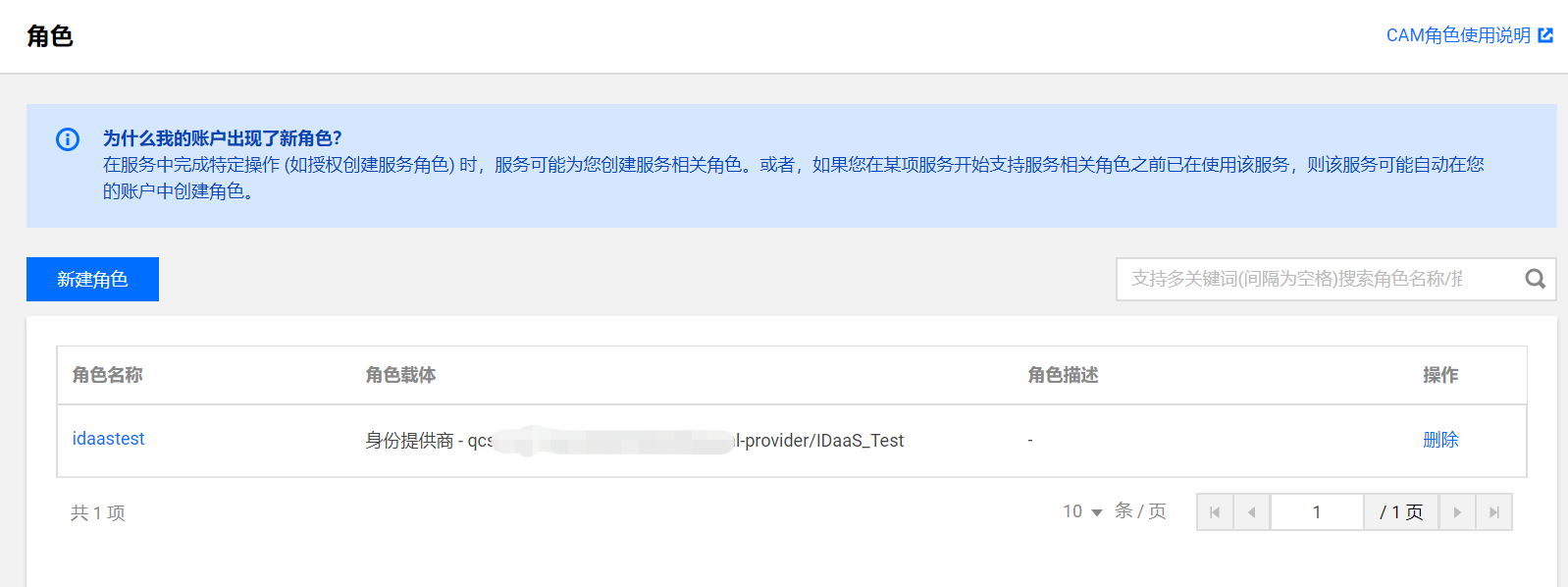
Create a new role.
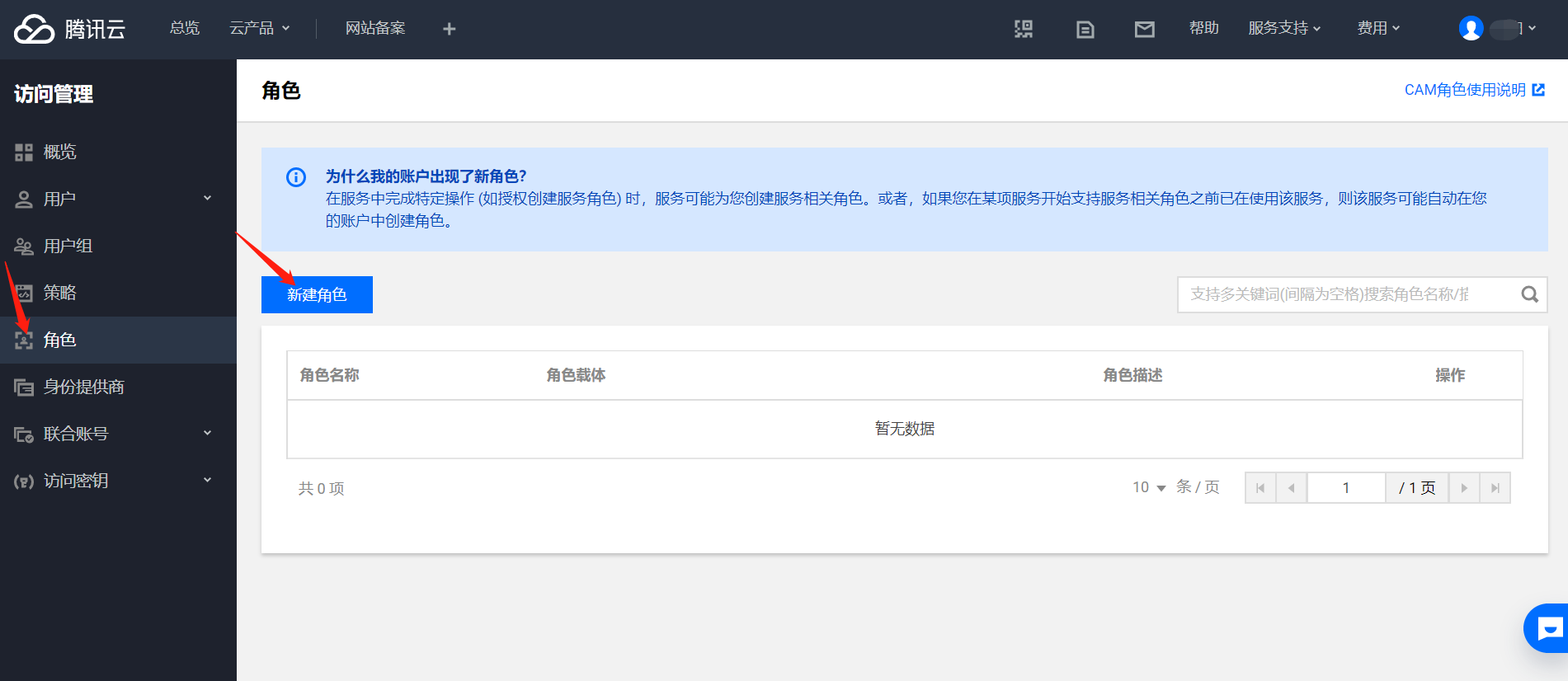
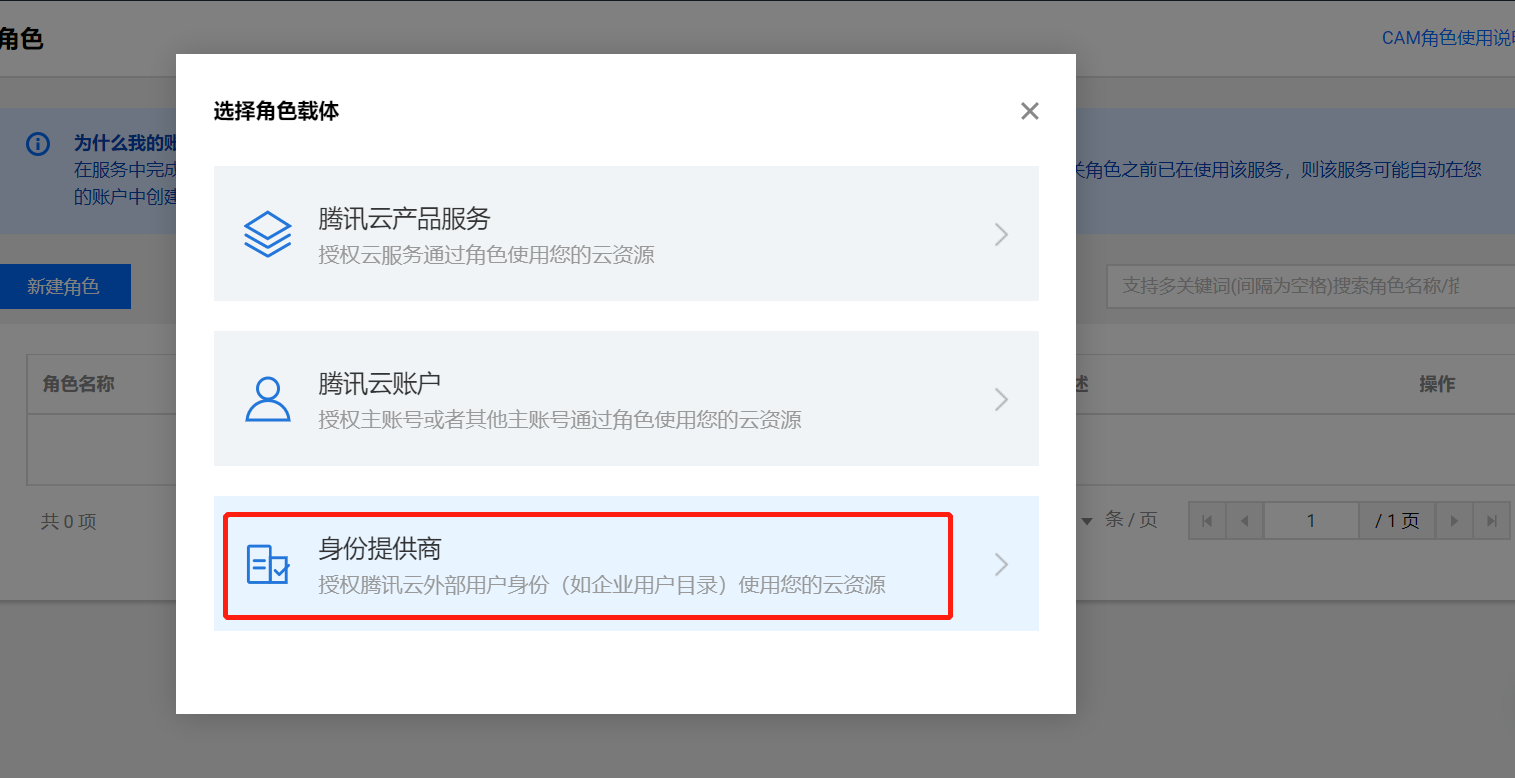
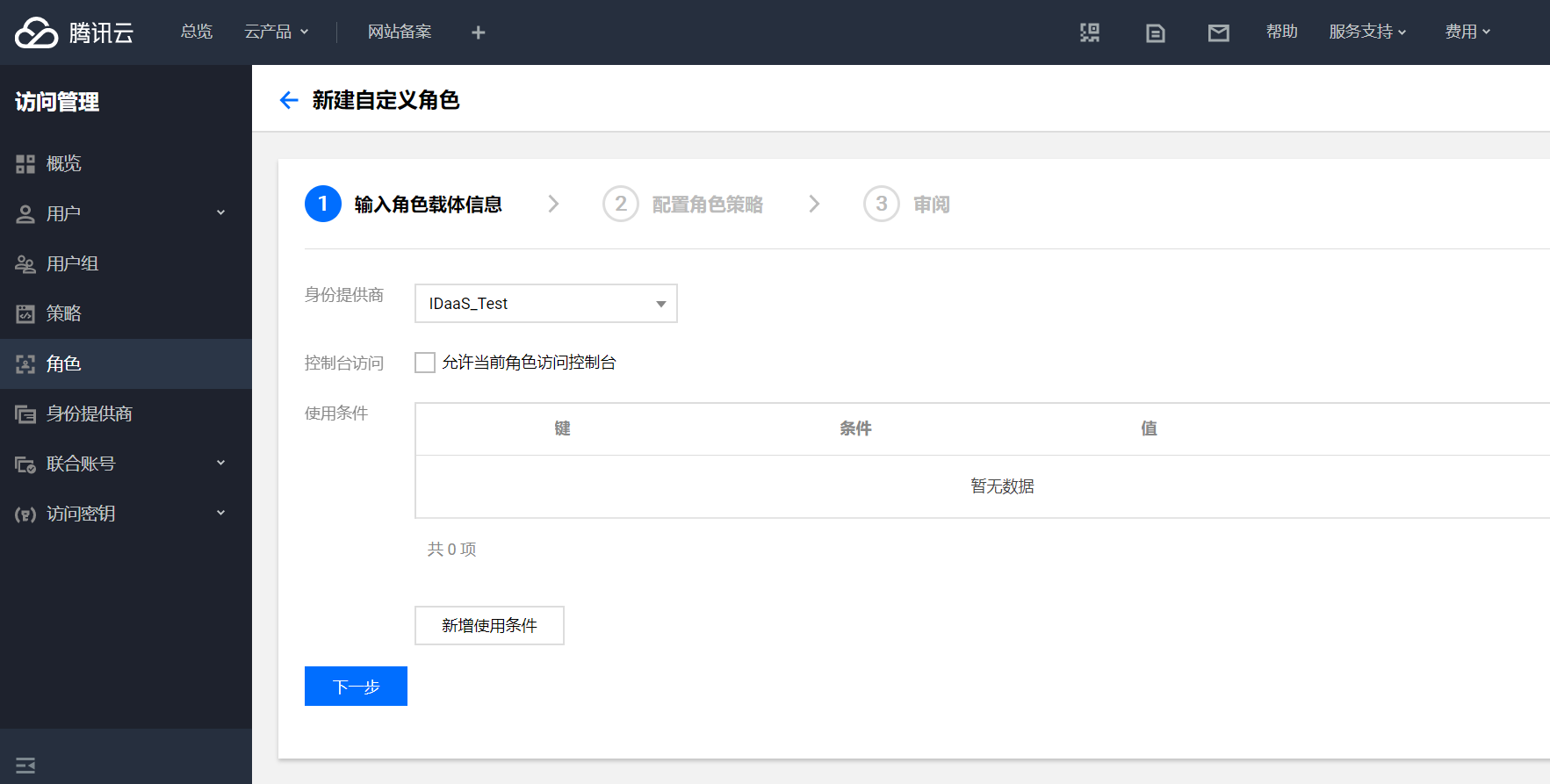
Fill in the identity provider and check Allow Access to Console.
BambooCloud IDaaS Configuration
Log in to the BambooCloud IDaaS Enterprise Center. Go to Resources --> Applications --> Pre-integrated Applications --> Search for Tencent Cloud.
Configure authentication parameters according to the Tencent metadata.
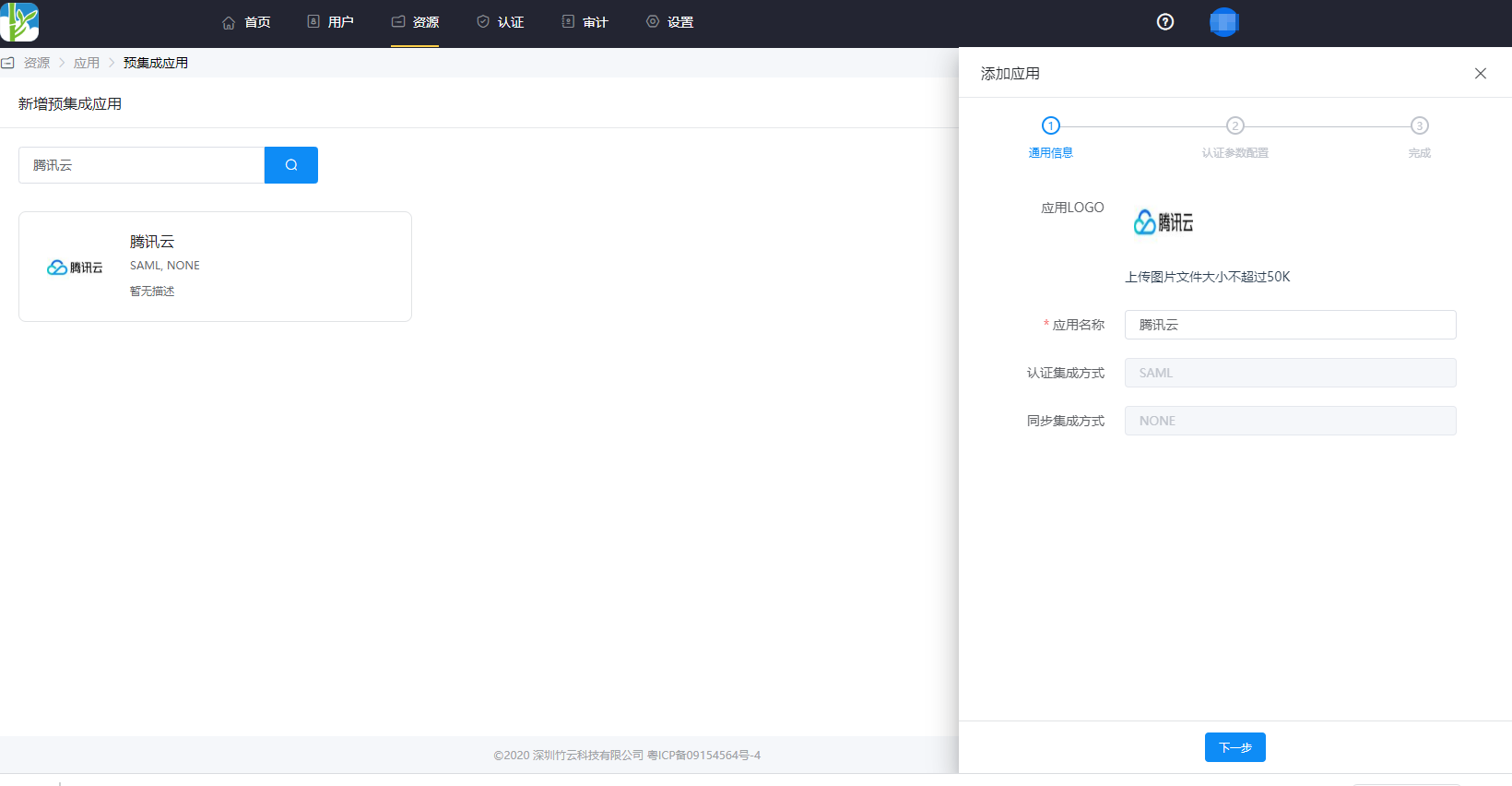
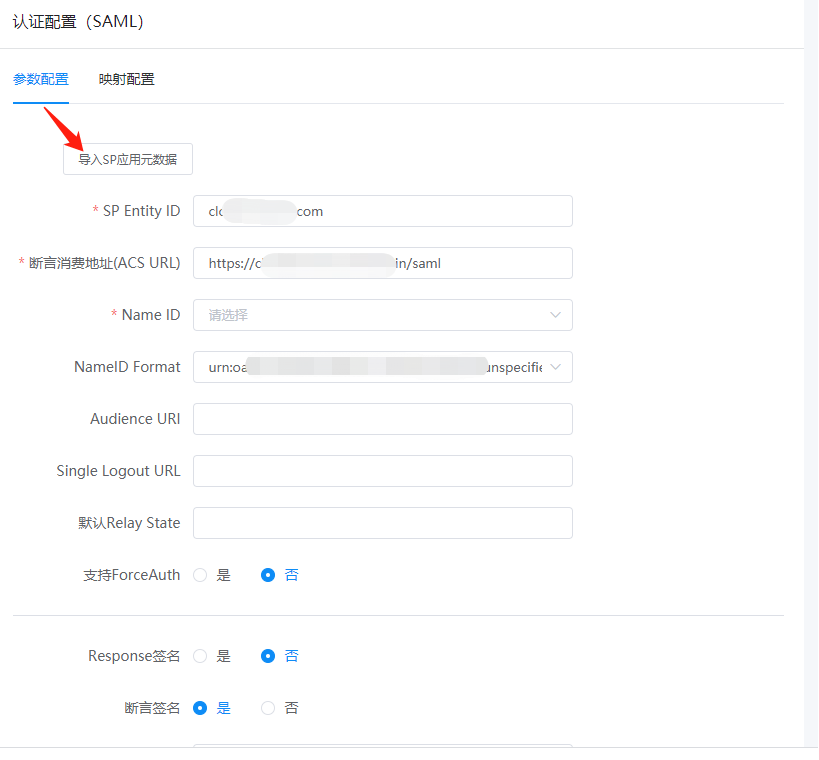
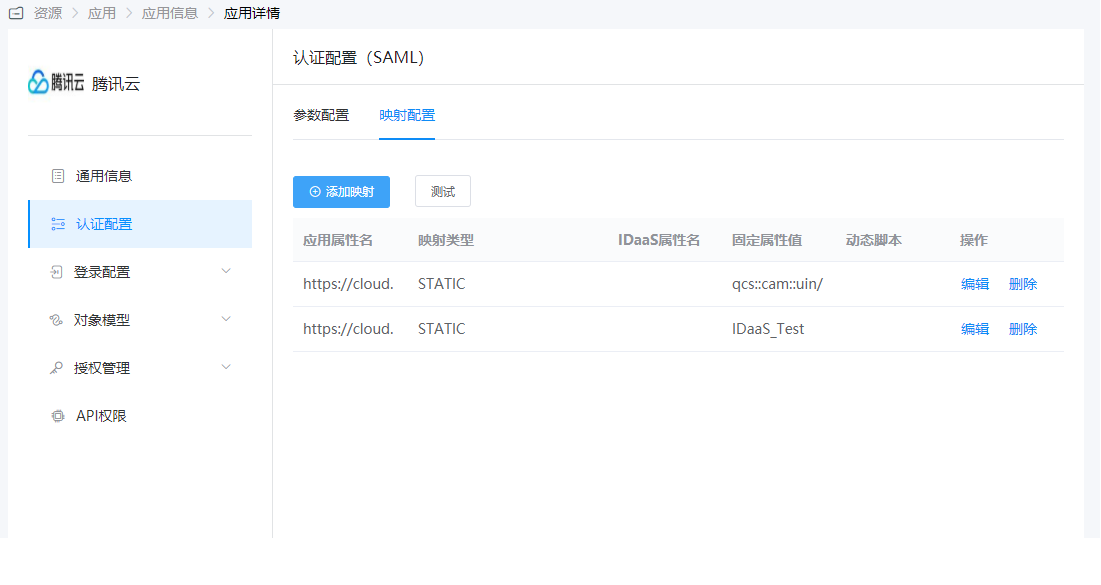
Configure attribute mapping.
Attribute element with value
https://cloud.tencent.com/SAML/Attributes/Roleqcs::cam::uin/{AccountID}:roleName/{RoleName1},qcs::cam::uin/{AccountID}:saml-provider/{ProviderName1}
Attribute element with value
https://cloud.tencent.com/SAML/Attributes/RoleSessionName- This element is required and can only have one. It is customized by the user, with a length not exceeding 32 characters.
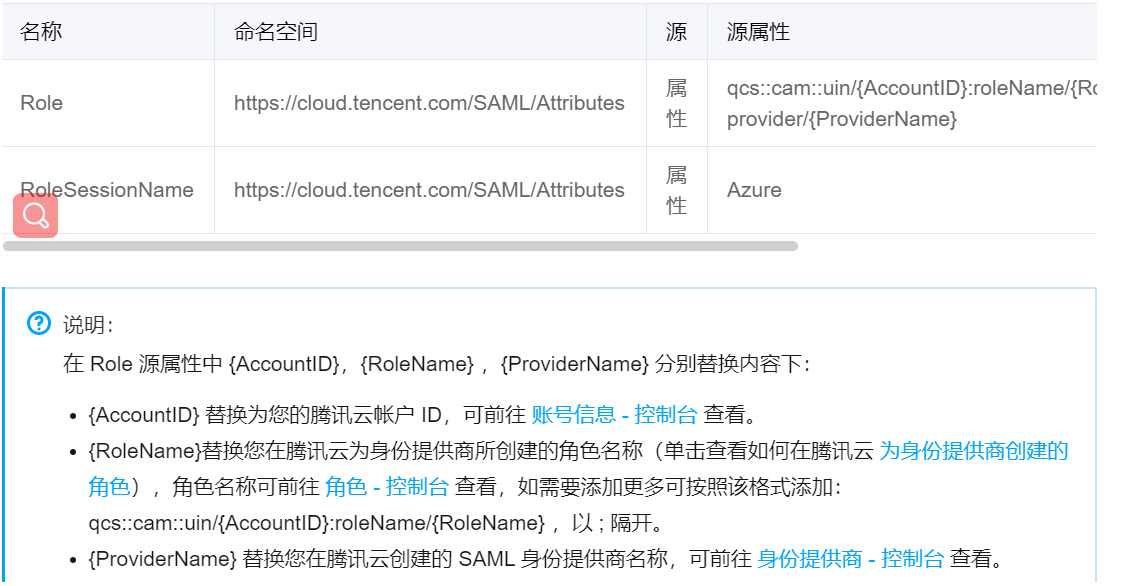
- This element is required and can only have one. It is customized by the user, with a length not exceeding 32 characters.
Switch to Authorization Management > Application Account to add an account and complete user authorization.
Login Verification
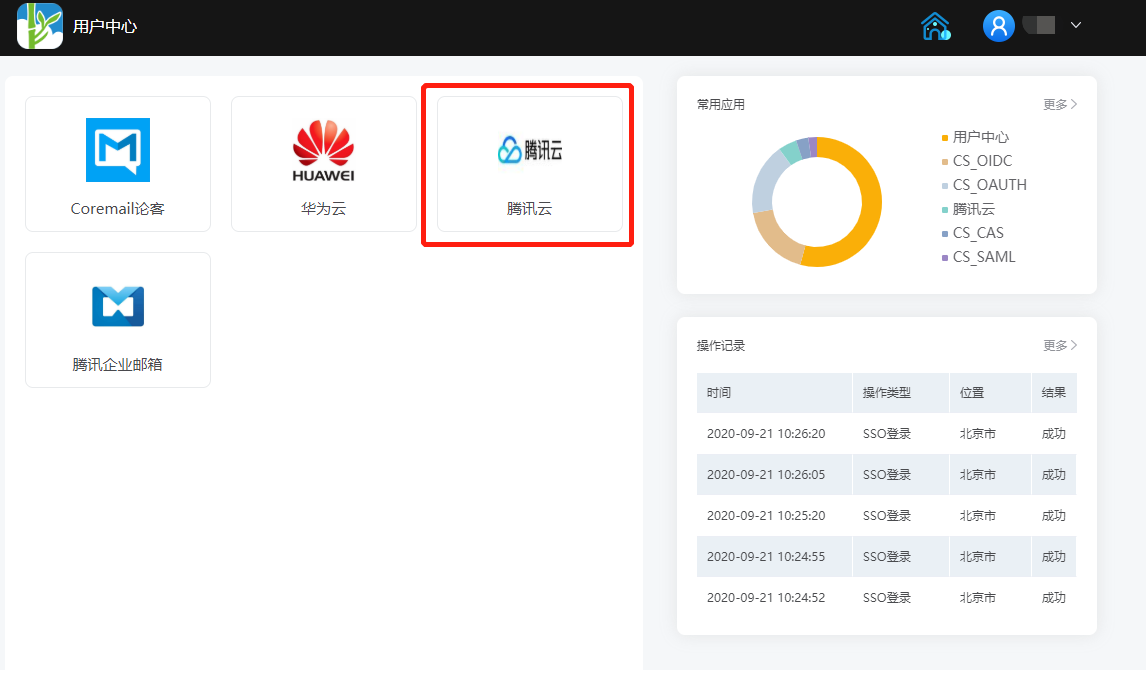
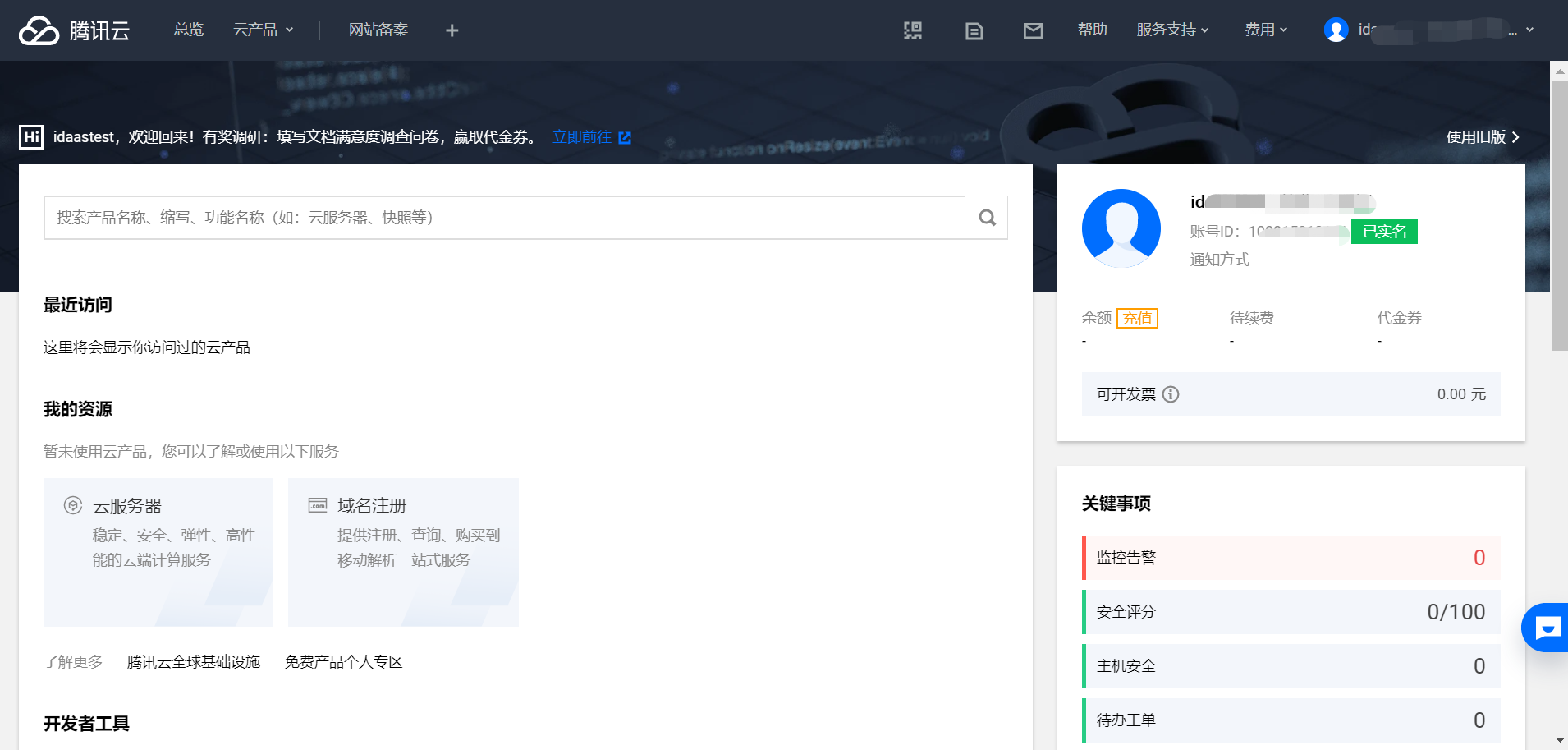
Authorized users log in to the BambooCloud IDaaS User Center and single sign-on to the Tencent Cloud system: