Teambition Data Synchronization
Overview
This article describes how to implement data synchronization between BambooCloud IDaaS and the Teambition system, so that when users are disabled or deleted on the BambooCloud IDaaS platform, the corresponding account information in the Teambition system is also synchronized and deleted.
Synchronization Configuration
Teambition System Configuration
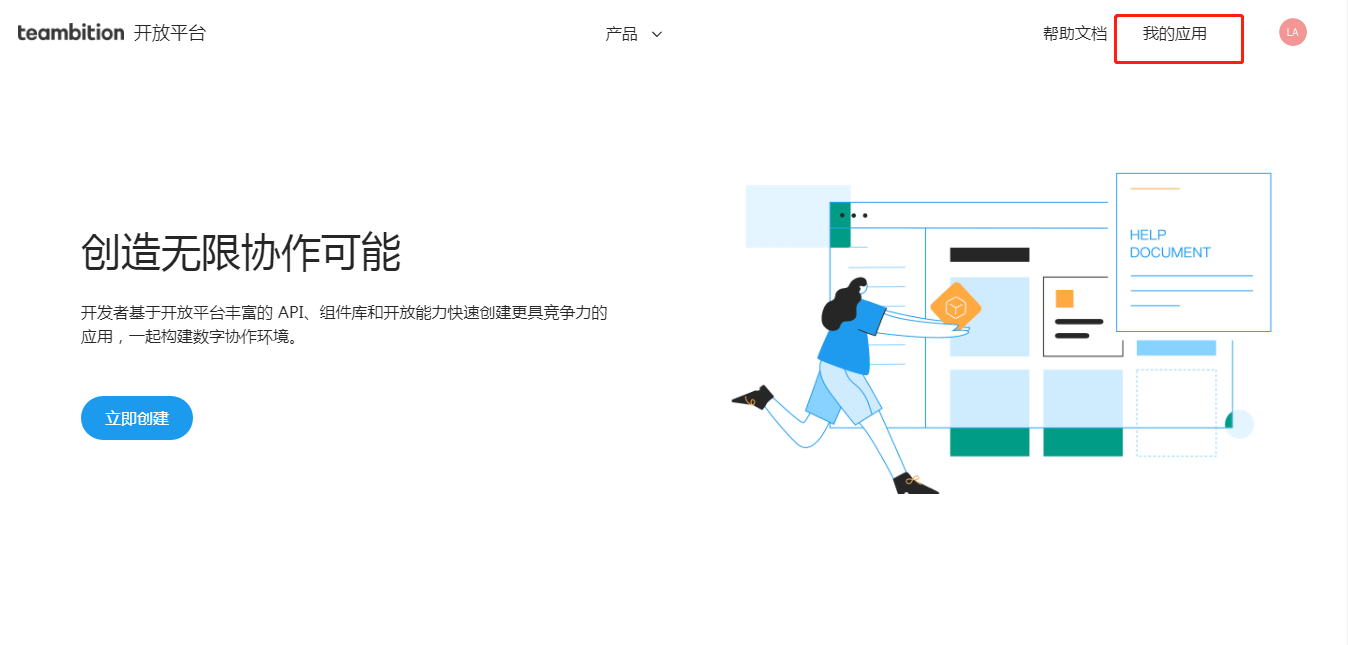
Log in to the Teambition Open Platform (https://open.teambition.com) --> My Applications.
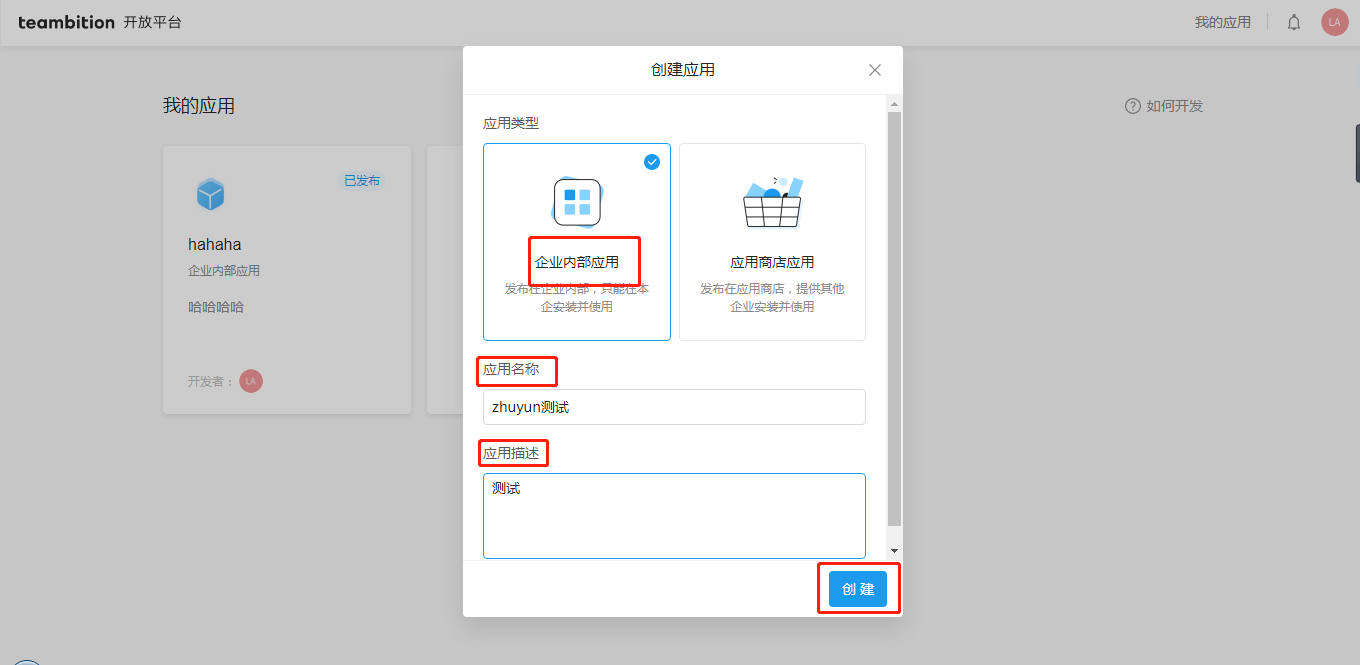
Create an enterprise internal application. Fill in the application name and description, and click Create to create the application.
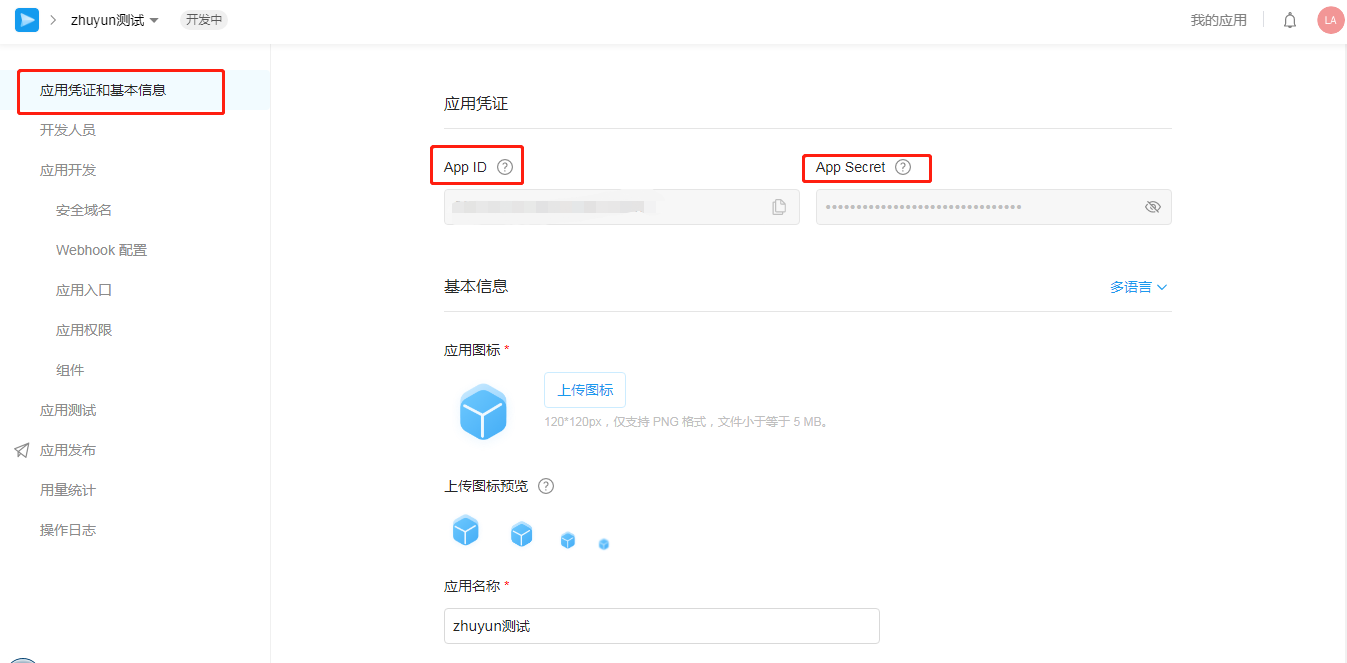
Obtain the application APP ID and APP Secret (used for subsequent interaction with BambooCloud IDaaS, please keep them safe).
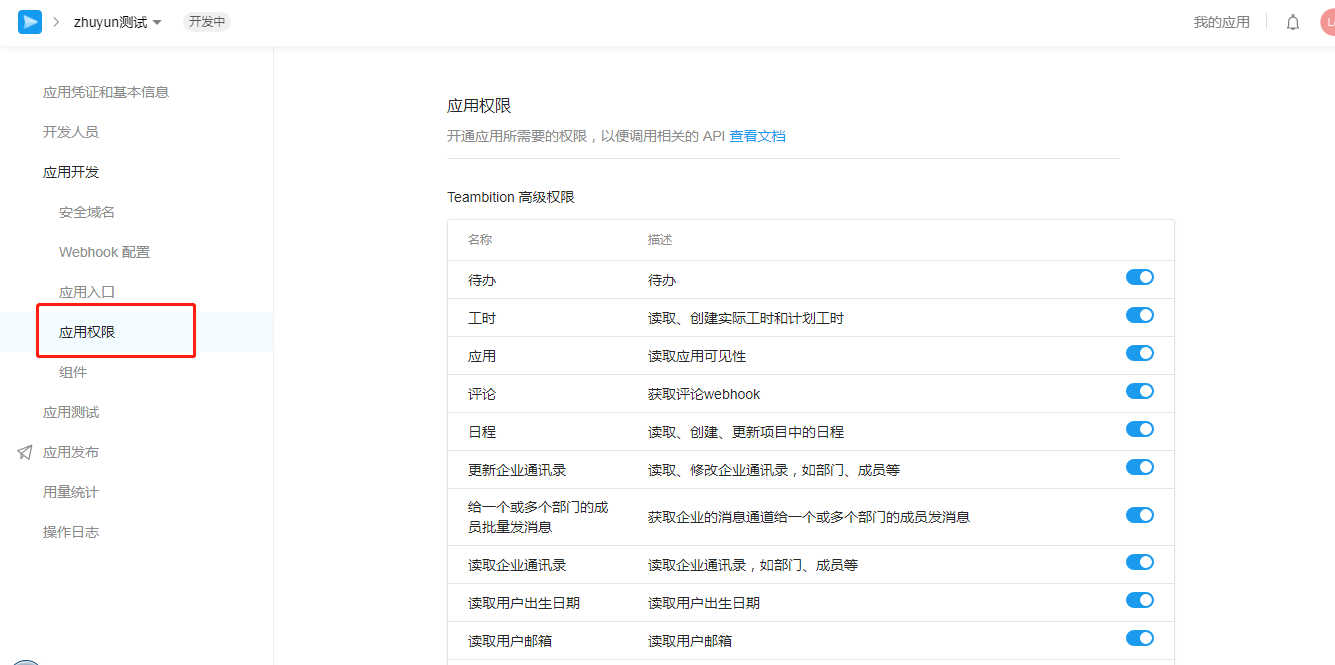
Apply for application address book interface permissions, and enable the required permissions according to enterprise requirements.
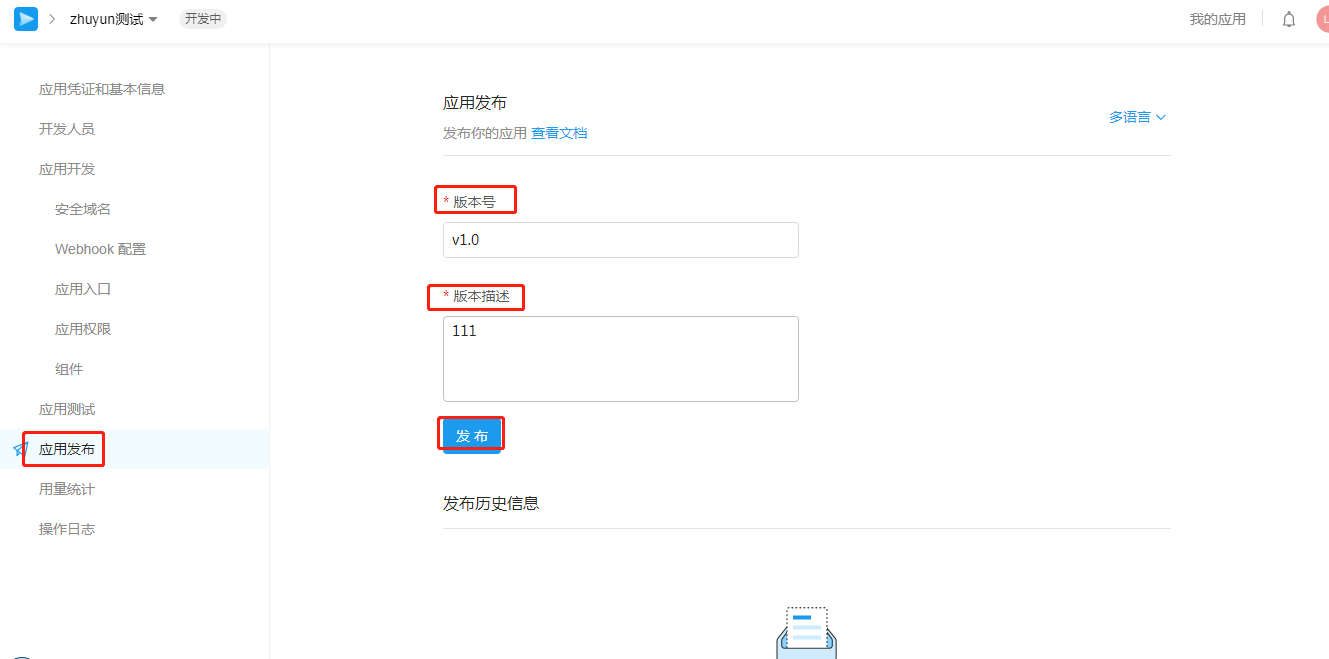
Fill in the relevant information and publish.
BambooCloud IDaaS Configuration
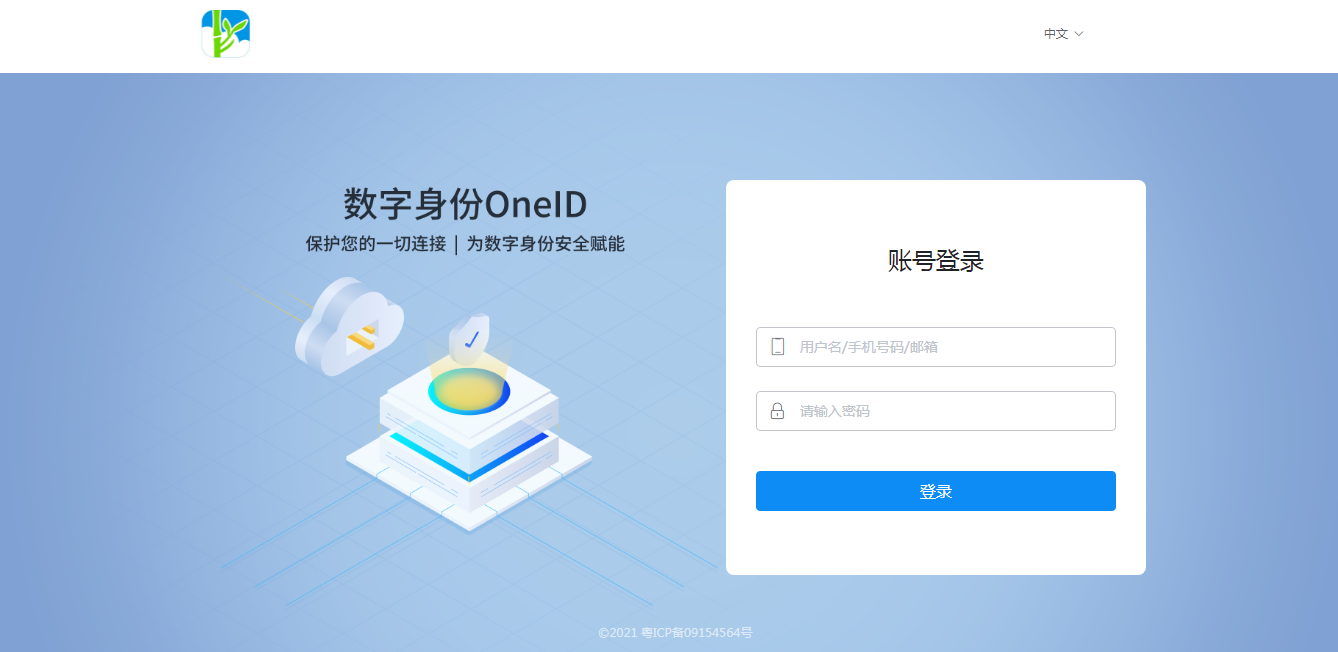
Log in to the BambooCloud IDaaS Enterprise Center (https://xxx.bccastle.com/admin, where xxx is your enterprise domain name).
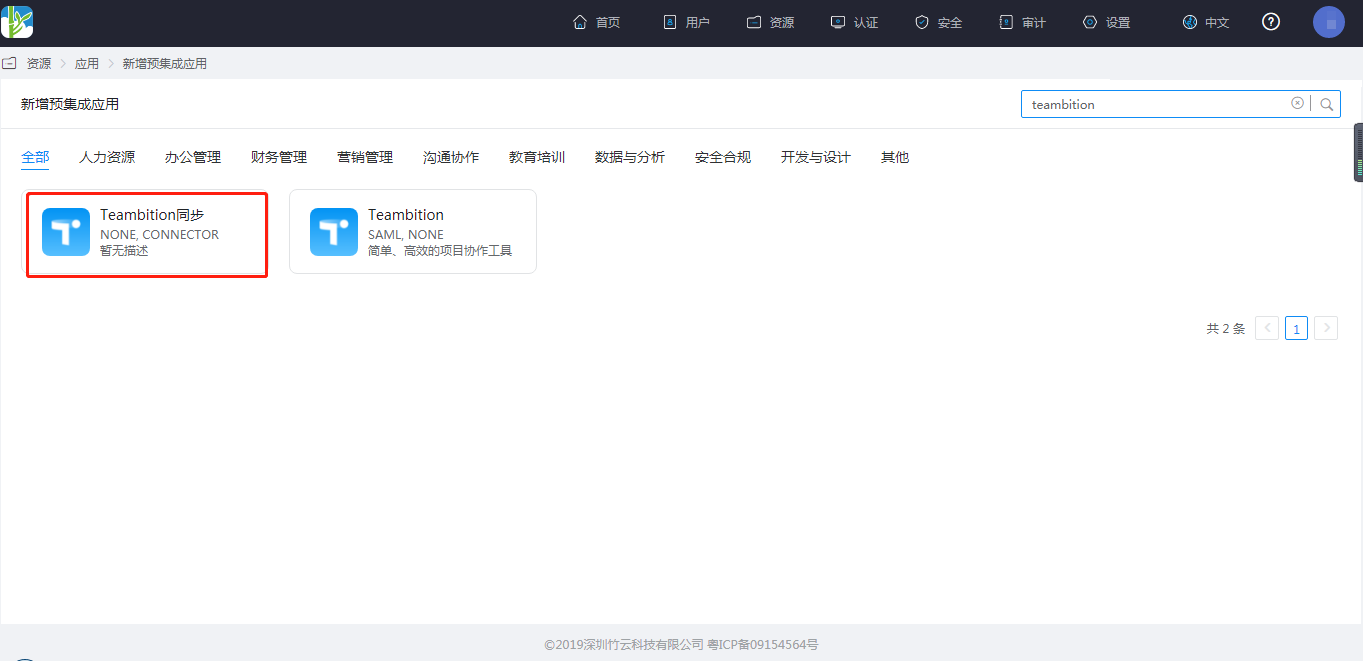
Add the pre-integrated application.
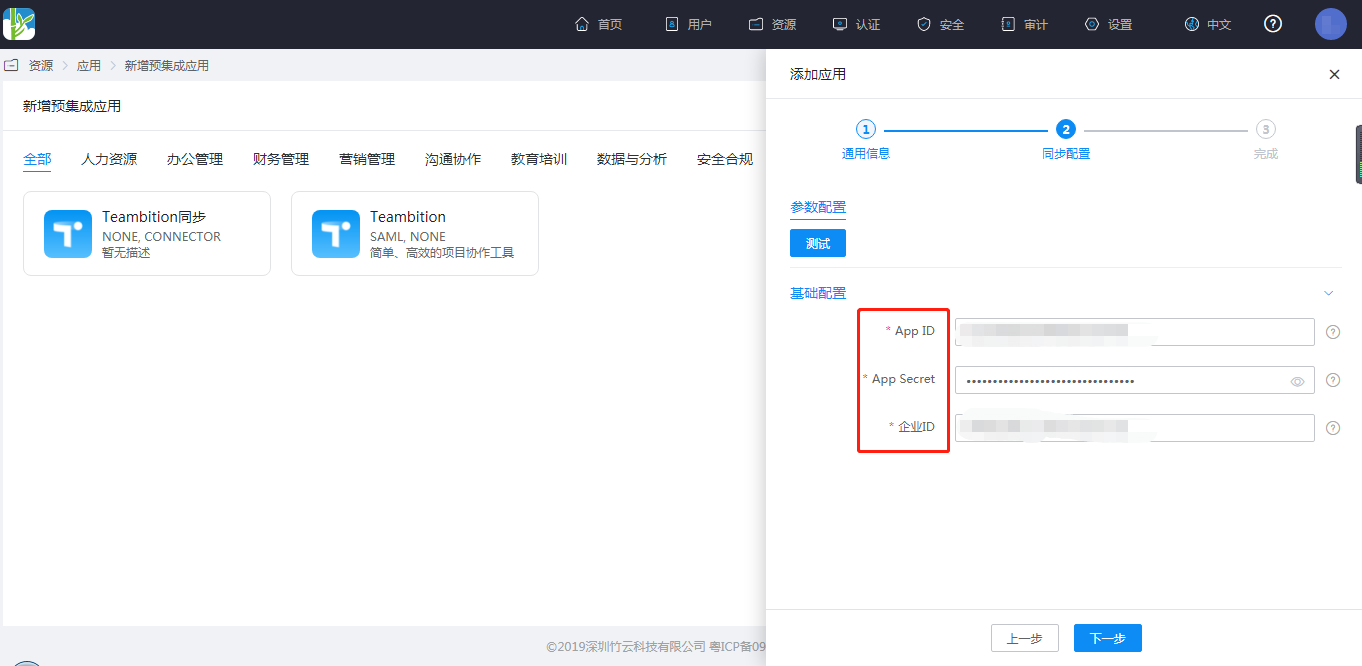
Configure application parameters.
- APP ID: The APP ID obtained when creating the application in the Teambition Open Platform
- APP Secret: The APP secret obtained when creating the application in the Teambition Open Platform
- Enterprise ID: The enterprise administrator or owner can view the "Enterprise ID" in the management backend
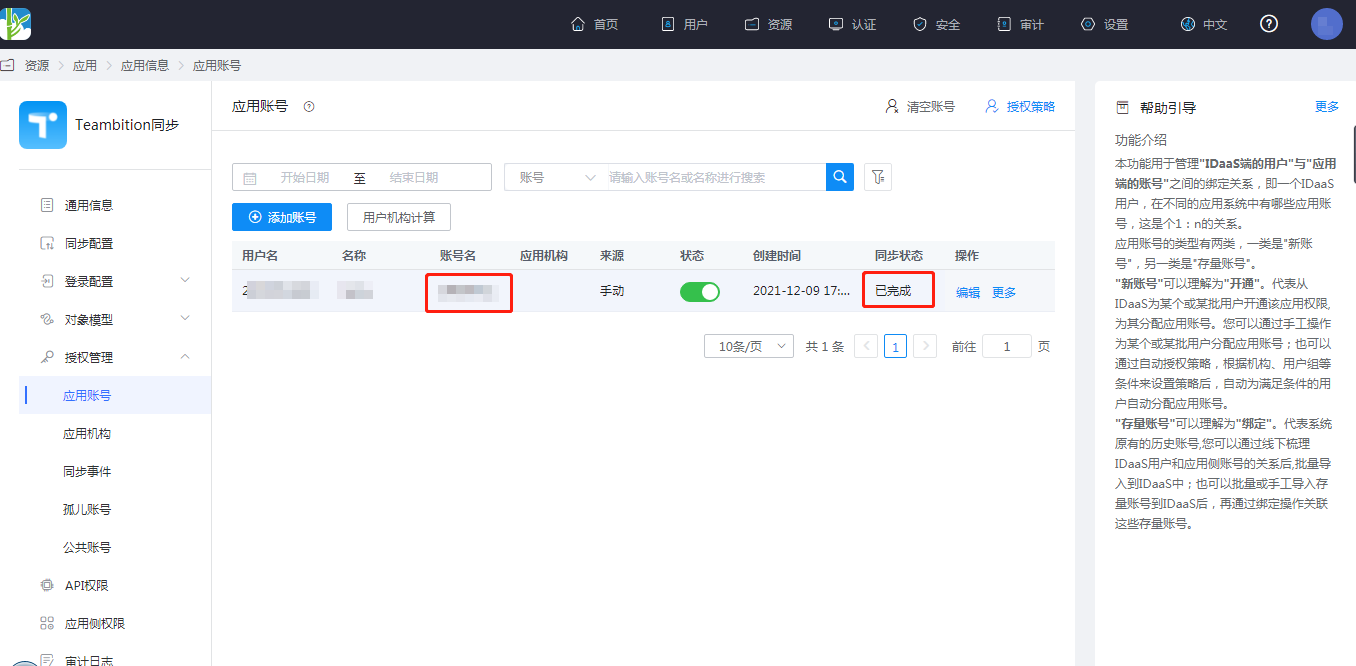
Authorize application accounts.
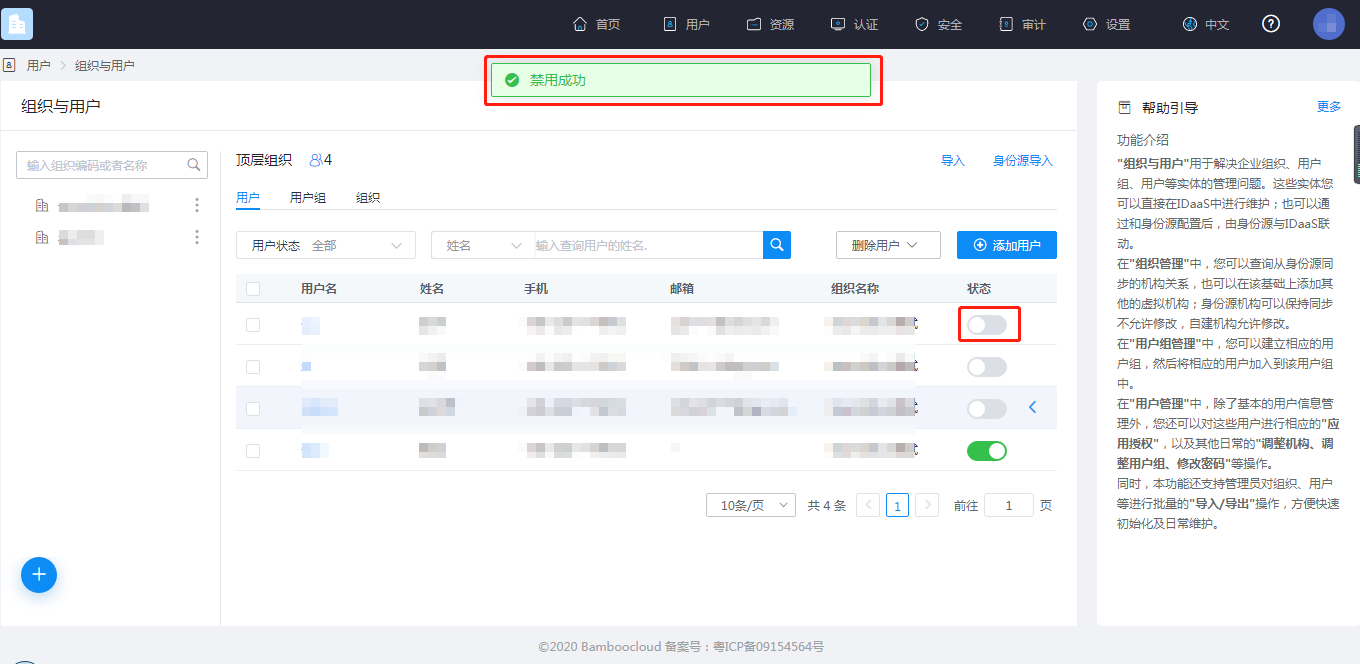
Disable or delete users.
(BambooCloud IDaaS platform and Teambition system are associated through the user email attribute (Teambition system account must be in active status). That is, after the BambooCloud IDaaS platform application account is deleted, the corresponding account information in the Teambition system is also synchronized and deleted.) As shown below (taking disabling as an example, deletion has the same effect)
View Synchronization Results
View the application account synchronization results on the BambooCloud IDaaS platform.
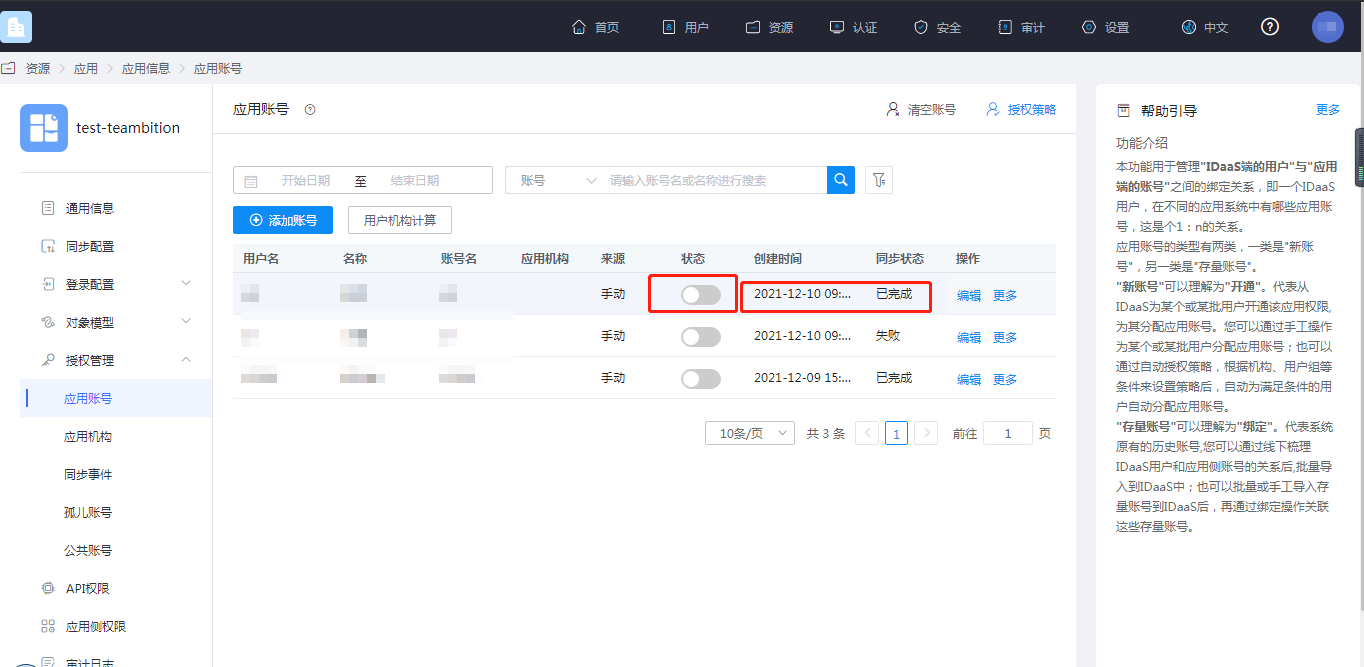
View the synchronization event results.
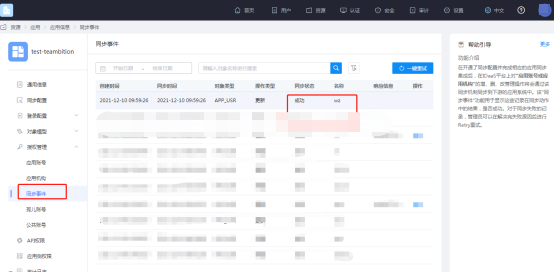
View the synchronization results in the Teambition member management.
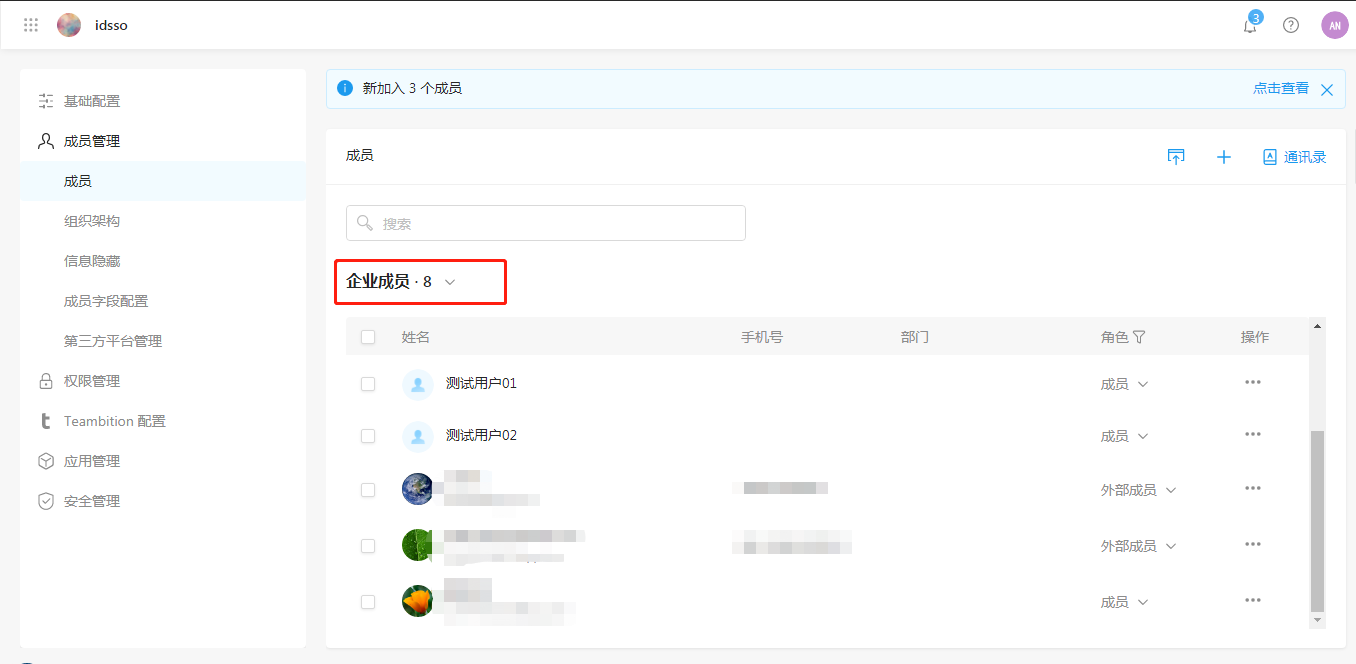
Log in to Teambition and view the members in the address book. The following figure (before disabling/deleting in BambooCloud IDaaS)
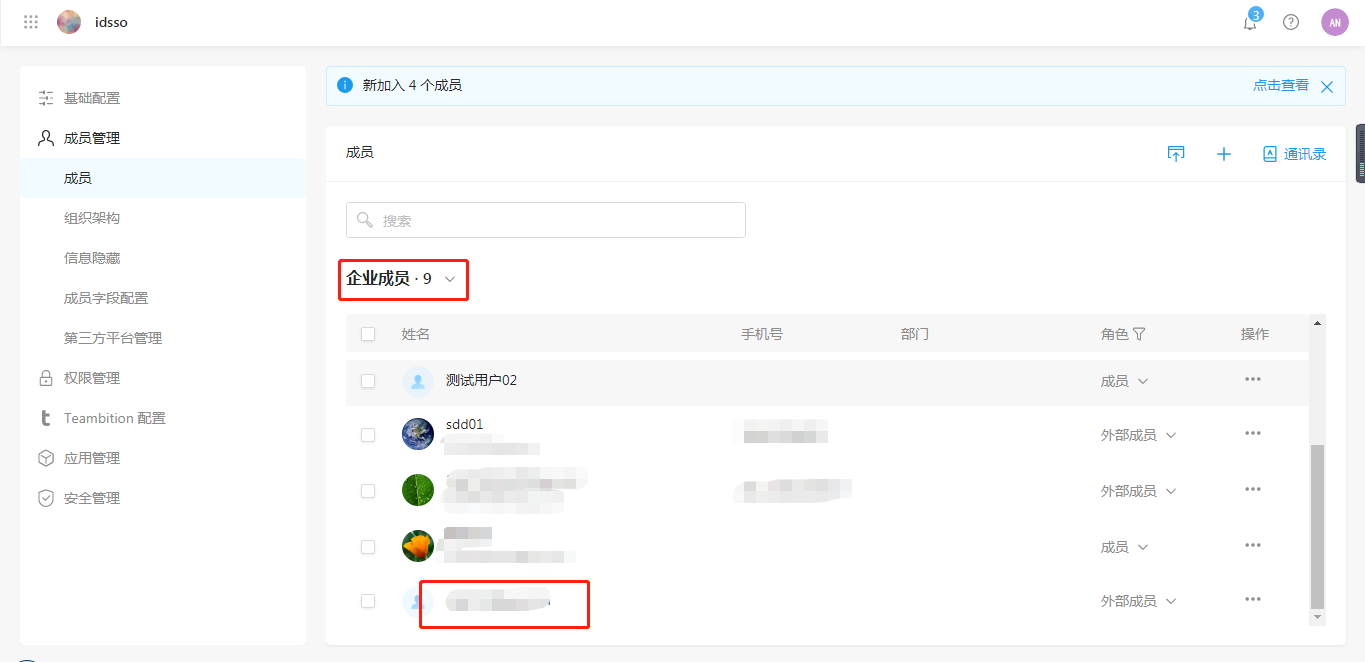
The following figure (after disabling/deleting users in BambooCloud IDaaS)