WPS Office/Kingsoft Docs Data Synchronization
Overview
This article describes data synchronization between Kingsoft Docs and BambooCloud IDaaS.
Synchronization Configuration
WPS Configuration
For the prerequisite steps, refer to the first four steps of the authentication configuration in WPS Office/Kingsoft Docs Single Sign-On.
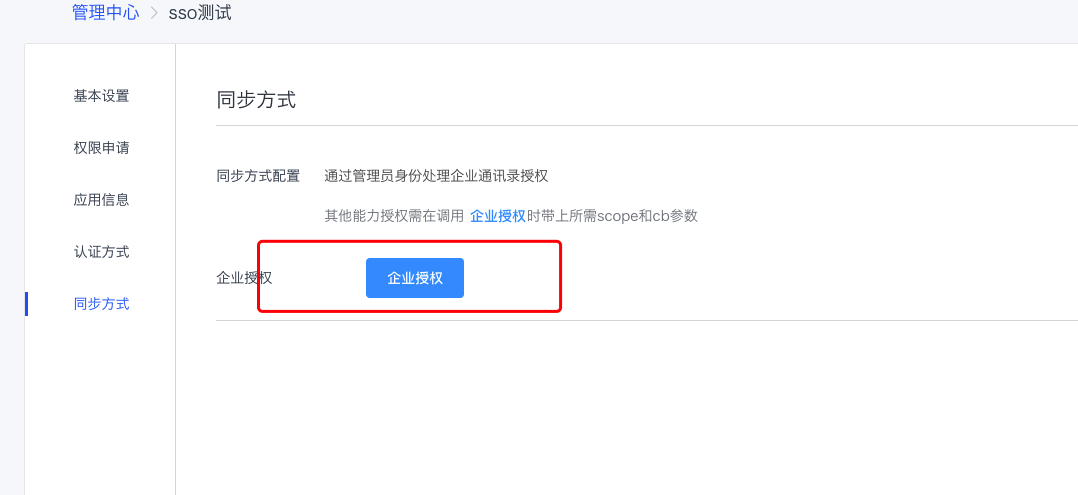
In the synchronization method, perform enterprise authorization. Refer to method 1 in the WPS Open Platform Enterprise Authorization Document.
BambooCloud IDaaS Configuration
Log in to the BambooCloud IDaaS Enterprise Center as an administrator. In the Enterprise Center, go to Resources > Applications > Pre-integrated Applications > Add Pre-integrated Application, search for WPS, and select WPS Office Synchronization.
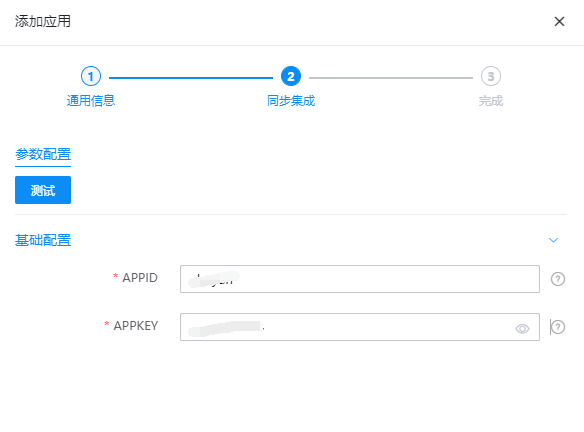
Configure synchronization parameters and enter the APPID and APPKEY of the WPS application.
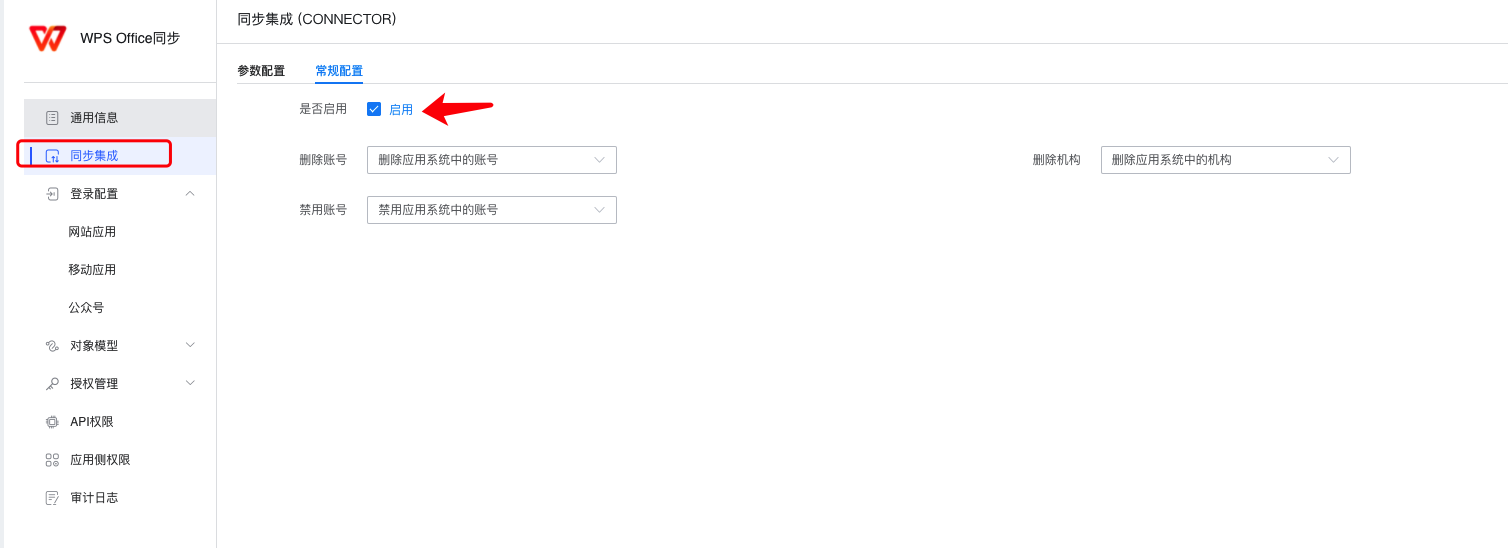
Enter the application details, select Sync Integration, and enable sync integration.
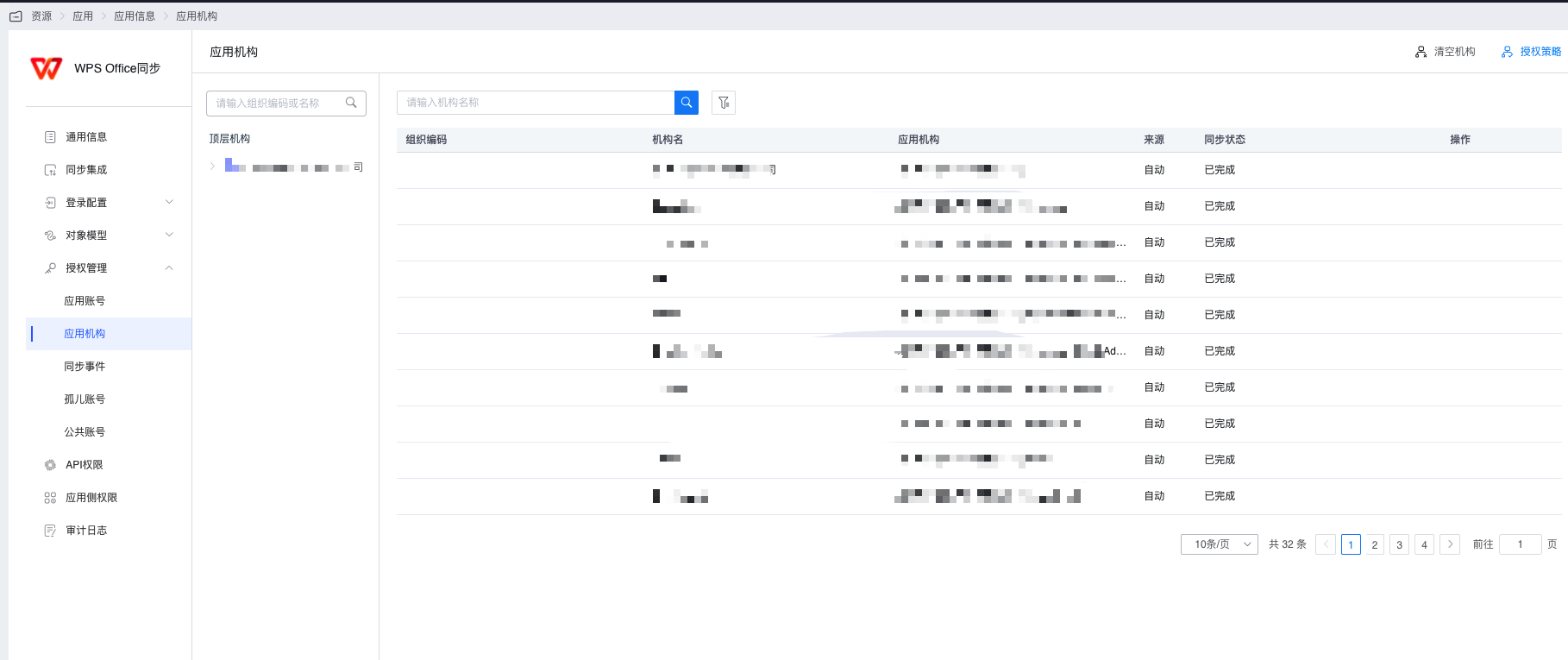
Enter Authorization Management and synchronize application organizations.
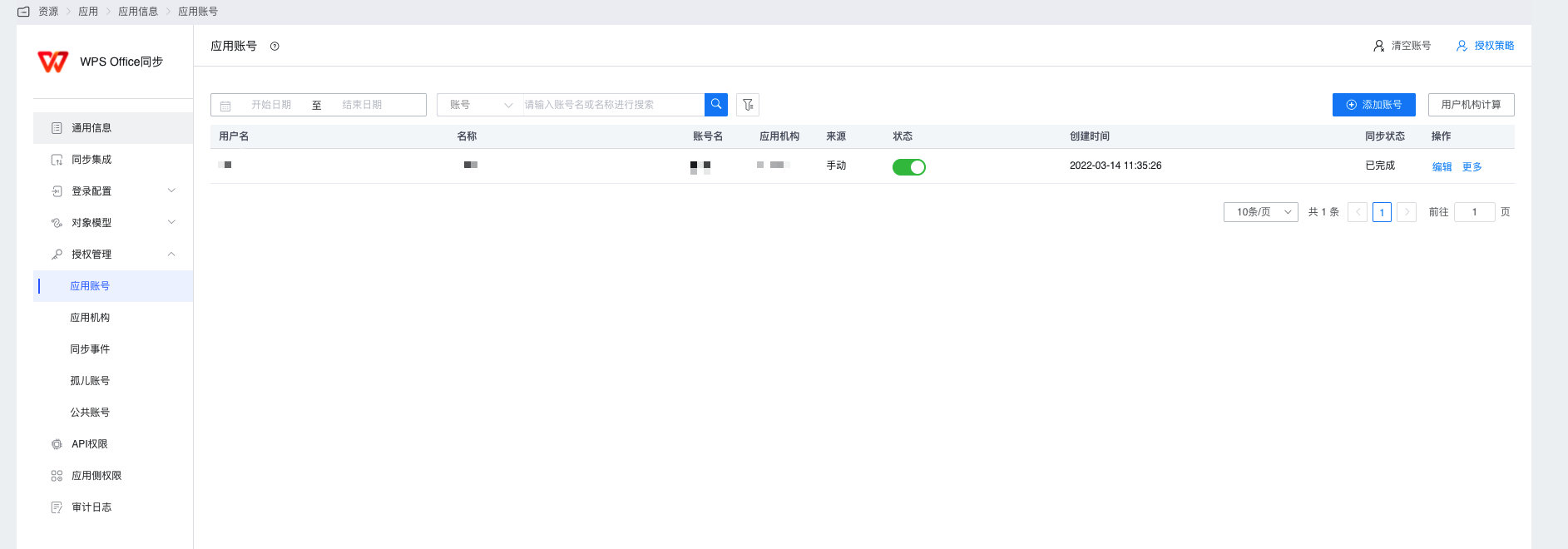
Enter Authorization Management and synchronize application accounts.
Synchronization records can be viewed in Synchronization Events.
View Synchronization Results
Log in to the Kingsoft Docs Backend as an administrator.
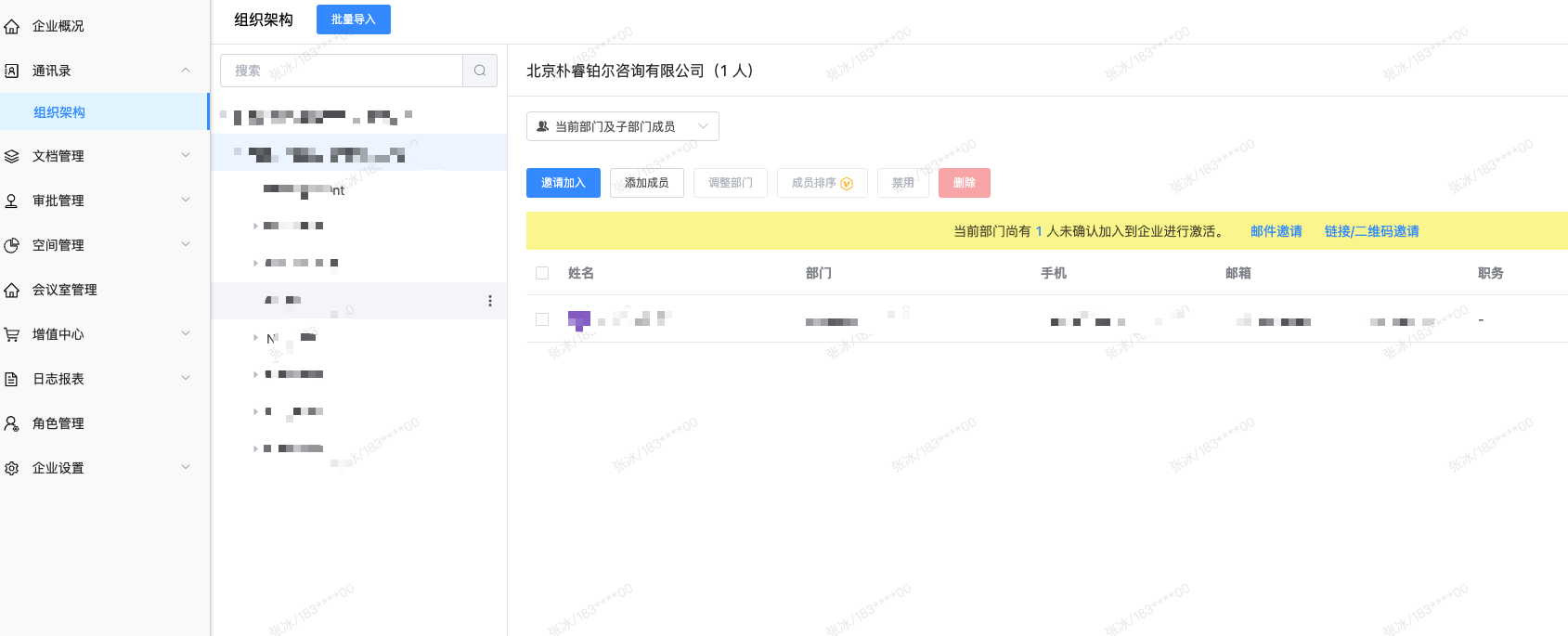
View Address Book - Organization Structure.