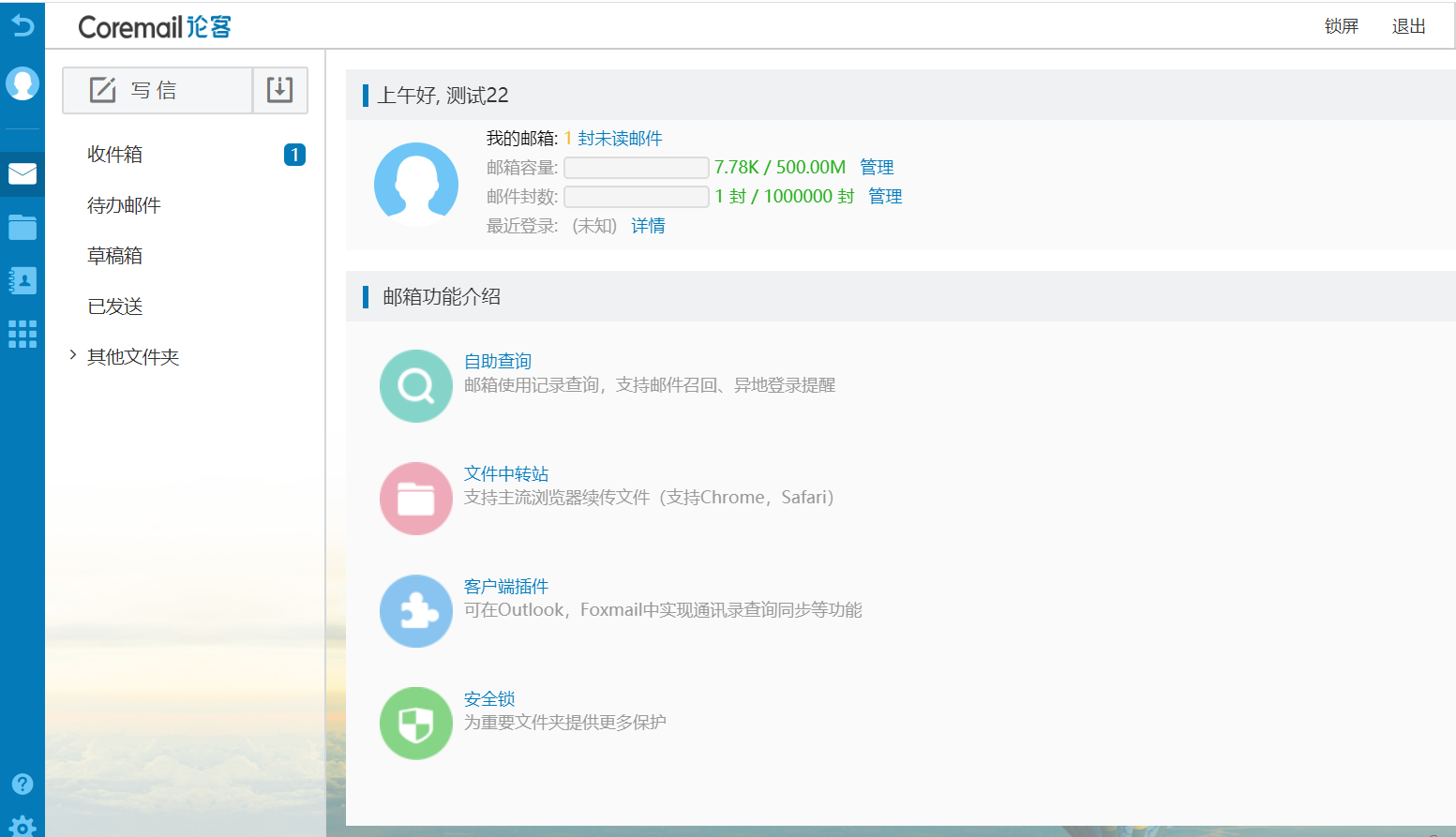
Coremail SSO
Overview
This article describes the authentication configuration between Coremail and BambooCloud IDaaS, realizing BambooCloud IDaaS single sign-on to the Coremail mailbox.
Prerequisites
The Coremail system is configured with API access IP whitelist and port number.
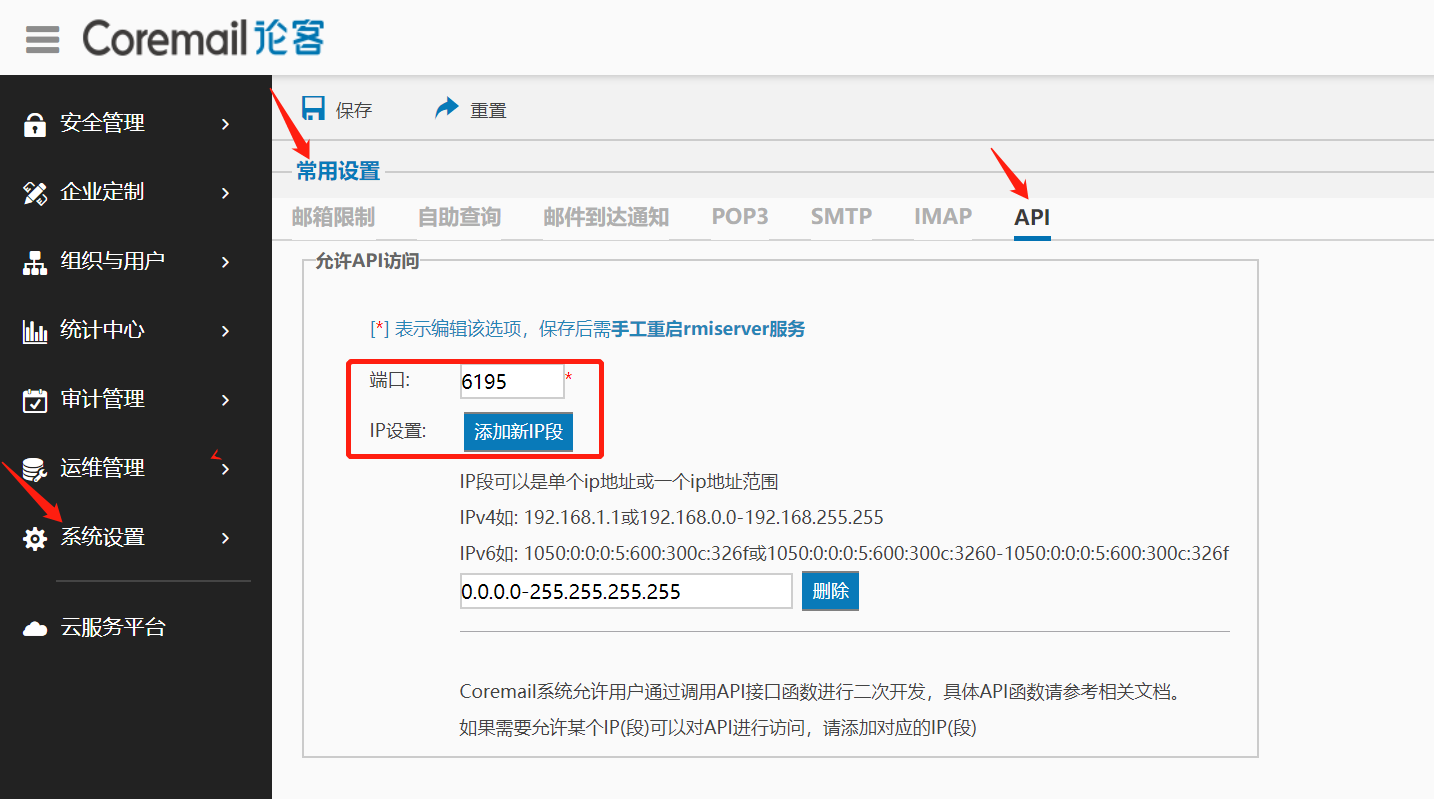
TIP
Configure the API access IP whitelist, defaulting to the BambooCloud IDaaS server address: 39.100.248.219
Authentication Configuration
Add the pre-integrated application Coremail.
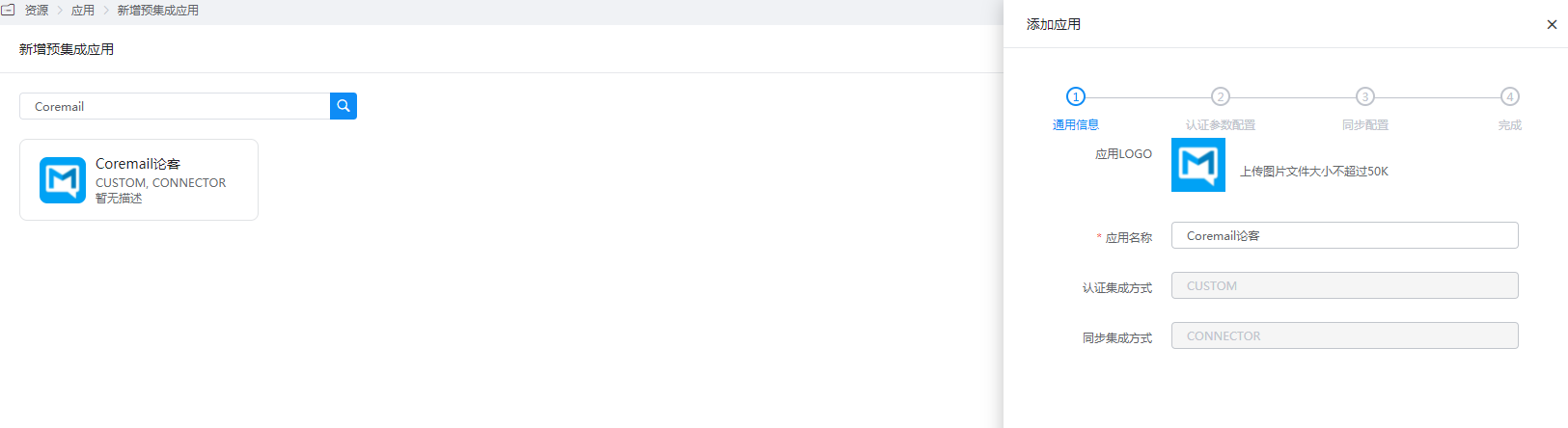
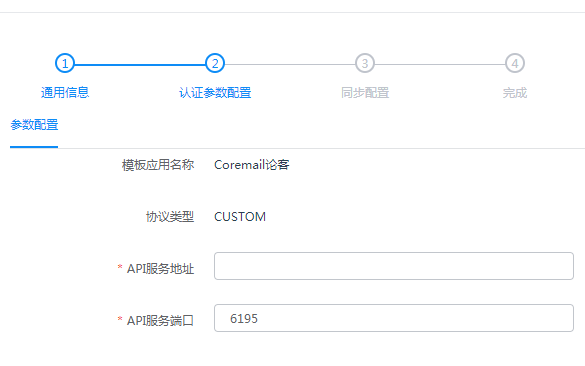
Configure authentication parameters.
API Service Address: The address or domain name running the Coremail API service.
API Service Port: The service port, default 6195, configurable in the Coremail web management backend.
Login Verification
Log in to the BambooCloud IDaaS User Center, click the Coremail logo, and single sign-on into Coremail.