DataPavilion DACS Data Synchronization
Overview
This article describes the synchronization configuration between the DataPavilion DACS system (V2.1.0) and BambooCloud IDaaS, realizing the synchronization of BambooCloud IDaaS organization and user data to the DataPavilion DACS system.
Prerequisites
- You have access to the BambooCloud IDaaS Enterprise Center.
BambooCloud IDaaS Configuration
Log in to the Enterprise Center and add the DataPavilion DACS pre-integrated application.
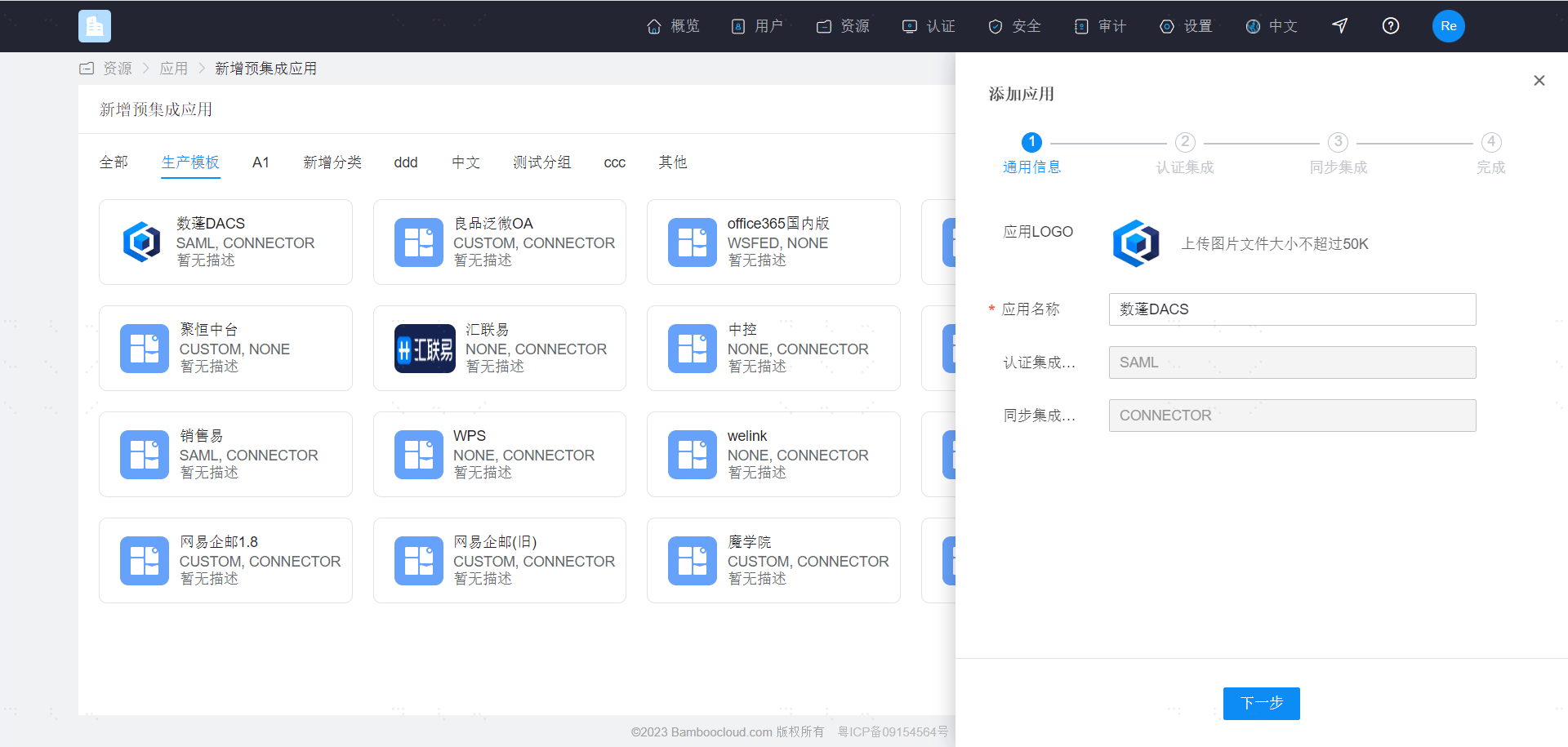
For authentication configuration, please refer to DataPavilion DACS SSO. Then enter the synchronization configuration page.
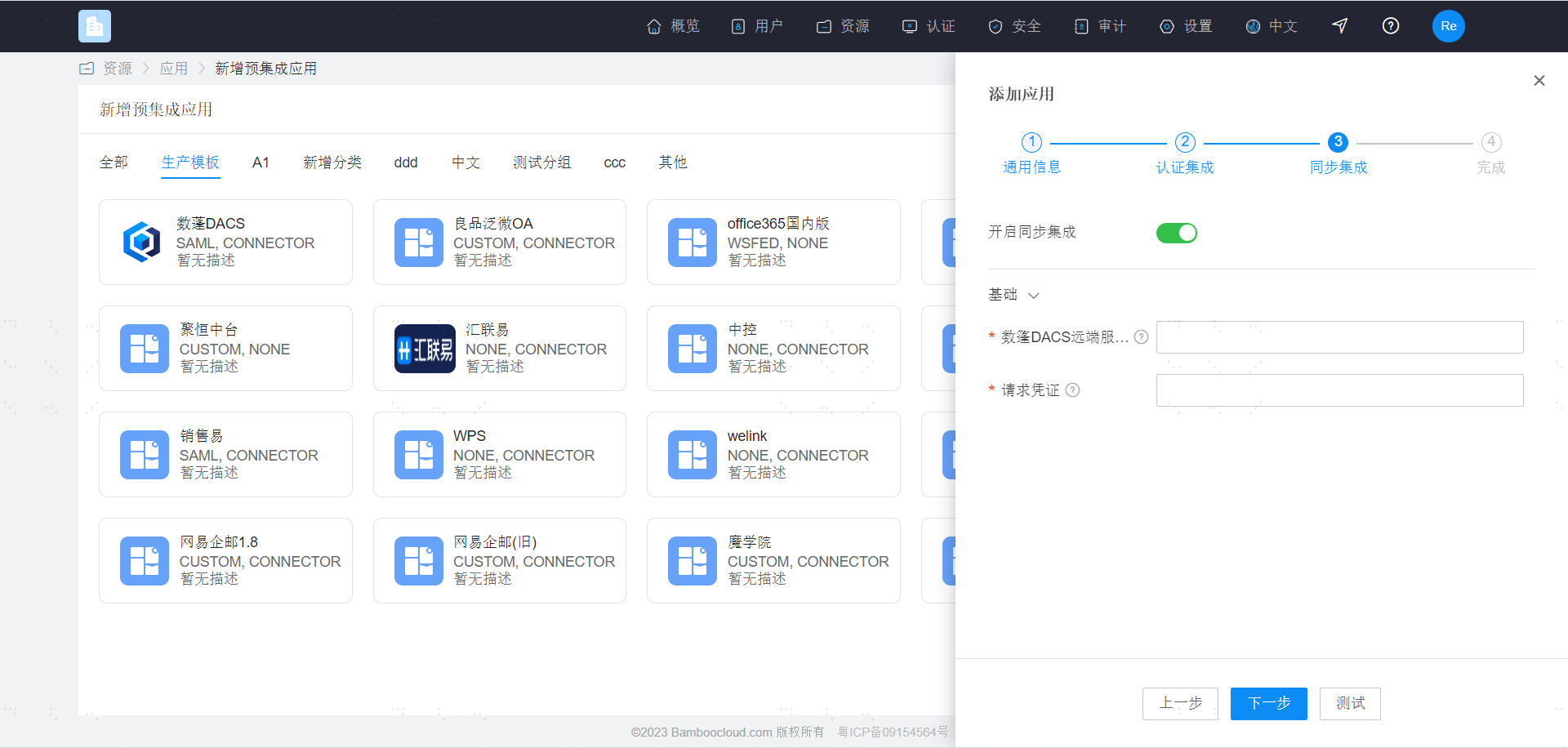
| Parameter | Description |
|---|---|
| DataPavilion DACS Remote Service Address | The address used to receive synchronization requests. The address of the target service, http(s)😕/ domain or IP address + port. |
| Request Credential | The credential used for remote service authentication requests. |
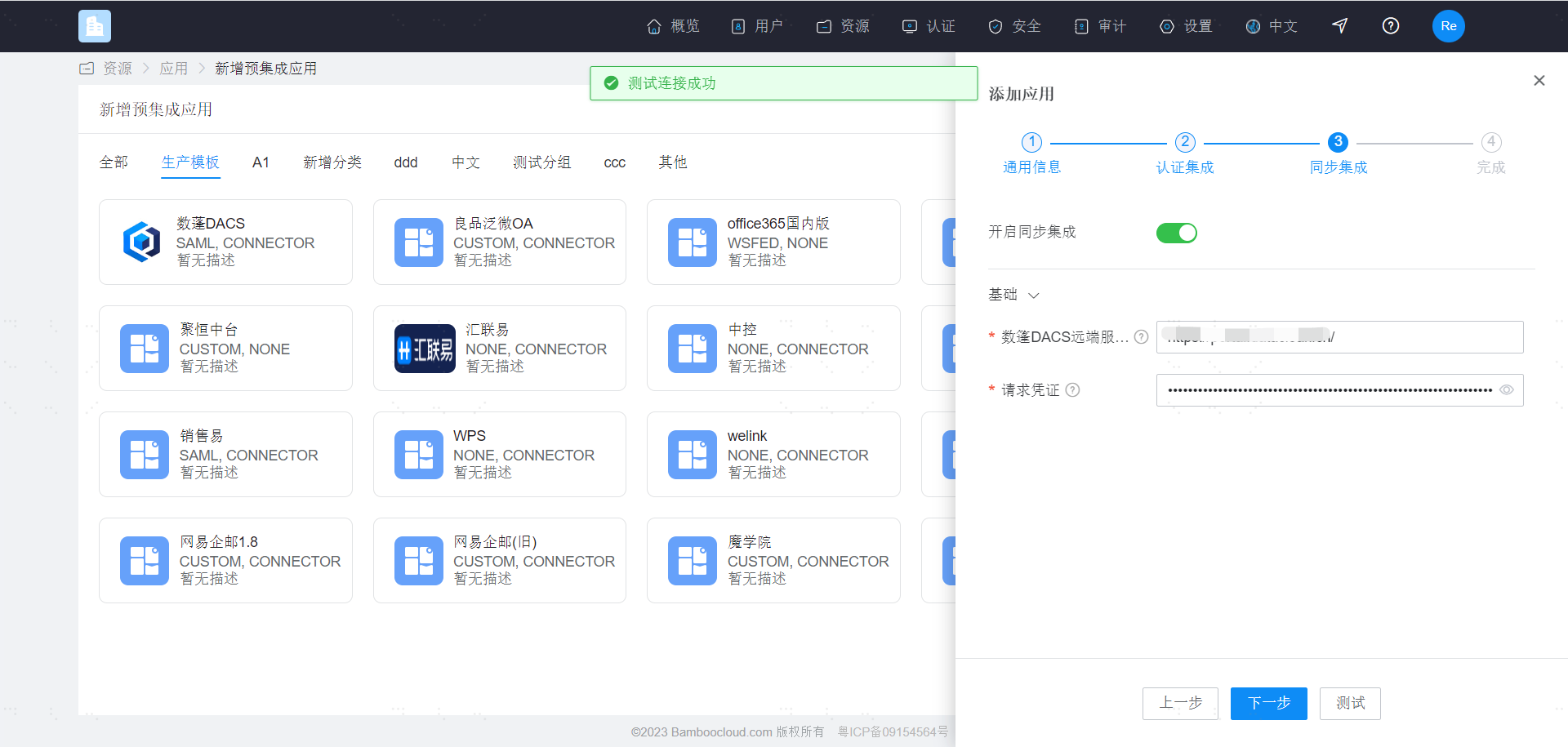
After configuration is complete, click Test. After confirming it is correct, click Next to create the application.