Zaitu Business Travel Single Sign-On
Overview
This article introduces the single sign-on configuration of the BambooCloud IDaaS Zaitu Business Travel application.
Prerequisites
Coordinate with the Zaitu Business Travel system to provide client_id and client_secret.
Determine the format of the employee number empCode.
Authentication Configuration
BambooCloud IDaaS Configuration
Log in to the Enterprise Center and add the Zaitu Business Travel pre-integrated application.
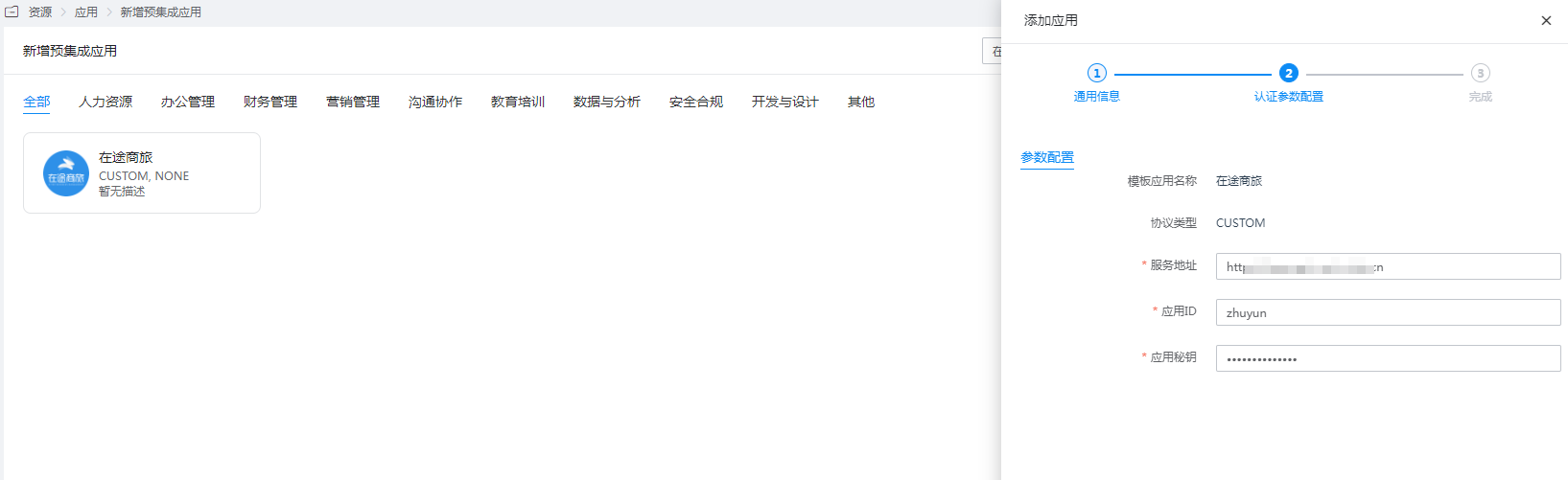
Configure authentication parameters.
Service Address: Default
https://openapi-uat.z-trip.cnApplication ID: client_id
Application Secret: client_secret
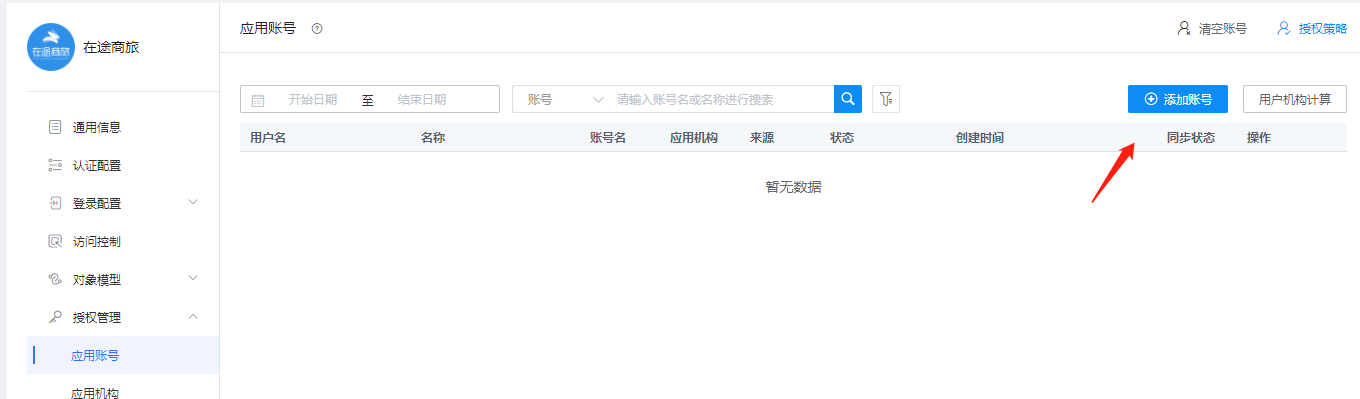
Enter the application details, Authorization Management > Application Account, and add an account. The account name should be set to the employee number within Zaitu.
Login Verification
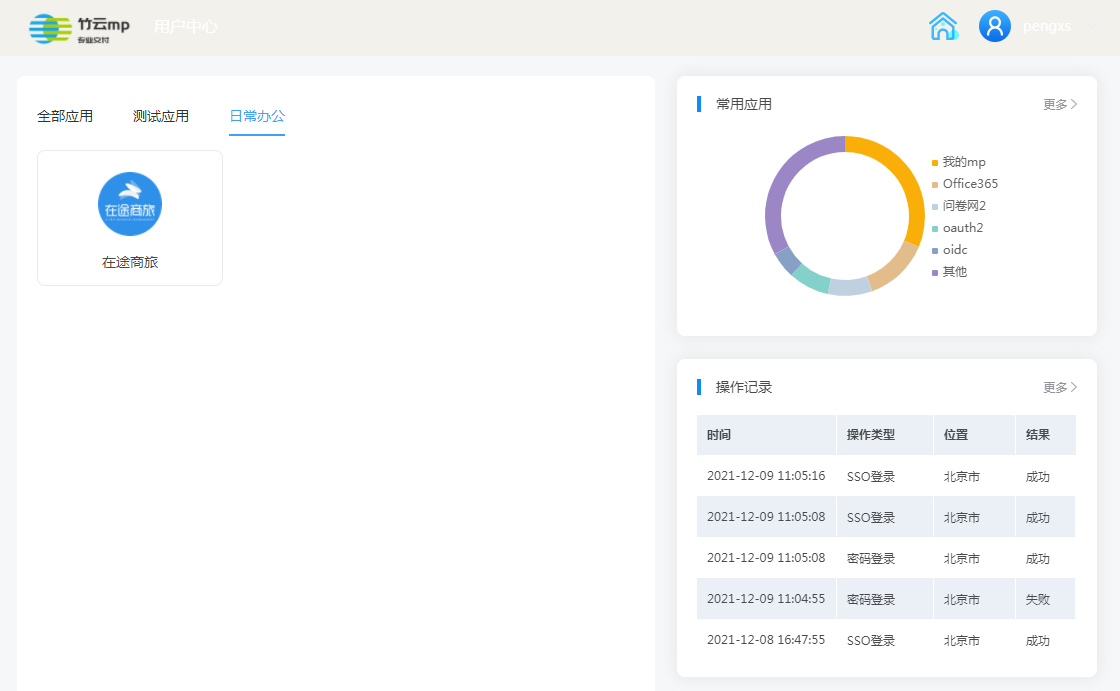
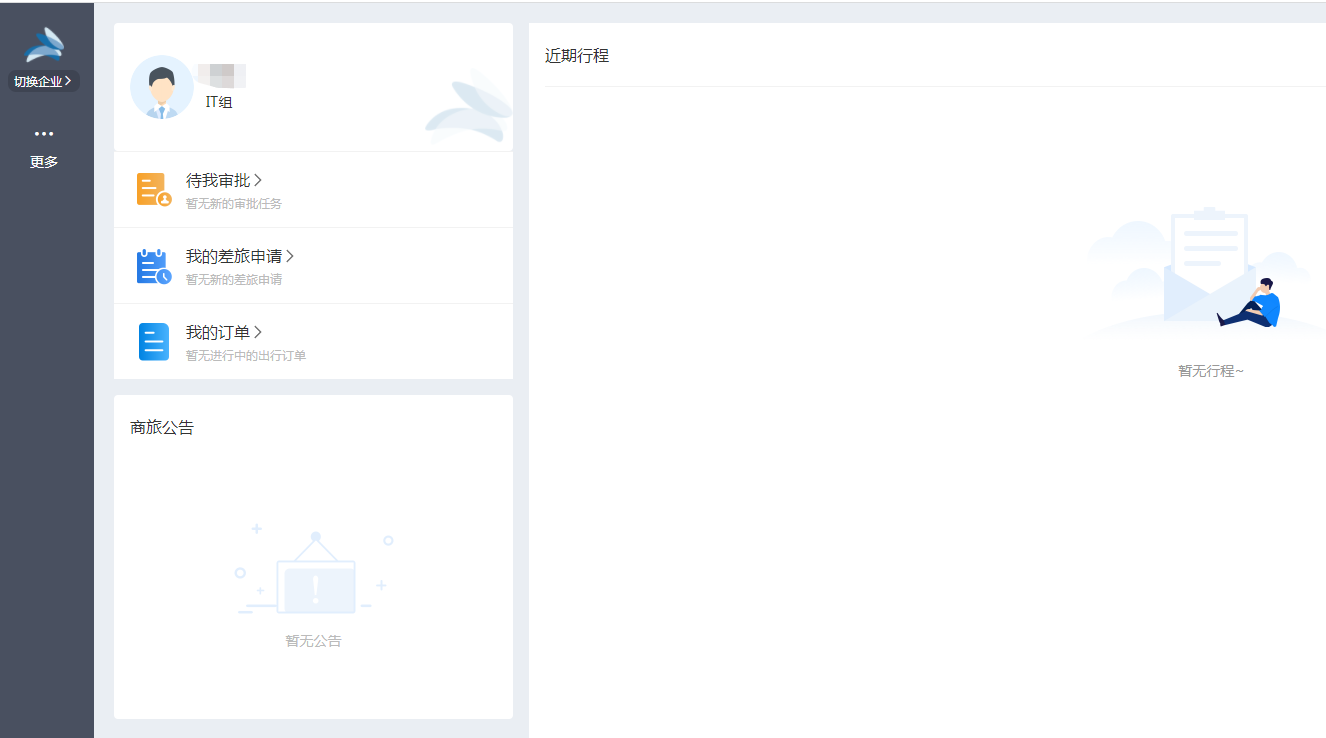
Authorized users log in to the User Center, click the Zaitu Business Travel logo, and perform single sign-on.