
Zoho Mail Single Sign-On
Overview
This article describes the single sign-on configuration process between Zoho Mail and BambooCloud IDaaS based on the SAML protocol.
Authentication Configuration
Zoho Mail Configuration
Add a domain.
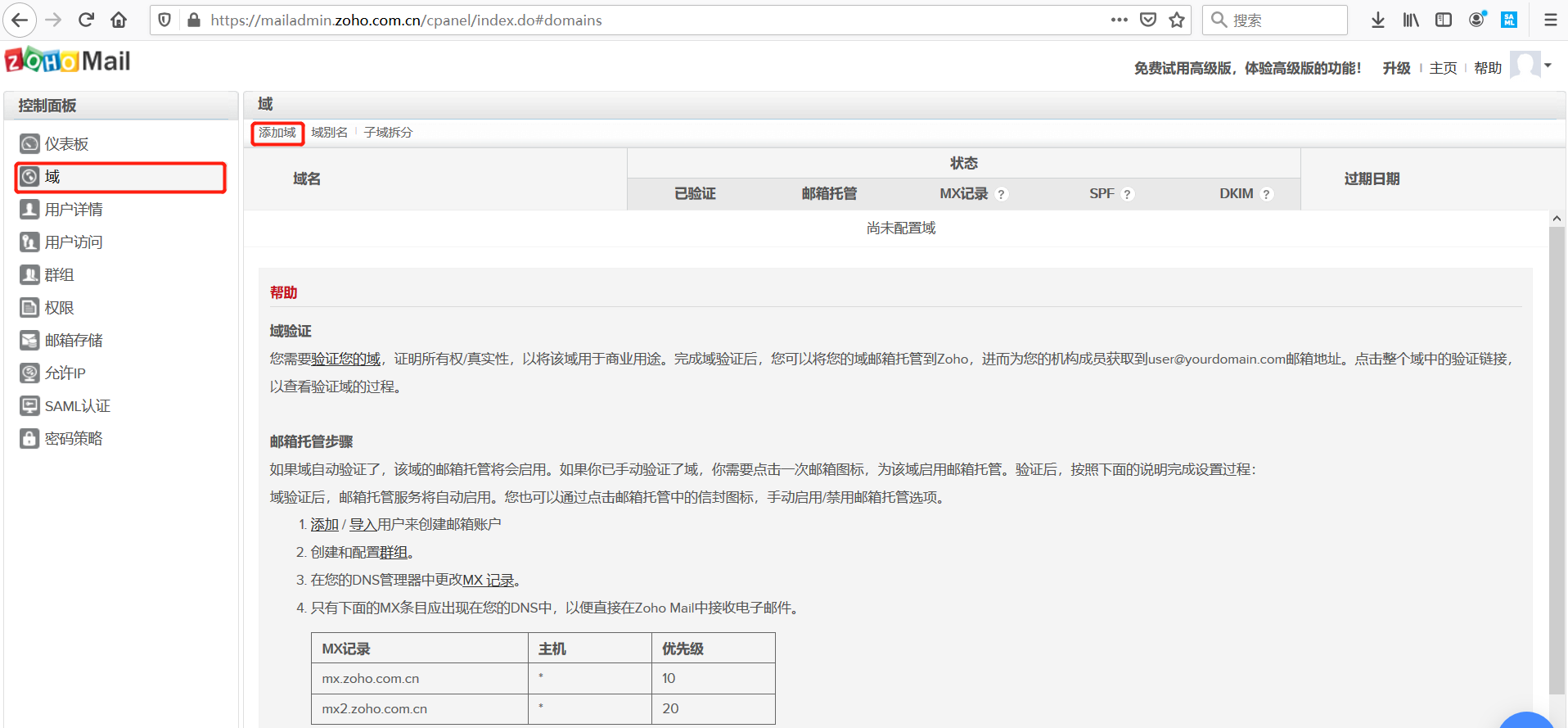
Configure Zoho Mail SAML authentication. Parameter descriptions are as follows:
To download BambooCloud IDaaS IDP metadata, visit
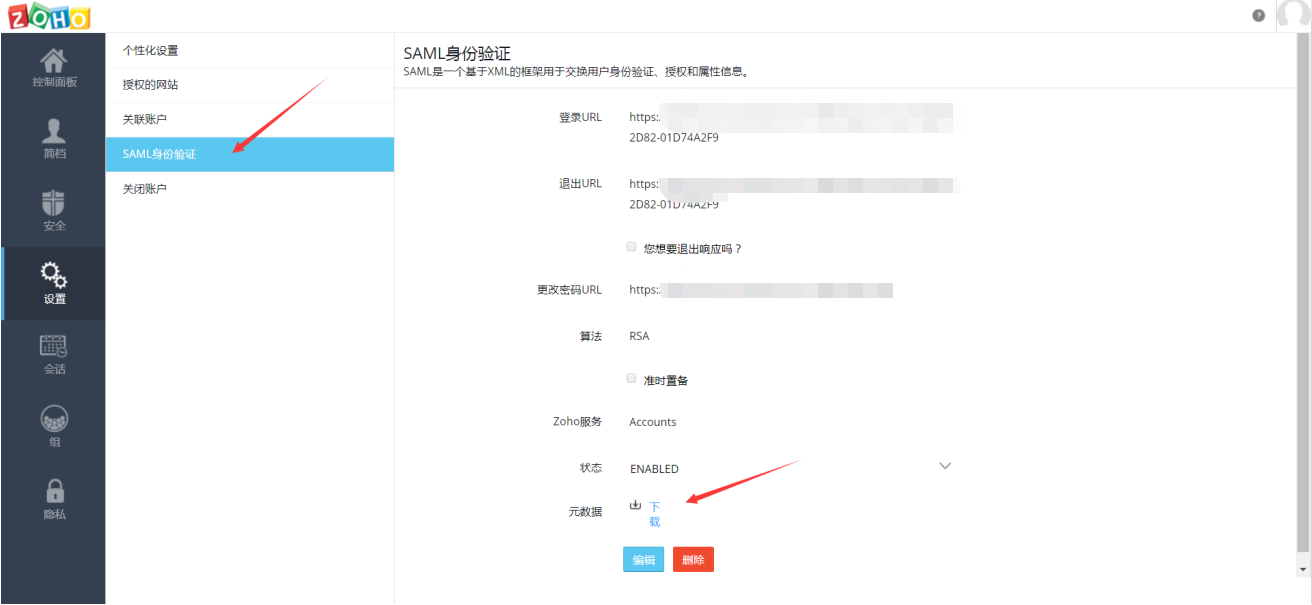
https://{your_domain}/api/v1/saml2/idp/metadata.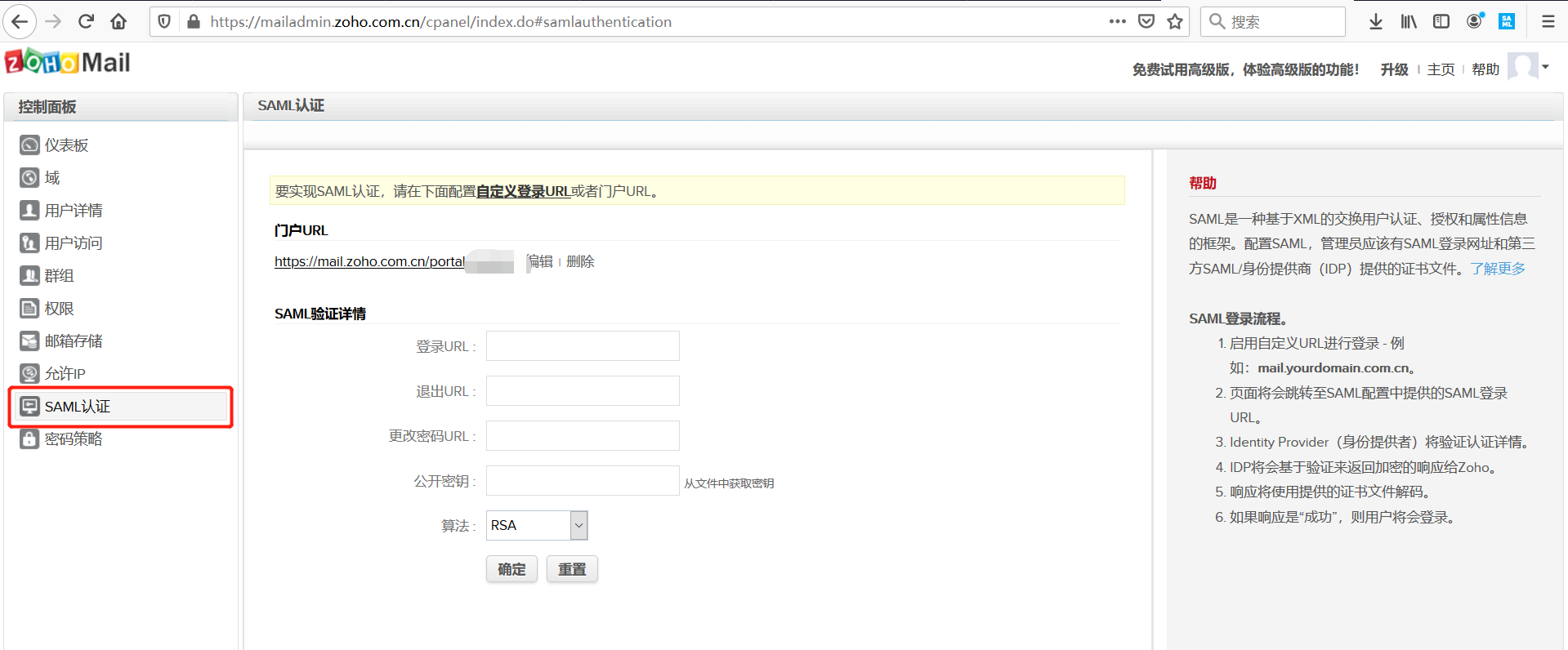
Parameter Description Portal URL Custom domain. Accessing this address will automatically redirect to the BambooCloud IDaaS login page. Login URL IDP service address, that is, the SingleSignOnService parameter in the BambooCloud IDaaS metadata (SAML 2.0 Endpoint URL) Logout URL IDP logout address, that is, the SingleLogoutService parameter in the BambooCloud IDaaS metadata (SLO Endpoint URL) Change Password URL Public Key Certificate public key, that is, the certificate public key in the BambooCloud IDaaS IDP metadata Algorithm RSA Download Zoho Mail metadata.
BambooCloud IDaaS Configuration
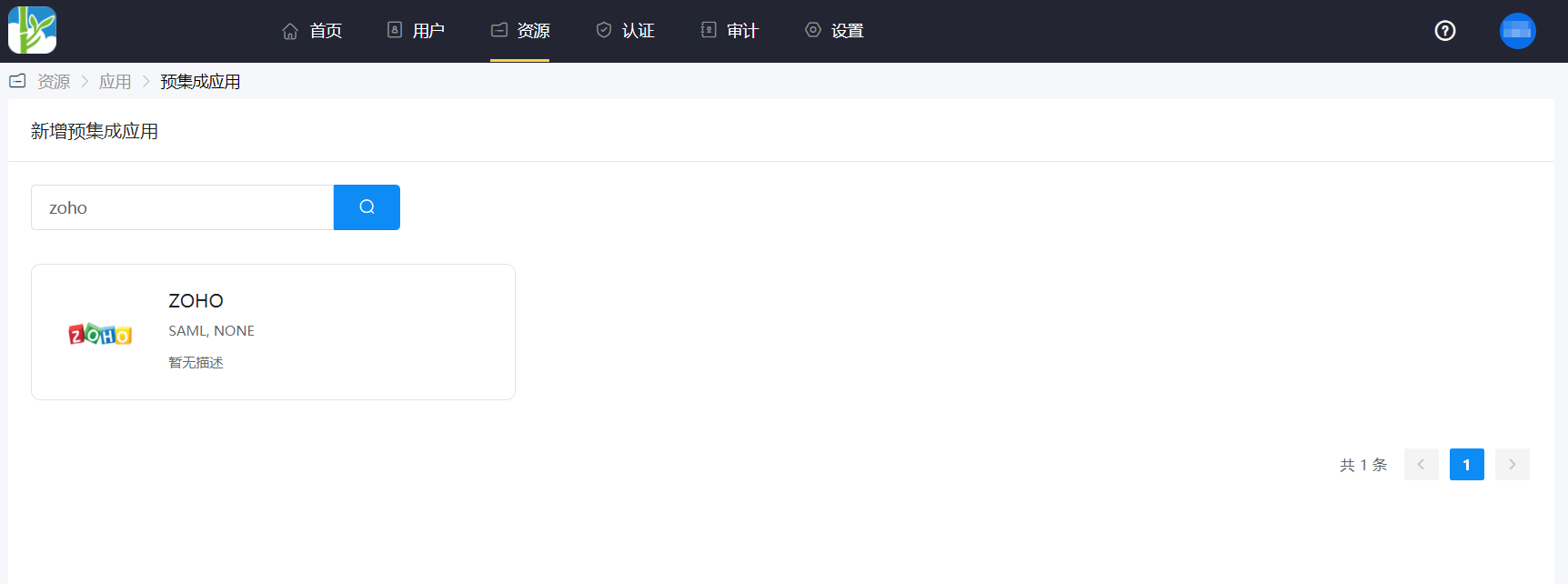
Add the pre-integrated application ZOHO.
Authentication parameter configuration.
Import the Zoho Mail metadata configuration.
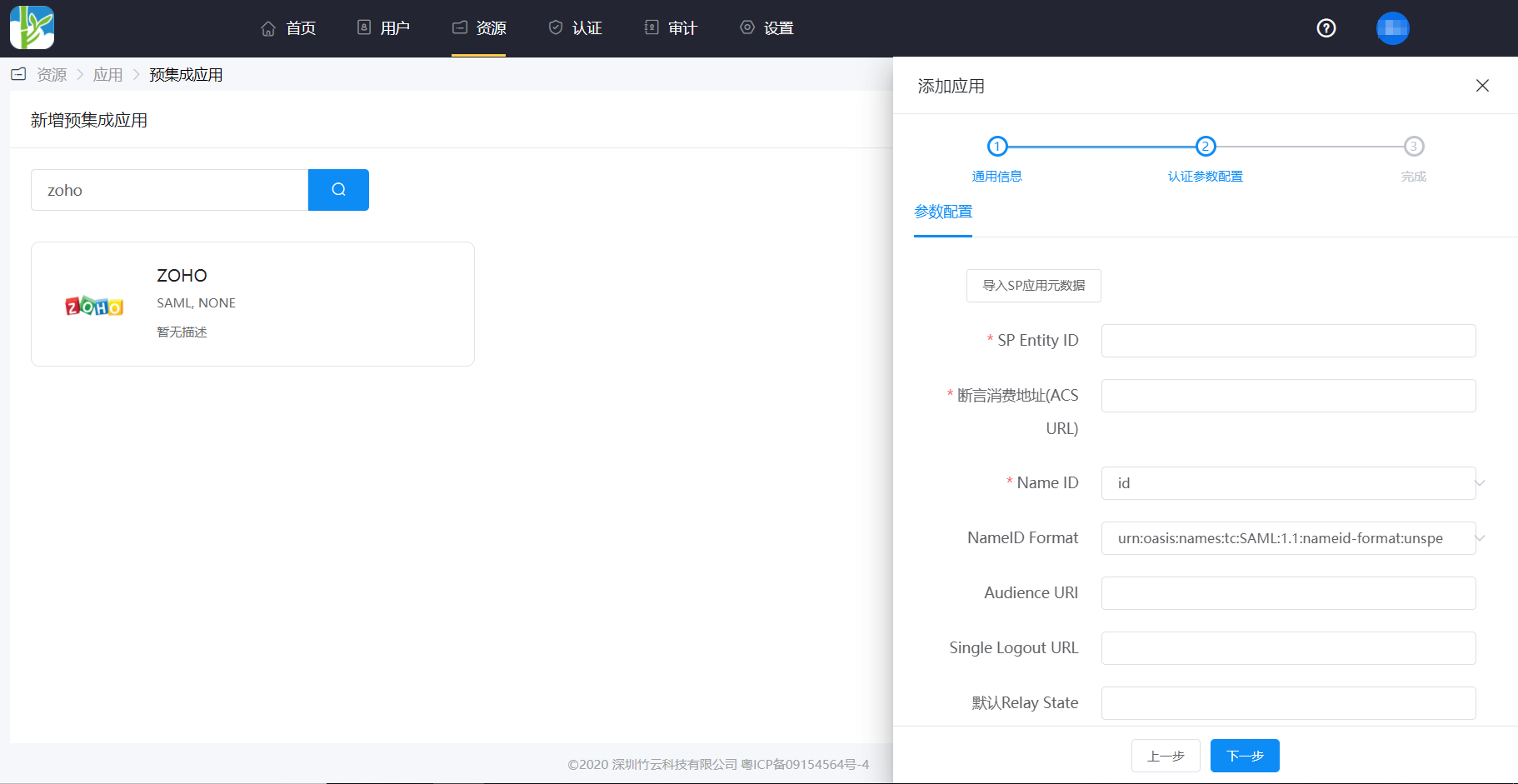
Parameter Parameter Description SP Entity ID The entityIDparameter in the Zoho Mail metadataAssertion Consumer Service URL (ACS URL) The AssertionConsumerService URLparameter in the Zoho Mail metadataName ID Email NameID Format The NameIDFormatparameter in the Zoho Mail metadataAudience URI The entityIDparameter in the Zoho Mail metadataDefault Relay State https://mail.zoho.com.cnEnter the application details, Authorization Management > Application Account, click the Add Account button, and select the authorized user.
Login Verification
Two login methods are as follows:
Authorized users log in to the User Center, click the Zoho Mail icon, and single sign-on into the Zoho Mail system.
Visit the portal URL configured in the Zoho Mail SAML authentication, and you will be redirected to the BambooCloud IDaaS authentication page to log in.