Grafana Single Sign-On
Overview
This article describes how to configure OAuth authentication integration between BambooCloud IDaaS and Grafana.
Grafana official reference document
Authentication Configuration
BambooCloud IDaaS Configuration
Log in to the Enterprise Center as an administrator. Go to Resources > Applications > Add Pre-integrated Application, and search for Grafana.
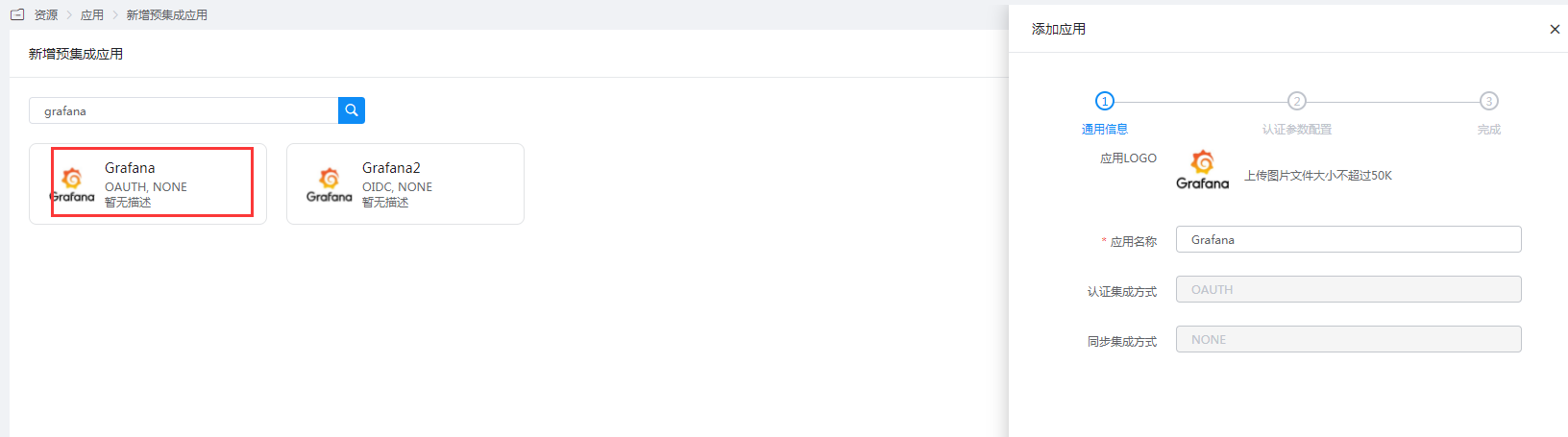
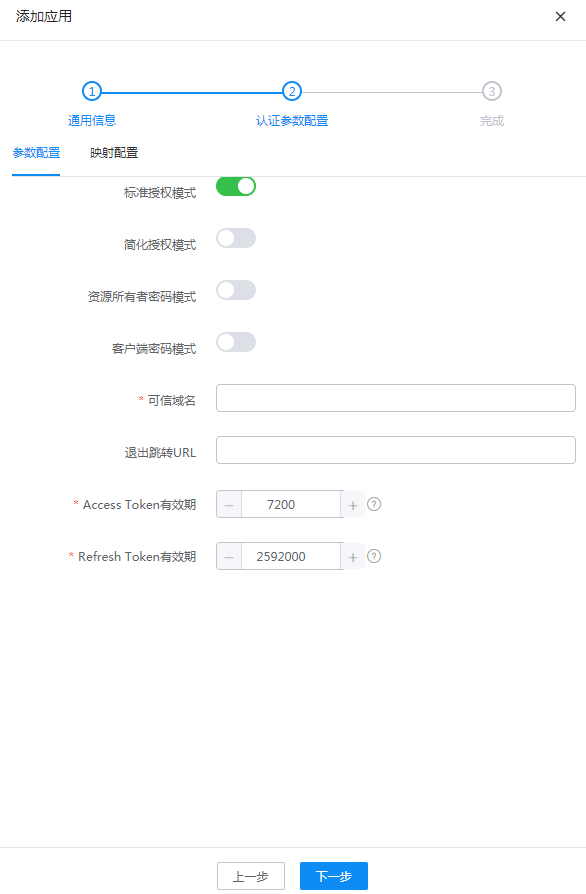
Fill in the trusted domain as the Grafana OAuth callback address:
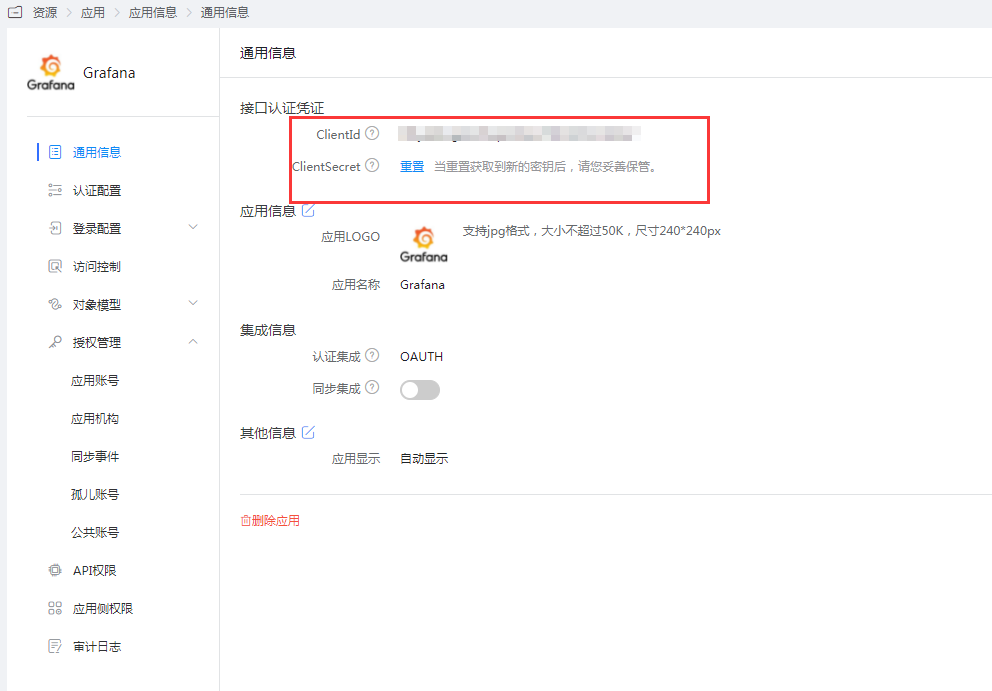
https://{grafana domain}/login/generic_oauth.Obtain the application ClientId and ClientSecret.
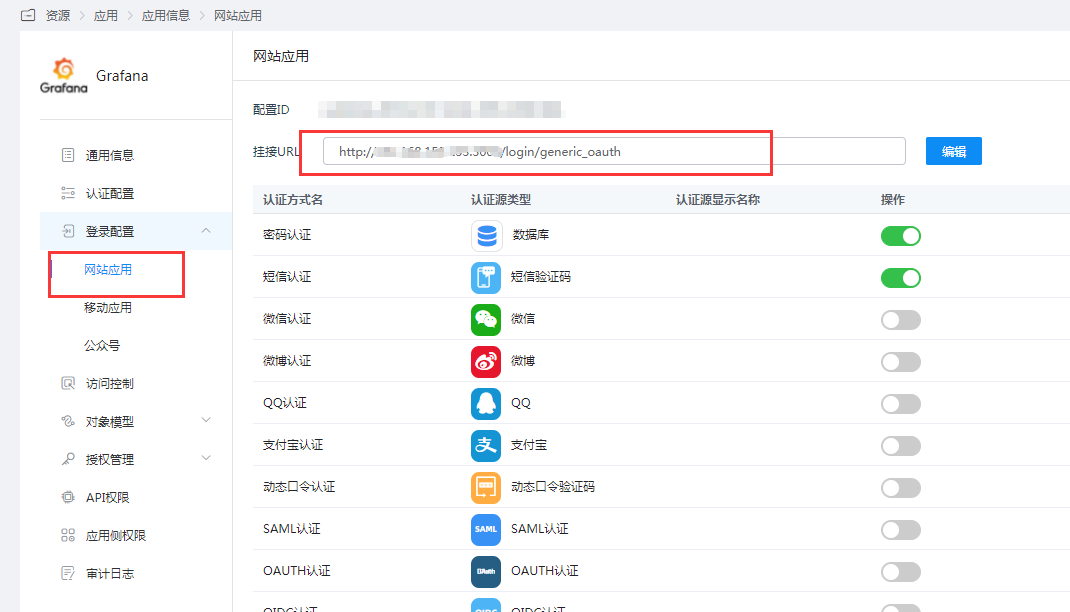
Modify the website application mount URL (this step is to ensure that directly accessing Grafana from the BambooCloud IDaaS User Center does not report an error).
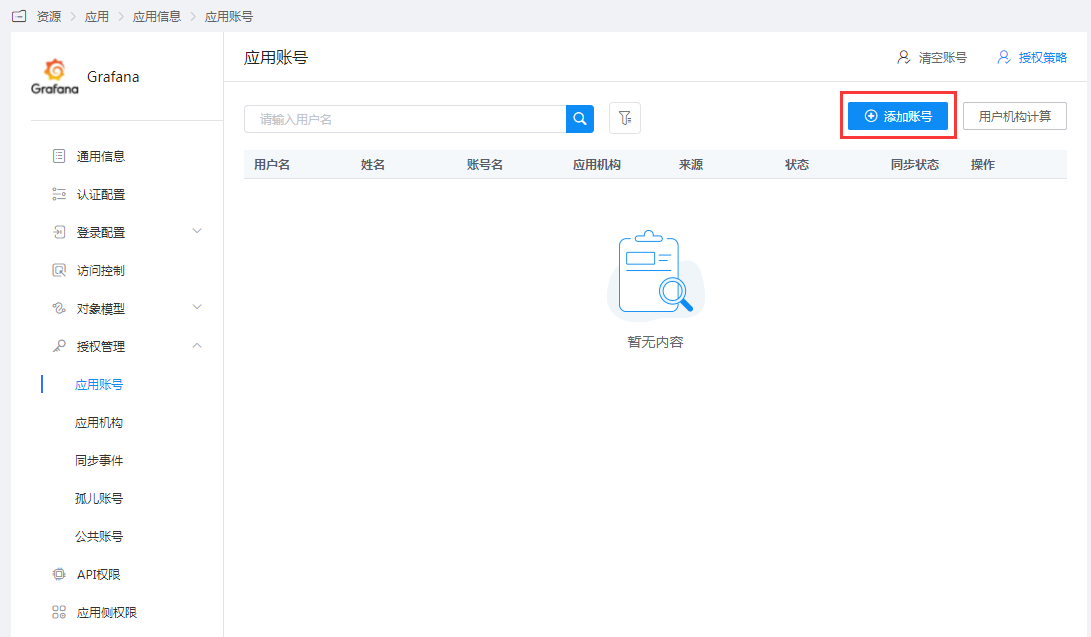
Go to Application Info > Authorization Management > Application Account > Add Account.
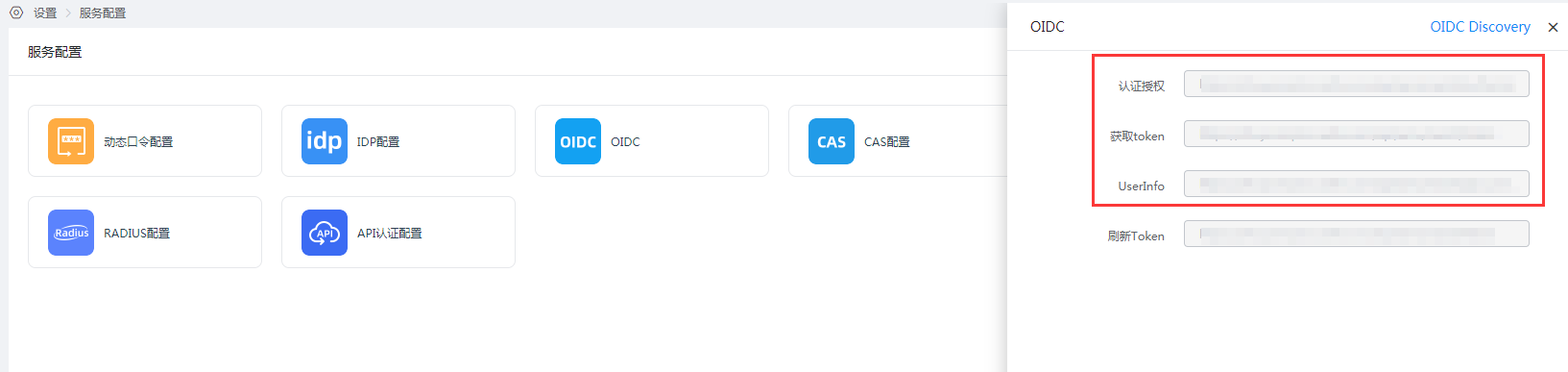
Go to Settings > Service Configuration > OIDC to obtain OAuth authentication related configuration addresses.
Grafana Configuration
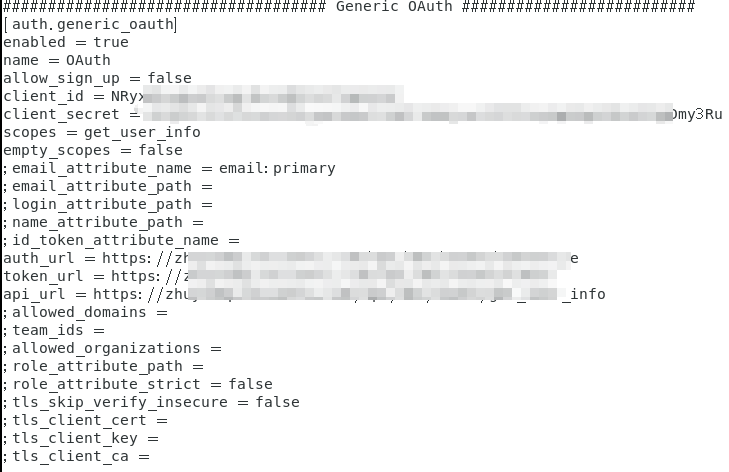
Edit the Grafana configuration file
grafana.iniand modify the content as follows:bash################################### Generic OAuth ########################## [auth.generic_oauth] enabled = true name = OAuth ## Whether to allow automatic registration of new users when logging in via OAuth allow_sign_up = false ## Grafana ClientId on IDaaS client_id = ## Grafana ClientSecret on IDaaS client_secret = ## Fill in get_user_info scopes = empty_scopes = false ;email_attribute_name = email:primary ;email_attribute_path = ;login_attribute_path = ;name_attribute_path = ;id_token_attribute_name = ## Authentication authorization address auth_url = ## Token acquisition address token_url = ## UserInfo address api_url = ;allowed_domains = ;team_ids = ;allowed_organizations = ;role_attribute_path = ;role_attribute_strict = false ;tls_skip_verify_insecure = false ;tls_client_cert = ;tls_client_key = ;tls_client_ca =Example:
Restart Grafana.
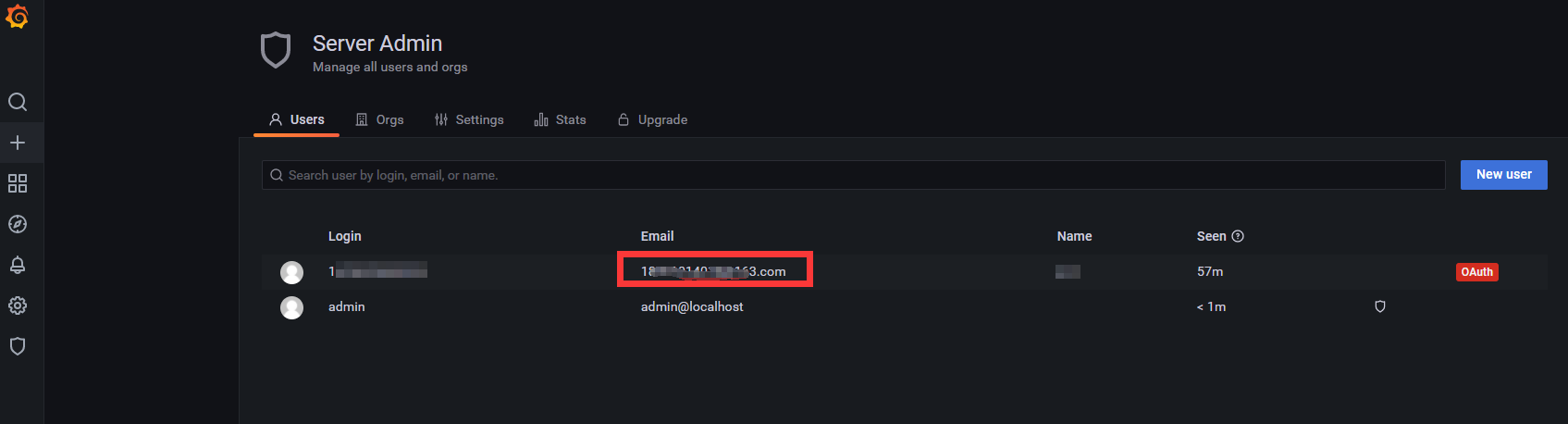
Log in to the Grafana console as an administrator, add a user, and ensure the user email is consistent with the authorized user email on BambooCloud IDaaS.
Login Verification
Two login methods, choose either one:
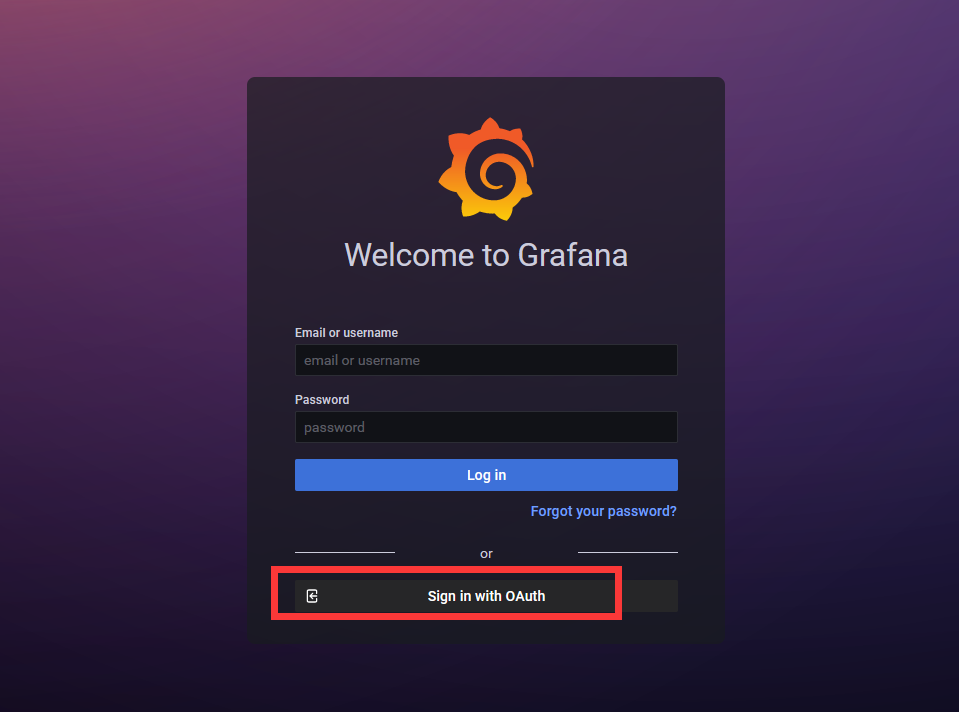
- Initiated from the Grafana login page:
- Click the application logo in the BambooCloud IDaaS User Center: