
Yonyou NC6.5 Data Synchronization
Overview
This article describes the synchronization configuration between Yonyou NC6.5 and BambooCloud IDaaS to synchronize BambooCloud IDaaS user data to Yonyou NC6.5.
Synchronization Configuration
BambooCloud IDaaS Configuration
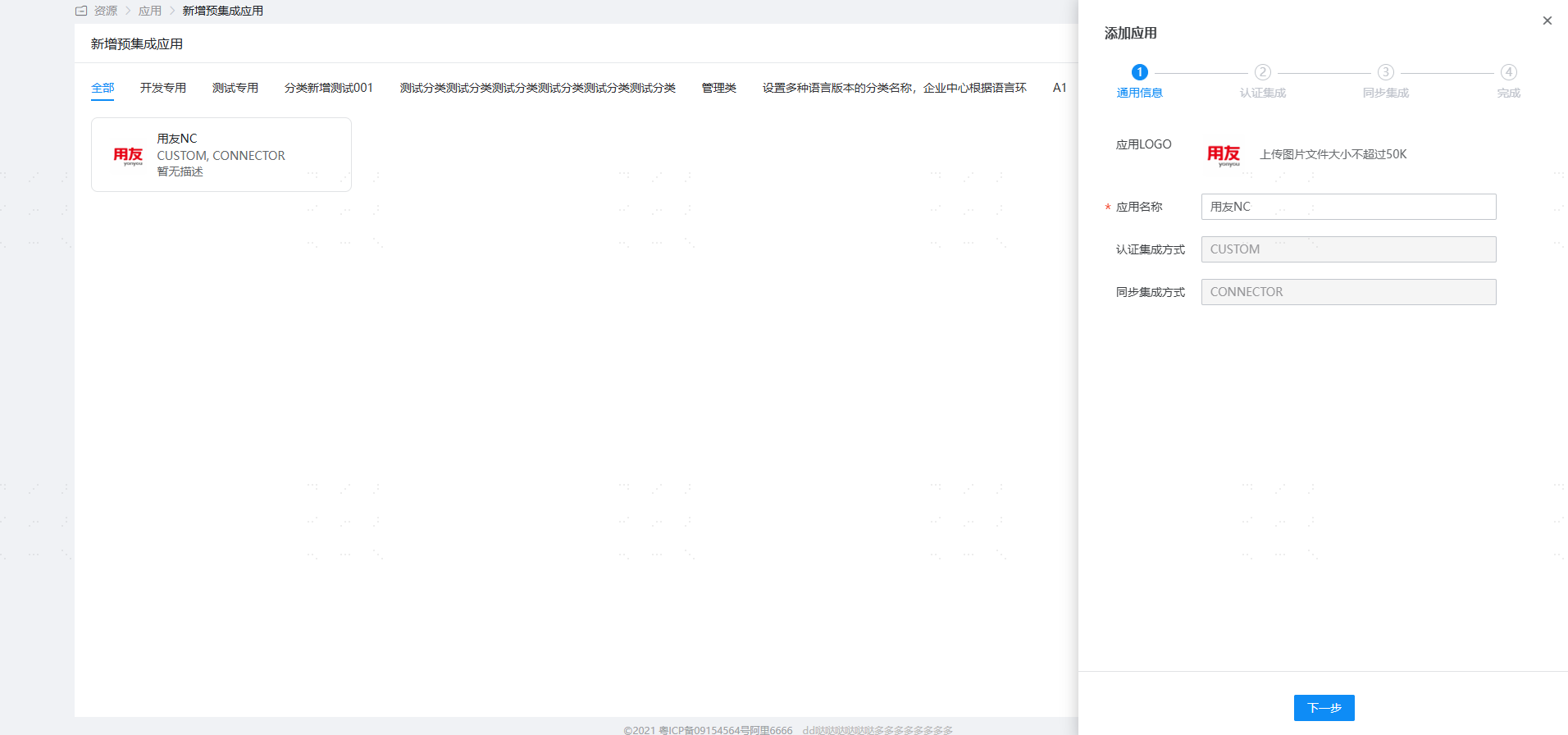
Log in to the BambooCloud IDaaS Enterprise Center and add the [Yonyou NC] pre-integrated application.
Configure synchronization parameters.
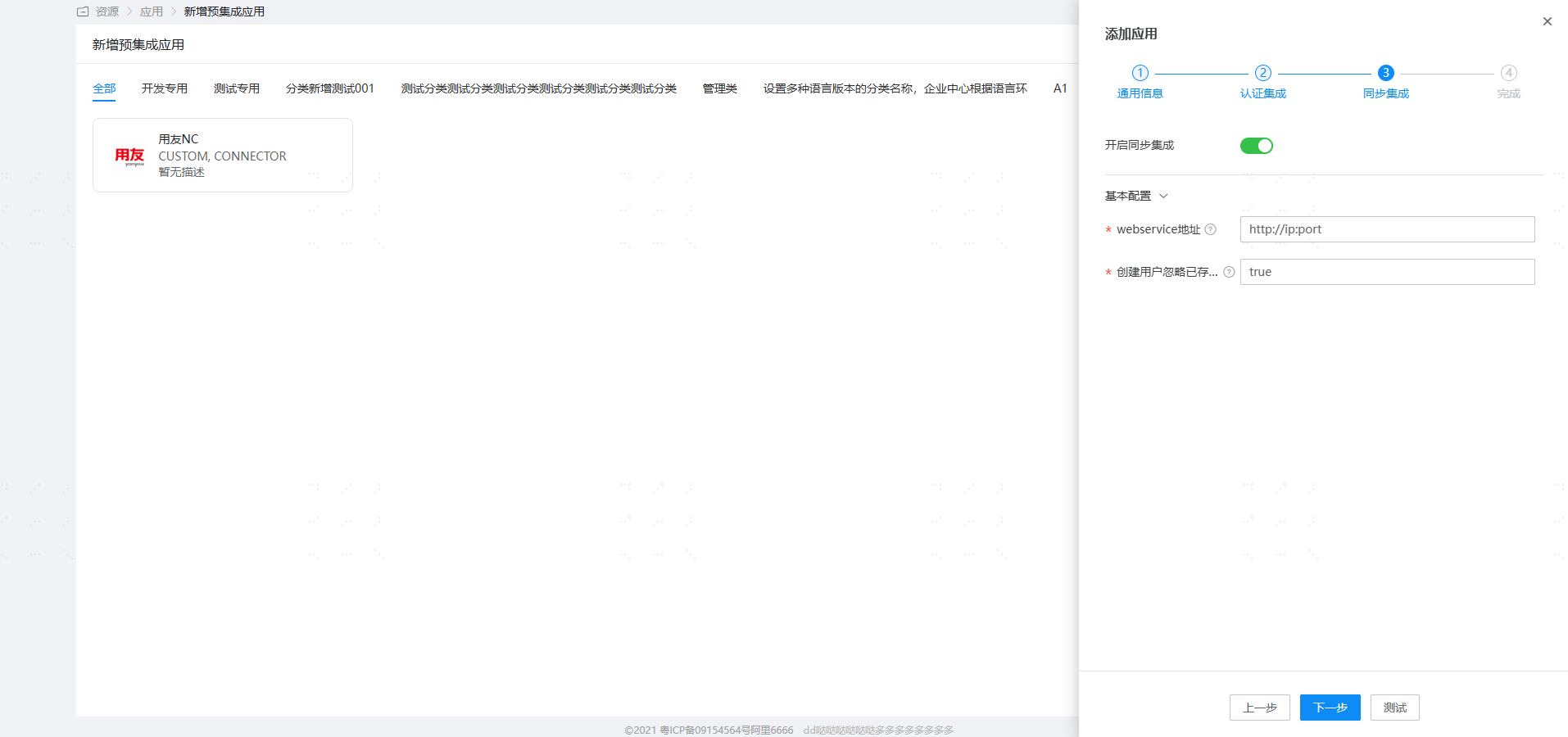
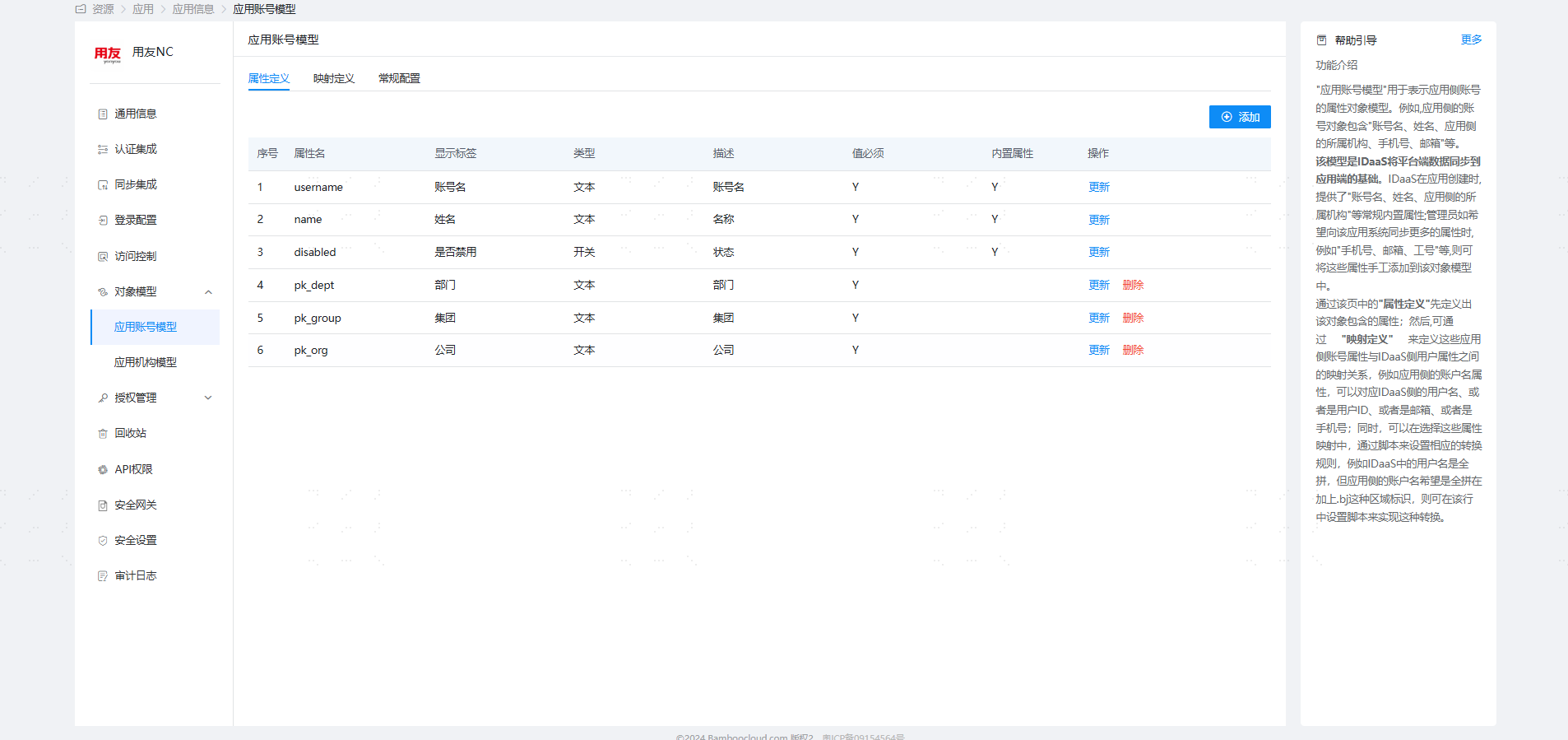
Parameter Description Webservice Address http://host:portIgnore Existing Users When Creating true/false. When creating a user, if the customer interface prompts that the user already exists, after enabling this, BambooCloud IDaaS will still report successful creation. Configure the object model. Enter the application details, Application Account Model. The model stores the default attribute parameters of the system. If you need to synchronize other user attributes, select Object Model — Application Account Model — Attribute Definition on the left, click Add, and add attributes.
Enter the application details, Synchronization Events, to view synchronization events.
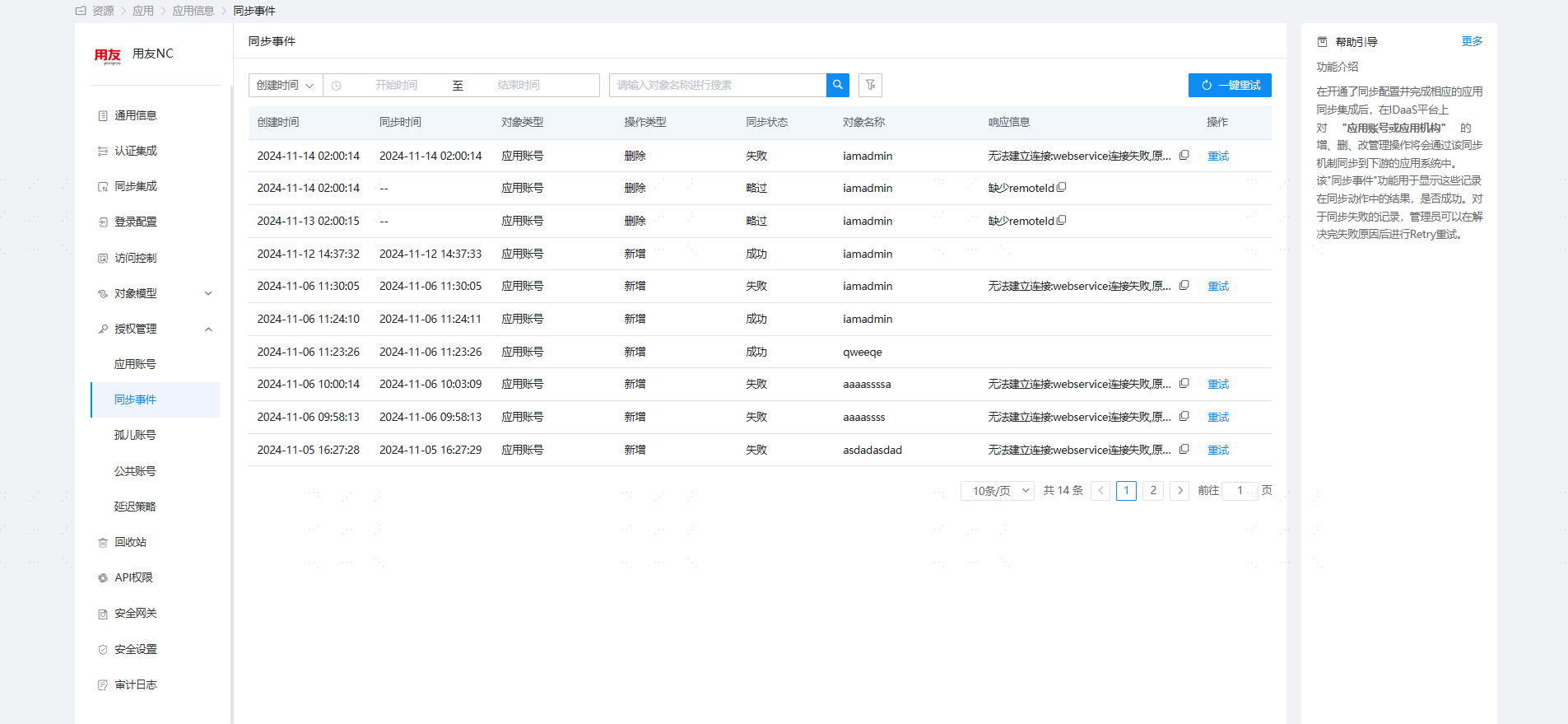
View Synchronization Results
Log in to the Yonyou NC6.5 management backend and view the synchronized users.