Coremail Data Synchronization
Overview
This article describes the synchronization configuration between Coremail and BambooCloud IDaaS, realizing the synchronization of BambooCloud IDaaS organization and user data to Coremail.
Prerequisites
The Coremail system is configured with API access IP whitelist and port number.
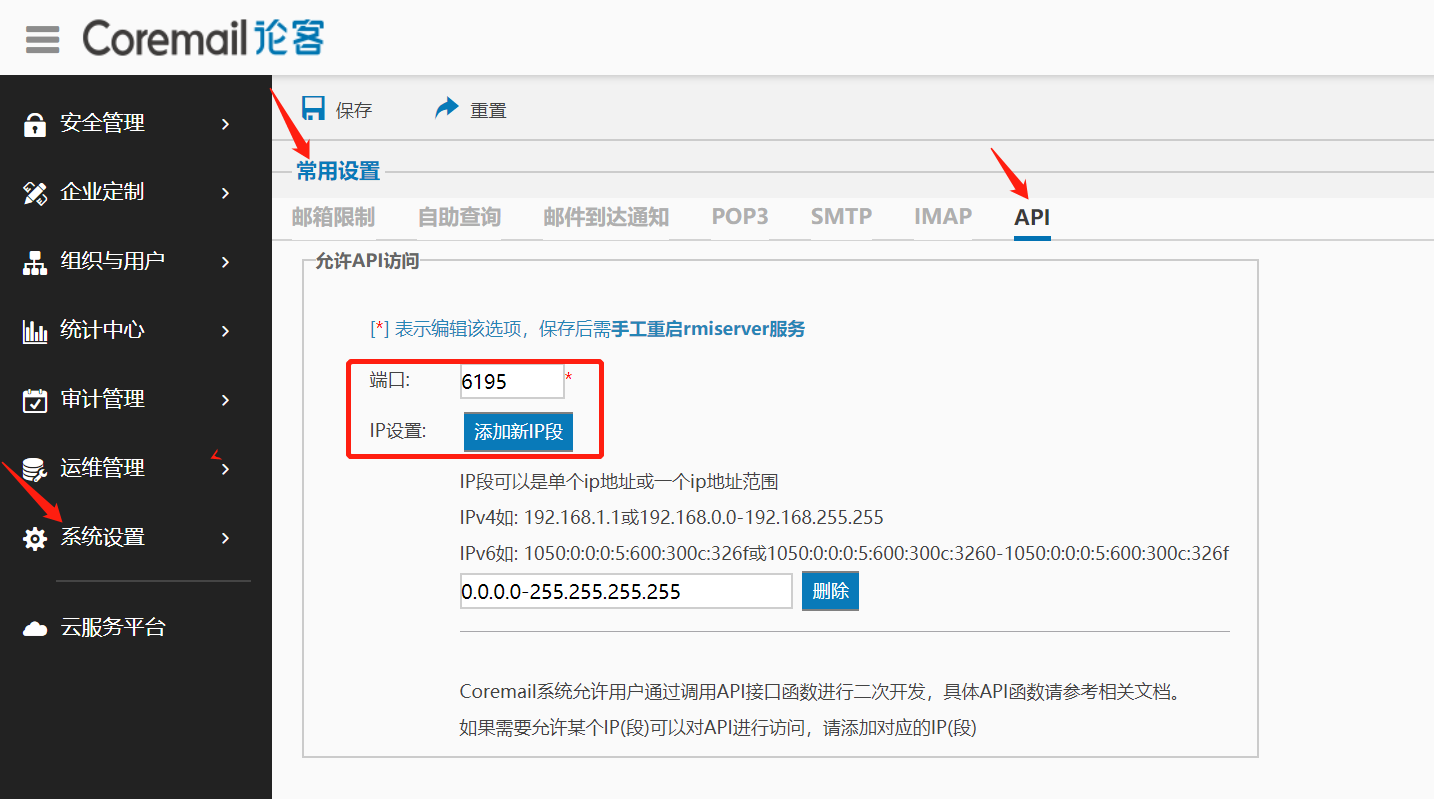
TIP
Configure the API access IP whitelist, defaulting to the BambooCloud IDaaS server address: 39.100.248.219
Synchronization Configuration
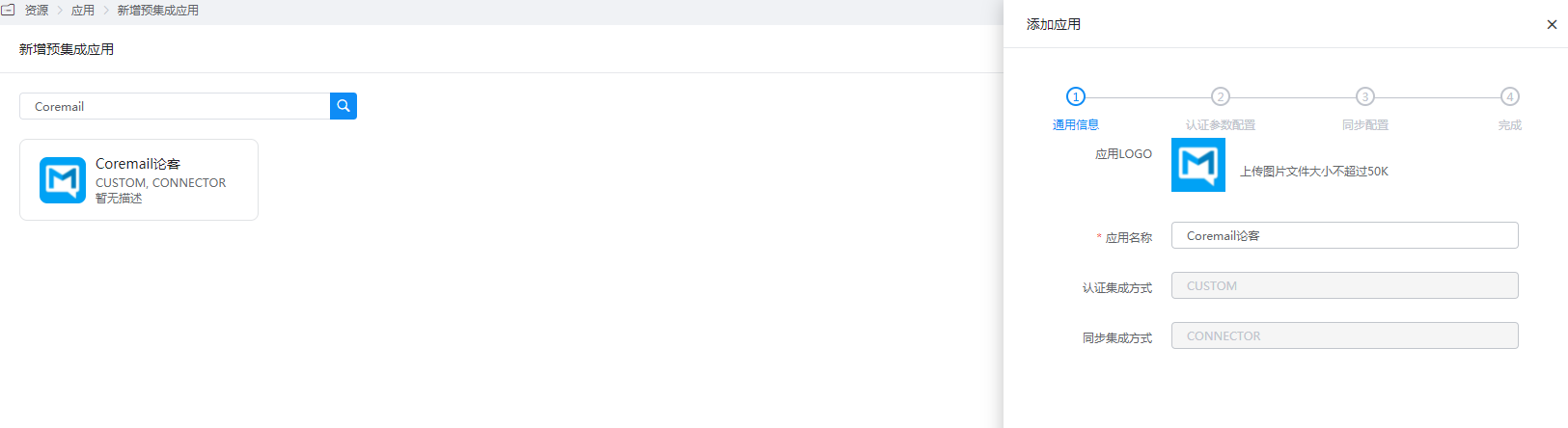
Add the pre-integrated application Coremail.
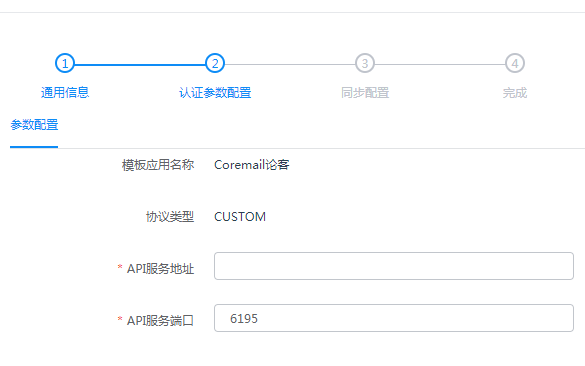
Configure authentication parameters.
- API Service Address: The address or domain name running the Coremail API service.
- API Service Port: The service port, default 6195, configurable in the Coremail web management backend.
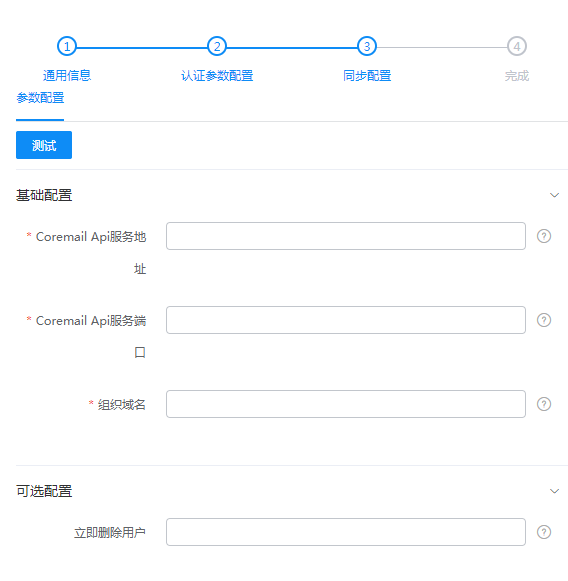
Configure synchronization parameters.
Coremail API Service Address: The machine address or domain name running the Coremail API service.
Coremail API Service Port: Obtain the API service port from the whitelist settings in the Coremail web management terminal.
Organization Domain Name: The suffix of the email address, the organization domain name. Multiple can be configured, separated by commas, such as 163.com,222.com.
Delete User Immediately: Optional. Whether to immediately delete all existing mailbox users. Values can be true|false, default false.
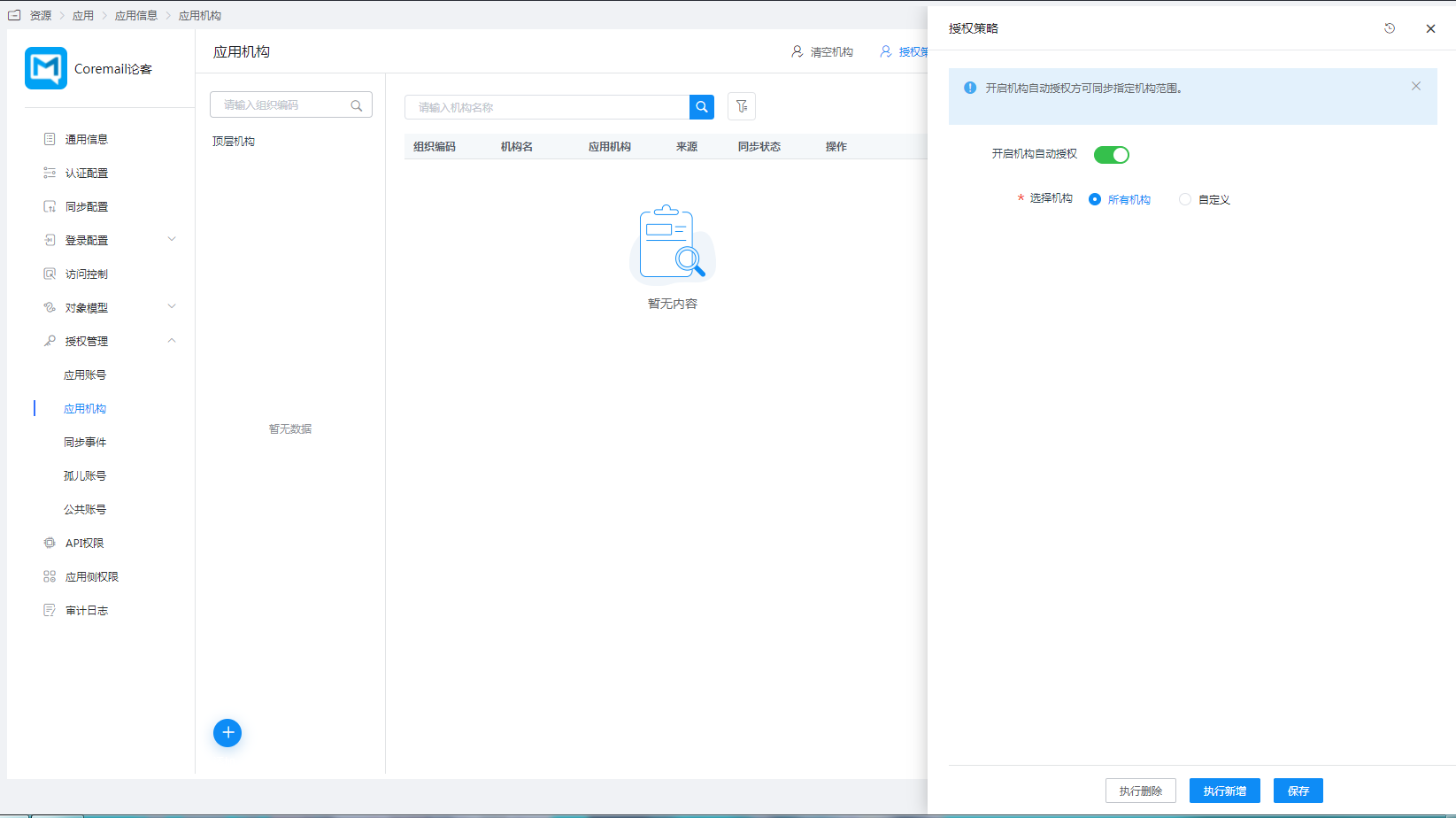
Authorize the application organization. Enter Application Details > Application Organization > Authorization Policy, enable automatic organization authorization, select the organization scope, click the Save button, and then click Execute Add.
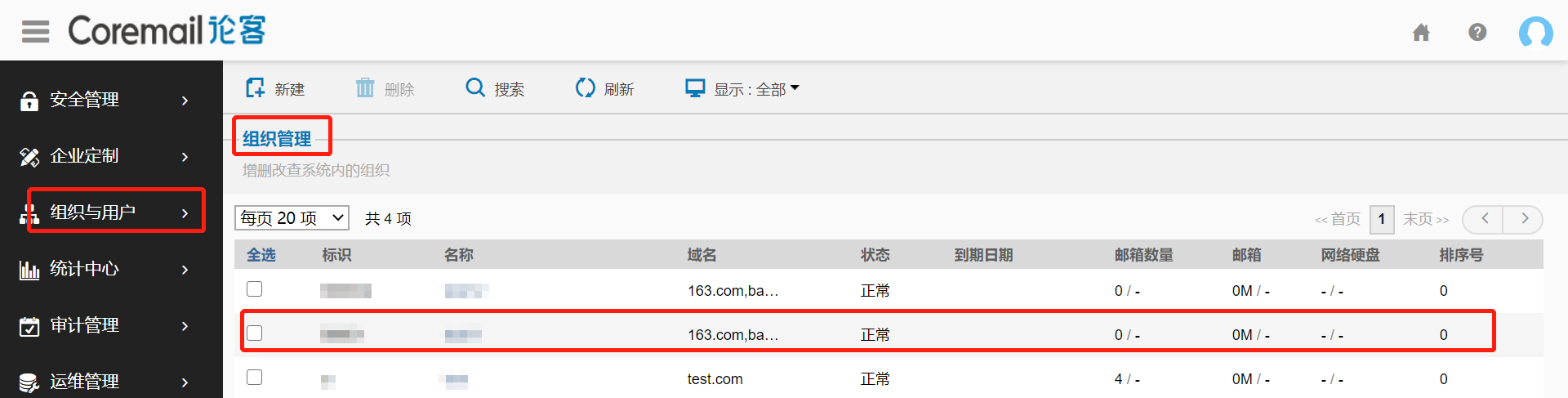
Synchronize to the Coremail system.
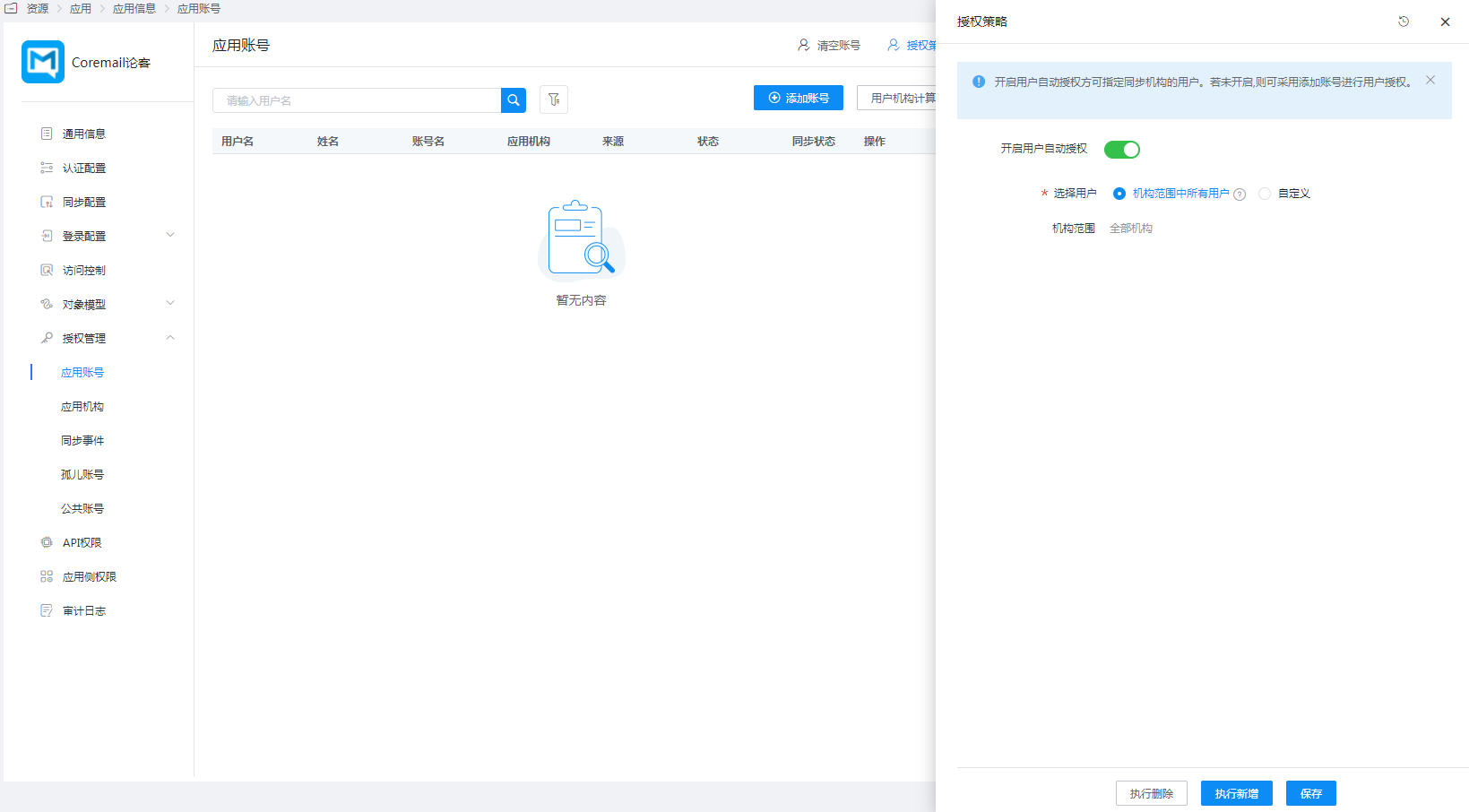
Authorize application accounts. Enter Application Details > Application Account > Authorization Policy, enable automatic organization authorization, select the user scope, click the Save button, and then click Execute Add.
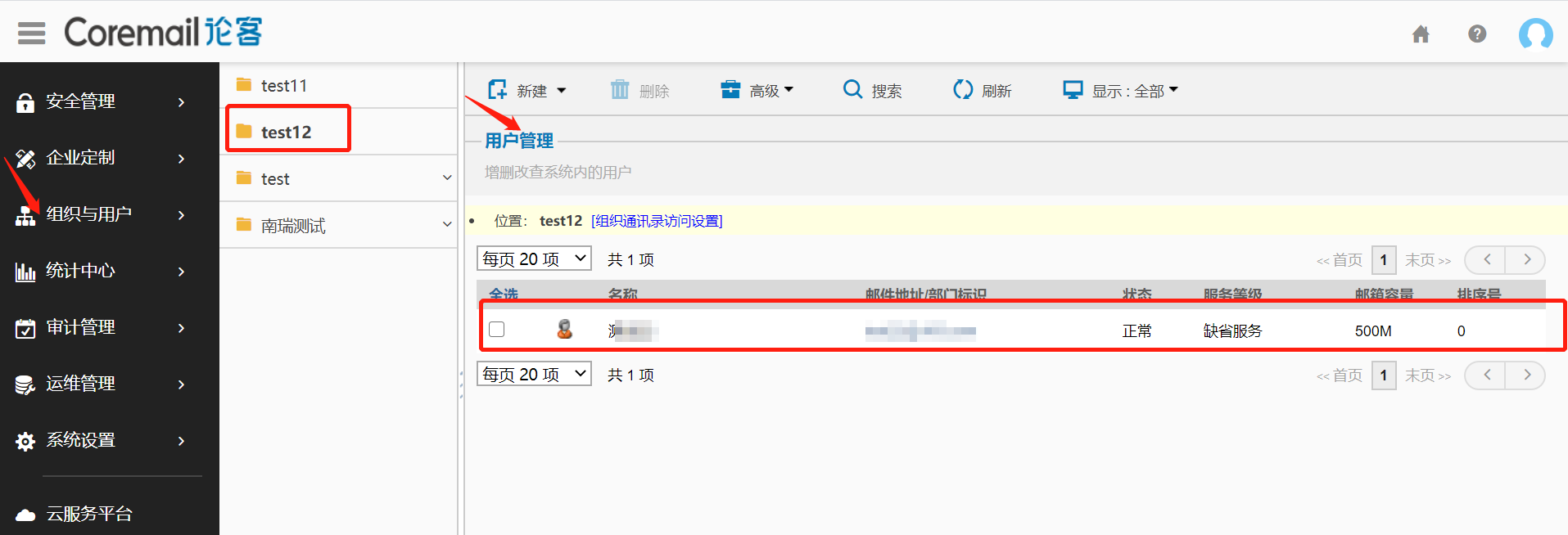
Synchronize to the Coremail system.
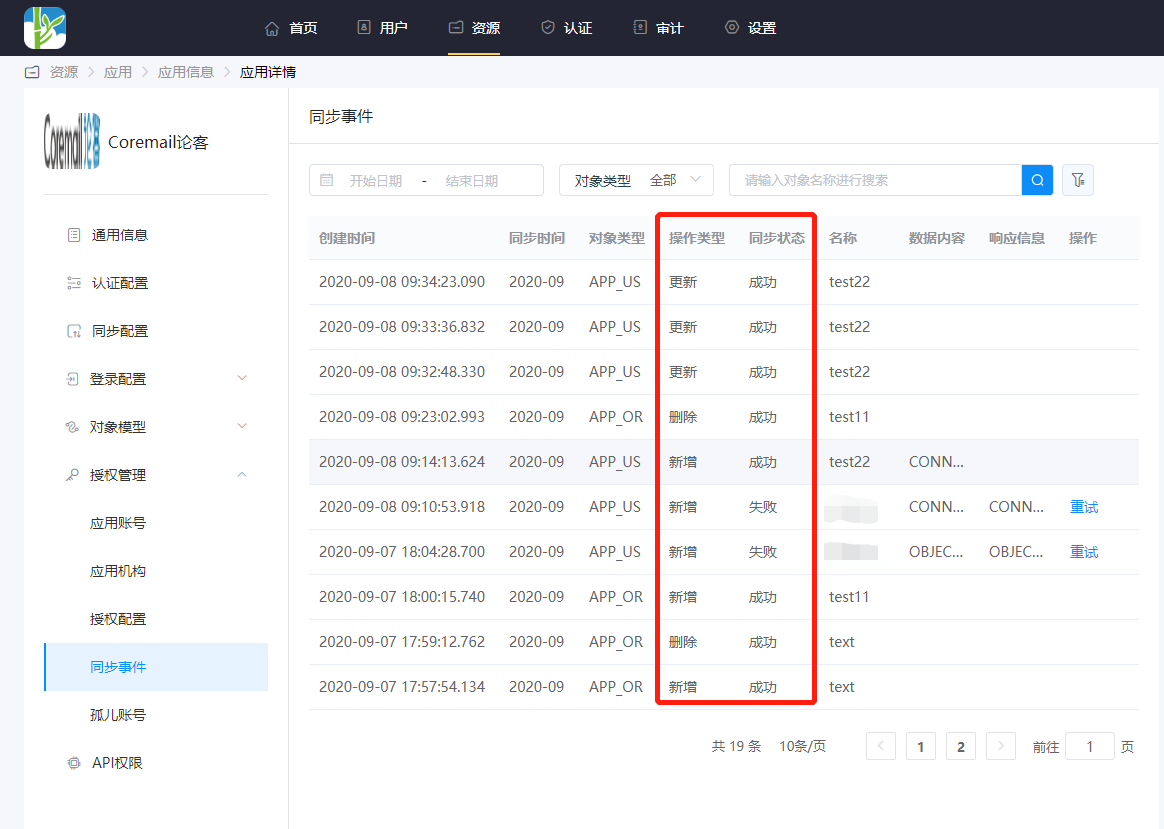
Enter Application Details > Synchronization Events to view synchronization events.