Fxiaoke CRM Data Synchronization
Overview
This article describes the data synchronization configuration process between Fxiaoke CRM and BambooCloud IDaaS.
Prerequisites
- You have Fxiaoke CRM system backend management permissions.
- You have access permissions to the BambooCloud IDaaS Enterprise Center.
Synchronization Configuration
Fxiaoke Configuration
Fxiaoke configuration is consistent with the content in Fxiaoke CRM Single Sign-On.
BambooCloud IDaaS Configuration
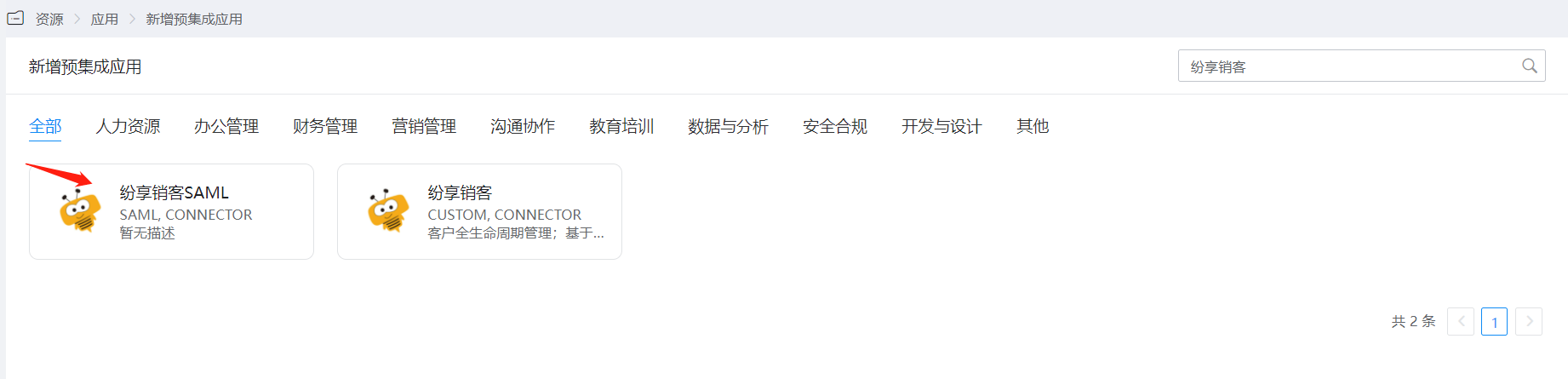
In the navigation bar, choose Resources > Pre-integrated Applications, and click Add Fxiaoke.
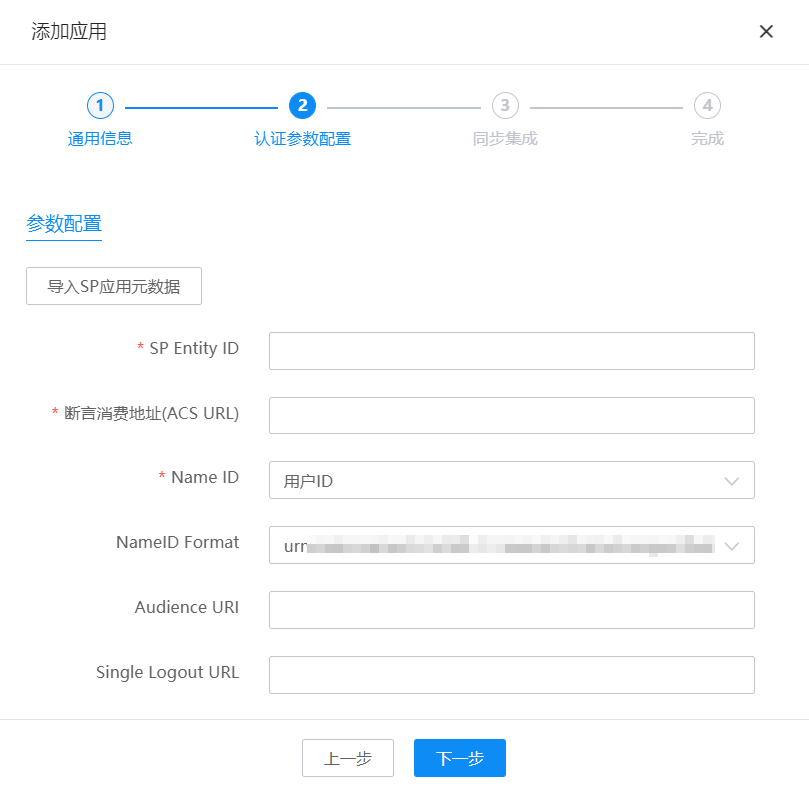
Upload the Fxiaoke metadata and configure authentication parameters.
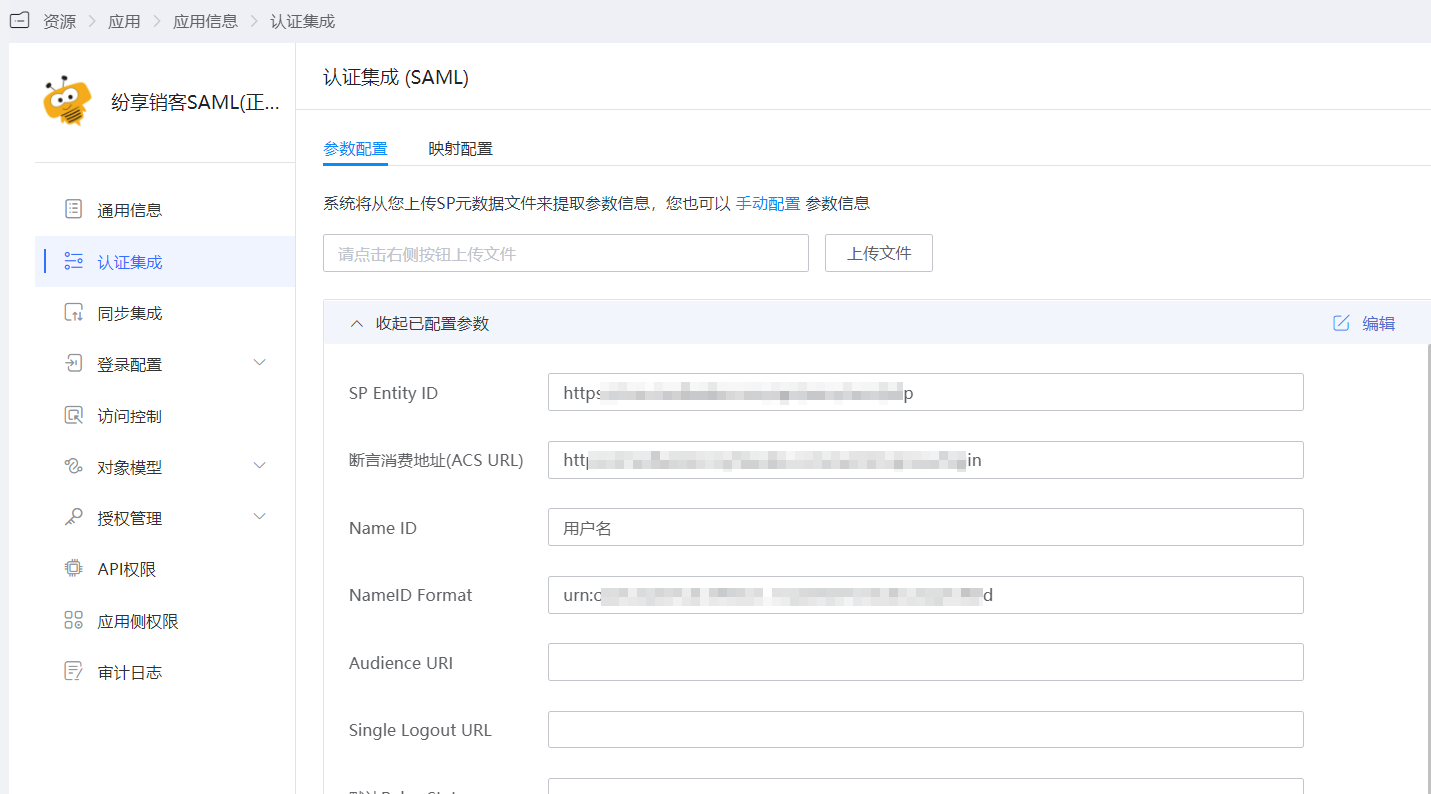
After the application is saved, enter the application details to configure the mapping in the authentication configuration.
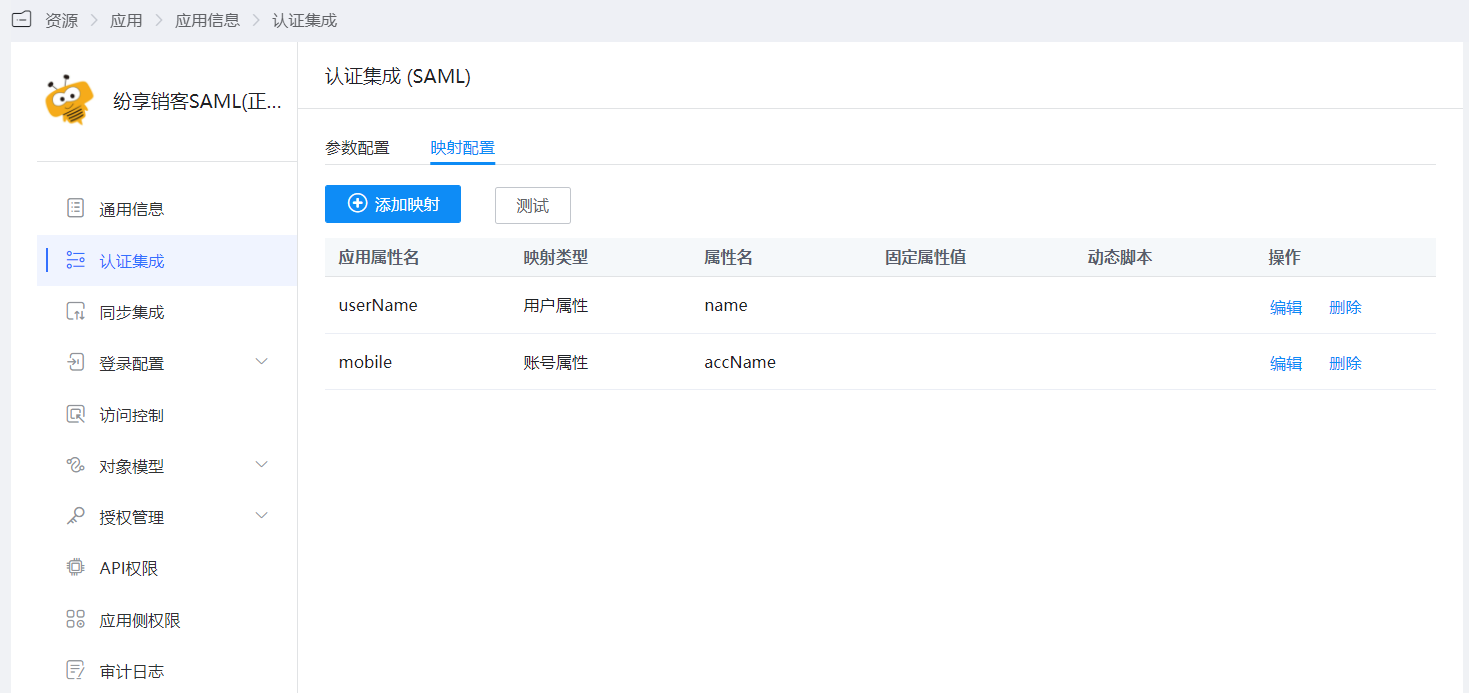
Click Next to configure synchronization parameters and save.
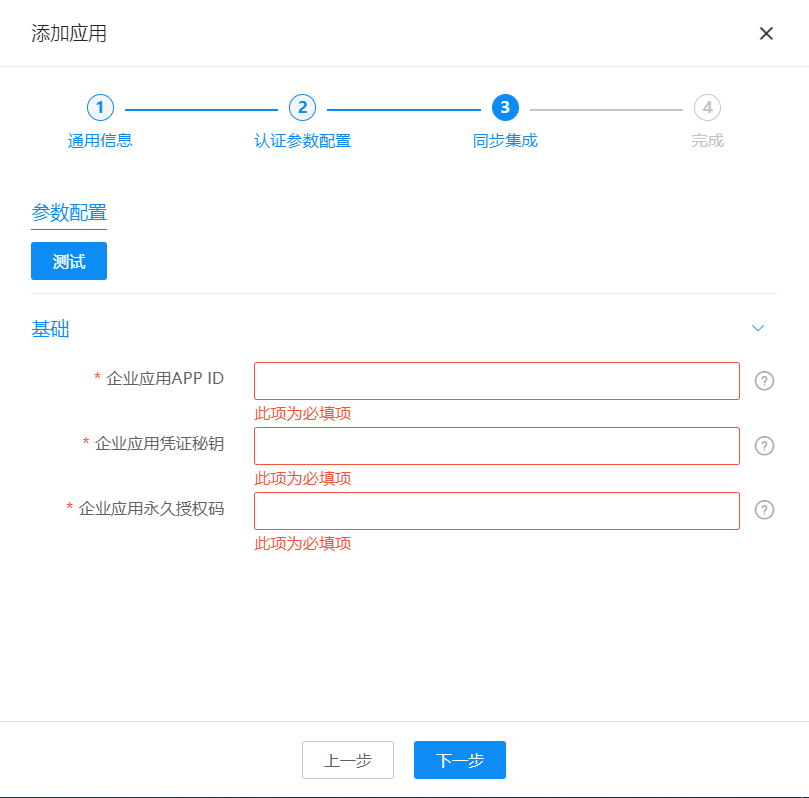
Parameter Description Enterprise Application APP ID Obtain by enabling developer mode for the Fxiaoke enterprise application Enterprise Application Credential Secret Obtain by enabling developer mode for the Fxiaoke enterprise application Enterprise Application Permanent Authorization Code Obtain by enabling developer mode for the Fxiaoke enterprise application Enter the application details, switch to the Application Account tab, click Add Account, select the users to be synchronized, and you can see the successfully synchronized data in Synchronization Events.
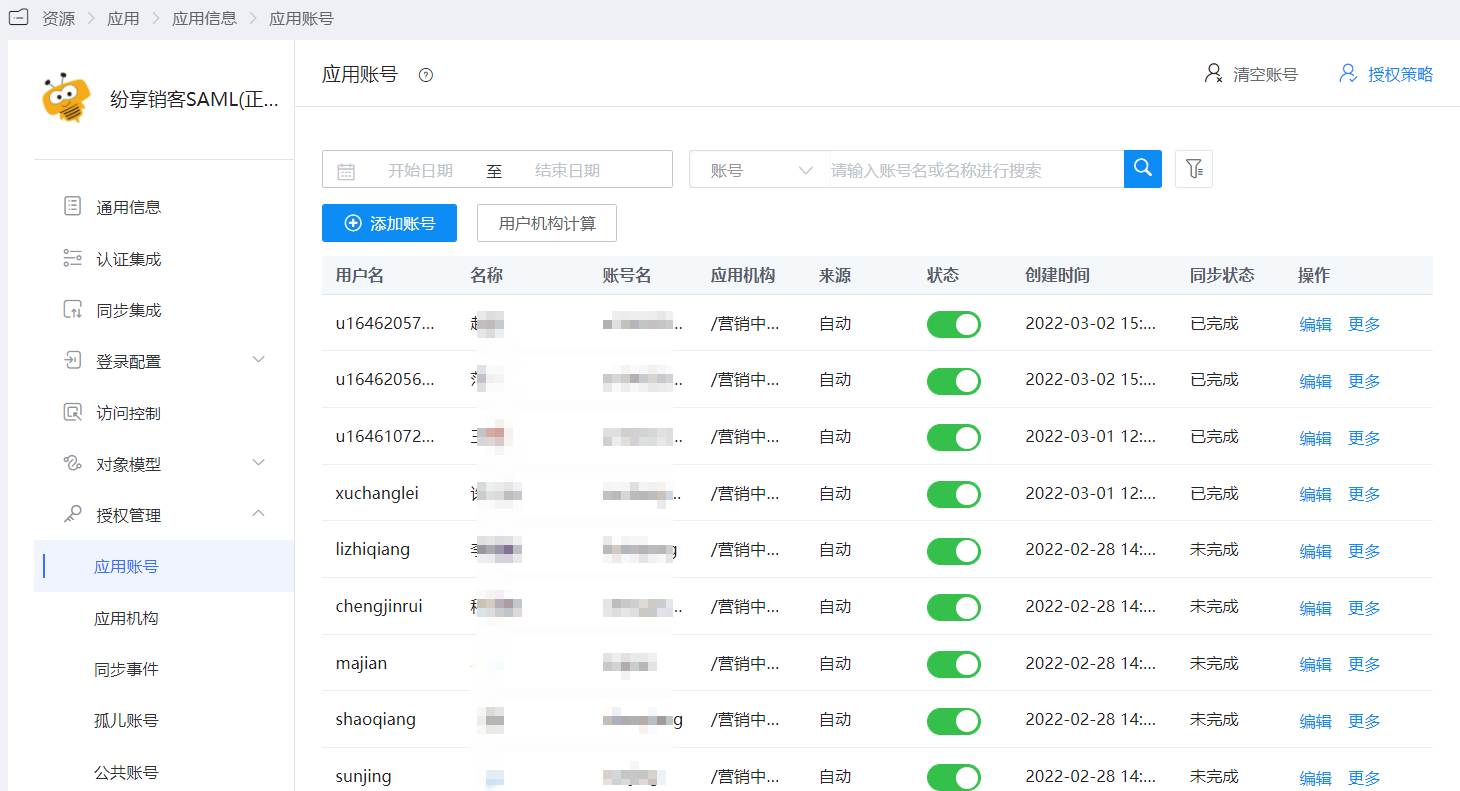
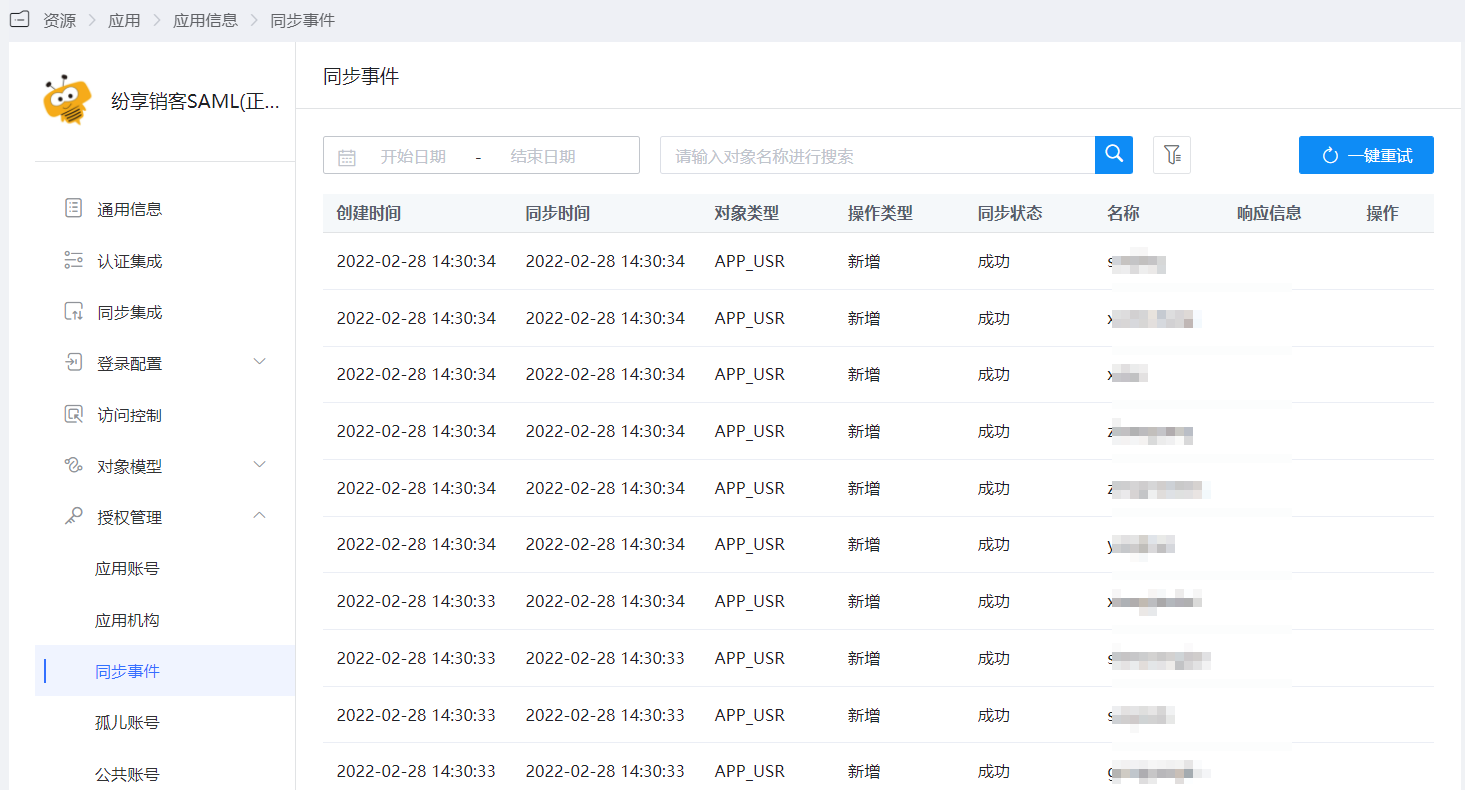
View user synchronization records in synchronization events.